Mod Menu Needed by Organizer 2.0.0
requiredMatching file found Matched file: 22.0.0-alpha.3

Modrinth · Minecraft mod
Inventory sorting in 2 seconds
Quick answer
Organizer 2.0.0 targets 26.4-snapshot-6 with Fabric. It must be installed on the client. Do not install it on the dedicated server. 1 required mod needs a matching file.
Where it goes
It must be installed on the client. Do not install it on the dedicated server.
This file is marked client-only.
2.0.0. Change the file and its required mods may change too.
Install Mod Menu, Fabric API, Text Placeholder API first, but 1 required mod has no matching file for this setup. Do not mix loader builds to force a match. 1 comes through another mod in the chain.
1 extra mod was pulled in by another dependency. Indented rows show who needs each one. We only count dependency files that match this setup. A file for another loader does not fill the gap.
Before you install it
Built for Organizer 2.0.0. Pick another file and the loader, install side or required mods may change.
Use 2.0.0. It targets 26.4-snapshot-6 with Fabric; another release may have different loader, side or dependency requirements.
Install Mod Menu, Fabric API, Text Placeholder API first, but 1 required mod has no matching file for this setup. Do not mix loader builds to force a match. 1 comes through another mod in the chain.
It must be installed on the client. Do not install it on the dedicated server.
Use the “Get this file” button beside 2.0.0. It opens that exact file at the source.
About this project
The mod adds inventory sorting based on your template.
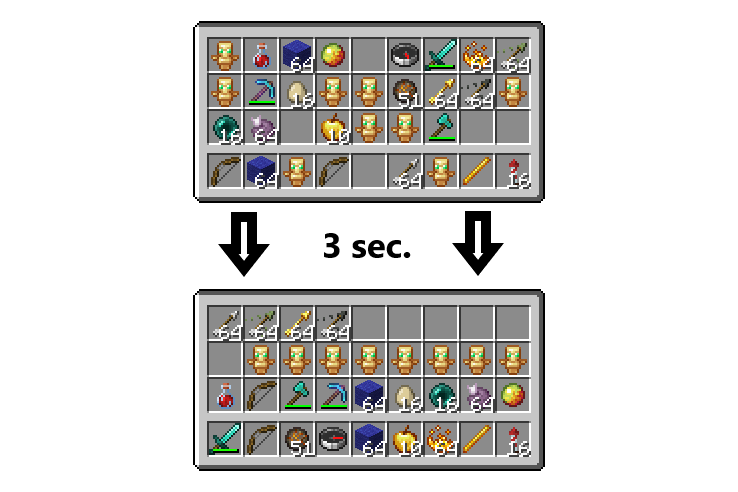
One button saves the template for how you want to sort.
The second button sorts the inventory, moving items to the appropriate slots.
There's a setting for the tick interval between moves.
The 15-second cooldown is built into the mod itself to prevent it from being used as an auto-totem or other cheating features (but even this doesn't guarantee that the mod will be legal on certain servers, so it's best to check with the admins).
By pressing the J button (default), you can customize the mod to suit your preferences.
You also need Fabric API and Mod Menu.
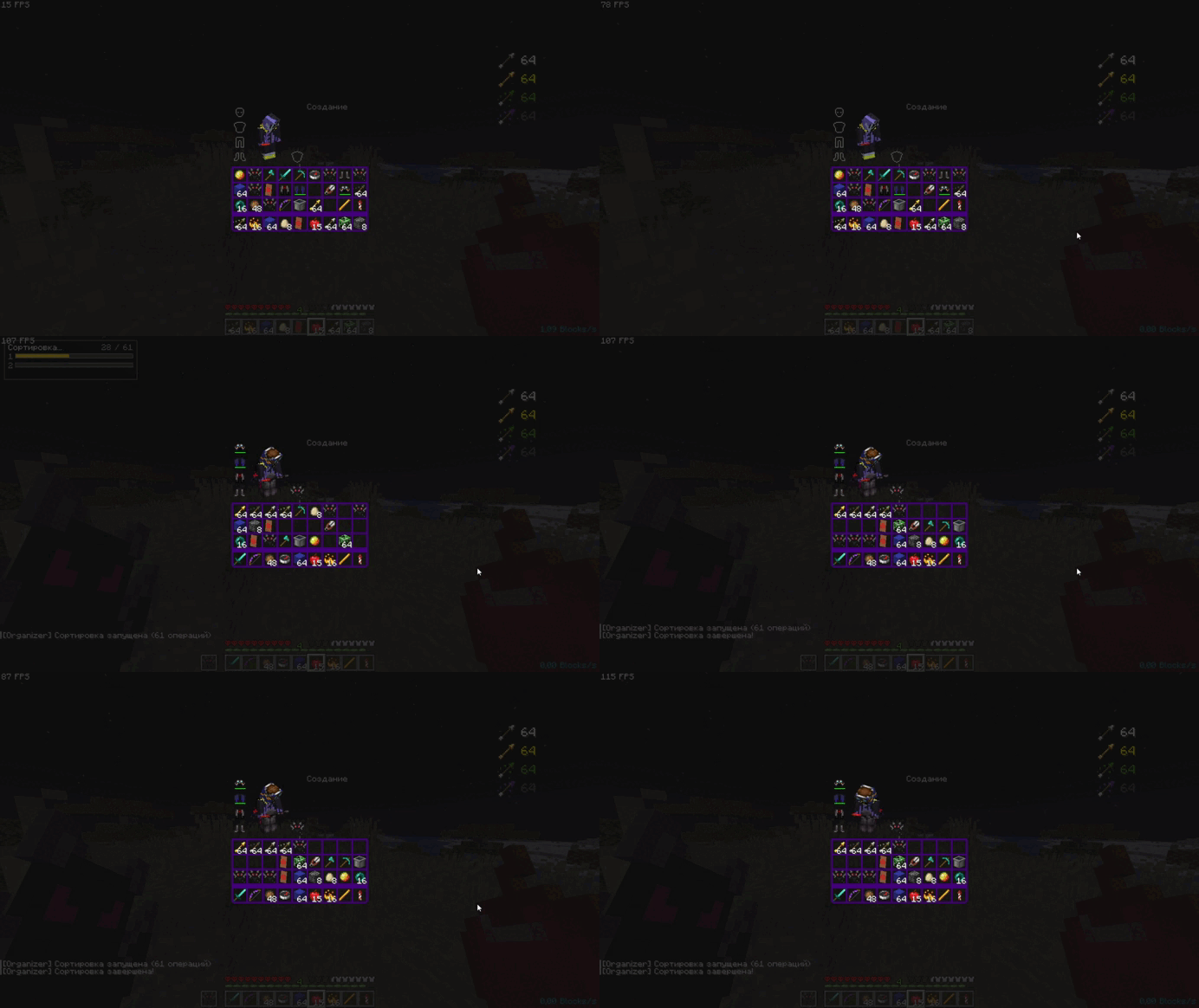
Project description from Modrinth.
Pick your setup
Choose the version and loader you play, then open the matching release.
Showing the newest 12 of 75 game versions. Older files are in the list below.
Check the dependencies, then try the file in a copied instance before changing a world you care about.
Recent files
organizer-2.0.0.jar
27 Oct 2026
organizer-2.0.0+1.17-1.18.2-sources.jar
24 Oct 2026
organizer-2.0.0+1.16-1.16.5.jar
24 Oct 2026
organizer-2.0.0+1.21.9-1.21.11.jar
24 Oct 2026
organizer-2.0.0+1.21.6-1.21.8.jar
24 Oct 2026
organizer-2.0.0+1.21-1.21.5.jar
24 Oct 2026
organizer-2.0.0+1.19.3-1.19.4.jar
24 Oct 2026
organizer-2.0.0+1.19-1.19.2.jar
24 Oct 2026
organizer-2.0.0+1.14-1.15.2.jar
24 Oct 2026
organizer-2.0.0+1.20-1.20.6.jar
24 Oct 2026
organizer-2.0.0.jar
20 Oct 2026
organizer-2.0.0+nf1.21.11.jar
20 Oct 2026
Looking for an older file? The official Modrinth project page is in Resources.
 mod
Unlock smooth decimal GUI scaling in Minecraft! Replace the limited 1–2–3 GUI sizes with a precise slider for perfect UI sizing on any screen.
 mod
A realistic weather engine with volumetric clouds, supercells, destructive tornadoes, dynamic wind, 3D lightning, and an interactive radar.
 mod
Arrows flying fast enough shatter glass panes and keep flying, losing most of their speed. A full-power bow or crossbow shot breaks a pane over a long distance; a weak shot, a skeleton arrow or a dispenser arrow does not.