Minecraft version
Back to mods 
Modrinth · Minecraft mod
Cosmiq
A new cosmetic platform with multiplayer support
Choose a version Pick your version below, then grab the matching file.
Quick answer
Which Cosmiq release matches 26.1?
Best match for your filters 0.3.7.5-26.1-fabric
Game version 26.1, 26.1.1, 26.1.2
Loader Fabric
Cosmiq 0.3.7.5-26.1-fabric targets 26.1, 26.1.1, 26.1.2 with Fabric. It must be installed on the client. Do not install it on the dedicated server. No extra mods listed for this file.
Where it goes
Is Cosmiq required on the client, server, or both?
It must be installed on the client. Do not install it on the dedicated server.
Client Required
Dedicated server Not supported
Loader for this release Fabric
Required install it here Optional supported, not mandatory Not supported do not install here Source doesn’t say do not assume
This file is marked client-only.
What else does Cosmiq 0.3.7.5-26.1-fabric need?
0.3.7.5-26.1-fabric on 26.1. Every mod below is checked against that same setup.
This file does not list any required mods. Do not add a library just because a different file uses it.
This file does not list any required or optional mods.
Before you install it
Add Cosmiq without breaking your instance.
Built for Cosmiq 0.3.7.5-26.1-fabric on 26.1. Pick another file and the loader, install side or required mods may change.
- 01
Stick to this file
Use 0.3.7.5-26.1-fabric. It targets 26.1, 26.1.1, 26.1.2 with Fabric; another release may have different loader, side or dependency requirements.
- 02
Bring the mods it needs
This file does not list any required mods. Do not add a library just because a different file uses it.
- 03
Put it on the correct side
It must be installed on the client. Do not install it on the dedicated server.
- 04
Pick the file you checked
Use the “Get this file” button beside 0.3.7.5-26.1-fabric. It opens that exact file at the source.
About this project
What does Cosmiq add?
Cosmiq
Cosmiq is a client-side cosmetic and emote mod for Minecraft 26.2. Customize your character with accessories, animated capes, effects, and emotes—all through an in-game wardrobe.
Cosmiq is currently in beta. Features and online services may change as development continues.
Features
- Browse cosmetics, capes, and emotes in the in-game Marketplace
- Preview items on your character before equipping or purchasing them
- Manage everything you own from your personal wardrobe
- Wear animated accessories and capes
- Choose between available colors and texture variants
- Use capes that can also customize your Elytra
- Assign emotes to eight customizable wheel slots
- Play full-body emotes with props, particles, and sounds
- See cosmetics and emotes used by other Cosmiq players
- Keep your equipped items and settings synchronized with your Cosmiq account
- Discover free items, sales, promotional cosmetics, and promo codes
- Customize visibility, animations, camera behavior, and emote preferences
Multiplayer
Cosmiq works on ordinary Minecraft servers without needing to be installed on the server.
When other players are also using Cosmiq, you can see their equipped cosmetics, capes, and emotes in real time. Players without Cosmiq will simply see normal Minecraft characters.
Cosmetics and capes
Cosmiq cosmetics can include hats, wings, body accessories, animated models, particles, sounds, and other visual effects.
Cosmetics support both slim and wide player models. Many items also include multiple colors or styles that can be selected directly from the wardrobe.
Animated capes move with your character and may include matching Elytra designs.
Emotes
Equip up to eight emotes and access them from the configurable emote wheel.
Emotes can animate your entire character while keeping your skin, armor, and equipped cosmetics visible. Some emotes may also include props, particles, sounds, or additional characters.
Emotes are synchronized so nearby Cosmiq players can see them too.
Wardrobe and Marketplace
Open the wardrobe to browse the Marketplace, preview items, manage your collection, and change your equipped cosmetics.
The Marketplace includes free items, paid items, sales, color variants, promotional rewards, and redeemable promo codes. Your owned items and equipped loadout are connected to your Cosmiq account.
Creating content
Creators can use Cosmiq’s Blockbench tools to make custom cosmetics, capes, and emotes.
Cosmiq supports custom models, textures, animations, effects, preview poses, and color variants.
Compatibility
Cosmiq includes compatibility support for:
- Entity Model Features
- Wildfire’s Female Gender Mod
- Flashback
- Mod Menu
Requirements
- Minecraft 26.2
- Java 25
- Fabric Loader and Fabric API, or
- NeoForge 26.2.0.51-beta or newer
Cosmiq is client-side. No Minecraft server installation is required.
Project description from Modrinth.
Pick your setup
Cosmiq by Minecraft version and loader
Choose the version and loader you play, then open the matching release.
Minecraft version
26.2
1 loader buildMinecraft version
26.1.2
1 loader buildMinecraft version
26.1.1
1 loader buildMinecraft version
26.1
1 loader buildMinecraft version
1.21.11
1 loader buildMinecraft version
1.21.10
1 loader buildMinecraft version
1.21.9
1 loader buildMinecraft version
1.21.8
1 loader buildMinecraft version
1.21.7
1 loader buildMinecraft version
1.21.6
1 loader buildMinecraft version
1.21.5
1 loader buildShowing the newest 12 of 17 game versions. Older files are in the list below.
Check the dependencies, then try the file in a copied instance before changing a world you care about.
Recent files
Cosmiq versions and loaders
0.3.7.5-26.1-fabric
cosmiq-0.3.7.5-26.1-fabric.jar
24 Sept 2026
Client Required Server Not supported Dependencies No extras listed Listed on Release listing
Check the 26.1 · Fabric setup 26.126.1.126.1.2Fabric release
Looking for an older file? The official Modrinth project page is in Resources.
 mod
CurseForge + Modrinth · Minecraft
SimpleVoiceChat Broadcast
Broadcast audio to everyone
 mod
CurseForge + Modrinth · Minecraft
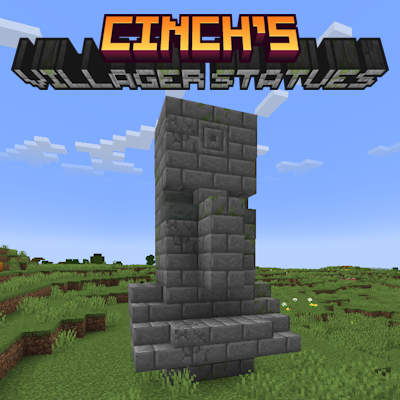
Cinch's Villager Statues
Simply adds ancient statues of villagers to almost all biomes in the overworld.
 mod
CurseForge + Modrinth · Minecraft
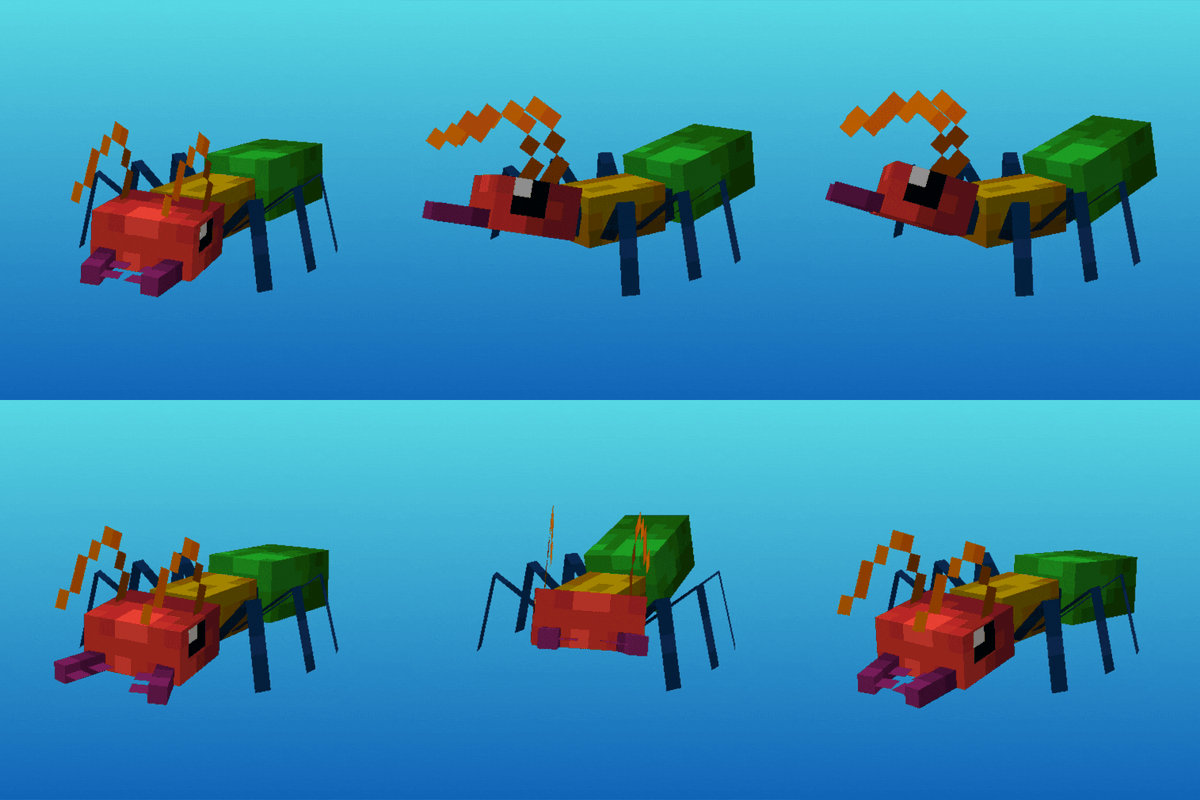
Antarchy
Adding 45+ mobs, 8+ bosses, 3 fleshed out dimensions, and more