Fabric API Needed by Sulfur Cube: Combinations 1.0
requiredMatching file found Matched file: 0.160.0+26.2

Modrinth · Minecraft mod
Combine two absorbed blocks and inherit both behaviors.
Quick answer
Sulfur Cube: Combinations 1.0 targets 26.2 with Fabric. Installation on the client is optional. Installation on the dedicated server is optional. All 1 required mods have matching files.
Where it goes
Installation on the client is optional. Installation on the dedicated server is optional.
The source marks this as usable on both the client and server.
1.0. Change the file and its required mods may change too.
Install Fabric API first. We found matching files for this game-version and loader setup.
We only count dependency files that match this setup. A file for another loader does not fill the gap.
Before you install it
Built for Sulfur Cube: Combinations 1.0. Pick another file and the loader, install side or required mods may change.
Use 1.0. It targets 26.2 with Fabric; another release may have different loader, side or dependency requirements.
Install Fabric API first. We found matching files for this game-version and loader setup.
Installation on the client is optional. Installation on the dedicated server is optional.
Use the “Get this file” button beside 1.0. It opens that exact file at the source.
About this project
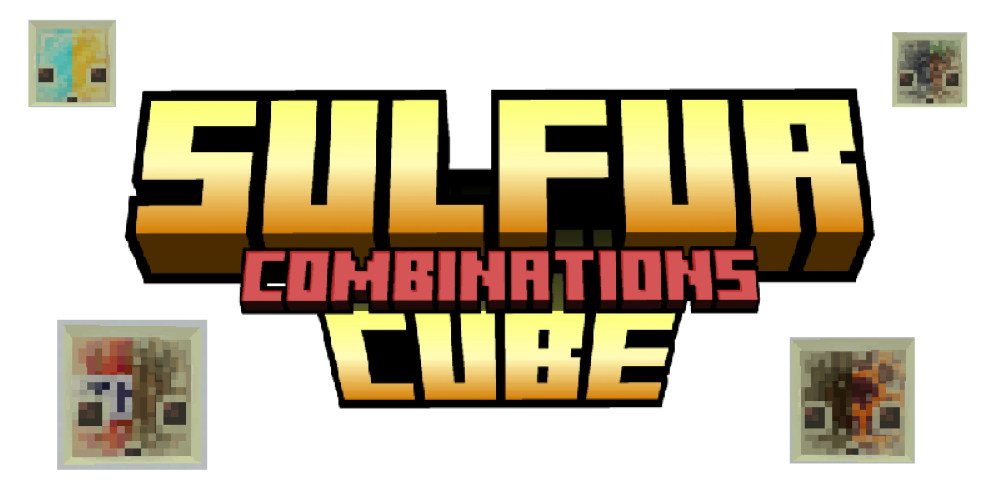
Sulfur Cube: Combinations expands Sulfur Cubes with a new combination system. Instead of being limited to one absorbed block, a Sulfur Cube can now hold two different blocks at once, creating new mixed properties and special interactions.
Players can place, replace and remove each side of the Sulfur Cube separately. This makes combinations easy to control. Duplicate blocks are ignored, so the same block cannot be used twice to stack the same effect.
Combining blocks with the same attribute (like Oak Planks with Spruce Planks) creates a stronger version of that attribute.
Different attributes (like Stone with Wood) are blended into one shared result.
Special abilities from both blocks (like TNT, Magma Block, ...) can work together.
Project description from Modrinth.
Pick your setup
Choose the version and loader you play, then open the matching release.
Check the dependencies, then try the file in a copied instance before changing a world you care about.
Recent files
sulfur_cube_combinations-1.0.jar
16 Jun 2026
sulfur_cube_combinations-0.6.jar
11 Jun 2026
sulfur_cube_combinations-0.5.jar
10 Jun 2026
sulfur_cube_combinations-0.4.jar
9 Jun 2026
sulfur_cube_combinations-0.3.jar
5 Jun 2026
sulfur_cube_combinations-0.2.jar
4 Jun 2026
sulfur_cube_combinations-0.1.jar
1 Jun 2026
Looking for an older file? The official Modrinth project page is in Resources.
 mod
modExtra furniture for Farmer's Delight that makes your kitchen or any space look better. Vanilla style.
 mod
mod⭐️ Choose your path - Skills that shape your class
 mod
modAllows you to change colors of hard coded values such as XP text color, reloading screen color, hit/damage color, block outline, and more! Similar to optifine's color.properties