Minecraft version
Back to mods 
Modrinth · Minecraft mod
SmoothPlayerAnimations
Creating smoother animations for players
Choose a version Pick your version below, then grab the matching file.
Quick answer
Which SmoothPlayerAnimations release should I use?
Latest stable file 2.1.0+26.3
Game version 26.3
Loader NeoForge
SmoothPlayerAnimations 2.1.0+26.3 targets 26.3 with NeoForge. It must be installed on the client. Do not install it on the dedicated server. No extra mods listed for this file.
Where it goes
Is SmoothPlayerAnimations required on the client, server, or both?
It must be installed on the client. Do not install it on the dedicated server.
Client Required
Dedicated server Not supported
Loader for this release NeoForge
Required install it here Optional supported, not mandatory Not supported do not install here Source doesn’t say do not assume
This file is marked client-only.
What else does SmoothPlayerAnimations 2.1.0+26.3 need?
2.1.0+26.3. Change the file and its required mods may change too.
This file does not list any required mods. Do not add a library just because a different file uses it.
This file does not list any required or optional mods.
Before you install it
Add SmoothPlayerAnimations without breaking your instance.
Built for SmoothPlayerAnimations 2.1.0+26.3. Pick another file and the loader, install side or required mods may change.
- 01
Stick to this file
Use 2.1.0+26.3. It targets 26.3 with NeoForge; another release may have different loader, side or dependency requirements.
- 02
Bring the mods it needs
This file does not list any required mods. Do not add a library just because a different file uses it.
- 03
Put it on the correct side
It must be installed on the client. Do not install it on the dedicated server.
- 04
Pick the file you checked
Use the “Get this file” button beside 2.1.0+26.3. It opens that exact file at the source.
About this project
What does SmoothPlayerAnimations add?
Smooth Player Animations
Smooth, highly compatible player animations for Minecraft, with a player model whose elbows, knees and spine bend.
You can create your own animations. Click here to view.
Features
- Bending arms, legs and body: elbows, knees and the back bend like a real body. Your skin, armor and cape bend along with it, with no gaps at the joints.
- Smooth movement: walking, sprinting, sneaking, jumping, landing, swimming, crawling, climbing, riding and flying all have their own animations, and they flow into each other. Your feet move at your real speed, so they don't slide.
- A living body: your head and upper body follow where you look, and you lean when you start running, stop or turn.
- Combat and items: a two-strike sword combo, drawing weapons from your shoulder and items from your waist, and their own swings for pickaxes, axes, shovels and more.
- Cape and lantern physics: your cape streams behind you when you run and settles when you stop; a held lantern swings on its chain.
- You choose: every animation can be turned off on its own in the settings, and you can pick which animation any item (including items from other mods) uses.
Two Ways to Play
You can switch between two styles in the mod's settings with the CEM engine option.
| CEM engine off (default) | CEM engine on | |
|---|---|---|
| Player model | Bending model: elbows, knees and back bend | Classic Minecraft model with straight limbs |
| Movement animations | This mod's own animations | From the Fresh Animations: Player Extension resource pack |
| Hand actions (sword combo, eating, drinking, holding items, ...) | This mod | This mod adds what Fresh Animations doesn't have |
| Cape and lantern physics | ✓ | ✓ |
| Armor | Bends with the body | Follows Fresh Animations' poses |
| What you need | Nothing else | Fresh Animations and its Player Extension, enabled as resource packs |
- Off is for the full experience of this mod: the bending model and all its animations.
- On is for players who already love Fresh Animations and want to keep its look. Fresh Animations is the base and plays the movement (idle, walking, running, jumping, ...); this mod only adds its extension animations on top: hand actions, item holds, and cape and lantern physics.
- If you turn it on without Fresh Animations, the game tells you where to get it. After switching, press F3 + T to reload.
Showcase
CEM engine off (default): the bending model
Smooth Movement

Cape Physics

Sword Combo

Tools

Lantern

Swimming

CEM engine on: extension animations over Fresh Animations
Since 2.0, the CEM engine only provides extension animations like these, with Fresh Animations as the base.
Sword Combo

Tools

Bow

Eating and Drinking

Lantern

Cape Physics

From earlier versions
These were recorded before 2.0, on the classic model.
Dynamic Idle Animations
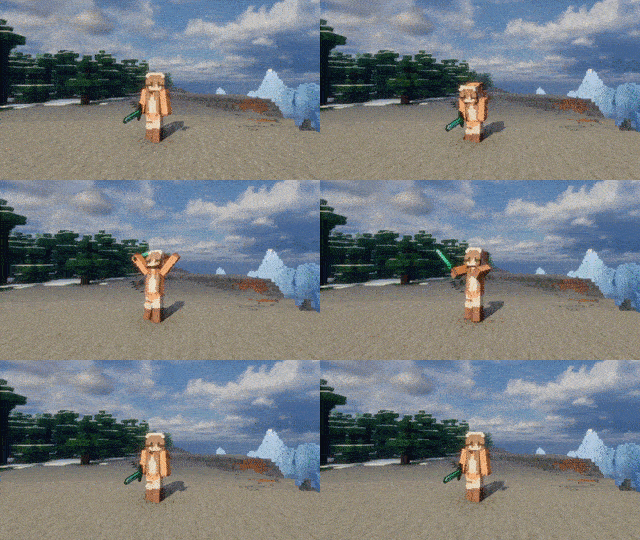
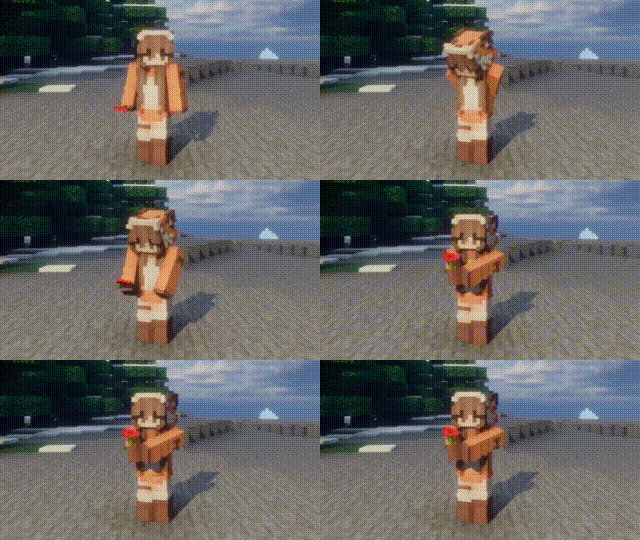
Hold Poppy
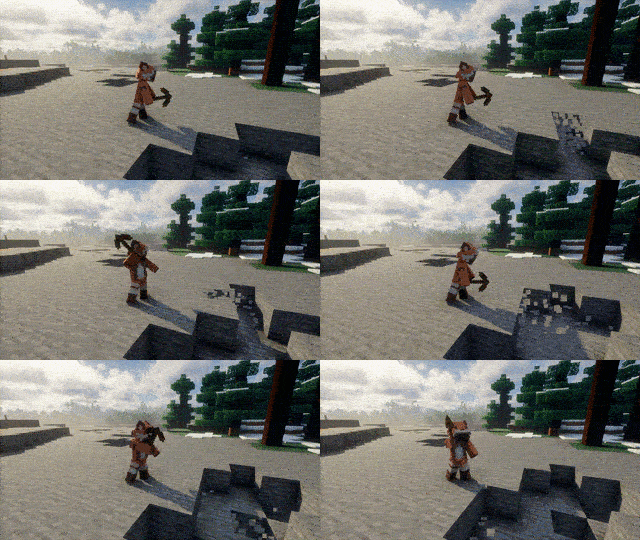
Item Usage
Mod Compatibility
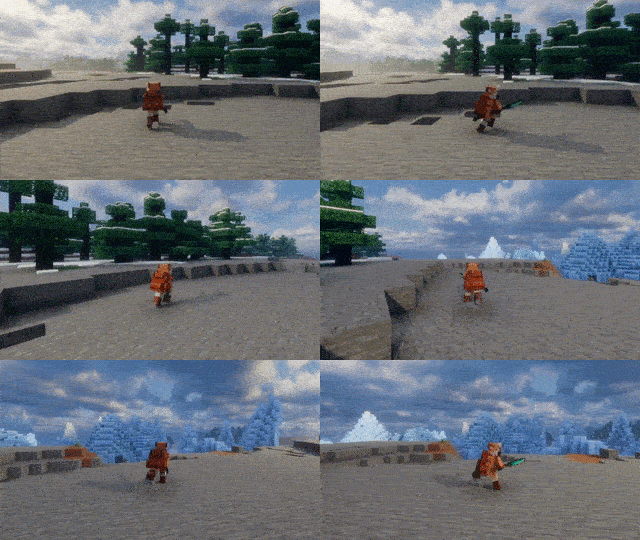
Compatibility
Works alongside many popular mods. Unless noted, this applies both to the bending model and with the CEM engine on.
- Better Combat: the whole body follows its attacks and blends back smoothly when they end. 2.x (1.21.1) and 3.x (1.21.8+) are both supported.
- Fresh Animations: Player Extension: the base of the CEM engine (enable the CEM engine in the settings).
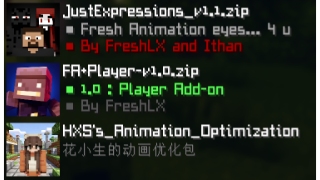
- Punchy! Moves (1.21.1 Fabric): with the CEM engine on, its animations are the base, as Fresh Animations' are; with it off, it leaves this mod's animations and cape alone. Punchy Faces expressions show on the bending model.
- Emotecraft, Sitting+ and other Player Animation Library / playerAnimator mods: the parts they move show their animation, the rest keeps this mod's.
- Not Enough Animations
- What Are They Up To (Watut), Carry On: their arm and head poses show as usual.
- ParCool! (Forge 1.20.1, NeoForge 1.21.1 and 1.21.8): the whole body is handed to its moves and blends back afterwards.
- Touch'n Motion (with the CEM engine): hands on walls and doors, feet on uneven ground and the torso lean go on top of the animations. Not yet on the bending model.
- GeckoLib 4 armor (1.20.1 and 1.21.1; Knight Quest and others): bends with the body, with no gaps at the joints.
- Immersive Armors: its capes bend with the back.
- Elytra in accessory slots (Elytra Slot, Elytra Trinket, Elytra Accessory): the elytra bends with the back.
- Musket Mod / Musket Mod Reloaded: arms and head take its aiming pose, with the muzzle on your line of sight.
- Entity Model Features / Entity Texture Features: EMF leaves the player model, cape and elytra to this mod, so the bending model keeps working with any resource pack; ETF skin variants and emissive textures show on the face.
- Figura, Easy NPC, Punchy!, Sodium
- WaveyCapes: the cape is left to it.
Performance
Lightweight and suitable for:
- Singleplayer
- Multiplayer
- Large Modpacks
Requirements
- Fabric API (Fabric)
- Cloth Config (optional, for the settings screen)
- Mod Menu (optional)
Player Animation Library, playerAnimator and the resource pack are no longer needed.
Note
Updating from a version before 2.0: delete the old jar first. Settings start fresh, and the old animation resource pack is no longer used.
Credits
Versions before 2.0 used animations from KelvinsBetterPlayerAnimations (MIT). All animations since 2.0 are original.
Thanks to everyone who provides feedback, testing, bug reports and suggestions. Without their help, this project would not have been possible.
Introduction
Project description from Modrinth.
Pick your setup
SmoothPlayerAnimations by Minecraft version and loader
Choose the version and loader you play, then open the matching release.
Minecraft version
26.2
2 loader buildsMinecraft version
26.1.2
2 loader buildsMinecraft version
26.1.1
2 loader buildsMinecraft version
26.1
2 loader buildsMinecraft version
1.21.11
2 loader buildsMinecraft version
1.21.10
2 loader buildsMinecraft version
1.21.9
2 loader buildsMinecraft version
1.21.8
2 loader buildsMinecraft version
1.21.1
2 loader buildsMinecraft version
1.20.1
2 loader buildsCheck the dependencies, then try the file in a copied instance before changing a world you care about.
Recent files
SmoothPlayerAnimations versions and loaders
2.1.0+26.3
SmoothPlayerAnimations_Neoforge_26.3_2.1.0.jar
10 Nov 2026
Client Required Server Not supported Dependencies No extras listed Listed on Release listing
Check the 26.3 · NeoForge setup 26.3NeoForge release
2.1.0+26.2
SmoothPlayerAnimations_Neoforge_26.2_2.1.0.jar
10 Nov 2026
Client Required Server Not supported Dependencies No extras listed Listed on Release listing
Check the 26.2 · NeoForge setup 26.2NeoForge release
2.1.0+26.1
SmoothPlayerAnimations_Neoforge_26.1_2.1.0.jar
10 Nov 2026
Client Required Server Not supported Dependencies No extras listed Listed on Release listing
Check the 26.1.2 · NeoForge setup 26.126.1.126.1.2NeoForge release
2.1.0+1.21.11
SmoothPlayerAnimations_Neoforge_1.21.11_2.1.0.jar
10 Nov 2026
Client Required Server Not supported Dependencies No extras listed Listed on Release listing
Check the 1.21.11 · NeoForge setup 1.21.11NeoForge release
2.1.0+1.21.10
SmoothPlayerAnimations_Neoforge_1.21.10_2.1.0.jar
10 Nov 2026
Client Required Server Not supported Dependencies No extras listed Listed on Release listing
Check the 1.21.10 · NeoForge setup 1.21.91.21.10NeoForge release
2.1.0+1.21.8
SmoothPlayerAnimations_Neoforge_1.21.8_2.1.0.jar
10 Nov 2026
Client Required Server Not supported Dependencies No extras listed Listed on Release listing
Check the 1.21.8 · NeoForge setup 1.21.8NeoForge release
2.1.0+1.21.1
SmoothPlayerAnimations_Neoforge_1.21.1_2.1.0.jar
10 Nov 2026
Client Required Server Not supported Dependencies No extras listed Listed on Release listing
Check the 1.21.1 · NeoForge setup 1.21.1NeoForge release
2.1.0+1.20.1
SmoothPlayerAnimations_Forge_1.20.1_2.1.0.jar
10 Nov 2026
Client Required Server Not supported Dependencies No extras listed Listed on Release listing
Check the 1.20.1 · Forge setup 1.20.1Forge release
2.1.0+26.3
SmoothPlayerAnimations_Fabric_26.3_2.1.0.jar
10 Nov 2026
Client Required Server Not supported Dependencies No extras listed Listed on Release listing
Check the 26.3 · Fabric setup 26.3Fabric release
2.1.0+26.2
SmoothPlayerAnimations_Fabric_26.2_2.1.0.jar
10 Nov 2026
Client Required Server Not supported Dependencies No extras listed Listed on Release listing
Check the 26.2 · Fabric setup 26.2Fabric release
2.1.0+26.1
SmoothPlayerAnimations_Fabric_26.1_2.1.0.jar
10 Nov 2026
Client Required Server Not supported Dependencies No extras listed Listed on Release listing
Check the 26.1.2 · Fabric setup 26.126.1.126.1.2Fabric release
2.1.0+1.21.11
SmoothPlayerAnimations_Fabric_1.21.11_2.1.0.jar
10 Nov 2026
Client Required Server Not supported Dependencies No extras listed Listed on Release listing
Check the 1.21.11 · Fabric setup 1.21.11Fabric release
Looking for an older file? The official Modrinth project page is in Resources.
 mod
Modrinth · Minecraft
CalcMod
A calculator in your chat with shortcuts designed for Minecraft
 mod
Modrinth · Minecraft
Fake Players
Adds fake player entities with auto-updating skins and item functionality.
 mod
Modrinth · Minecraft
Fortress Village
Transforms vanilla villages into fortified cities.