Mod Menu Optional for SmoothPlayerAnimations 1.0.0+26.1
optionalMatching file found Matched file: 18.0.0

Modrinth · Minecraft mod
Creating smoother animations for players
Quick answer
SmoothPlayerAnimations 1.0.0+26.1 targets 26.1.2 with Fabric. It must be installed on the client. Do not install it on the dedicated server. All 2 required mods have matching files.
Where it goes
It must be installed on the client. Do not install it on the dedicated server.
This file is marked client-only.
1.0.0+26.1 on 26.1.2. Every mod below is checked against that same setup.
Install Cloth Config API, Player Animation Library first. We found matching files for this game-version and loader setup. 2 come through another mod in the chain.
2 extra mods were pulled in by other dependencies. Indented rows show who needs each one. We only count dependency files that match this setup. A file for another loader does not fill the gap.
Before you install it
Built for SmoothPlayerAnimations 1.0.0+26.1 on 26.1.2. Pick another file and the loader, install side or required mods may change.
Use 1.0.0+26.1. It targets 26.1.2 with Fabric; another release may have different loader, side or dependency requirements.
Install Cloth Config API, Player Animation Library first. We found matching files for this game-version and loader setup. 2 come through another mod in the chain.
It must be installed on the client. Do not install it on the dedicated server.
Use the “Get this file” button beside 1.0.0+26.1. It opens that exact file at the source.
About this project
A lightweight player animation enhancement mod for Minecraft.
Smooth Player Animations improves movement and action animations while staying close to the vanilla experience.
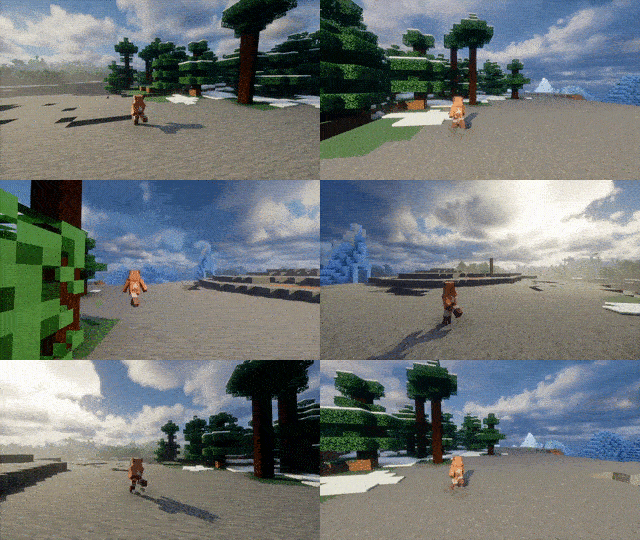
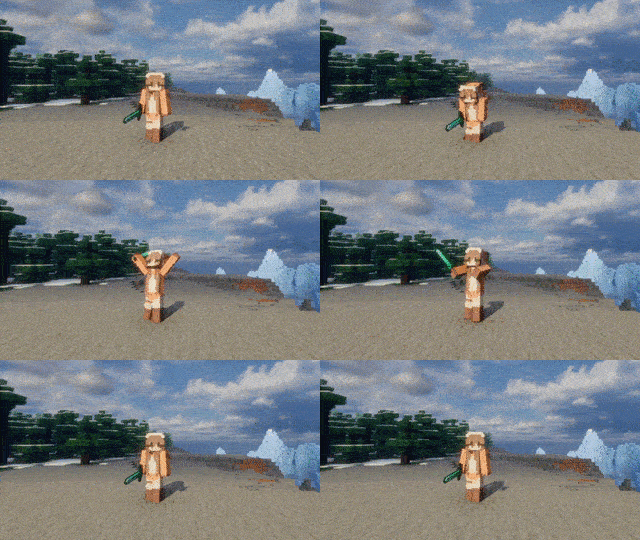
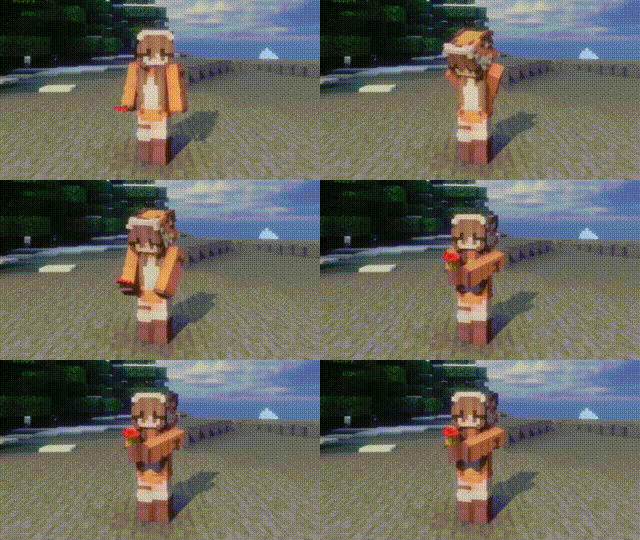
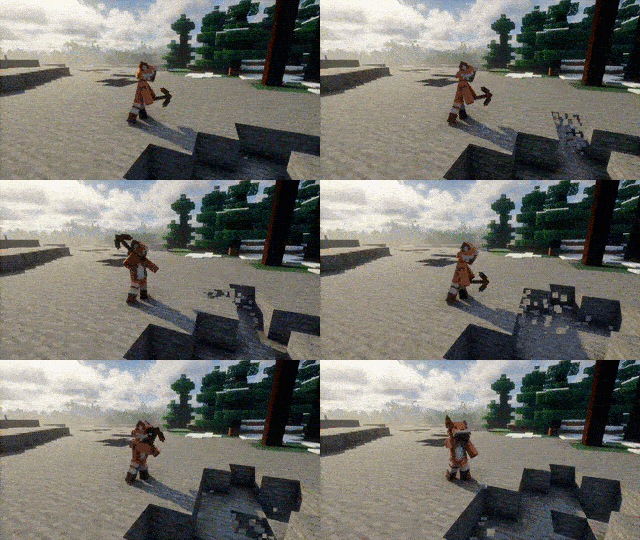
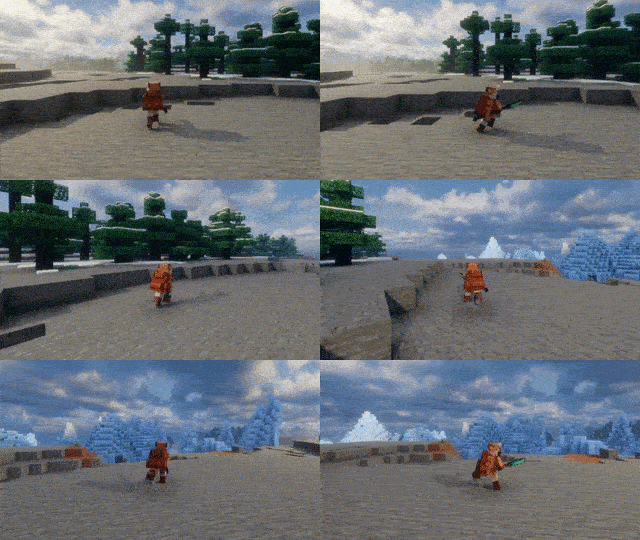
Built with compatibility in mind.
Works alongside many popular mods, including:
The following mods are supported in version 0.4.0 and above.
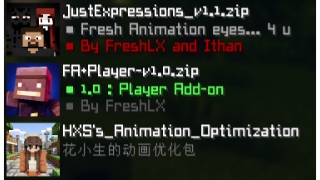
Smooth Player Animations is designed to be lightweight and suitable for:
⚠️ Some features shown in screenshots and GIFs are demonstrated using my resource pack(Versions 1.0 and above are no longer required.)
You can create your own animation by following the example of my resource package.
Additional thanks to everyone who provides feedback, testing, bug reports, and suggestions during development.
Without their help, this project would not have been possible.
Project description from Modrinth.
Pick your setup
Choose the version and loader you play, then open the matching release.
Check the dependencies, then try the file in a copied instance before changing a world you care about.
Recent files
SmoothPlayerAnimations_Fabric_26.1_1.0.0.jar
2 Aug 2026
SmoothPlayerAnimations_Neoforge_26.1_1.0.0.jar
2 Aug 2026
Looking for an older file? The official Modrinth project page is in Resources.
 mod
modTurn Blockbench models into simple Minecraft entities without writing Java code.
 mod
modA simple mod that adds fade-in animation for chunks!
 mod
modOverhauls the End dimension, featuring four atmospheric biomes, new world generation, structures, mobs, plus hundreds of sounds and new music!