Nanite Library Needed by Squat Grow 26.1.2.2
requiredMatching file found Matched file: 26.1.2.7

Modrinth · Minecraft mod
Squat for growth (Shift / Twerk to grow plants)
Quick answer
Squat Grow 26.1.2.2 targets 26.1, 26.1.1, 26.1.2 with Fabric. Installation on the client is optional. Installation on the dedicated server is optional. All 2 required mods have matching files.
Where it goes
Installation on the client is optional. Installation on the dedicated server is optional.
The source marks this as usable on both the client and server.
26.1.2.2. Change the file and its required mods may change too.
Install Nanite Library, Fabric API first. We found matching files for this game-version and loader setup.
We only count dependency files that match this setup. A file for another loader does not fill the gap.
Before you install it
Built for Squat Grow 26.1.2.2. Pick another file and the loader, install side or required mods may change.
Use 26.1.2.2. It targets 26.1, 26.1.1, 26.1.2 with Fabric; another release may have different loader, side or dependency requirements.
Install Nanite Library, Fabric API first. We found matching files for this game-version and loader setup.
Installation on the client is optional. Installation on the dedicated server is optional.
Use the “Get this file” button beside 26.1.2.2. It opens that exact file at the source.
About this project
Feeling weak in Minecraft and not getting enough gains? Well throw away your bonemeal and start squatting!
With Squat Grow your plant will grow twice as fast and feel the gains!
All you need to do is press your sneak key until you are happy with the growth of your plant.
You can configure the plants affected using the registry name of the plant or using tags, there is also an option to use a blacklist or a whitelist along with changing the effect range
Simply install the mod, then press your sneak key repeatedly until your plant has grown!
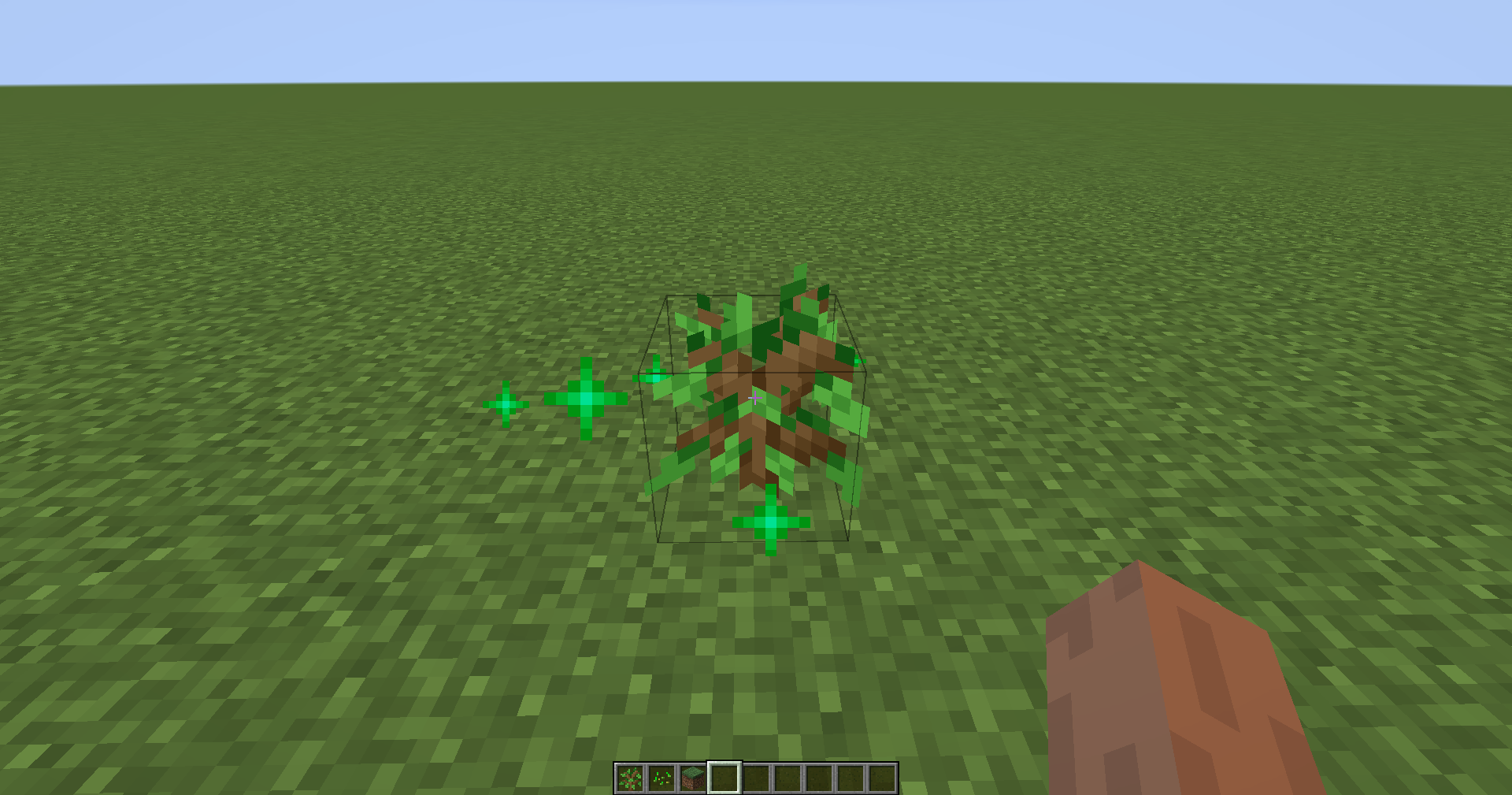
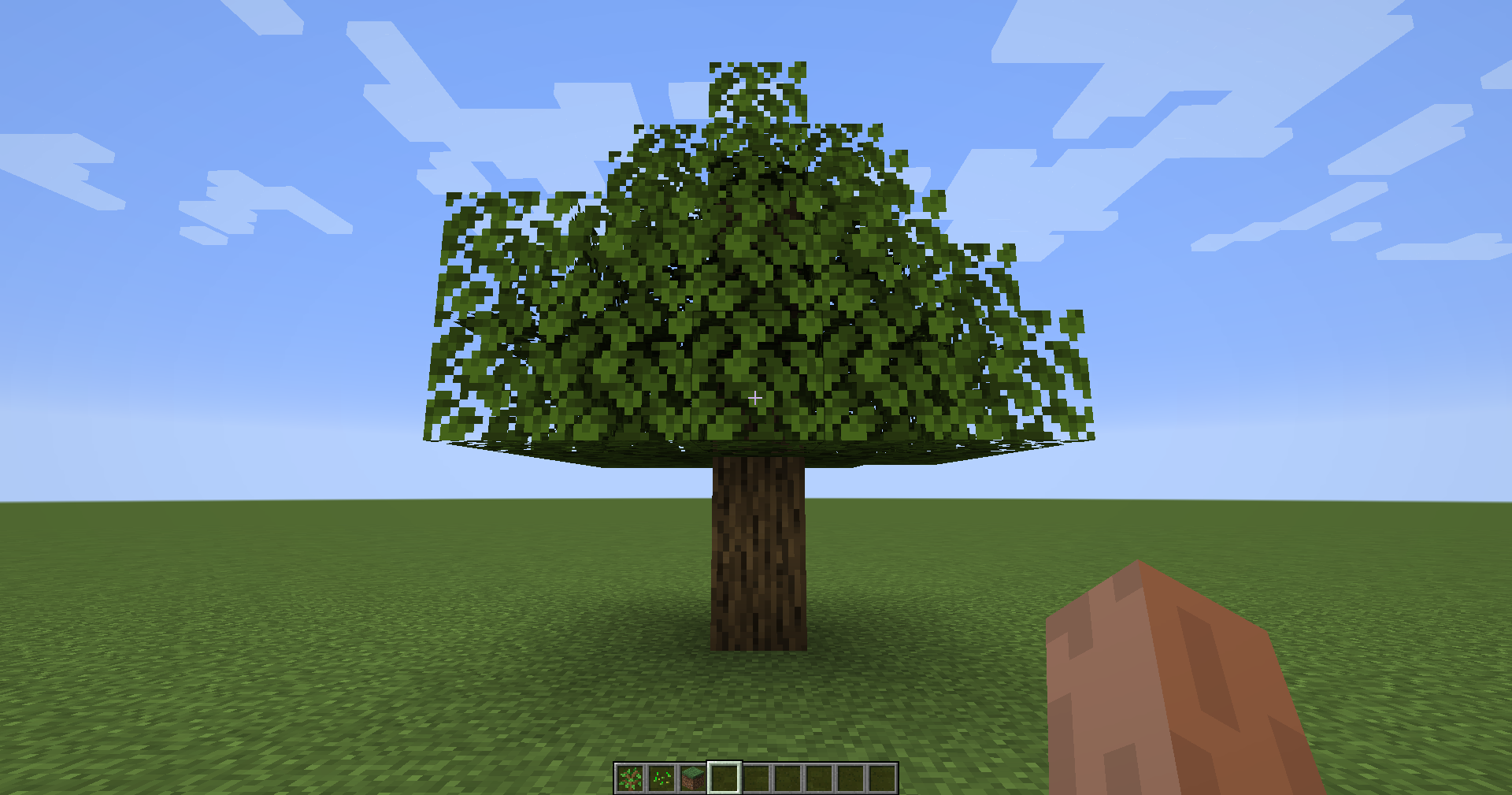
All Rights Reserved unless stated otherwise. Distribution permission is given to FeedTheBeast and CurseForge for use in modpacks
twerking crouching twerk crouch
Project description from Modrinth.
Pick your setup
Choose the version and loader you play, then open the matching release.
Showing the newest 12 of 18 game versions. Older files are in the list below.
Check the dependencies, then try the file in a copied instance before changing a world you care about.
Recent files
squatgrow-fabric-26.1.2.2.jar
3 Oct 2026
squatgrow-neoforge-26.1.2.2.jar
3 Oct 2026
squatgrow-neoforge-21.1.4+mc1.21.1.jar
23 Jul 2026
squatgrow-fabric-21.1.4+mc1.21.1.jar
23 Jul 2026
squatgrow-neoforge-26.2.0.1.jar
28 Jun 2026
squatgrow-fabric-26.2.0.1.jar
28 Jun 2026
squatgrow-neoforge-26.1.2.1.jar
16 Apr 2026
squatgrow-fabric-26.1.2.1.jar
16 Apr 2026
squatgrow-fabric-21.1.3+mc1.21.1.jar
16 Apr 2026
squatgrow-neoforge-21.1.3+mc1.21.1.jar
16 Apr 2026
squatgrow-fabric-21.1.3+mc1.21.1.jar
16 Apr 2026
squatgrow-neoforge-26.1.1.1.jar
11 Apr 2026
Looking for an older file? The official Modrinth project page is in Resources.