Fabric API Needed by Maze World 1.4.12
requiredMatching file found Matched file: 0.161.0+26.2
Modrinth · Minecraft mod
Generates a bedrock maze through vanilla world generation. An interesting twist to the normal gameplay.
Quick answer
Maze World 1.4.12 targets 26.2 with Fabric. Do not install it on the client. It must be installed on the dedicated server. All 1 required mods have matching files.
Where it goes
Do not install it on the client. It must be installed on the dedicated server.
This file is marked server-only.
1.4.12 on 26.2. Every mod below is checked against that same setup.
Install Fabric API first. We found matching files for this game-version and loader setup.
We only count dependency files that match this setup. A file for another loader does not fill the gap.
Before you install it
Built for Maze World 1.4.12 on 26.2. Pick another file and the loader, install side or required mods may change.
Use 1.4.12. It targets 26.2 with Fabric; another release may have different loader, side or dependency requirements.
Install Fabric API first. We found matching files for this game-version and loader setup.
Do not install it on the client. It must be installed on the dedicated server.
Use the “Get this file” button beside 1.4.12. It opens that exact file at the source.
About this project





A mod to add an infinite maze to vanilla world generation. There are many configuration options and maze types.
To create a mazeworld, you can choose any existing world preset. Then enable "Generate Maze" and click "Customize" next to that to adjust the maze settings.
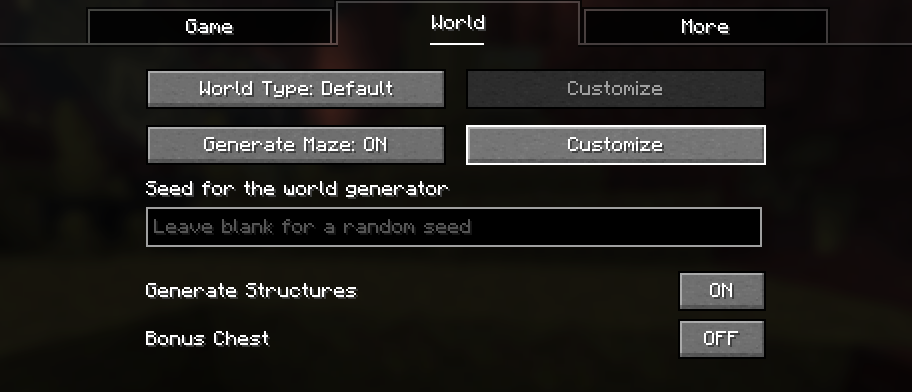
After clicking on customize, you can change various settings about the maze generation.
Below that is a preview of how the generated maze will look.
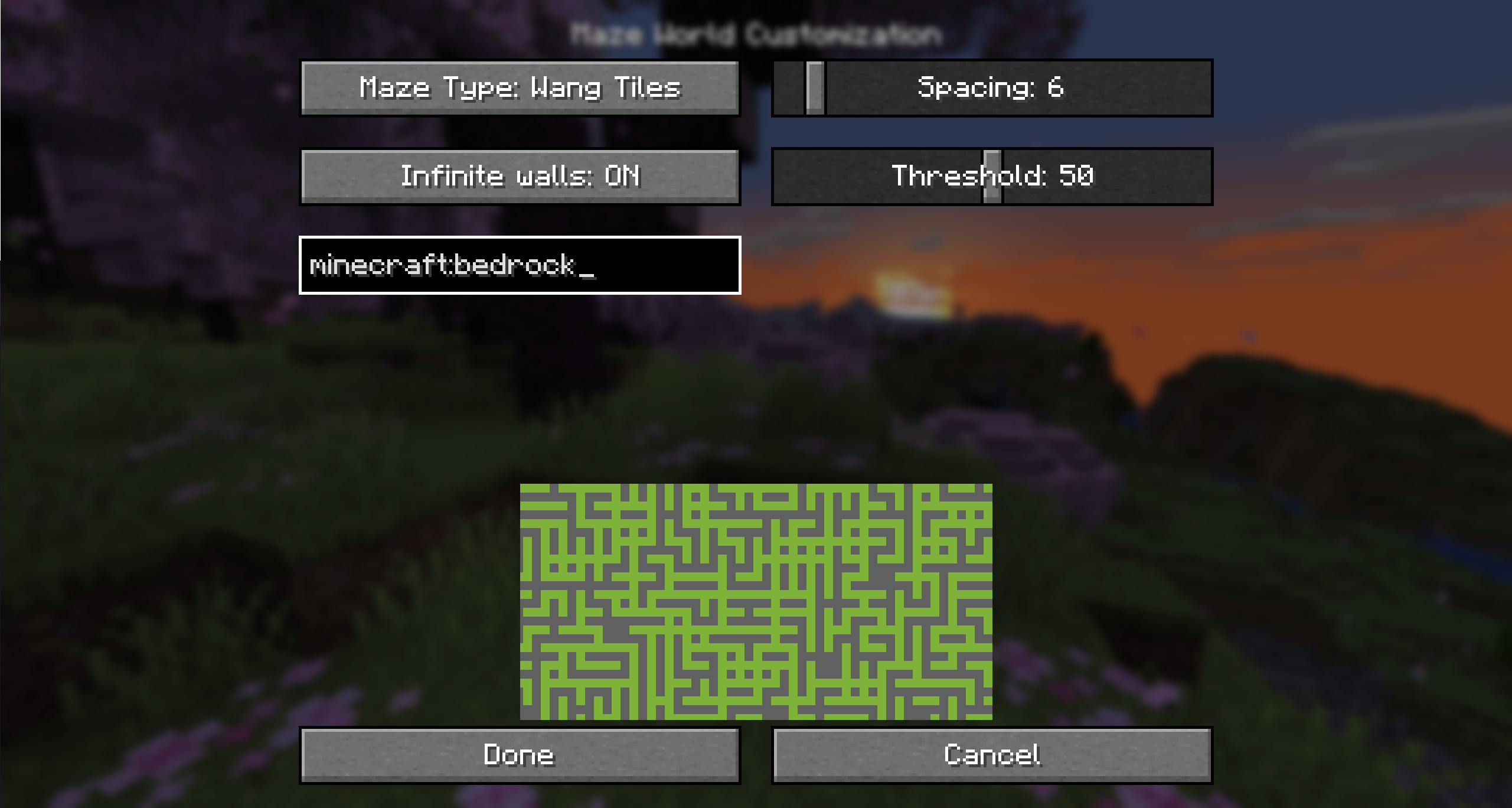
Determines which block is placed in the world to build the maze. By default this is bedrock, but you can change it to a block you can break too.
Prevents players from crossing the walls even above or below build height.
Sets the height at which the maze will generate. By default, this is all the way from bedrock to the build limit.
You can lower Max Y to not generate the maze all the way to the top.
Determines which blocks are replaced by the maze.
Determines how structures are handled:
When enabled, leaves a 19x19 chunk hole in the end dimension to not interfere with the end island.
This allows you to toggle individually, which dimensions will generate a maze.
There are different maze types with different algorithms for generating the maze
See https://weblog.jamisbuck.org/2011/2/1/maze-generation-binary-tree-algorithm.
Options:
See https://www.boristhebrave.com/permanent/24/06/cr31/stagecast/wang/array.html.
This has a rectangular and a rounded variant.
Options:
See https://en.wikipedia.org/wiki/Simplex_noise.
This has a 2D and a 3D variant.
Options:
To create a world on a server, it is recommended to simply upload a world created on the client.
Project description from Modrinth.
Pick your setup
Choose the version and loader you play, then open the matching release.
Showing the newest 12 of 25 game versions. Older files are in the list below.
Check the dependencies, then try the file in a copied instance before changing a world you care about.
Recent files
mazeworld-26.2-1.5.0.jar
4 Aug 2026
mazeworld-26.2-1.4.12.jar
17 Jun 2026
Looking for an older file? The official Modrinth project page is in Resources.
 mod
modAdds slabs, stairs, walls, fences, and more non-full block variants of many vanilla blocks.
 mod
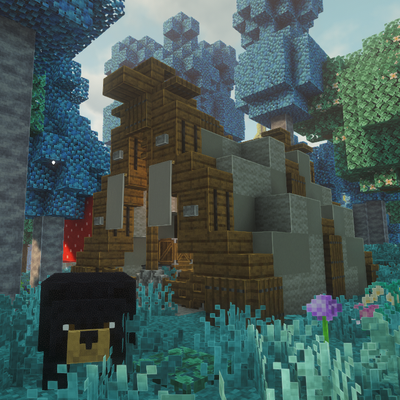
modGenerated tents, bears, traps, campfire cooking, and survival equipment for a more lived-in Minecraft wilderness.
 mod
modHides your shield in first-person view to stop it from blocking your screen