Architectury API Needed by Zero Lib 26.3-1.0.5-neoforge
requiredMatching file found Matched file: 22.0.5+neoforge

Modrinth · Minecraft mod
Shared cross-loader runtime library required by Zero Team mods for Fabric and NeoForge.
Quick answer
Zero Lib 26.3-1.0.5-neoforge targets 26.3 with NeoForge. Installation on the client is optional. Installation on the dedicated server is optional. All 1 required mods have matching files.
Where it goes
Installation on the client is optional. Installation on the dedicated server is optional.
The source marks this as usable on both the client and server.
26.3-1.0.5-neoforge. Change the file and its required mods may change too.
Install Architectury API first. We found matching files for this game-version and loader setup.
We only count dependency files that match this setup. A file for another loader does not fill the gap.
Before you install it
Built for Zero Lib 26.3-1.0.5-neoforge. Pick another file and the loader, install side or required mods may change.
Use 26.3-1.0.5-neoforge. It targets 26.3 with NeoForge; another release may have different loader, side or dependency requirements.
Install Architectury API first. We found matching files for this game-version and loader setup.
Installation on the client is optional. Installation on the dedicated server is optional.
Use the “Get this file” button beside 26.3-1.0.5-neoforge. It opens that exact file at the source.
About this project
Zero Lib is the shared library required by Zero Team gameplay mods for Minecraft: Java Edition. Install it to run Accessories, Dynamite, Grappling Hook, Gravestone, or Horse Whistle. Without the required Zero Lib version, those mods will not load.
Zero Lib does not add standalone items, blocks, commands, menus, or mechanics. It provides the common foundation that lets dependent mods register their content and display information consistently on Fabric and NeoForge.
Players do not interact with Zero Lib directly. The mod loader starts it automatically, and installed Zero Team mods use its shared services when needed. Any visible item, block, entity, label, or gameplay mechanic comes from the dependent gameplay mod.
If a mod or modpack lists Zero Lib as a dependency, keep it installed on every client and server using that mod set.
Zero Lib and its dependent mods must be installed on both the client and server.
Zero Lib currently has no configuration options. Use the version and installation instructions of the dependent mod when assembling a client, server, or modpack.
Project description from Modrinth.
Pick your setup
Choose the version and loader you play, then open the matching release.
Check the dependencies, then try the file in a copied instance before changing a world you care about.
Recent files
zero-lib-26.3-neoforge-1.0.5.jar
8 Oct 2026
zero-lib-26.3-fabric-1.0.5.jar
8 Oct 2026
zero-lib-26.2-neoforge-1.0.5.jar
8 Oct 2026
zero-lib-26.2-fabric-1.0.5.jar
8 Oct 2026
zero-lib-26.3-neoforge-1.0.4.jar
26 Sept 2026
zero-lib-26.3-fabric-1.0.4.jar
26 Sept 2026
zero-lib-26.2-neoforge-1.0.3.jar
29 Aug 2026
zero-lib-26.2-fabric-1.0.3.jar
29 Aug 2026
zero-lib-26.2-neoforge-1.0.2.jar
28 Aug 2026
zero-lib-26.2-fabric-1.0.2.jar
28 Aug 2026
zero-lib-26.2-neoforge-1.0.1.jar
7 Aug 2026
zero-lib-26.2-fabric-1.0.1.jar
7 Aug 2026
Looking for an older file? The official Modrinth project page is in Resources.
 mod
modOptimizing cushions on client and server
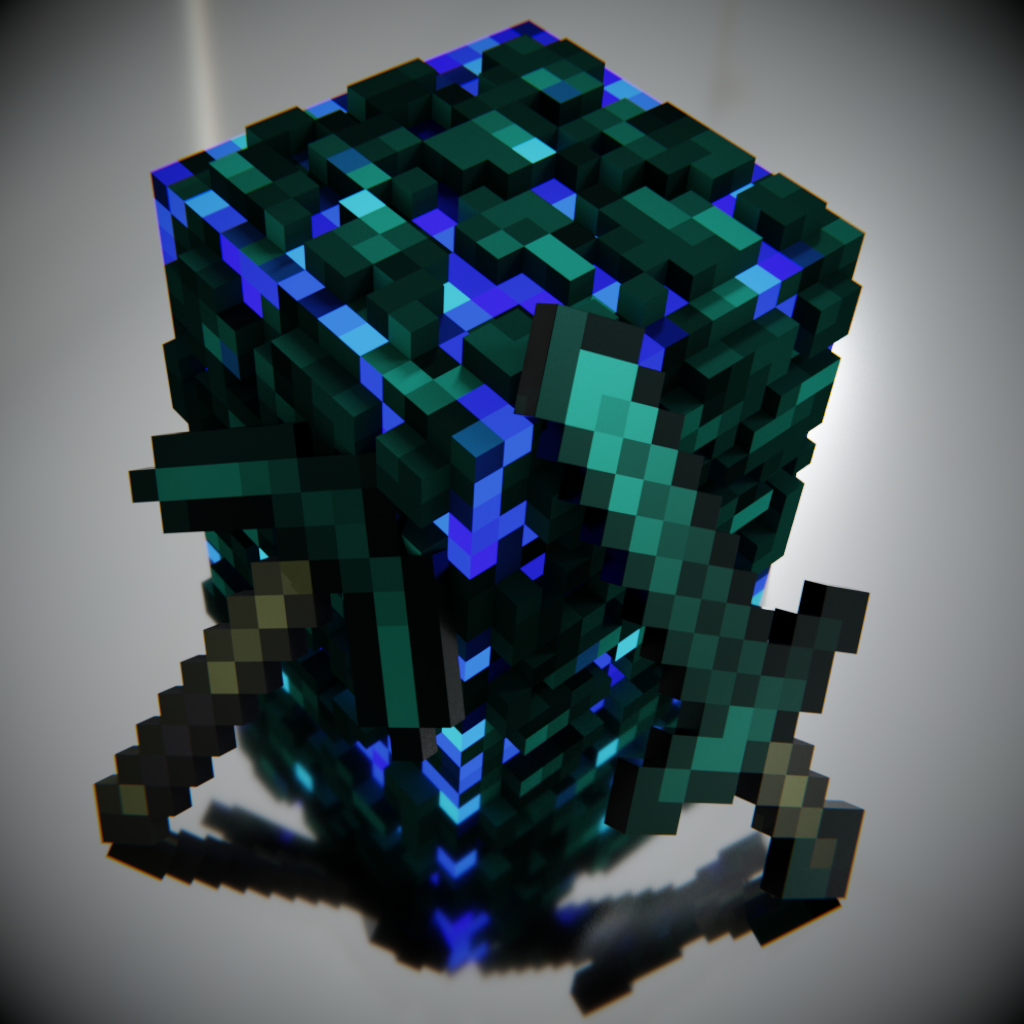 mod
modThe Enderite Mod adds new armor and tools, which are successors of Netherite tools.
 mod
modCraft, place and drive karts! Wooden, standard karts you can dye, golden, diamond, netherite and The End karts, with drifting, mini-turbos, collisions and engine sounds.