Minecraft version
Back to mods 
Modrinth · Minecraft mod
Asteroid
A utility client mod, but with only the utilities. Only modules like freecam, fullbright, auto tool and better inventory remain. Utilities such as tracers or xray require OP or singleplayer to use.
Choose a version Pick your version below, then grab the matching file.
Quick answer
Which Asteroid release matches 1.21.8?
Best match for your filters 0.3.2
Game version 1.21.6, 1.21.7, 1.21.8
Loader Fabric
Asteroid 0.3.2 targets 1.21.6, 1.21.7, 1.21.8 with Fabric. It must be installed on the client. Do not install it on the dedicated server. No extra mods listed for this file.
Where it goes
Is Asteroid required on the client, server, or both?
It must be installed on the client. Do not install it on the dedicated server.
Client Required
Dedicated server Not supported
Loader for this release Fabric
Required install it here Optional supported, not mandatory Not supported do not install here Source doesn’t say do not assume
This file is marked client-only.
What else does Asteroid 0.3.2 need?
0.3.2 on 1.21.8. Every mod below is checked against that same setup.
This file does not list any required mods. Do not add a library just because a different file uses it.
This file does not list any required or optional mods.
Before you install it
Add Asteroid without breaking your instance.
Built for Asteroid 0.3.2 on 1.21.8. Pick another file and the loader, install side or required mods may change.
- 01
Stick to this file
Use 0.3.2. It targets 1.21.6, 1.21.7, 1.21.8 with Fabric; another release may have different loader, side or dependency requirements.
- 02
Bring the mods it needs
This file does not list any required mods. Do not add a library just because a different file uses it.
- 03
Put it on the correct side
It must be installed on the client. Do not install it on the dedicated server.
- 04
Pick the file you checked
Use the “Get this file” button beside 0.3.2. It opens that exact file at the source.
About this project
What does Asteroid add?
Asteroid
The utility client for Modrinth. Press Right Shift to open the menu in-game.
About
Asteroid is a fork / distribution of the Meteor Client, a fabric based utility client mod. It has had most of Meteor's anarchy modules removed, in order to focus entirely on the utilities. The few modules remaining that could be considered cheats can only be used when the player is OP, or in singleplayer.
I have made this fork as I believe that the user experience of utility clients is rather nice, with their modular approach to UI and configuration. I have found that I often install Meteor client purely to use it's less anarchy-style features, in my own worlds, and I wished I could add the mod to my modpack here on Modrinth. It only made sense to fork it just to focus on those few features, and remove the combat / movement modules that are more anarchy focused, and less in-tune with Modrinth's style of mods.
Credits
As Asteroid is based on Meteor Client, huge credits go to the Meteor client team (MineGame, squidoodly and seasnail).
Make sure to give them a star on Github, or even Donate to them to help fund development.
Updated waypoint textures by Wulfian.
Highlights
Better Farming
Auto re-plant and unripe crop protection
Automatically re-plant crops when they are broken. As well, prevent yourself from accidentally breaking an unripe crop.

Suppress farmland trampling
Prevent farmland from turning back to soil if you accidentally jump on it.

Annoyances
Disable certain annoying UI, such as the experimental world settings warning.

Features
Modules
The following is a list of the modules included in the mod. Most of these share functionality with other mods on the site, so I felt they were fine to leave in.
Modules marked with an asterisk (*) require OP or Singleplayer to use.
Player
- Auto Clicker: Automatic clicking on a timer. Useful for mob grinding.
- Auto Replenish: Replaces a tool / food on the hotbar from the inventory when depleted. Nice QoL.
- Auto Respawn: Automatically presses the respawn button on death.
- Auto Tool: Automatically switches to the correct tool when going to mine a block.
- Better Farming: Quality of life improvements to manual crop farming.
- Fake Player: Spawns a completely client side fake player. Provides no actual use cases apart from looking cool, or maybe getting a good screenshot.
- Middle Click Extra: Bind middle click to use a firework rocket, experience bottle, or to add a friend.
- Name Protect: Hides your username and skin. Useful for taking screenshots without leaking your account.
- No Interact: Allows the player to blacklist certain blocks from accidentally being interacted with / broken. Useful for amethyst mining.
- No Mining Trace: Allows the player to break blocks even when an entity is blocking them.
- Portals: Allows players to access their inventory whilst sitting in a nether portal. Not sure why that isn't default tbh.
- Rotation: Allows the player to lock their yaw and/or pitch.
Render
- Better Tab: Customisable improvements to the tab menu.
- Better Tooltips: Shulker box previews, enderchest previews etc.
- Block ESP*: Renders outlines around blocks in the whitelist. Helpful for locating a particular block type.
- Block Selection: Modifies block selection rendering.
- Blur: Blurs some menu backgrounds.
- Boss Stack: Stacks boss bars to make your HUD less cluttered..
- Breadcrumbs: Draws a line behind the player letting them backtrace. Good for players who get lost easily.
- Break Indicators: Break indicator customization and improvements.
- Camera Tweaks: Customize the third person camera. Allows for clipping in to blocks.
- Entity Owner: Displays the owner of the tamed animal above the given entity.
- Free Look: Allows the player to position the third person camera, then move their head normally.
- Freecam: Frees the players camera to act like spectator mode.
- Fullbright: Disables lighting, similar to night vision.
- Hand View: Customize how items are rendered in the players hand.
- Item Highlight: Highlights particular items in GUIs, to allow you to find the item you are looking for easier.
- Item Physics: Items lay on the ground, rather than bouncing up and down.
- Light Overlay: Renders light levels as an overlay on blocks on the ground.
- Marker: Render shapes as a client side hologram. Useful for planning out builds.
- Nametags*: Render customisable nametags above selected entities.
- No Render: Prevent things from rendering, like nether fog, particles or even certain entities.
- Tracers*: Render lines from the crosshair to the targeted entities. Useful for finding lost items.
- Trail: Renders a trail of particles behind the player. Useless but fun.
- Unfocused CPU: Limits FPS when Minecraft isn't focused.
- Waypoints: Allows you to create and save waypoints, to help with navigation.
- Weather Changer: Changes the current weather client side.
- Xray*: Disables rendering for certain blocks. Useful for finding a particular block.
- Zoom: Zooms your view similar to how a spyglass would.
Misc
- Ambience: Customize stuff like how the sky renders. Allows for cursed things like End sky in the Overworld. Purely cosmetic.
- Annoyances: Disable various annoying warning screens and weird UI.
- Auto Reconnect: Automatically reconnects a user if they somehow lost connection to a server. Useful for AFK sessions on servers that restart at a set time.
- Auto Sign: Automatically writes signs, using the text of the first placed sign. Useful for mob farms, where many signs have to be placed.
- Better Chat: Improvements to chat, like prefixes, suffixes and filter regexes.
- Discord Presence: Customizable Discord Rich Presence for fun.
- Inventory Tweaks: Inventory improvements like auto transfer, chest sorting, and shift + drag to move items.
- Sound Blocker: Fine grained control over what sounds should not play. Arguably a good accessibility feature.
Commands
The following is a list of commands Asteroid provides. These are all prefixed with a ..
- Dismount (
.dismount): Dismounts the player from their current vehicle. - Disconnect (
.disconnect): Disconnects the player from the server. - Drop (
.drop): Drops items in their inventory. - Enchant (
.enchant): Enchants an item. Can only be used in Creative. - Fake Player (
.fake-player): Manage fake players. - Friend (
.friend): Manage friends. - Help (
.help): Displays a list of commands. - NBT (
.nbt): Modify the nbt of an item. Can only be used in Creative. - Peek (
.peek): Displays the contents of a held shulker box or other container item. - Ender Chest (
.ec): Displays the contents of their Ender Chest. - Profiles (
.profiles): Manage profiles. - Reload (
.reload): Reloads Asteroid. - Reset (
.reset): Allows certain configurations to be reset. - Say (
.say): Sends a message to the chat, allowing use of StarScript variables. - Server (
.server): Displays some info about the server. - Toggle (
.toggle): Toggle modules. - Settings (
.settings): Open settings page for modules. - Save Map (
.sm): Save the held map item as an image. - Macro (
.macro): Runs a given macro. - Modules (
.modules): Lists available modules. - Binds (
.binds): Lists bound modules. - Give (
.give): Gives the player an item. Can only be used in Creative. - Bind (
.bind): Binds the given module to the next pressed key. - FOV (
.fov): Adjusts the field of view. - Rotation (
.rotation): Adjusts the rotation of the player. - Waypoint (
.wp): Manage waypoints. - Input (
.input): Simulate a given input. - Item (
.item): Manages item related modules.
Macros
Asteroid allows players to create macros, which can chain these commands.
They can be used to automate some tasks, and can be bound to keyboard shortcuts.
Project description from Modrinth.
Pick your setup
Asteroid by Minecraft version and loader
Choose the version and loader you play, then open the matching release.
Minecraft version
26.1.2
1 loader buildMinecraft version
26.1.1
1 loader buildMinecraft version
26.1
1 loader buildMinecraft version
1.21.11
1 loader buildMinecraft version
1.21.10
1 loader buildMinecraft version
1.21.9
1 loader buildMinecraft version
1.21.8
1 loader buildMinecraft version
1.21.7
1 loader buildMinecraft version
1.21.6
1 loader buildMinecraft version
1.21.5
1 loader buildMinecraft version
1.21.4
1 loader buildShowing the newest 12 of 18 game versions. Older files are in the list below.
Check the dependencies, then try the file in a copied instance before changing a world you care about.
Recent files
Asteroid versions and loaders
0.3.2
asteroid-0.3.2.jar
31 Aug 2025
Client Required Server Not supported Dependencies No extras listed Listed on Release listing
Check the 1.21.8 · Fabric setup 1.21.61.21.71.21.8Fabric release
0.3.1
asteroid-0.3.1.jar
30 Aug 2025
Client Required Server Not supported Dependencies No extras listed Listed on Release listing
Check the 1.21.8 · Fabric setup 1.21.61.21.71.21.8Fabric release
0.3.0
asteroid-0.3.0.jar
18 Jul 2025
Client Required Server Not supported Dependencies No extras listed Listed on Release listing
Check the 1.21.8 · Fabric setup 1.21.61.21.71.21.8Fabric release
Looking for an older file? The official Modrinth project page is in Resources.
 mod
mod CurseForge + Modrinth · Minecraft
Immersive Hotbar
Adds animations to the hotbar to make it more immersive
 mod
mod CurseForge + Modrinth · Minecraft
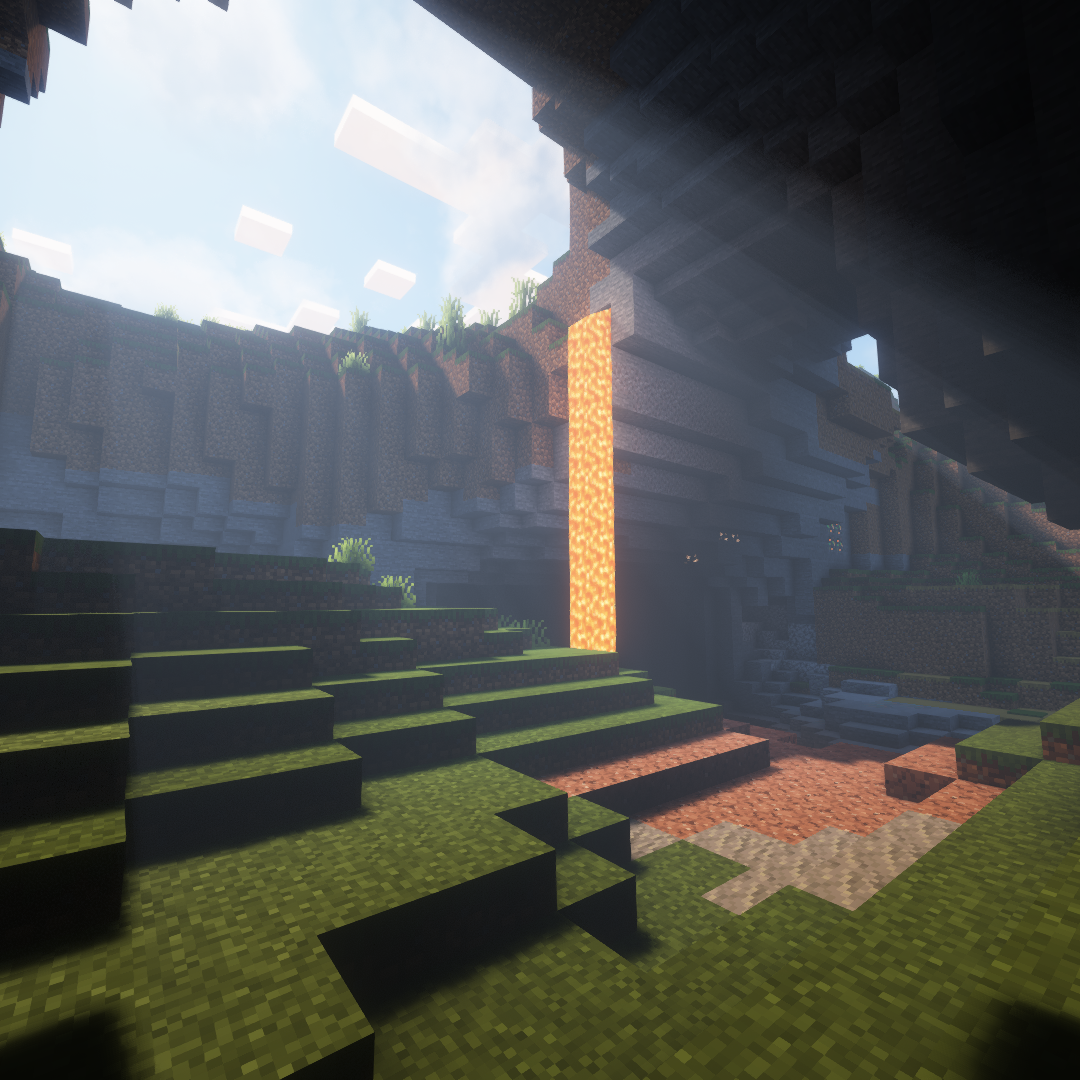
Countered's Terrain Slabs
A mod designed to enhance world generation and elevate the gameplay experience by smoothing out terrain with custom slabs, making exploration more seamless!
 mod
mod CurseForge + Modrinth · Minecraft
Camp Fires Cook Mobs
Mobs that die on camp fires drop cooked meat.