Minecraft version
Back to mods 
Modrinth · Minecraft mod
Templates 2
Retexturable blocks powered by the Fabric Rendering API
Choose a version Pick your version below, then grab the matching file.
Quick answer
Which Templates 2 release should I use?
Latest stable file 2.5.2-fabric-1.21.1
Game version 1.21.1
Loader Fabric
Templates 2 2.5.2-fabric-1.21.1 targets 1.21.1 with Fabric. Installation on the client is optional. Installation on the dedicated server is optional. No extra mods listed for this file.
Where it goes
Is Templates 2 required on the client, server, or both?
Installation on the client is optional. Installation on the dedicated server is optional.
Client Optional
Dedicated server Optional
Loader for this release Fabric
Required install it here Optional supported, not mandatory Not supported do not install here Source doesn’t say do not assume
The source marks this as usable on both the client and server.
What else does Templates 2 2.5.2-fabric-1.21.1 need?
2.5.2-fabric-1.21.1. Change the file and its required mods may change too.
This file does not list any required mods. Do not add a library just because a different file uses it.
This file does not list any required or optional mods.
Before you install it
Add Templates 2 without breaking your instance.
Built for Templates 2 2.5.2-fabric-1.21.1. Pick another file and the loader, install side or required mods may change.
- 01
Stick to this file
Use 2.5.2-fabric-1.21.1. It targets 1.21.1 with Fabric; another release may have different loader, side or dependency requirements.
- 02
Bring the mods it needs
This file does not list any required mods. Do not add a library just because a different file uses it.
- 03
Put it on the correct side
Installation on the client is optional. Installation on the dedicated server is optional.
- 04
Pick the file you checked
Use the “Get this file” button beside 2.5.2-fabric-1.21.1. It opens that exact file at the source.
About this project
What does Templates 2 add?
| version | loader availability | note |
|---|---|---|
| 1.21.1 | Fabric | |
| 1.20.4 | Fabric | (unmaintained) |
| 1.20.1 | Fabric |
Templates adds retexturable blocks. Place a Template and right-click it with any full-size block, and the Template will look just like that block.
You can make custom fences, walls, stairs, slabs, trapdoors, levers, buttons, candles, TNT, and more.
- Click with Glowstone Dust to make it emit light.
- Click with a Redstone Torch to make it act as a redstone power source.
- Click with a Popped Chorus Fruit to make it non-solid.
It is a mod in the long tradition of "Carpenter's Blocks", "Framed Blocks", and friends. It is not the first implementation of this idea, and it won't be the last.
It's also not too hard for other mods to interface with Templates and add their own templatable blocks.
New in 2.2.0: Supports connected textures! I tested Chisel Reborn, but any mod that implements FabricBlock#getAppearance should work.
⚠ Templates was originally conceived as a tech-demo for, and tests the limits of, the Fabric Rendering API. You'll need a compatible renderer implementation installed. Fabric API includes one called Indigo, but in 1.20, it is not compatible with Sodium. If you use Sodium, you might need to install a mod like Indium for Templates to work properly.
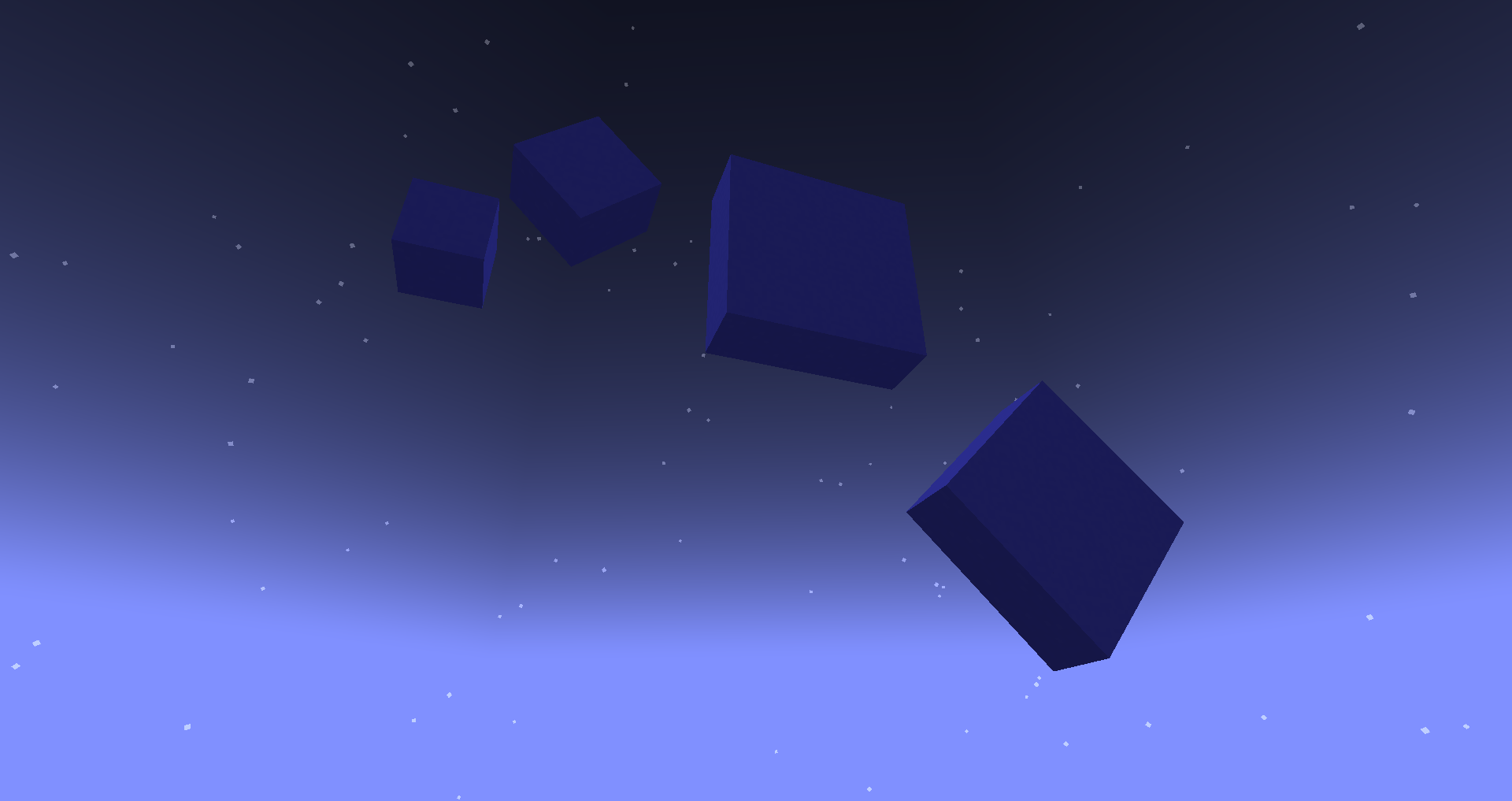
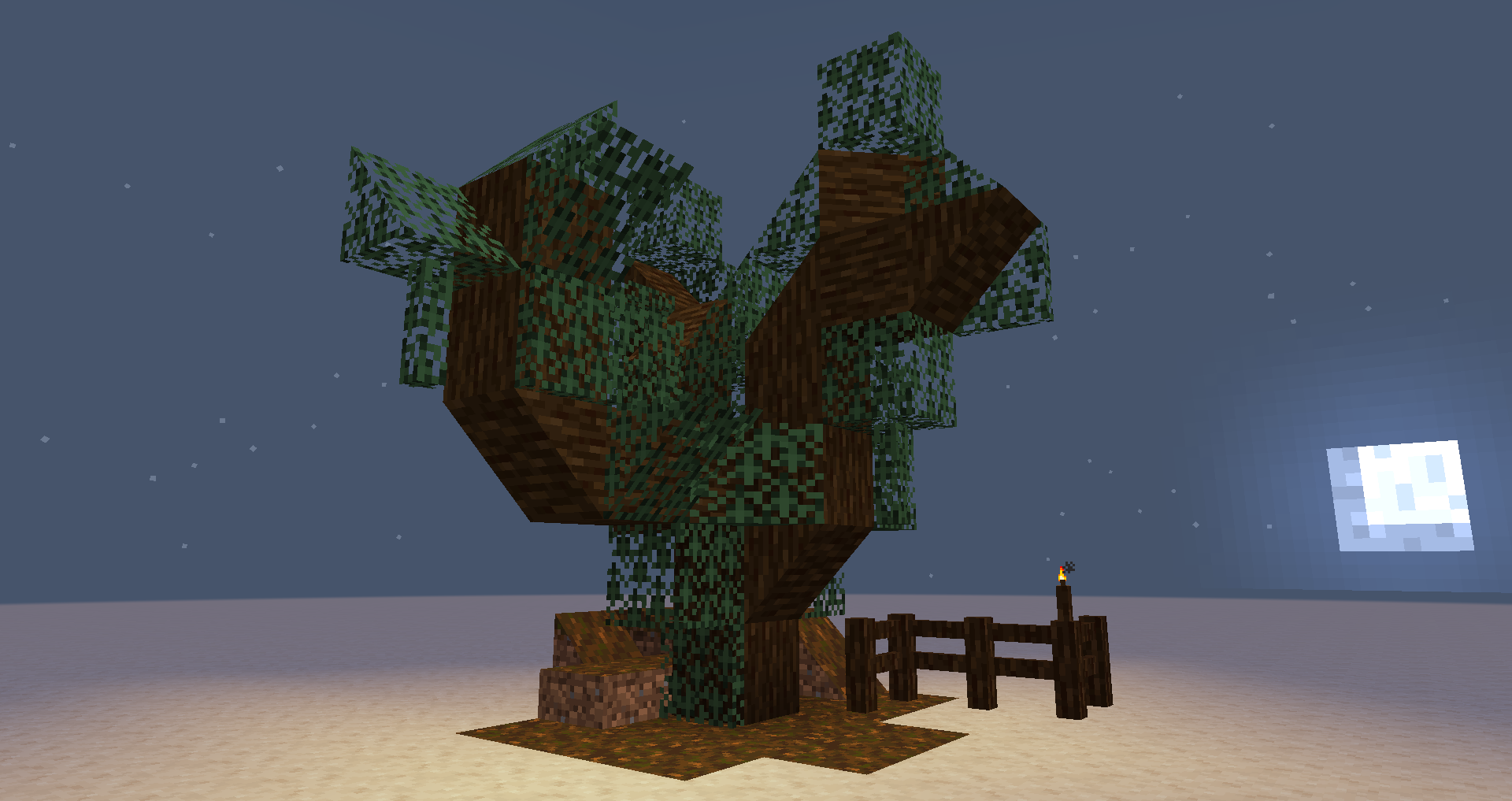
Project description from Modrinth.
Pick your setup
Templates 2 by Minecraft version and loader
Choose the version and loader you play, then open the matching release.
Minecraft version
1.20.4
1 loader buildMinecraft version
1.20.1
2 loader buildsCheck the dependencies, then try the file in a copied instance before changing a world you care about.
Recent files
Templates 2 versions and loaders
2.5.2-fabric-1.21.1
templates-mod-2.5.2+1.21.1.jar
8 Sept 2026
Client Optional Server Optional Dependencies No extras listed Listed on Release listing
Check the 1.21.1 · Fabric setup 1.21.1Fabric release
2.5.2-fabric-1.20.1
templates-mod-2.5.2+1.20.1.jar
8 Sept 2026
Client Optional Server Optional Dependencies No extras listed Listed on Release listing
Check the 1.20.1 · Fabric setup 1.20.1Fabric release
2.5.1-fabric-1.21.1
templates-mod-2.5.1+1.21.1.jar
29 Mar 2025
Client Optional Server Optional Dependencies No extras listed Listed on Release listing
Check the 1.21.1 · Fabric setup 1.21.1Fabric release
2.5.0-fabric-1.21.1
templates-mod-2.5.0+1.21.1.jar
9 Mar 2025
Client Optional Server Optional Dependencies No extras listed Listed on Release listing
Check the 1.21.1 · Fabric setup 1.21.1Fabric release
2.4.1-fabric-1.21.1
templates-mod-2.4.1+1.21.1.jar
8 Mar 2025
Client Optional Server Optional Dependencies No extras listed Listed on Release listing
Check the 1.21.1 · Fabric setup 1.21.1Fabric release
2.4.1-fabric-1.20.4
templates-mod-2.4.1+1.20.4.jar
8 Mar 2025
Client Optional Server Optional Dependencies No extras listed Listed on Release listing
Check the 1.20.4 · Fabric setup 1.20.4Fabric release
2.3.2-fabric-1.20.1
templates-mod-2.3.2+1.20.1.jar
8 Mar 2025
Client Optional Server Optional Dependencies No extras listed Listed on Release listing
Check the 1.20.1 · Fabric setup 1.20.1Fabric release
2.4.0-fabric-1.21.1
templates-mod-2.4.0+1.21.1.jar
7 Mar 2025
Client Optional Server Optional Dependencies No extras listed Listed on Release listing
Check the 1.21.1 · Fabric setup 1.21.1Fabric release
2.4.0-fabric-1.20.4
templates-mod-2.4.0+1.20.4.jar
7 Mar 2025
Client Optional Server Optional Dependencies No extras listed Listed on Release listing
Check the 1.20.4 · Fabric setup 1.20.4Fabric release
2.3.1-fabric-1.20.1
templates-mod-2.3.1+1.20.1.jar
7 Mar 2025
Client Optional Server Optional Dependencies No extras listed Listed on Release listing
Check the 1.20.1 · Fabric setup 1.20.1FabricQuilt release
2.3.0-fabric-1.20.1
templates-mod-2.3.0+1.20.1.jar
6 Mar 2025
Client Optional Server Optional Dependencies No extras listed Listed on Release listing
Check the 1.20.1 · Fabric setup 1.20.1FabricQuilt release
2.2.1-fabric-1.20.1
templates-mod-2.2.1+1.20.1.jar
3 Mar 2025
Client Optional Server Optional Dependencies No extras listed Listed on Release listing
Check the 1.20.1 · Fabric setup 1.20.1FabricQuilt release
Looking for an older file? The official Modrinth project page is in Resources.
 mod
mod CurseForge + Modrinth · Minecraft
Resettable Trial Vaults & Spawners
Sneak and use the Trial Key to reset Trial Vaults and Trial Spawners.
 mod
mod Modrinth · Minecraft
figura-unchained
A synchronization addon for offline-mode and self-hosted Figura deployments.
 mod
mod Modrinth · Minecraft
Customizable PortalGun Skins
Allows for Customizable Portal Gun Skins for PortalMod. You'll have 170+ skins and custom models and the ability to upload your own.