Client Texture Optional for Client Commands 0.2
optionalNo matching file

Modrinth · Minecraft mod
Enhance your Minecraft gameplay with 30 powerful client-side commands.
Quick answer
Client Commands 0.2 targets 1.21.1, 1.21.10, 1.21.11 with Fabric. It must be installed on the client. Do not install it on the dedicated server. No extra mods listed for this file.
Where it goes
It must be installed on the client. Do not install it on the dedicated server.
This file is marked client-only.
0.2 on 1.21.2. Every mod below is checked against that same setup.
This file does not list any required mods. Do not add a library just because a different file uses it.
We only count dependency files that match this setup. A file for another loader does not fill the gap.
Before you install it
Built for Client Commands 0.2 on 1.21.2. Pick another file and the loader, install side or required mods may change.
Use 0.2. It targets 1.21.1, 1.21.10, 1.21.11 with Fabric; another release may have different loader, side or dependency requirements.
This file does not list any required mods. Do not add a library just because a different file uses it.
It must be installed on the client. Do not install it on the dedicated server.
Use the “Get this file” button beside 0.2. It opens that exact file at the source.
About this project

Client Command adds powerful, lightweight client-side commands to Minecraft, giving you quick access to common settings without opening menus.
All commands run entirely on the client, require no server permissions, and are designed to be fast, safe, and easy to use.
Perfect for players who want better control over graphics, performance, and much more customization directly from chat.


| ───────────── Command ───────────── | ───────────── Description ───────────── |
|---|---|
$setting-fov |
Change your field of view (FOV) instantly |
$setting-render-distance |
Modify render distance without opening settings |
$setting-simulation-distance |
Adjust simulation distance on the fly |
$setting-graphics |
Switch graphics mode (Fast / Fancy / Fabulous) |
$setting-fps |
Set max FPS or disable the limit |
$setting-vsync |
Enable or disable VSync |
$discord-webhook |
Save, show, and send messages to a Discord webhook |
Many More... |
Explore Ingame :) |
All commands use a customizable prefix and work entirely on the client.

$webhook set <Your_Webhook_Url>..minecraft/config/command/setting.json.

Client Command is the intellectual property of
BibekTheLegend.
This project is licensed under the
Creative Commons Attribution–NonCommercial–NoDerivatives 4.0 International (CC BY-NC-ND 4.0) license.
🔗 License details:
Visit Here - © BibekTheLegend
If you face any error related to mod, feel free to DM Planet Minecraft ↗!
Project description from Modrinth.
Pick your setup
Choose the version and loader you play, then open the matching release.
Check the dependencies, then try the file in a copied instance before changing a world you care about.
Recent files
client-command-0.2.jar
5 Jan 2026
command-1.0.0.jar
28 Dec 2025
Looking for an older file? The official Modrinth project page is in Resources.
 mod
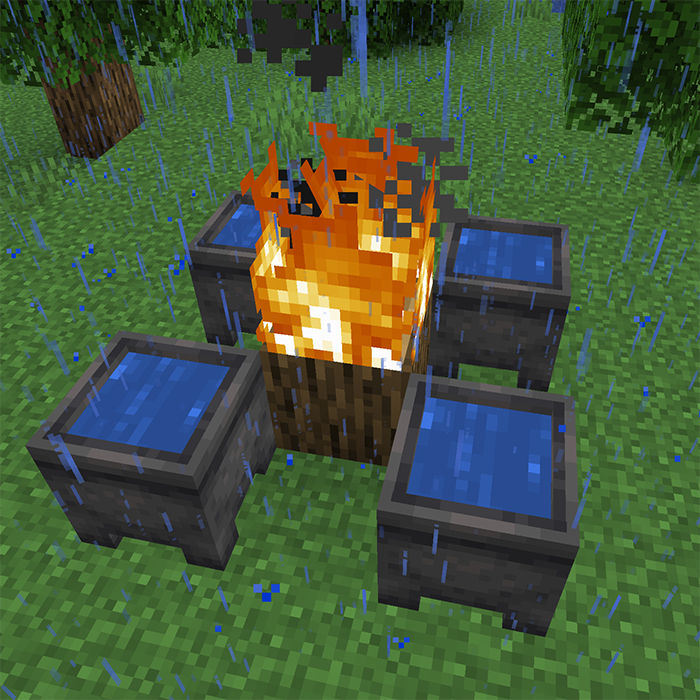
🌧 Adds the ability to stop the rain via a multi-block structure ritual in survival.
 mod
A Minecraft mod that adds customizable timestamps to chat!
 mod
A client-side optimization mod to make block entities render faster