YetAnotherConfigLib Needed by Immersive Hotbar 1.3.0-26.3 (Fabric)
requiredMatching file found Matched file: 3.9.7 for fabric 26.3
CurseForge · Minecraft mod
Adds animations to the hotbar to make it more immersive
Quick answer
Immersive Hotbar 1.3.0-26.3 (Fabric) targets 26.3 with Fabric. The project page does not say whether this file belongs on the client, dedicated server, or both. All 3 required mods have matching files.
Where it goes
The project page does not say whether this file belongs on the client, dedicated server, or both.
The source does not explicitly classify this release as client-only or server-only.
Immersive Hotbar 1.3.0-26.3 (Fabric). Change the file and its required mods may change too.
Install YetAnotherConfigLib, Fabric API, YetAnotherConfigLib (YACL) first. We found matching files for this game-version and loader setup. 2 come through another mod in the chain.
2 extra mods were pulled in by other dependencies. Indented rows show who needs each one. We only count dependency files that match this setup. A file for another loader does not fill the gap.
Before you install it
Built for Immersive Hotbar 1.3.0-26.3 (Fabric). Pick another file and the loader, install side or required mods may change.
Use Immersive Hotbar 1.3.0-26.3 (Fabric). It targets 26.3 with Fabric; another release may have different loader, side or dependency requirements.
Install YetAnotherConfigLib, Fabric API, YetAnotherConfigLib (YACL) first. We found matching files for this game-version and loader setup. 2 come through another mod in the chain.
The project page does not say whether this file belongs on the client, dedicated server, or both.
Use the “Get this file” button beside Immersive Hotbar 1.3.0-26.3 (Fabric). It opens that exact file at the source.
About this project
Immersive Hotbar makes Minecraft’s static hotbar feel more responsive by adding animations for picking up and placing items, using tools and weapons, switching slots, and gaining XP.






🔄 Animated Hotbar Items: Smooth and bouncy animations when picking up, placing, using, or switching items.
🎯 Smooth Hotbar Scrolling: Smooth, and Bouncy scrolling modes, complete with animated selection transitions and directional item tilting.
💬 Animated Tooltips: Item names smoothly appear, disappear, and transition when switching between items.
🖐️ Smooth Offhand Switching: Items smoothly slide in and out of the offhand slot instead of instantly appearing or disappearing.
✨ Animated XP Bar & Level-Up Effects- Smooth XP bar transitions, animated level numbers, and particles when leveling up.
🎨 Customizable Animations: Fine-tune item scaling, animation styles, bounce intensity, and visual effects to match your preferences.
⚙️ Extensive Configuration: Customize everything through an in-game YACL configuration screen with live previews and detailed setting descriptions.
Held Item Info, Bedrockify and Item Borders are now supported as of 1.1.0!!
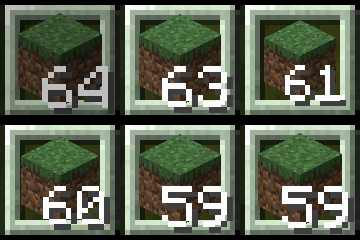
Smooth Pickup || Bouncy Pickup || Bouncy Placing || Smooth Placing
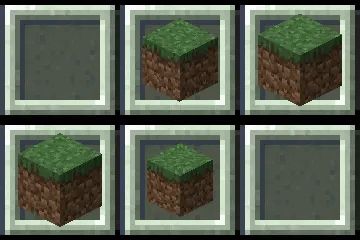
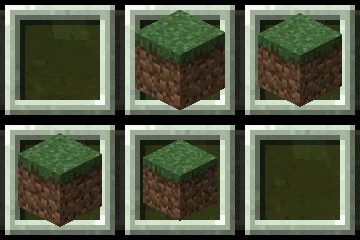
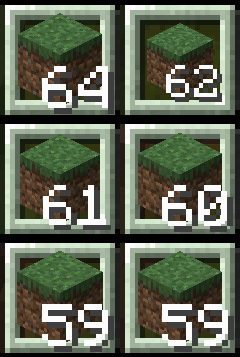
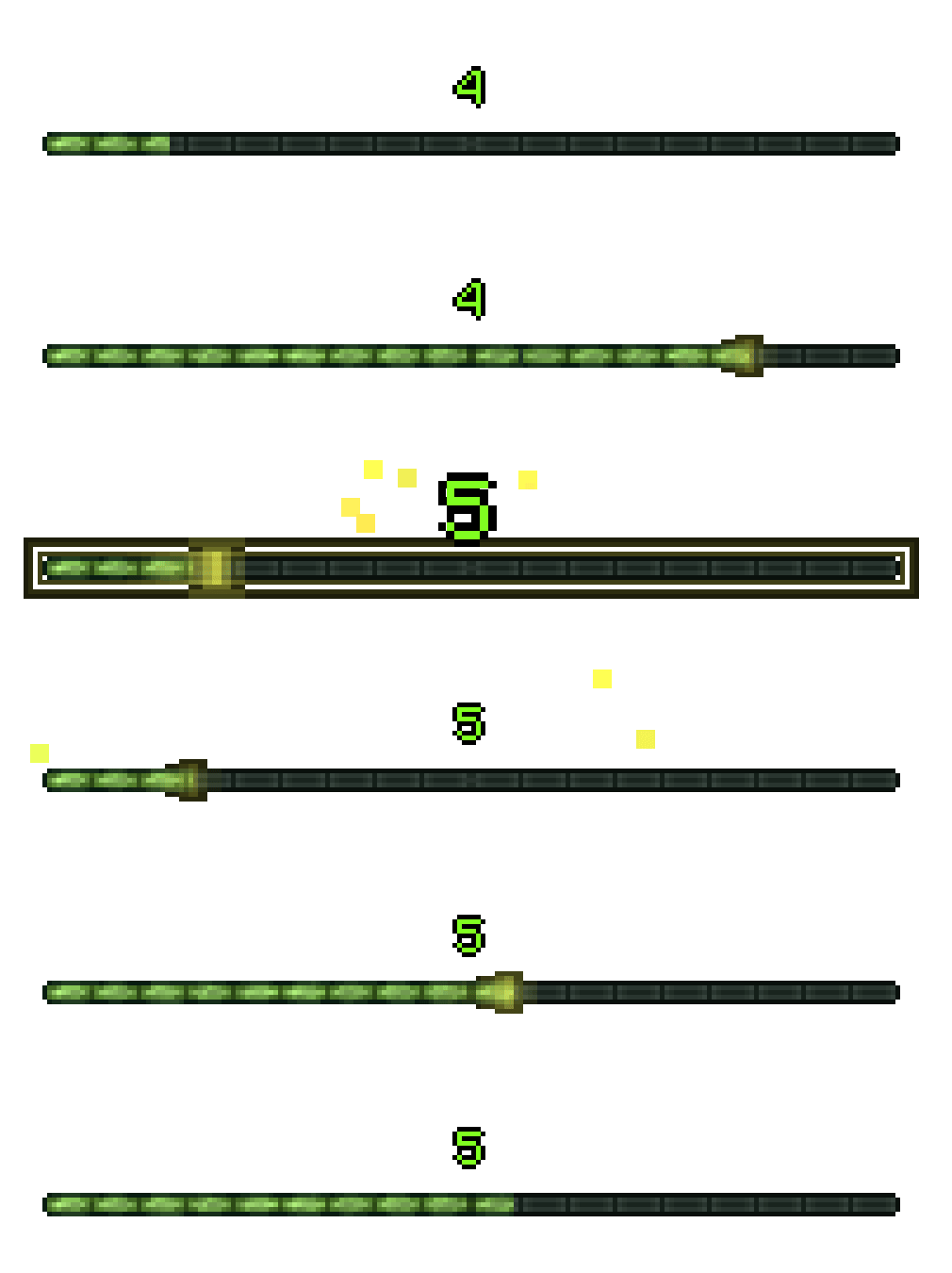 Watch your XP bar smoothly fill as you gain experience, with animated level pulses and a particle explosion when leveling up (every 5 levels).

Compare Smooth and Bouncy scrolling side by side! Watch as the selected slot transitions between items, with animated selection effects, directional item tilting, and smoothly transitioning item tooltips.
 Items smoothly slide into and out of the offhand slot instead of appearing or disappearing instantly.
 Make Immersive Hotbar your own! Fine-tune animations, adjust item scaling, customize tooltips, and tweak visual effects to your liking. With live previews and detailed descriptions, you can see exactly how each setting affects your hotbar.
 Found an issue? Report it on the Github Issues Page
Project description from CurseForge.
Pick your setup
Choose the version and loader you play, then open the matching release.
Showing the newest 12 of 30 game versions. Older files are in the list below.
Check the dependencies, then try the file in a copied instance before changing a world you care about.
Recent files
immersive-hotbar-1.3.0-26.3.jar
28 Oct 2026
immersive-hotbar-1.3.0-26.2.jar
28 Oct 2026
immersive-hotbar-1.3.0-26.1.jar
28 Oct 2026
immersivehotbar-1.3.0-neoforge-1.21.9-1.21.11.jar
28 Oct 2026
immersive-hotbar-1.3.0-1.21.9-1.21.11.jar
28 Oct 2026
immersive-hotbar-1.3.0+26.4-SNAPSHOT-6.jar
28 Oct 2026
immersive-hotbar-1.3.0-1.21.6-1.21.7.jar
28 Oct 2026
immersive-hotbar-1.3.0-1.21.5.jar
28 Oct 2026
immersive-hotbar-1.3.0-1.21.2-1.21.4.jar
28 Oct 2026
immersivehotbar-1.3.0-neoforge-1.21-1.21.1.jar
28 Oct 2026
immersive-hotbar-1.3.0-1.21-1.21.1.jar
28 Oct 2026
immersivehotbar-1.3.0-forge-1.20.1.jar
28 Oct 2026
Looking for an older file? The official CurseForge project page is in Resources.
 mod
Walkie-Talkie for NeoForge 1.21.1: immersive radio communication with battery/FE charging, configurable channels, and built-in internet stream broadcasting via Simple Voice Chat.
 mod
Audio sharing, minigames, trading, parties, and warps.
 mod
export 3D snapshot of your worlds and modded adventures