Konkrete Needed by Just Zoom [NeoForge] v2.1.5 MC 26.2
requiredMatching file found Matched file: [NeoForge] v1.11.1 MC 26.2
CurseForge · Minecraft mod
Zoom by pressing a hotkey and adjust the zoom factor with your mouse wheel!
Quick answer
Just Zoom [NeoForge] v2.1.5 MC 26.2 targets 26.2 with NeoForge. The project page does not say whether it belongs on the client. The project page does not say whether it belongs on the dedicated server. All 1 required mods have matching files.
Where it goes
The project page does not say whether it belongs on the client. The project page does not say whether it belongs on the dedicated server.
The source does not explicitly classify this release as client-only or server-only.
[NeoForge] v2.1.5 MC 26.2. Change the file and its required mods may change too.
Install Konkrete first. We found matching files for this game-version and loader setup.
We only count dependency files that match this setup. A file for another loader does not fill the gap.
Before you install it
Built for Just Zoom [NeoForge] v2.1.5 MC 26.2. Pick another file and the loader, install side or required mods may change.
Use [NeoForge] v2.1.5 MC 26.2. It targets 26.2 with NeoForge; another release may have different loader, side or dependency requirements.
Install Konkrete first. We found matching files for this game-version and loader setup.
The project page does not say whether it belongs on the client. The project page does not say whether it belongs on the dedicated server.
Use the “Get this file” button beside [NeoForge] v2.1.5 MC 26.2. It opens that exact file at the source.
About this project

Just Zoom allows you to zoom by pressing a hotkey (Z or Y by default, depending on your keyboard, and customizable in Minecraft's Controls settings) and adjust the zoom with your mouse wheel! It feels similar to zooming with the spyglass, but you can zoom in further and don't have the black bars and spyglass overlay blocking your view!
For support, tips, and to connect with other users, join the official Discord server.
If you experience crashes or other issues, please write a bug report on GitHub!
Just Zoom has some great features to improve the zoom experience!
Just Zoom lets you zoom by pressing a hotkey and adjust the zoom factor with your mouse wheel.
By default, Just Zoom will also zoom in/out smootly, just like the spyglass, but you can disable that in its options.
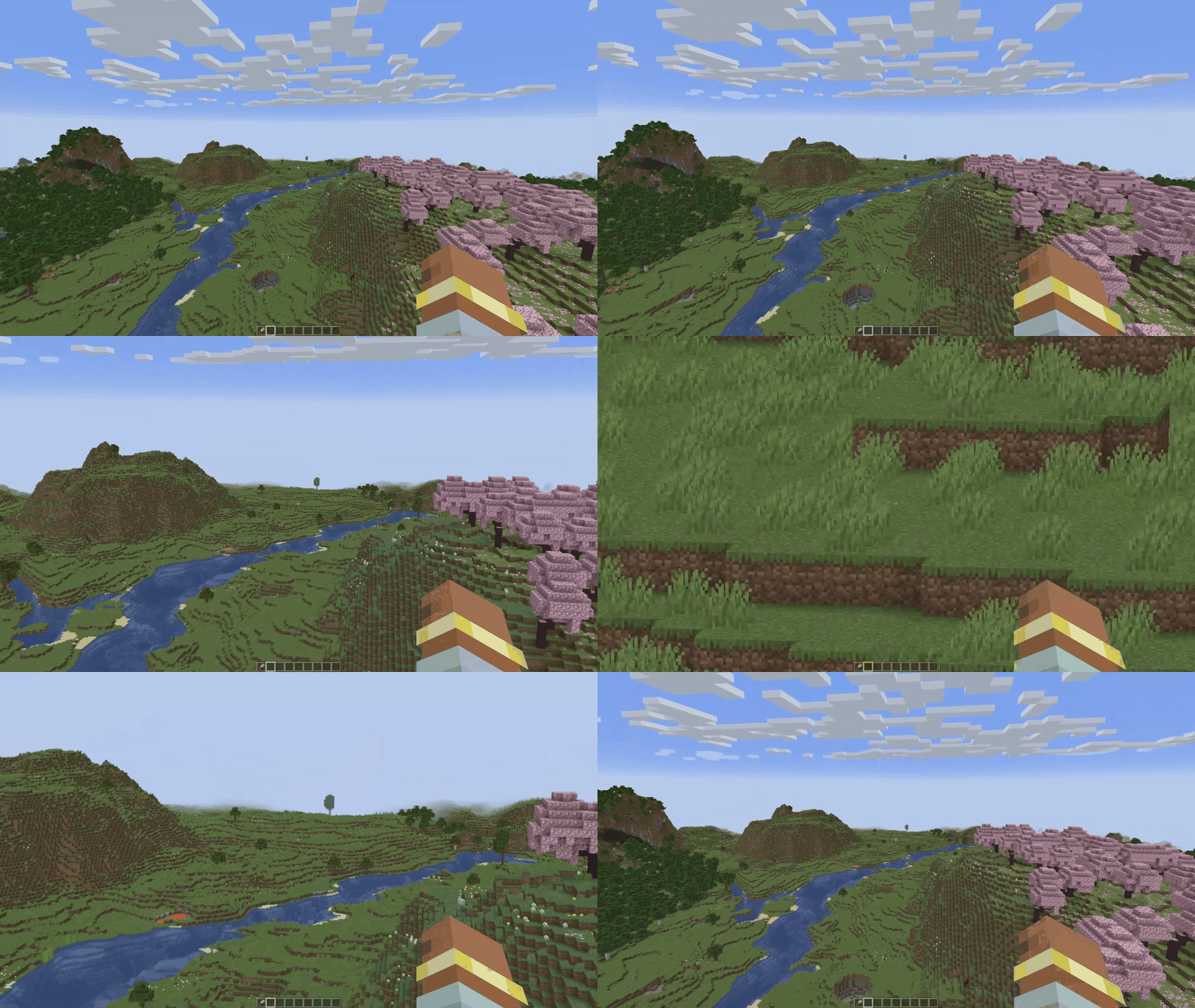
Just Zoom normalizes your mouse sensitivity when zooming, so it doesn't feel like the mouse is moving too fast.
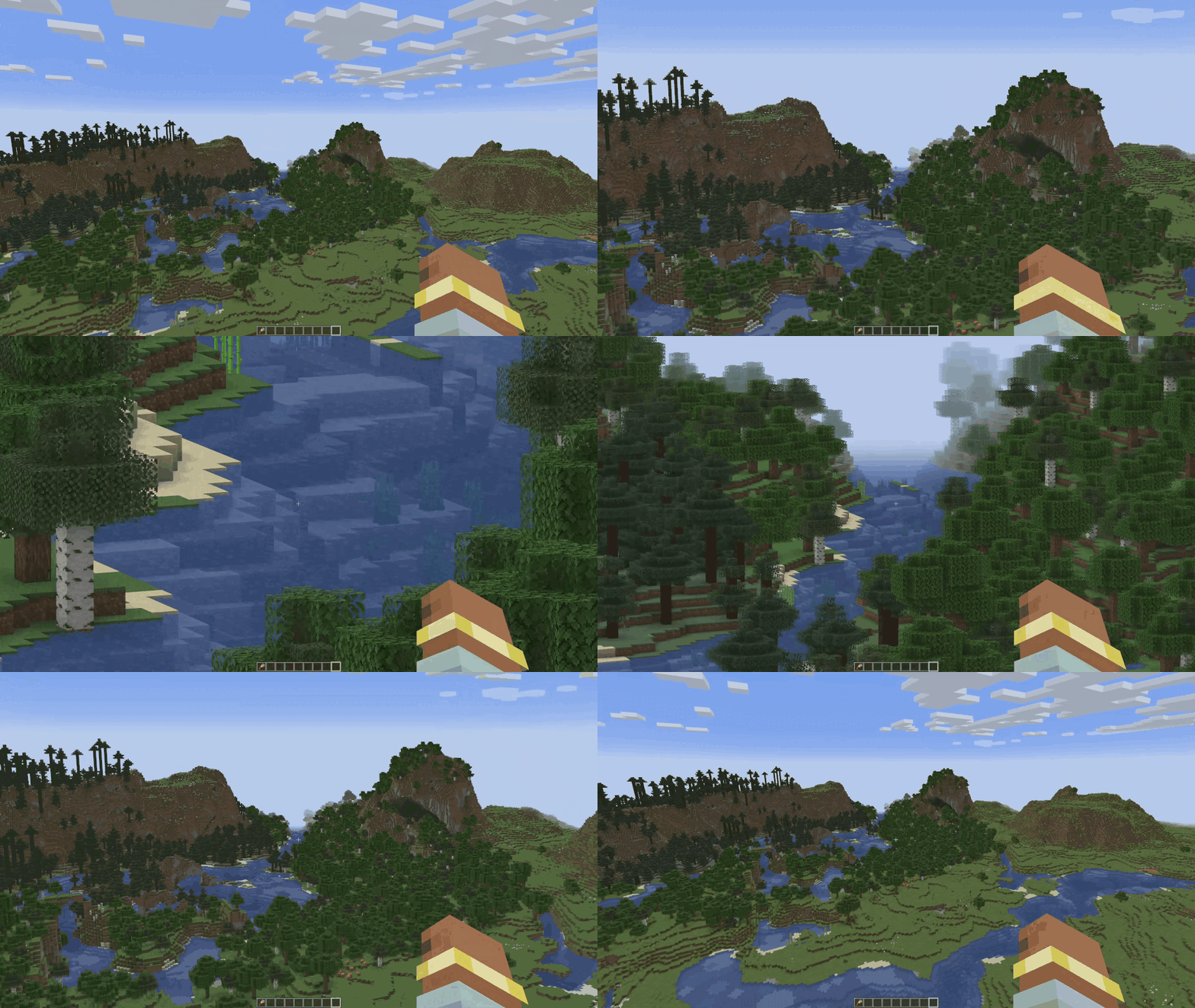
Just Zoom can zoom in further than the spyglass.
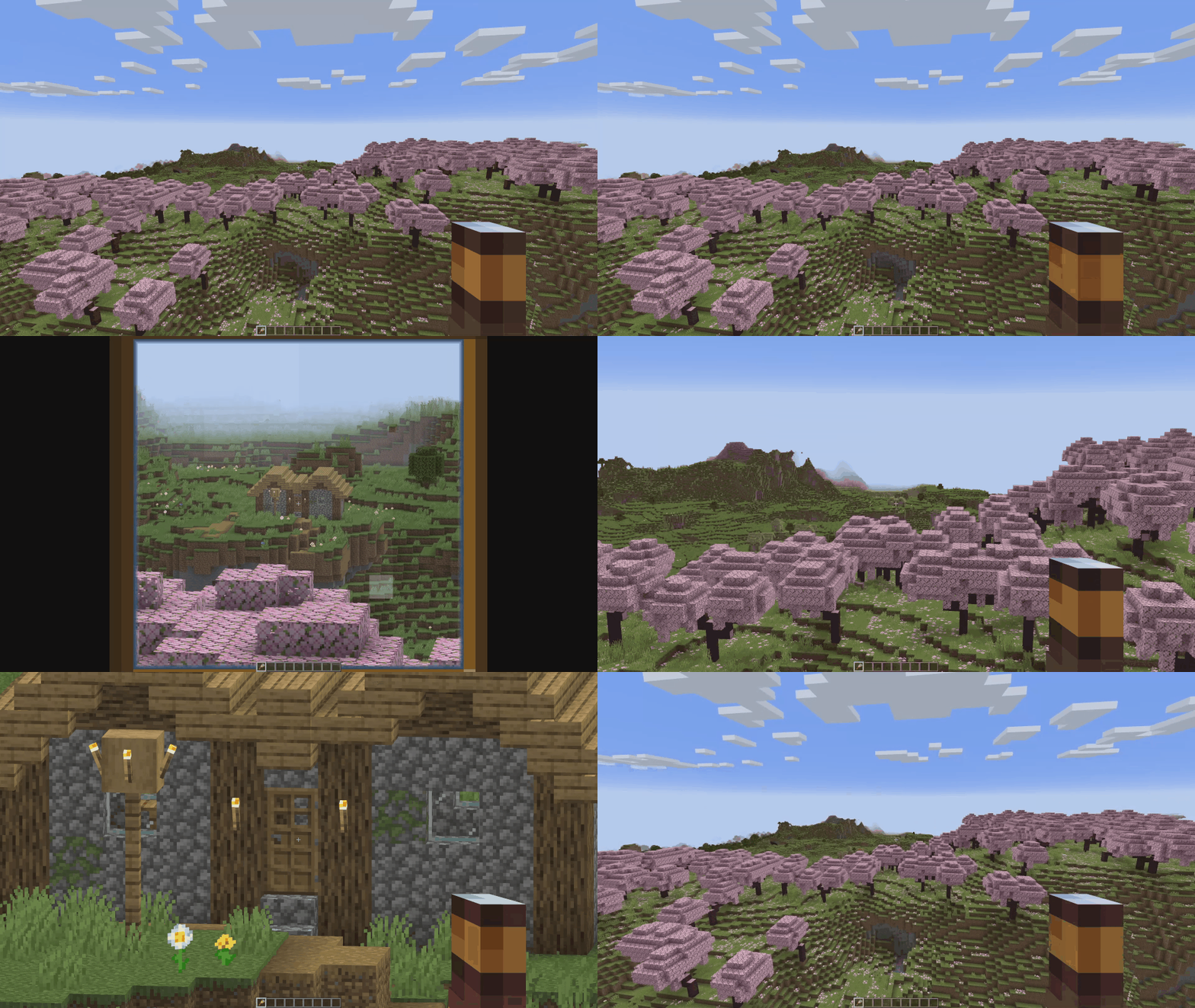
Just Zoom has in-game options, so you can easily configure it by pressing the little spyglass button in the bottom-left side of the Pause Screen!
To customize the zoom hotkey, use Minecraft's Controls settings.
Just Zoom Copyright © 2021-2025 Keksuccino.
Just Zoom is licensed under DSMSLv2 (DON'T SNATCH MA STUFF LICENSE V2.0).
See LICENSE.md for more information about the license.
Looking to play Minecraft with friends but setting up a server is just too time-consuming?
No worries! Simply rent a pre-configured server and start playing in a snap.
Just click the image below and use code keksuccino to enjoy a 25% discount on your first month! You can also click the code itself if your ad blocker hides the banner.

Project description from CurseForge.
Pick your setup
Choose the version and loader you play, then open the matching release.
Showing the newest 12 of 28 game versions. Older files are in the list below.
Check the dependencies, then try the file in a copied instance before changing a world you care about.
Recent files
justzoom_neoforge_2.1.5_MC_26.2.jar
25 Jun 2026
justzoom_fabric_2.1.5_MC_26.2.jar
25 Jun 2026
justzoom_neoforge_2.1.4_MC_1.21.11.jar
4 Apr 2026
justzoom_fabric_2.1.4_MC_26.1.1.jar
4 Apr 2026
justzoom_neoforge_2.1.3_MC_1.21.11.jar
23 Dec 2025
justzoom_fabric_2.1.3_MC_1.21.11.jar
23 Dec 2025
justzoom_neoforge_2.1.2_MC_1.21.10.jar
16 Oct 2025
justzoom_fabric_2.1.2_MC_1.21.10.jar
16 Oct 2025
justzoom_neoforge_2.1.1_MC_1.21.6.jar
21 Jun 2025
justzoom_forge_2.1.1_MC_1.21.6.jar
21 Jun 2025
justzoom_fabric_2.1.1_MC_1.21.6.jar
21 Jun 2025
justzoom_neoforge_2.1.0_MC_1.21.5.jar
25 Apr 2025
Looking for an older file? The official CurseForge project page is in Resources.
 mod
modReplace dried kelp in Create with a tidy rubber factory
 mod
modA Jojo's Bizarre Adventure mod that interprets the world and power system of the anime into the world of Minecraft. ( JJBA )
 mod
modAn industrial tech mod for Forge 1.20.1 — machines, FE power, fluids, pipe-free logistics, a multiblock miner and a nuclear reactor. Ships a full in-game guide (Patchouli) and KubeJS support.