Cloth Config API (Fabric/Forge/NeoForge) Needed by Version Tooltips 2.0.1-26.1-26.1.1+fabric+quilt
requiredNo matching file

Modrinth · Minecraft mod
This client-side utility mod adds a tooltip that displays the version and/or snapshot of Minecraft an item was added in.
Quick answer
Version Tooltips 2.0.1-26.1-26.1.1+fabric+quilt targets 26.1, 26.1.1 with Fabric, Quilt. It must be installed on the client. Do not install it on the dedicated server. 2 required mods need a matching file.
Where it goes
It must be installed on the client. Do not install it on the dedicated server.
This file is marked client-only.
2.0.1-26.1-26.1.1+fabric+quilt on 26.1 Quilt. Every mod below is checked against that same setup.
Install Cloth Config API (Fabric/Forge/NeoForge), Fabric API first, but 2 required mods have no matching file for this setup. Do not mix loader builds to force a match. 1 comes through another mod in the chain.
1 extra mod was pulled in by another dependency. Indented rows show who needs each one. We only count dependency files that match this setup. A file for another loader does not fill the gap.
Before you install it
Built for Version Tooltips 2.0.1-26.1-26.1.1+fabric+quilt on 26.1 Quilt. Pick another file and the loader, install side or required mods may change.
Use 2.0.1-26.1-26.1.1+fabric+quilt. It targets 26.1, 26.1.1 with Fabric, Quilt; another release may have different loader, side or dependency requirements.
Install Cloth Config API (Fabric/Forge/NeoForge), Fabric API first, but 2 required mods have no matching file for this setup. Do not mix loader builds to force a match. 1 comes through another mod in the chain.
It must be installed on the client. Do not install it on the dedicated server.
Use the “Get this file” button beside 2.0.1-26.1-26.1.1+fabric+quilt. It opens that exact file at the source.
About this project


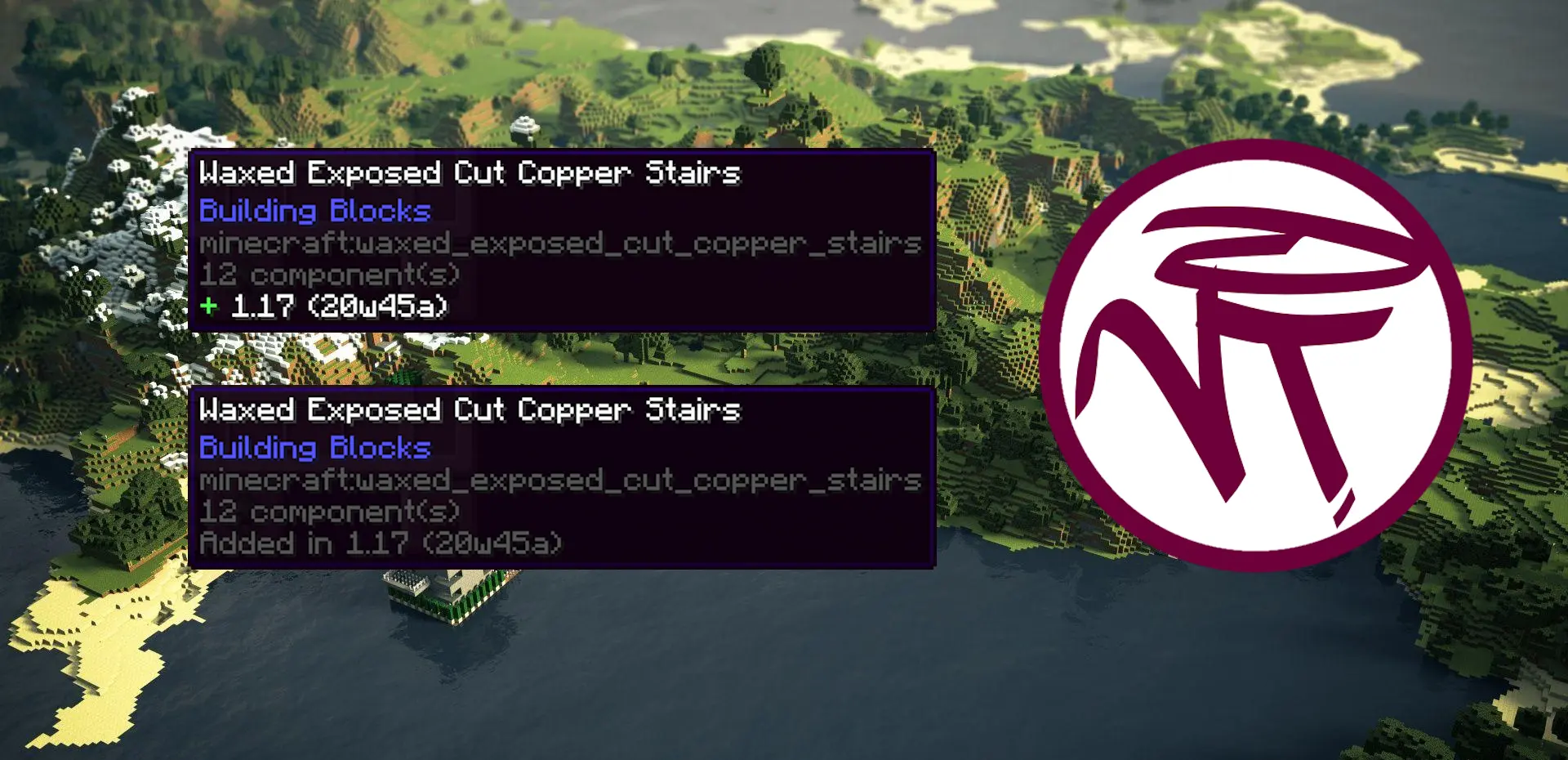
VersionTooltips is a simple mod adds the ability to display the version as well as the snapshot an item was first introduced in the game directly inside an in-game tooltip. It is highly customizable with many different features and options and very useful when playing or building in servers that use ViaVersion, ViaFabric, ViaFabricPlus, ViaBackwards, etc. where having the version displayed directly inside the game saves a lot of time.
Supports every vanilla item and handles every special case such as potions, splahs potions, lingering potions, tipped arrows, enchanted books* and paintings**.
Modded-style Version Tooltip [Snapshot (Version)]

Vanilla-style Version Tooltip [Version (Snapshot)]

(See more)
Project description from Modrinth.
Pick your setup
Choose the version and loader you play, then open the matching release.
Showing the newest 12 of 24 game versions. Older files are in the list below.
Check the dependencies, then try the file in a copied instance before changing a world you care about.
Recent files
versiontooltips-fabric-2.0.1-26.1-26.1.1.jar
18 Jul 2026
Looking for an older file? The official Modrinth project page is in Resources.
 mod
A super lightweight datapack that makes shields, and other items enchantable in the enchantment table. Adds Protection and Thorns compatibility on shields and additional compatibility on other items.
 mod
Mod that aims to fix multiple issues with the Minecraft statistics.🤓
 mod
Simulates blocks and entities to catch up after being unloaded for a period of time.