Fabric API Needed by Fog Toggle 1.0.1
requiredMatching file found Matched file: 0.155.3+26.1.2

Modrinth · Minecraft mod
Removes all types of fog, there is a hotkey!
Quick answer
Fog Toggle 1.0.1 targets 26.1, 26.1.1, 26.1.2 with Fabric. It must be installed on the client. Do not install it on the dedicated server. All 1 required mods have matching files.
Where it goes
It must be installed on the client. Do not install it on the dedicated server.
This file is marked client-only.
1.0.1 on 26.1.2. Every mod below is checked against that same setup.
Install Fabric API first. We found matching files for this game-version and loader setup.
We only count dependency files that match this setup. A file for another loader does not fill the gap.
Before you install it
Built for Fog Toggle 1.0.1 on 26.1.2. Pick another file and the loader, install side or required mods may change.
Use 1.0.1. It targets 26.1, 26.1.1, 26.1.2 with Fabric; another release may have different loader, side or dependency requirements.
Install Fabric API first. We found matching files for this game-version and loader setup.
It must be installed on the client. Do not install it on the dedicated server.
Use the “Get this file” button beside 1.0.1. It opens that exact file at the source.
About this project

Default key is on your keyboard(you can change at keybinds), there is 3 modes, to change the mode, press (or any other key you have replaced it with) First mode removes only the nether fog, second mode removes all the fog(including water or fire) in all dimensions and third mode turns fog back to normal.
Modes:
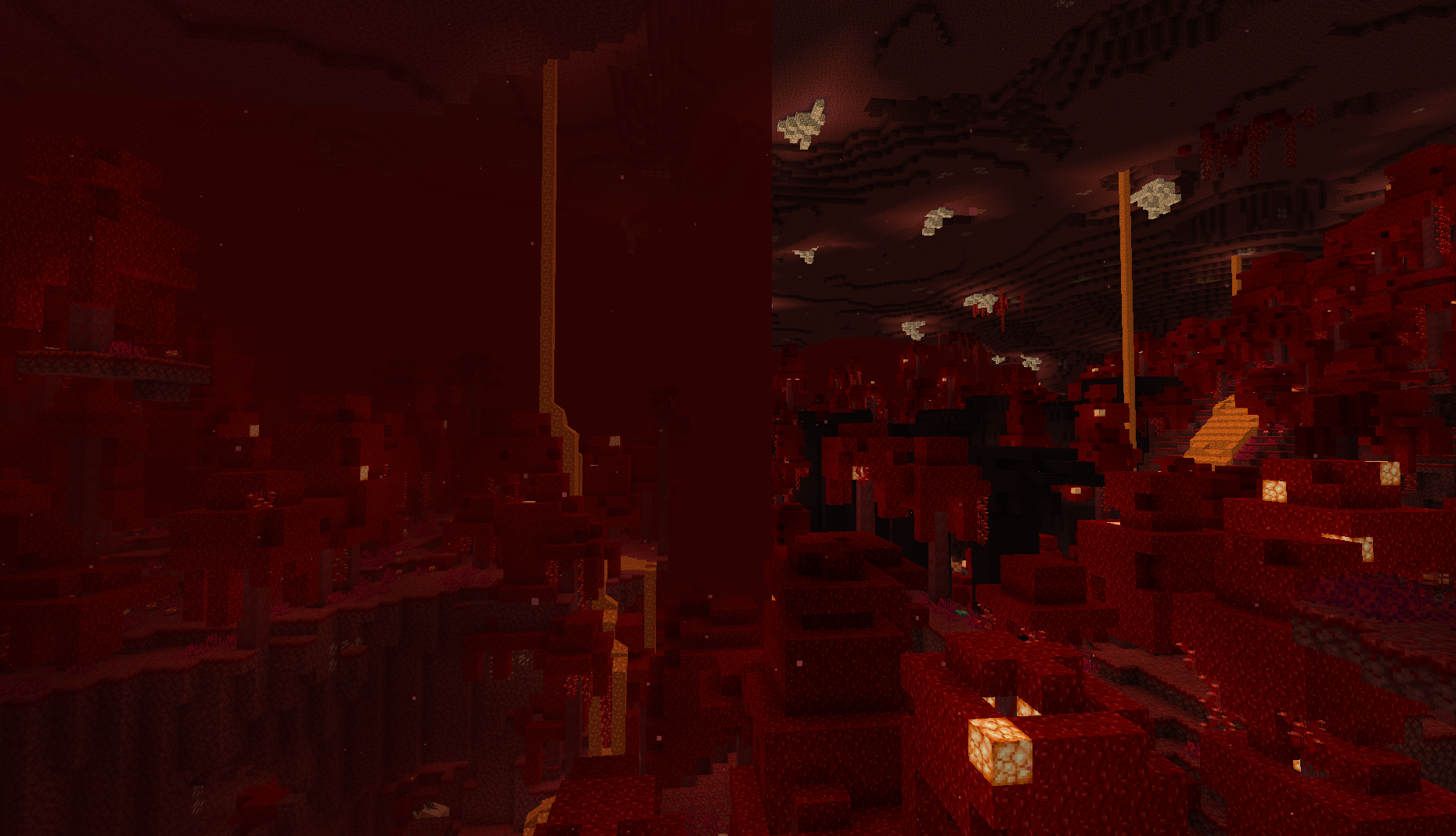
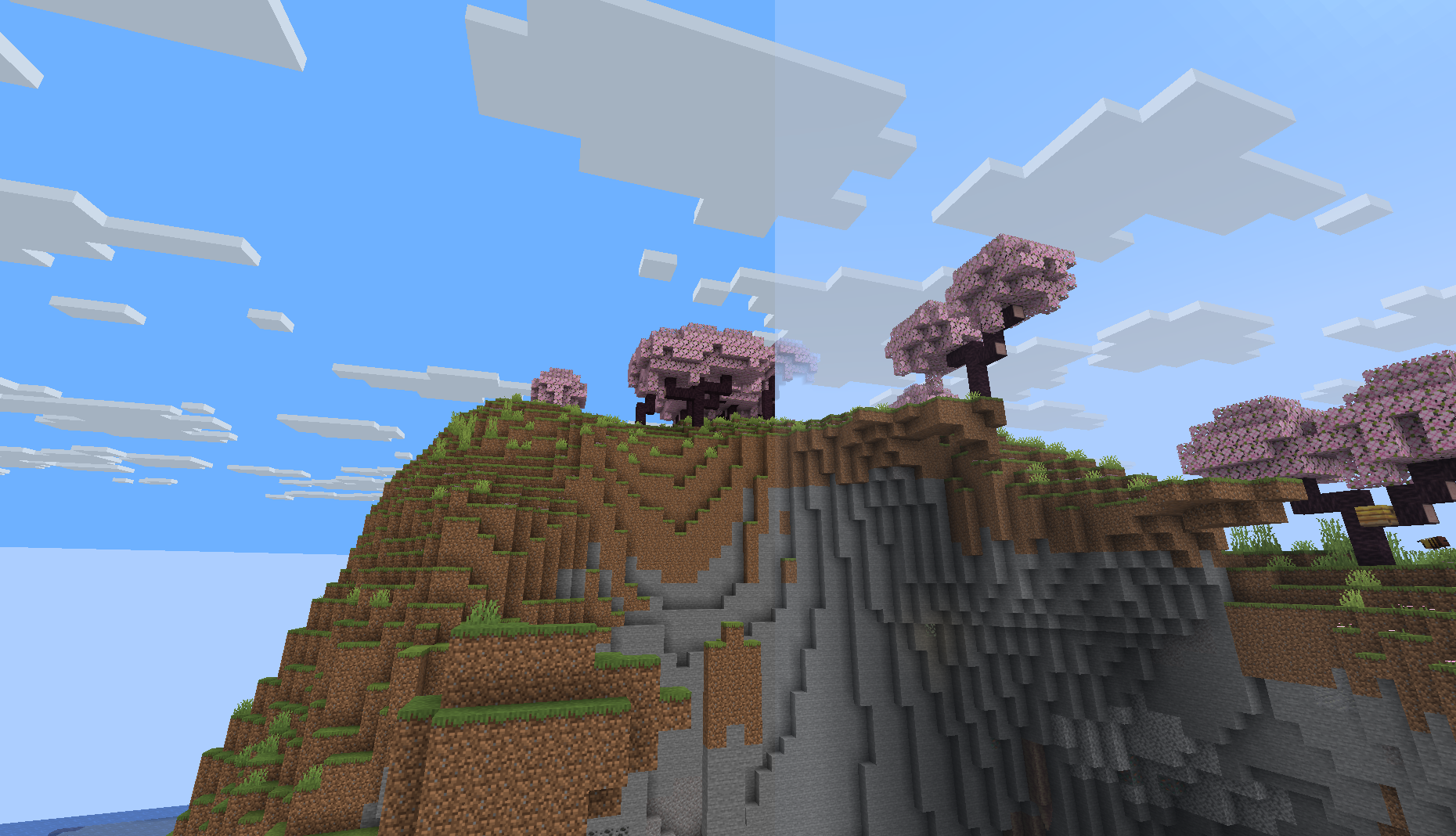
No need for images here :p
(Please report issues in github: https://github.com/dcqout/NetherFog/issues)
Please support my work at Ko-fi.com/dcqout if you want to see more from me.
Project description from Modrinth.
Pick your setup
Choose the version and loader you play, then open the matching release.
Check the dependencies, then try the file in a copied instance before changing a world you care about.
Recent files
nonf-1.0.1.jar
28 Jul 2026
nonf-1.0.0.jar
14 Apr 2026
Looking for an older file? The official Modrinth project page is in Resources.
 mod
Adding 45+ mobs, 8+ bosses, 3 fleshed out dimensions, and more
 mod
Well-rounded client-side optimization mod. Extremely compatible Vulkan backend for 1.21.11-26.1.2. By Polyfrost, best with OneClient.
 mod
A world generation mod that improves the terrain by adding slabs