Minecraft version
Back to mods 
Modrinth · Minecraft mod
Slumber
Let the server rest while there are no players online
Choose a version Pick your version below, then grab the matching file.
Quick answer
Which Slumber release should I use?
Latest stable file mc26.2-2.0.0
Game version 26.1, 26.1.1, 26.1.2
Loader Fabric, folia, Forge
Slumber mc26.2-2.0.0 targets 26.1, 26.1.1, 26.1.2 with Fabric, folia, Forge. Do not install it on the client. It must be installed on the dedicated server. No extra mods listed for this file.
Where it goes
Is Slumber required on the client, server, or both?
Do not install it on the client. It must be installed on the dedicated server.
Client Not supported
Dedicated server Required
Loader for this release Fabric, folia, Forge
Required install it here Optional supported, not mandatory Not supported do not install here Source doesn’t say do not assume
This file is marked server-only.
What else does Slumber mc26.2-2.0.0 need?
mc26.2-2.0.0. Change the file and its required mods may change too.
This file does not list any required mods. Do not add a library just because a different file uses it.
This file does not list any required or optional mods.
Before you install it
Add Slumber without breaking your instance.
Built for Slumber mc26.2-2.0.0. Pick another file and the loader, install side or required mods may change.
- 01
Stick to this file
Use mc26.2-2.0.0. It targets 26.1, 26.1.1, 26.1.2 with Fabric, folia, Forge; another release may have different loader, side or dependency requirements.
- 02
Bring the mods it needs
This file does not list any required mods. Do not add a library just because a different file uses it.
- 03
Put it on the correct side
Do not install it on the client. It must be installed on the dedicated server.
- 04
Pick the file you checked
Use the “Get this file” button beside mc26.2-2.0.0. It opens that exact file at the source.
About this project
What does Slumber add?
Slumber
Let the server slumber while there are no players online.
This mod allows you to freeze your server when no players are online.
Minecraft versions before 1.20.3 require fabric-carpet.
Commands
/slumber displays current status whether it is in slumber or not, it has the following output.
- Enabled Tells if the mod is enabled or not.
- Frozen Check if the server is frozen
/tick freezealso affect this message.
/slumber true enables freezing.
/slumber false disables freezing.
Configuration file
Located at /config/slumber.properties
The syntax is key=value
value should have type same as describe below.
| Key | Type | Default Value | Description |
|---|---|---|---|
| freeze-delay-seconds | integer | 20 | Time (in seconds) to slumber after no player left in the server |
| debug-messages | boolean | false | Show message in server log when game is in slumber or not |
| config-version | string | 1.4 | Version of the config |
| safe-starting | boolean | true | Freeze when the terrain is loading to prevent redstone machines from breaking |
| sleep_tick_speed | double | 0.0 | Sets the TPS that should be used when the server is in slumber. 0.0 means a complete freeze |
| sleep_autosaving | boolean | false | Enable autosaving when the server is in slumber |
| toggle | boolean | true | Enable slumber by default |
Supported Platforms (As of v2.0.0)
- Fabric/Quilt (1.14.3 - 26.2)
- Forge (26.2 - )
- NeoForge (26.2 - )
- PaperMC/Spigot/Folia (26.2 - )
- Sponge (26.2 - )
Installation
Fabric, Quilt, Forge, NeoForge
Simply put the mod in the mods folder
Sponge
Simply put the plugin in the plugins folder
Spigot/PaperMC
- Install the Ignite Mixin loader
- Run the ignite jar alongside the paper/spigot jar
- Put the mod in the mods folder and restart
Folia
- Install the Ignite Mixin loader
- Rename the Folia jar to "paper.jar". Alternatively, you can launch the game with the following JVM args:
-Dignite.locator=paper -Dignite.jar=./folia.jar - Run the ignite jar alongside the folia jar
- Put the mod in the mods folder and restart
Project description from Modrinth.
Pick your setup
Slumber by Minecraft version and loader
Choose the version and loader you play, then open the matching release.
Minecraft version
26.1.2
4 loader buildsMinecraft version
26.1.1
4 loader buildsMinecraft version
26.1
4 loader buildsMinecraft version
1.21.11
2 loader buildsMinecraft version
1.21.10
2 loader buildsMinecraft version
1.21.9
2 loader buildsMinecraft version
1.21.8
2 loader buildsMinecraft version
1.21.7
2 loader buildsMinecraft version
1.21.6
2 loader buildsMinecraft version
1.21.5
2 loader buildsMinecraft version
1.21.4
2 loader buildsShowing the newest 12 of 29 game versions. Older files are in the list below.
Check the dependencies, then try the file in a copied instance before changing a world you care about.
Recent files
Slumber versions and loaders
mc26.2-2.0.0
Slumber-2.0.0.jar
16 Jun 2026
Client Not supported Server Required Dependencies No extras listed Listed on Release listing
Check the 26.2 · Fabric setup 26.126.1.126.1.226.2 release
1.3.4
slumber-1.3.4.jar
19 May 2026
Client Not supported Server Required Dependencies 1 required · 1 unchecked Listed on Release listing
Check the 26.1.2 · Fabric setup 26.126.1.126.1.2Fabric release
1.3.2
slumber-1.3.2.jar
12 Dec 2025
Client Not supported Server Required Dependencies 1 required · 1 unchecked Listed on Release listing
Check the 1.21.11 · Fabric setup 1.21.11FabricQuilt release
1.3.1
slumber-1.3.1.jar
2 Oct 2025
Client Not supported Server Required Dependencies 1 required · 1 unchecked Listed on Release listing
Check the 1.21.10 · Fabric setup 1.21.91.21.10FabricQuilt release
1.3.0
slumber-1.3.0.jar
26 Dec 2024
Client Not supported Server Required Dependencies 1 required · 1 unchecked Listed on Release listing
Check the 1.21.8 · Fabric setup 1.21.31.21.41.21.51.21.6 release
1.3.0-beta.2
slumber-1.3.0-beta.2.jar
16 Nov 2024
Client Not supported Server Required Dependencies 1 required · 1 unchecked Listed on Release listing
Check the 1.21.4 · Fabric setup 1.21.31.21.4FabricQuilt beta
1.3.0-beta.1
slumber-1.3.0-beta.1.jar
29 Oct 2024
Client Not supported Server Required Dependencies 1 required · 1 unchecked Listed on Release listing
Check the 1.21.3 · Fabric setup 1.20.51.20.61.211.21.1 beta
1.2.0
slumber-1.2.0.jar
20 Dec 2023
Client Not supported Server Required Dependencies 1 required · 1 unchecked Listed on Release listing
Check the 1.21.1 · Fabric setup 1.20.31.20.41.20.51.20.6 release
1.1.3
slumber-1.1.3.jar
18 Aug 2023
Client Not supported Server Required Dependencies 2 required · 2 unchecked Listed on Release listing
Check the 1.20.2 · Fabric setup 1.201.20.11.20.2Fabric release
1.1.2
slumber-1.1.2.jar
17 Aug 2023
Client Not supported Server Required Dependencies 2 required · 2 unchecked Listed on Release listing
Check the 1.20.1 · Fabric setup 1.201.20.1FabricQuilt release
1.1.1
slumber-1.1.1.jar
29 Jul 2023
Client Not supported Server Required Dependencies 1 required · 1 unchecked Listed on Release listing
Check the 1.20.1 · Fabric setup 1.201.20.1FabricQuilt release
1.1.0
slumber-1.1.0.jar
5 Apr 2023
Client Not supported Server Required Dependencies 1 required · 1 unchecked Listed on Release listing
Check the 1.19.4 · Fabric setup 1.191.19.11.19.21.19.3 release
Looking for an older file? The official Modrinth project page is in Resources.
 mod
mod CurseForge + Modrinth · Minecraft
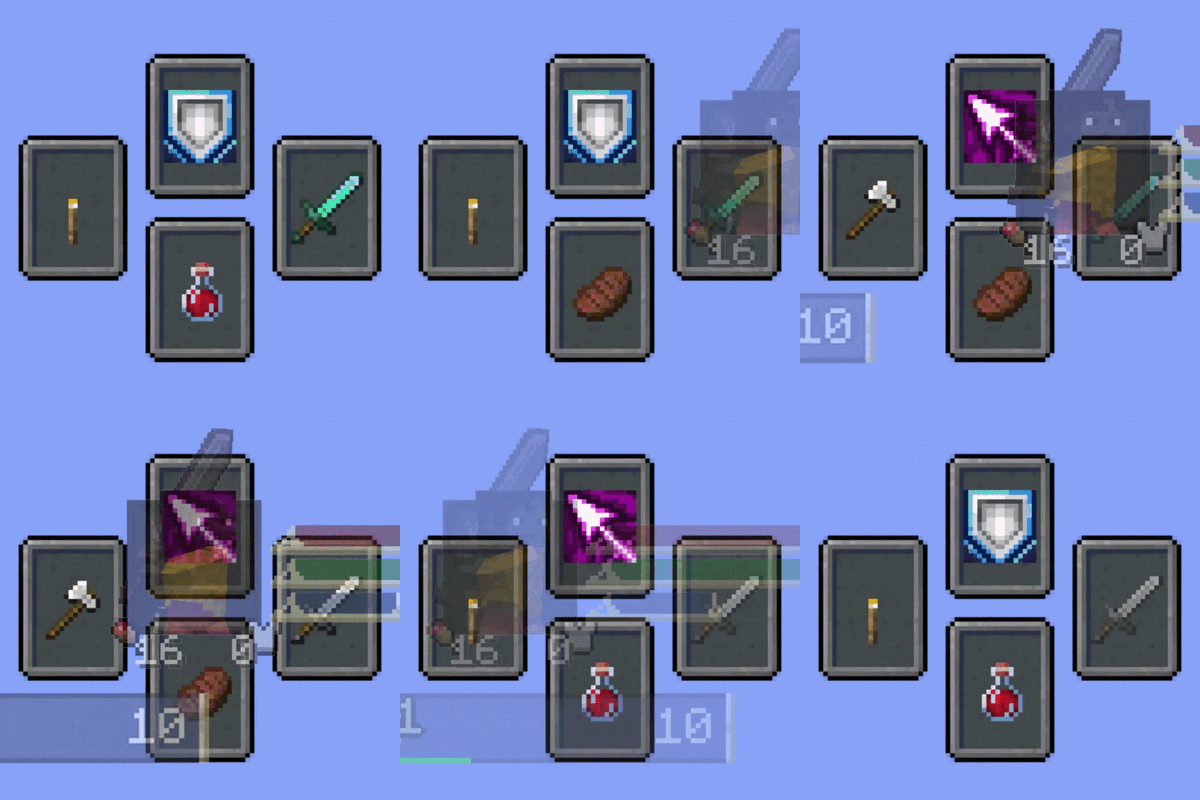
Souls Combat HUD
Adds a soulslike HUD featuring equipment slots, boss bar, status gauges and team display.
 mod
mod CurseForge + Modrinth · Minecraft
Mob Journal
A Journal for all the mobs you've seen / discovered!
 mod
mod CurseForge + Modrinth · Minecraft
BBL Casting
Resource processing using molten materials, Create more resources from your ores !