Fabric API Needed by Diorama 0.10.2 for 26.2
requiredMatching file found Matched file: [26.2] Fabric API 0.161.0+26.2
CurseForge · Minecraft mod
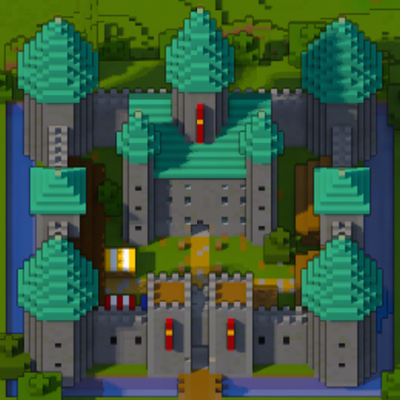
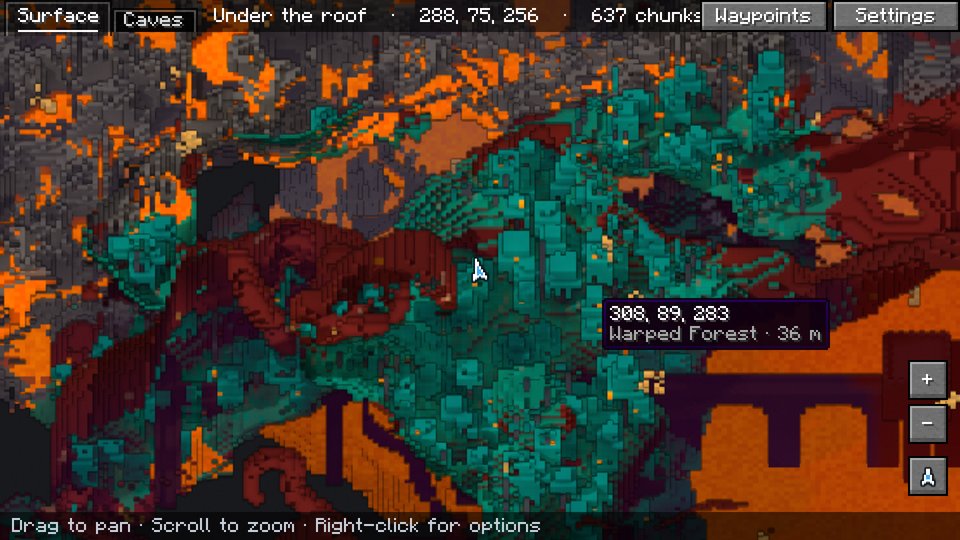
A minimap and world map drawn at an angle, like a model of your world on a table. Towers stand up, cliffs have faces and trees cast shadows.
Quick answer
Diorama 0.10.2 for 26.2 targets 26.2 with Fabric. The project page does not say whether this file belongs on the client, dedicated server, or both. All 1 required mods have matching files.
Where it goes
The project page does not say whether this file belongs on the client, dedicated server, or both.
The source does not explicitly classify this release as client-only or server-only.
Diorama 0.10.2 for 26.2 on 26.2. Every mod below is checked against that same setup.
Install Fabric API first. We found matching files for this game-version and loader setup.
We only count dependency files that match this setup. A file for another loader does not fill the gap.
Before you install it
Built for Diorama 0.10.2 for 26.2 on 26.2. Pick another file and the loader, install side or required mods may change.
Use Diorama 0.10.2 for 26.2. It targets 26.2 with Fabric; another release may have different loader, side or dependency requirements.
Install Fabric API first. We found matching files for this game-version and loader setup.
The project page does not say whether this file belongs on the client, dedicated server, or both.
Use the “Get this file” button beside Diorama 0.10.2 for 26.2. It opens that exact file at the source.
About this project
Diorama is a minimap and world map that draws your world at an angle, like a little model of it on a table. Towers stand up, cliffs have faces and trees cast shadows.

/tp.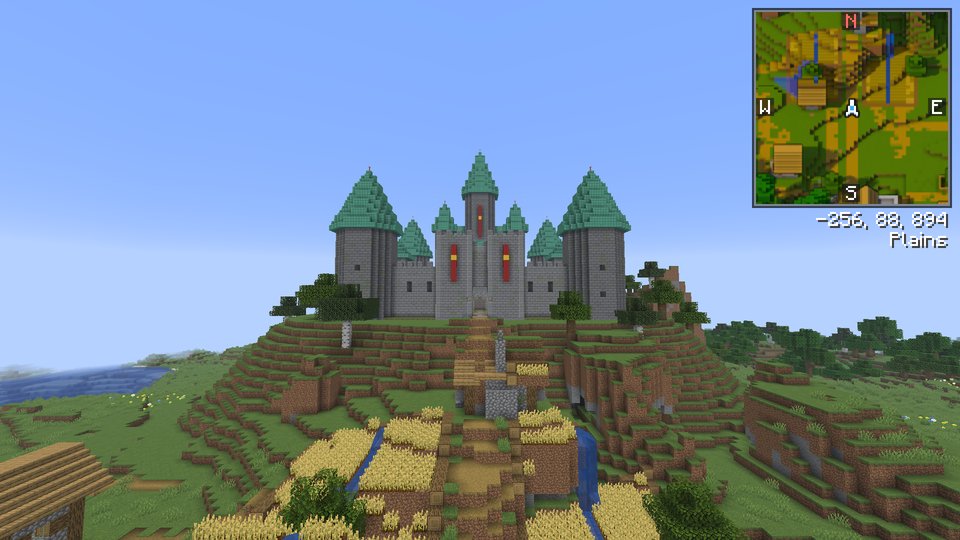
| Key | What it does |
|---|---|
M |
Open the fullscreen map |
B |
Add a waypoint where you're standing |
U |
List your waypoints |
= / - |
Zoom the minimap in and out |
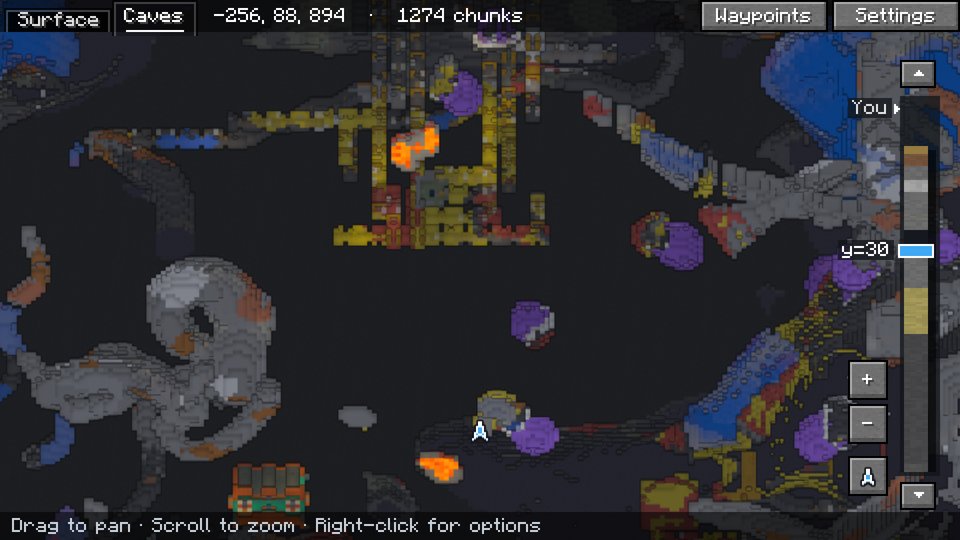
On the fullscreen map, drag to move around, scroll to zoom, click a waypoint to edit it and right-click for the menu. C switches to the cave view. The map can also show the chunk grid, slime chunks and where monsters can spawn. Every setting is behind the Settings button on the fullscreen map. On a slower computer, set Quality to Fast.
Diorama only runs in your game, and servers don't need it. Each world on a server gets its own map and waypoints, even several worlds behind one address, as long as their seeds differ. Servers can limit it with the same rules as Xaero's Minimap.
Download the file for your Minecraft version and loader. Bug reports and source code are on GitHub.
Project description from CurseForge.
Pick your setup
Choose the version and loader you play, then open the matching release.
Showing the newest 12 of 18 game versions. Older files are in the list below.
Check the dependencies, then try the file in a copied instance before changing a world you care about.
Recent files
diorama-0.10.2-26.2.jar
16 Nov 2026
diorama-0.10.2-neoforge-26.2.jar
16 Nov 2026
diorama-0.10.1-26.2.jar
13 Nov 2026
diorama-0.10.1-neoforge-26.2.jar
13 Nov 2026
diorama-0.10.0-26.2.jar
13 Nov 2026
diorama-0.10.0+neoforge-26.2.jar
13 Nov 2026
diorama-0.9.0+26.2.jar
10 Nov 2026
diorama-0.9.0+neoforge-26.2.jar
10 Nov 2026
diorama-0.8.1+26.2.jar
8 Nov 2026
Looking for an older file? The official CurseForge project page is in Resources.
 mod
Free Fabric PvP client with 80+ modules, own capes, minimap, motion blur and a modern ClickGUI
 mod
A QoL mod that adds 3 different tier of a magnet item that attracs objects.
 mod
Stylous Vanilla-Friandly decorations