Fabric API Needed by Scatha-Pro 2.1.5
requiredMatching file found Matched file: 0.155.2+26.1.2

Modrinth · Minecraft mod
A mod for improved Scatha farming on Hypixel SkyBlock
Quick answer
Scatha-Pro 2.1.5 targets 26.1, 26.1.1, 26.1.2 with Fabric. It must be installed on the client. Do not install it on the dedicated server. All 1 required mods have matching files.
Where it goes
It must be installed on the client. Do not install it on the dedicated server.
This file is marked client-only.
2.1.5. Change the file and its required mods may change too.
Install Fabric API first. We found matching files for this game-version and loader setup.
We only count dependency files that match this setup. A file for another loader does not fill the gap.
Before you install it
Built for Scatha-Pro 2.1.5. Pick another file and the loader, install side or required mods may change.
Use 2.1.5. It targets 26.1, 26.1.1, 26.1.2 with Fabric; another release may have different loader, side or dependency requirements.
Install Fabric API first. We found matching files for this game-version and loader setup.
It must be installed on the client. Do not install it on the dedicated server.
Use the “Get this file” button beside 2.1.5. It opens that exact file at the source.
About this project
Scatha-ProA mod that aims to make Scatha farming on Hypixel SkyBlock both easier and more enjoyable by adding several alerts, a UI overlay, Scatha related achievements and more!
Requirements:
The v2 mod versions use new save file formats for the settings and the persistent data (= tracker number etc.) but should automatically import all the data from the old files!
If you're using a different installation directory for Fabric than you used for Forge 1.8.9 you can just copy the save folder from "/config/scathapro" to "/config/scathapro" and everything should carry over (make sure no [...]v2 files already exist, if they do, delete them so they can regenerate with the old data!).
I heavily suggest going through all the settings after first installing the mod to customize it to your liking! (also because bunch of options/features are disabled by default to prevent cluttering the game)
-> See section "Settings"
Shows up after spawning a worm in the Crystal Hollows (can be set to show immediately or be entirely disabled as well).
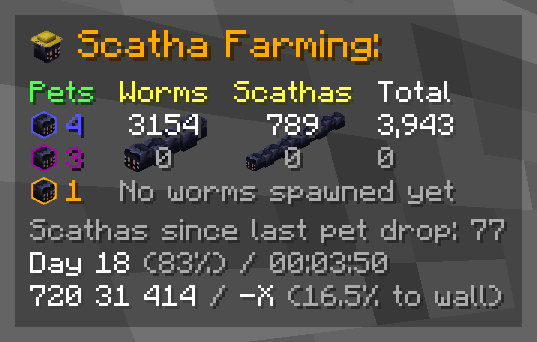
The overlay can be repositioned and scaled in the settings!
Each component can be individually enabled/disabled
/scathapro setPetDrops <rare> <epic> <legendary> to add pets you dropped before installing the mod to the counters (NOTE: the according achievements get unlocked on either the next game start or Scatha pet drop)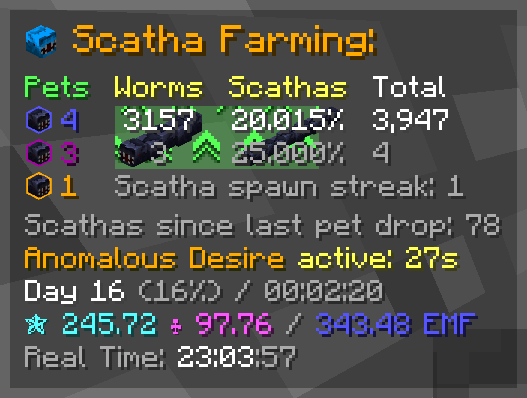
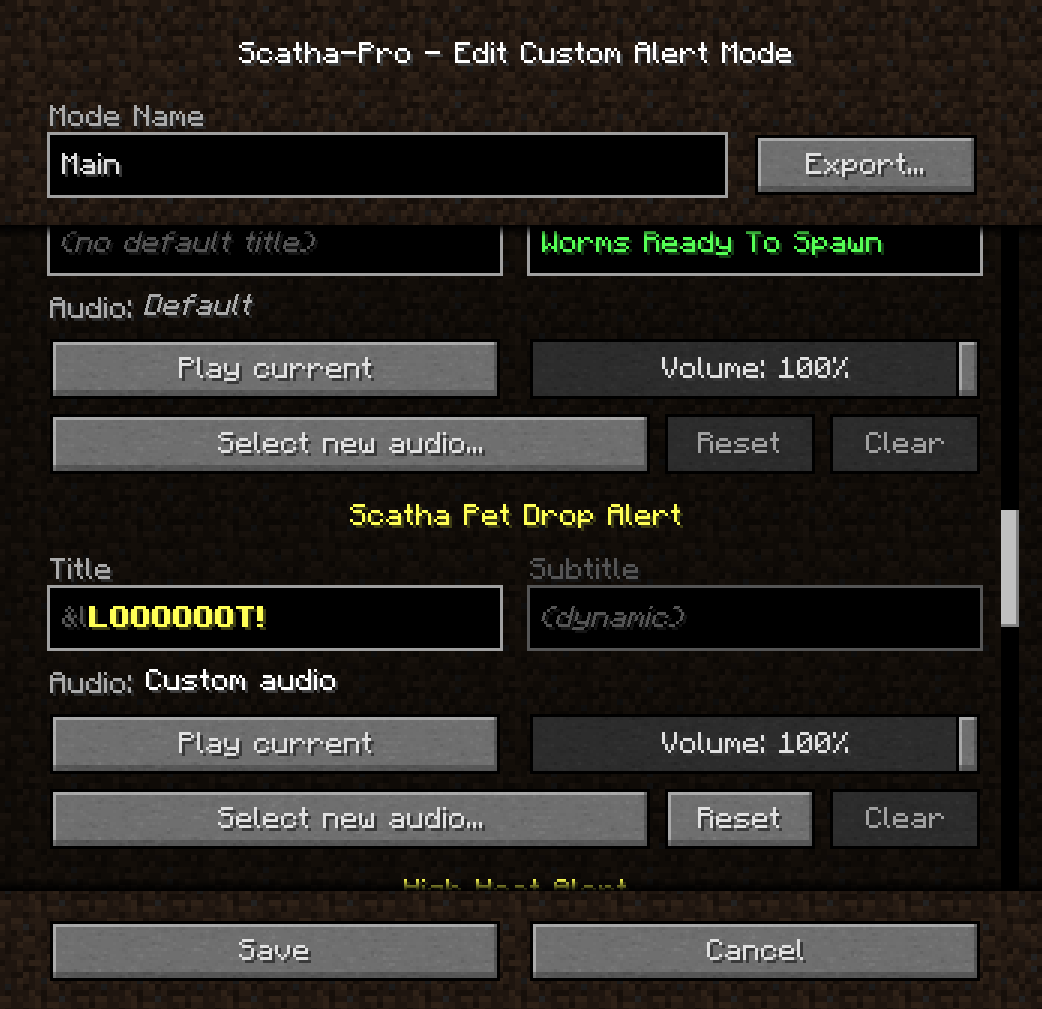
Alerts pop up some text in the center of the screen and play a sound when certain things happen
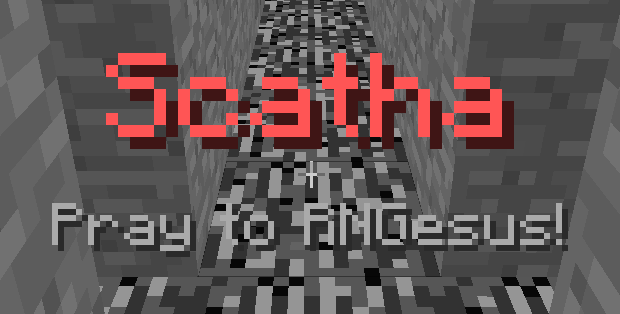
Alert modes play different alert sounds (+ the Scatha head in the overlay changes to represent the selected mode)
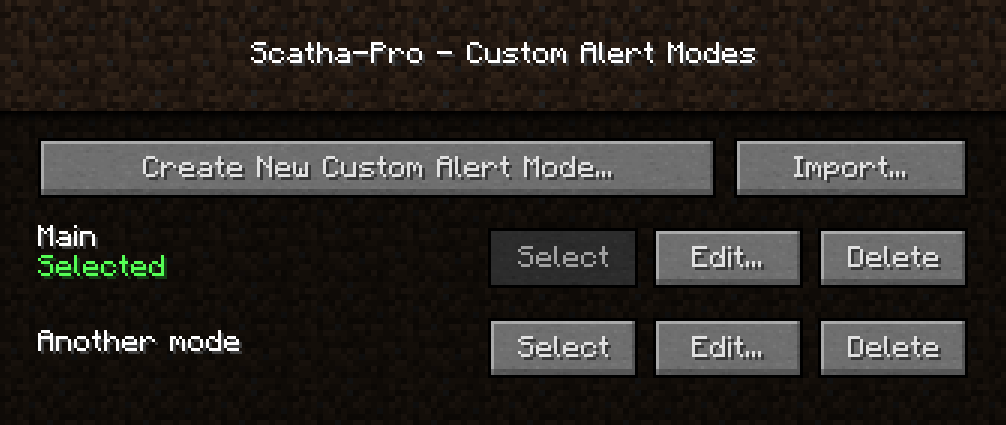
Lets you create as many custom modes as you want which you can set custom alert audios and title texts in (the titles support Minecraft's color/formatting codes, using "&" instead of "§")
NOTE: Audio files used have to be in *.ogg format due to Minecraft's sound engine, but the mod supports installing FFmpeg to automatically convert mp3 and wav files to ogg. It looks for an FFmpeg installation either in the mod folder with the name "scathapro-ffmpeg[.exe]" or in your environment's PATH variable (".../ffmpeg[.exe]"). The installation you use has to include the libvorbis encoder to work!
You can also export and import custom modes as .zip files.
(Reminder not to download files you don't trust!)
The achievements menu is accessible through a button next to the vanilla Minecraft achievements menu button or by using /scathapro achievements
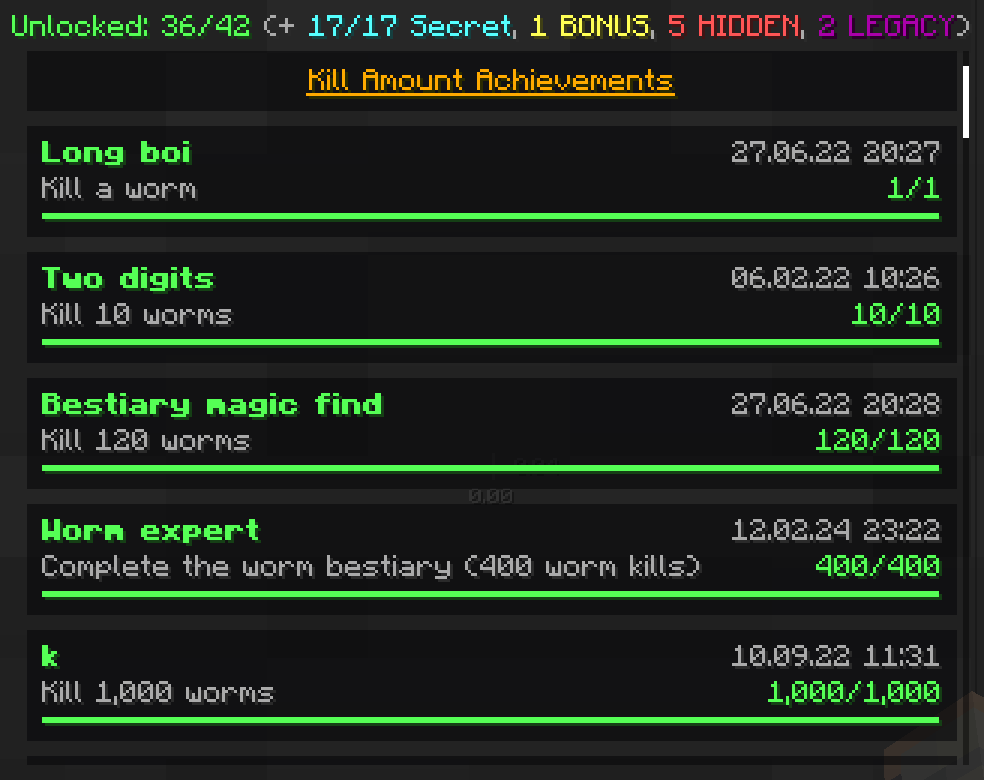
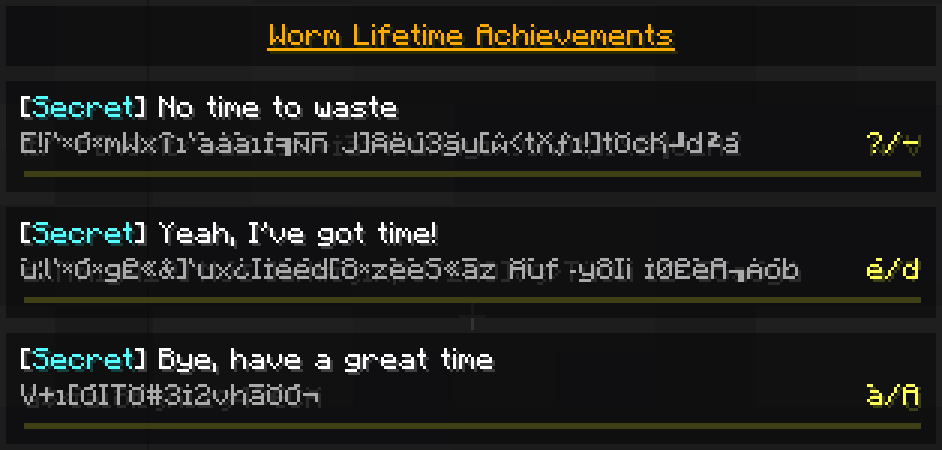
Some achievements are repeatable, with a counter showing how many times you have unlocked them:

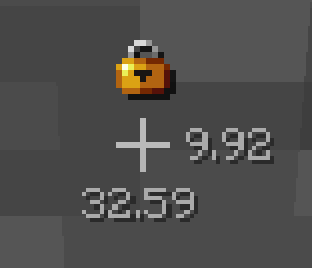
Tracks how many days in a row you've farmed Scathas for - also saves a highscore.
You can check your current streak using /scathapro dailyStreak
How many days can you reach?


(The notifications when you increase/break your streak can be disabled!)

(The red square is just to highlight the icon on the screenshot, this is not how it looks in-game)
(disabled by default)
Adds a clickable symbol behind all chat messages that copies their text into the chat input field so you can copy and paste those Scatha drop messages
Use /scathapro help for a list of all commands
/scathapro <sub-command> (<arguments...>) (shortcut: /sp)
Has several sub-commands, see /scathapro help
/scathachances (<EMF/Magic Find>) (<Pet Luck>) (<Scatha kills>) (shortcut: /scacha ...)
If no arguments are entered, shows the base chances, otherwise calculates the specific drop chances.
When a kills value is entered, calculates the chances for dropping at least 1 Scatha pet during the process of killing that many Scathas.
/scathamoney
Opens a GUI that lets you calculate the average money you can make from dropped Scatha pets depending on your stats.
Accessible either via -> "Options..." -> "Scatha-Pro Settings...", the Forge mod list "Config" button, or using /scathapro settings
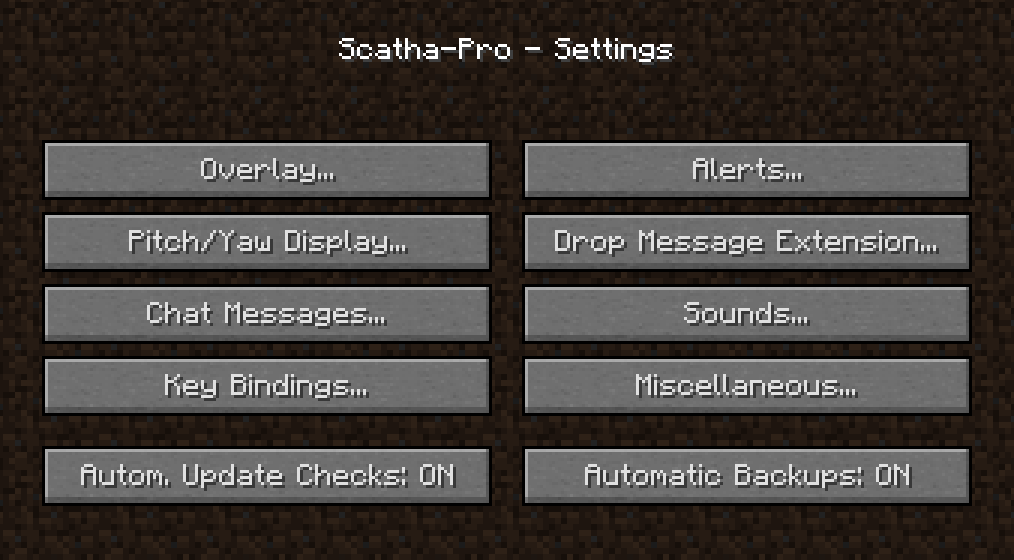
The mod automatically creates a backup for it's whole save folder when you install a new mod version (can be disabled in the settings -> "Automatic Backups").
You can also manually create backups using /scathapro backup or /scathapro backupPersistentData (the former compresses the folder as a zip; the latter only backups the persistent data file = how the mod remembers your worm kill amounts, unlocked achievements, etc. but not settings or custom alert modes).
Backups are stored in %appdata%/.minecraft/config/scathapro_backups, to load one replace .../scathapro/ or .../scathapro/persistentData.json (depending on the backup type) with the folder/file.
You can find all features in either /scathapro help or the settings
You can leave any feedback (bug reports, feature suggestions, ...) on the Scatha Farmers Discord server in the #scatha-pro-feedback channel or create a GitHub issue.
On the Discord server you can also get pinged when new versions release.
This mod's code is publicly available on GitHub: https://github.com/NamelessJu/Scatha-Pro
Please do not redistribute the mod on it's own, modified or not!
You may however include the mod files (unedited) in mod packs.
Project description from Modrinth.
Pick your setup
Choose the version and loader you play, then open the matching release.
Check the dependencies, then try the file in a copied instance before changing a world you care about.
Recent files
Scatha-Pro v2.1.5 - 26.1.x.jar
6 Aug 2026
Scatha-Pro v2.1.4 - 26.1.x.jar
24 Jul 2026
Scatha-Pro v2.1.3 - 26.1.x.jar
12 Jul 2026
Scatha-Pro v2.1.2 - 26.1.1.jar
7 Apr 2026
Scatha-Pro v2.1.2 - 1.21.11.jar
7 Apr 2026
Scatha-Pro v2.1.1 - 26.1.1.jar
7 Apr 2026
Scatha-Pro v2.1 - 1.21.11.jar
6 Apr 2026
Scatha-Pro v2.0 - 1.21.9-1.21.10.jar
23 Feb 2026
Scatha-Pro v2.0 - 1.21.11.jar
23 Feb 2026
Scatha-Pro v1.3.2.1.jar
14 Aug 2025
Scatha-Pro v1.3.2.jar
23 Jul 2025
Scatha-Pro v1.3.1.1.jar
1 Apr 2025
Looking for an older file? The official Modrinth project page is in Resources.
 mod
modA major core optimization release featuring improved recursive crafting scheduling, recipe-index warm-up, safer transaction settlement, rewritten pinyin search, and optional Project MMO salvage integration.
 mod
modFix compatibility issues between Galacticraft addons.
 mod
modA mod that overhauls the Jukebox and adds Ambience Discs to add life and atmosphere to your worlds!