Lithostitched Needed by Tectonic v3.0.27 ~ Neoforge 26.1
requiredMatching file found Matched file: 1.8.0+beta4-neoforge-26.1
CurseForge · Minecraft mod
Terrain shaping brought to new heights, grander and more varied than ever before!
Quick answer
Tectonic v3.0.27 ~ Neoforge 26.1 targets 26.1, 26.1.1, 26.1.2 with NeoForge. The project page does not say whether this file belongs on the client, dedicated server, or both. All 1 required mods have matching files.
Where it goes
The project page does not say whether this file belongs on the client, dedicated server, or both.
The source does not explicitly classify this release as client-only or server-only.
v3.0.27 ~ Neoforge 26.1 on 26.1.2. Every mod below is checked against that same setup.
Install Lithostitched first. We found matching files for this game-version and loader setup.
We only count dependency files that match this setup. A file for another loader does not fill the gap.
Before you install it
Built for Tectonic v3.0.27 ~ Neoforge 26.1 on 26.1.2. Pick another file and the loader, install side or required mods may change.
Use v3.0.27 ~ Neoforge 26.1. It targets 26.1, 26.1.1, 26.1.2 with NeoForge; another release may have different loader, side or dependency requirements.
Install Lithostitched first. We found matching files for this game-version and loader setup.
The project page does not say whether this file belongs on the client, dedicated server, or both.
Use the “Get this file” button beside v3.0.27 ~ Neoforge 26.1. It opens that exact file at the source.
About this project
Welcome to Tectonic, a world generation project that aims to transform how terrain is shaped.
Tectonic's supported versions right now are 1.21.1 and 26.1. Other versions will not have issues fixed on them.
<details> <summary>Biome Mod Compatibility</summary>
Most Biome Mods (BOP, RU, NS, BWG)
Tectonic is compatible with mods that rely on Terrablender or Biolith to add their biomes to worldgen. This includes Biomes O Plenty, Regions Unexplored, Nature's Spirit, and more.
Terralith
Tectonic has a special version with Terralith compatibility. This version is shipped in the mod version of Tectonic, but it is available as a standalone datapack here.
CliffTree
On 1.20, Tectonic and Clifftree are not compatible.
On 1.21, Tectonic needs some small tweaks to work with CliffTree. These tweaks are shipped with the mod version of Tectonic, but they are available as a datapack here.
</details>
The mod version of Tectonic has a config for editing many of the following features. Tectonic v3 has a config screen, making it easier than ever to know what certain fields do and to configure them in-game.
In Tectonic v3, terrain forms into continent-like landmasses. Continents will generate thousands to tens of thousands of blocks wide, tailored to account for the project's massive mountain ranges and new terrain types.
In the oceans between continents you'll find relatively smaller "islands", ranging up to around a thousand blocks across. These islands use vanilla's mountain terrain shaping, now making it possible to find traditional mountain rings.
With Terralith installed, these islands spawn Calderas and Volcanoes!
Oceans are much deeper than they are in vanilla, with deep oceans even extending into the deepslate layer! Deep oceans in particular have more varied terrain, featuring overhangs and valleys.
If the mod version is installed, vanilla Ocean Monuments will generate deeper to compensate for the deeper oceans.
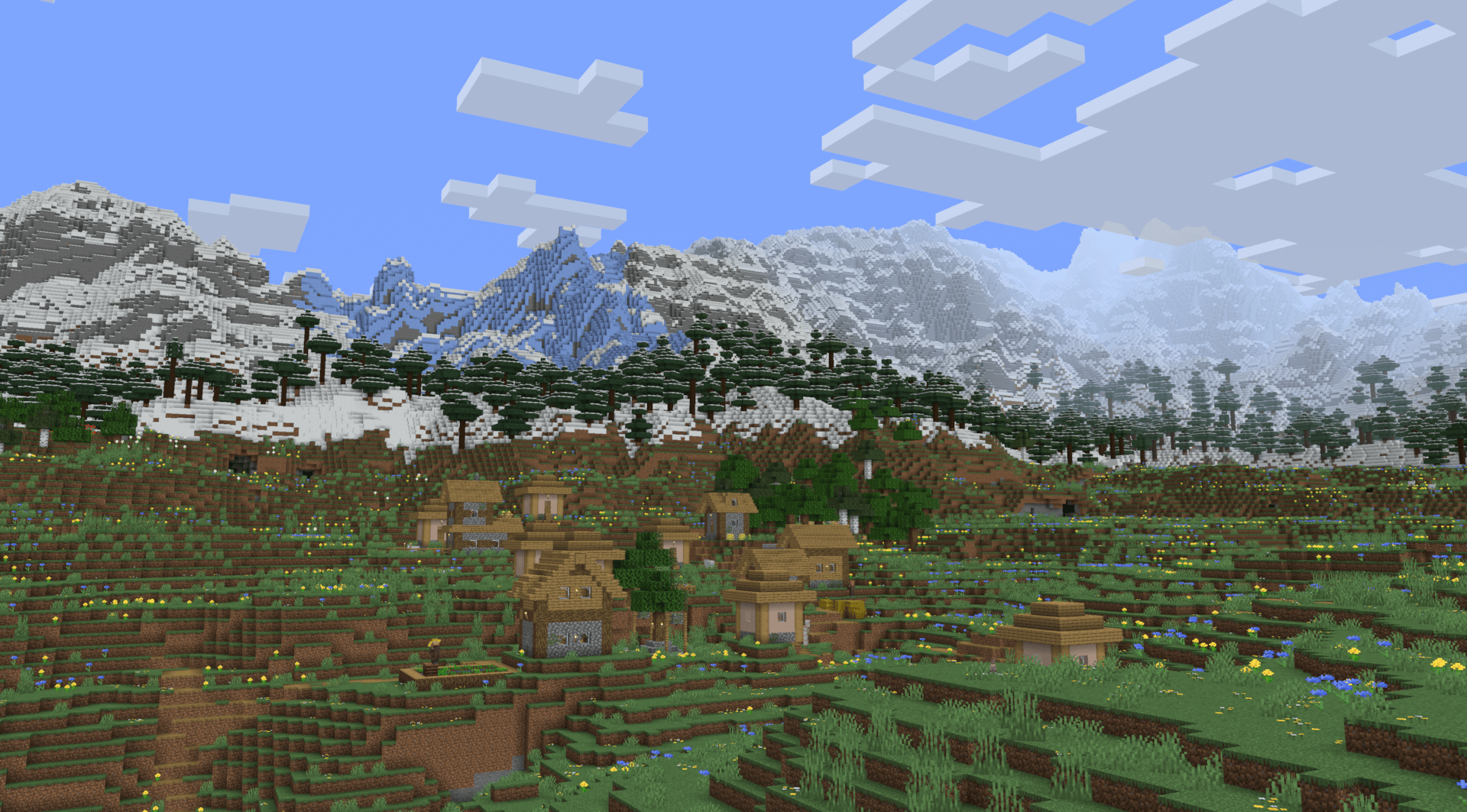
The biggest highlight of Tectonic's terrain is the massive mountain ranges. They can stretch for tens of thousands of blocks, going high enough to approach the build limit!
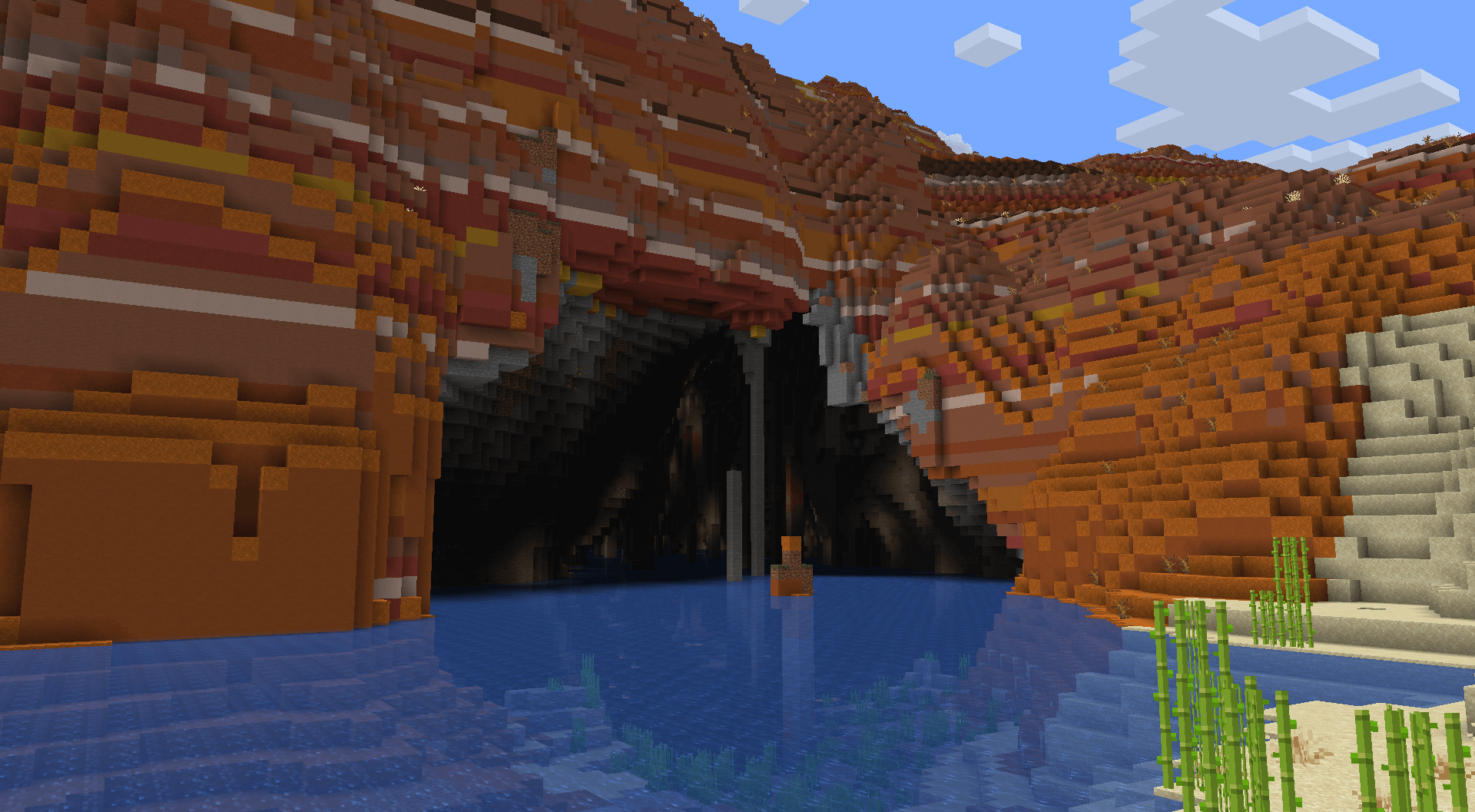
In mountainous terrain that is too towering to allow regular river generation, terrain gets carved for rivers to continue underground. These link right up to the regular rivers, so there's no interruption in exploring along rivers. These rivers vary vastly in size and shape.
If the mod version is installed, these will have increased glow lichen and rare areas with lanterns!
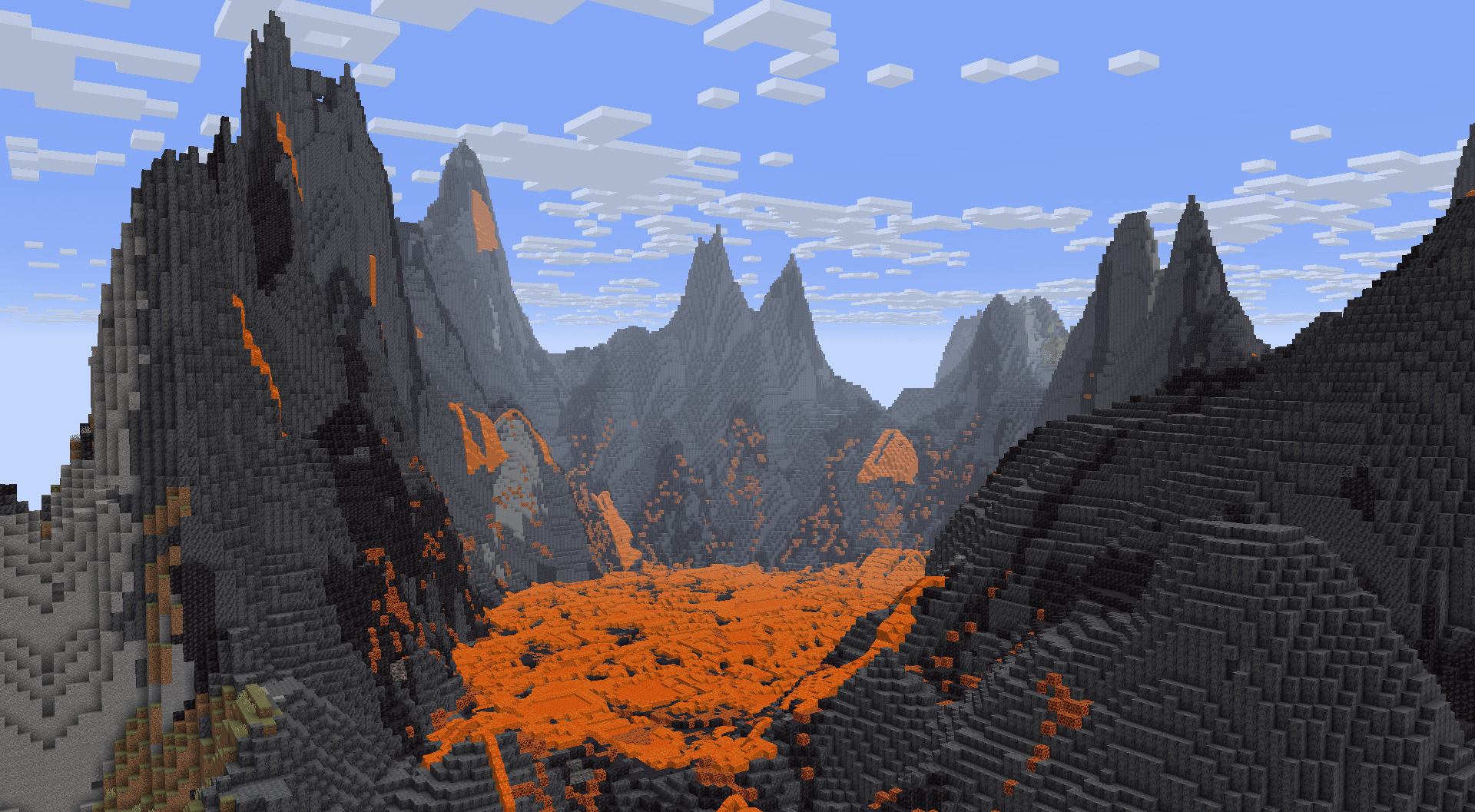
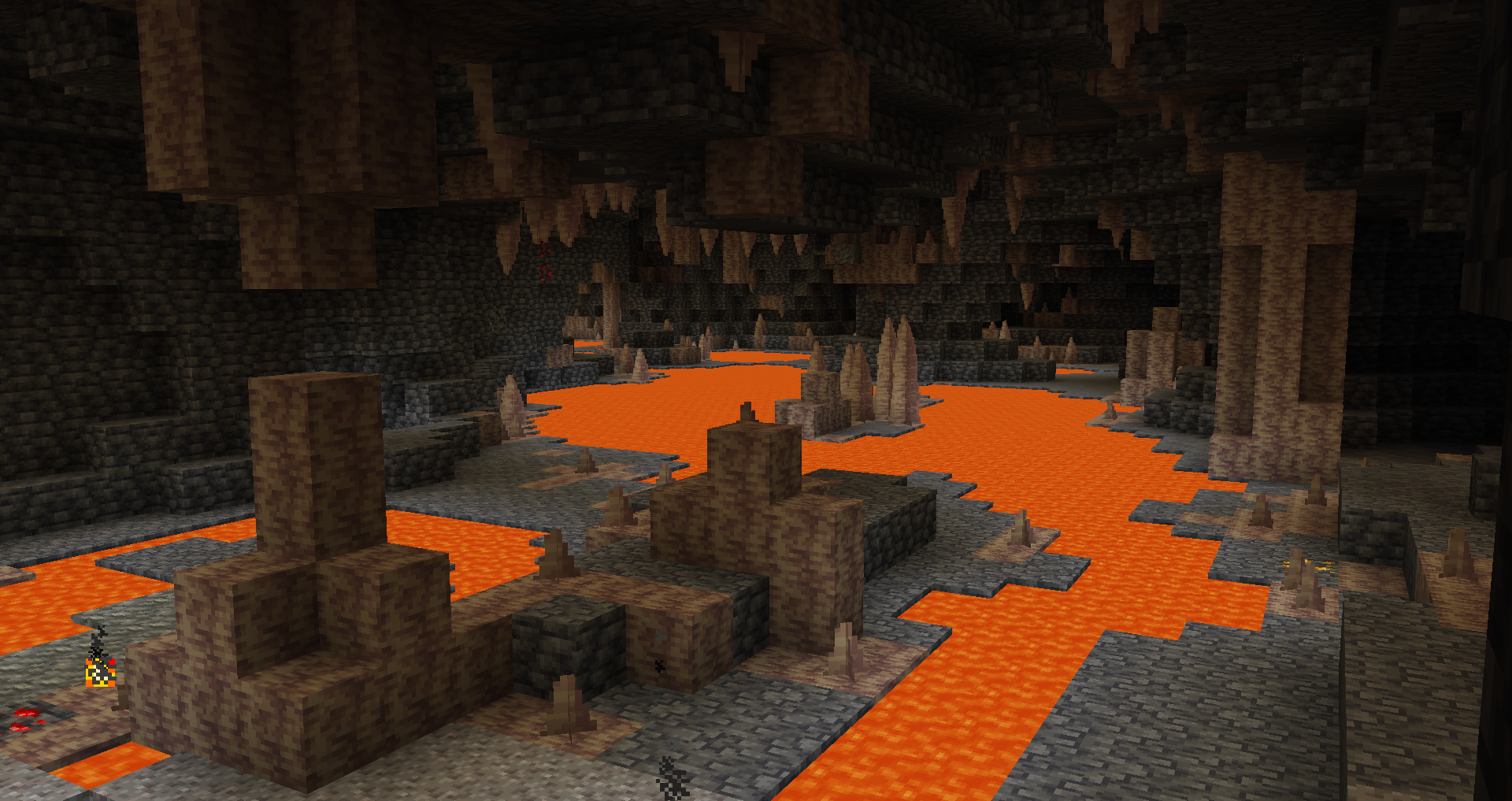
Very deep underground, you can find a deeper variant of underground rivers with different shaping and lava instead of water.
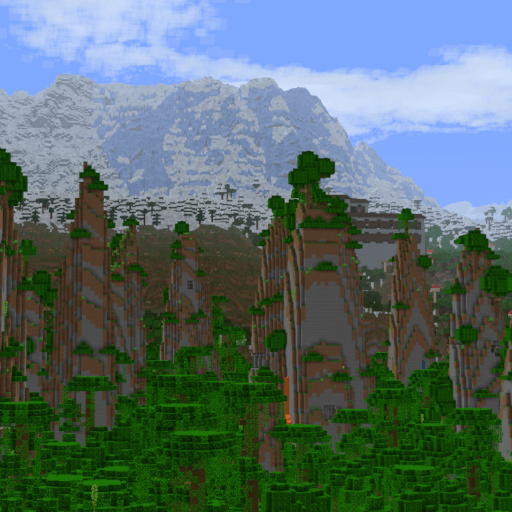
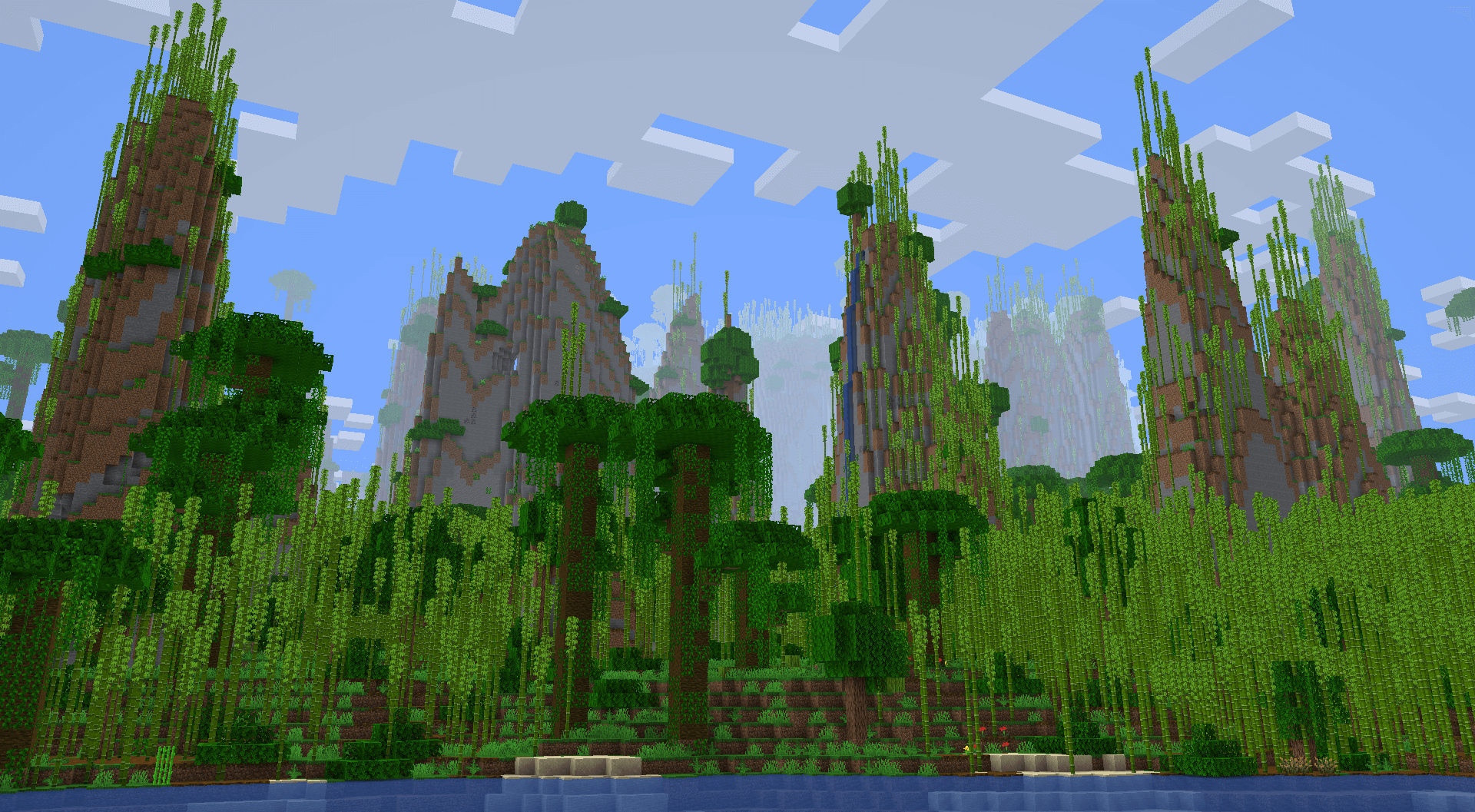
Some jungles feature massive pillars that can extend upwards of a hundred blocks tall!
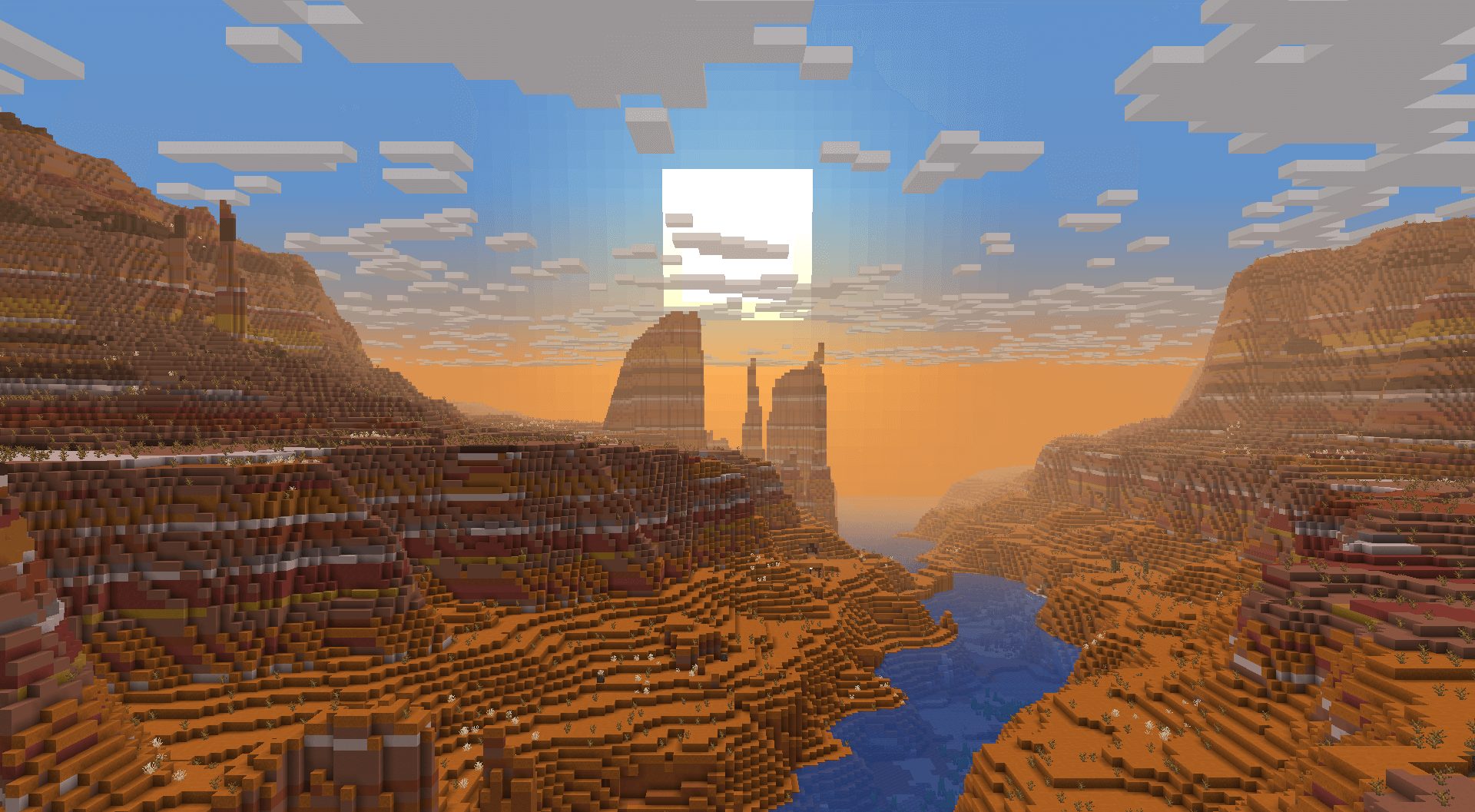
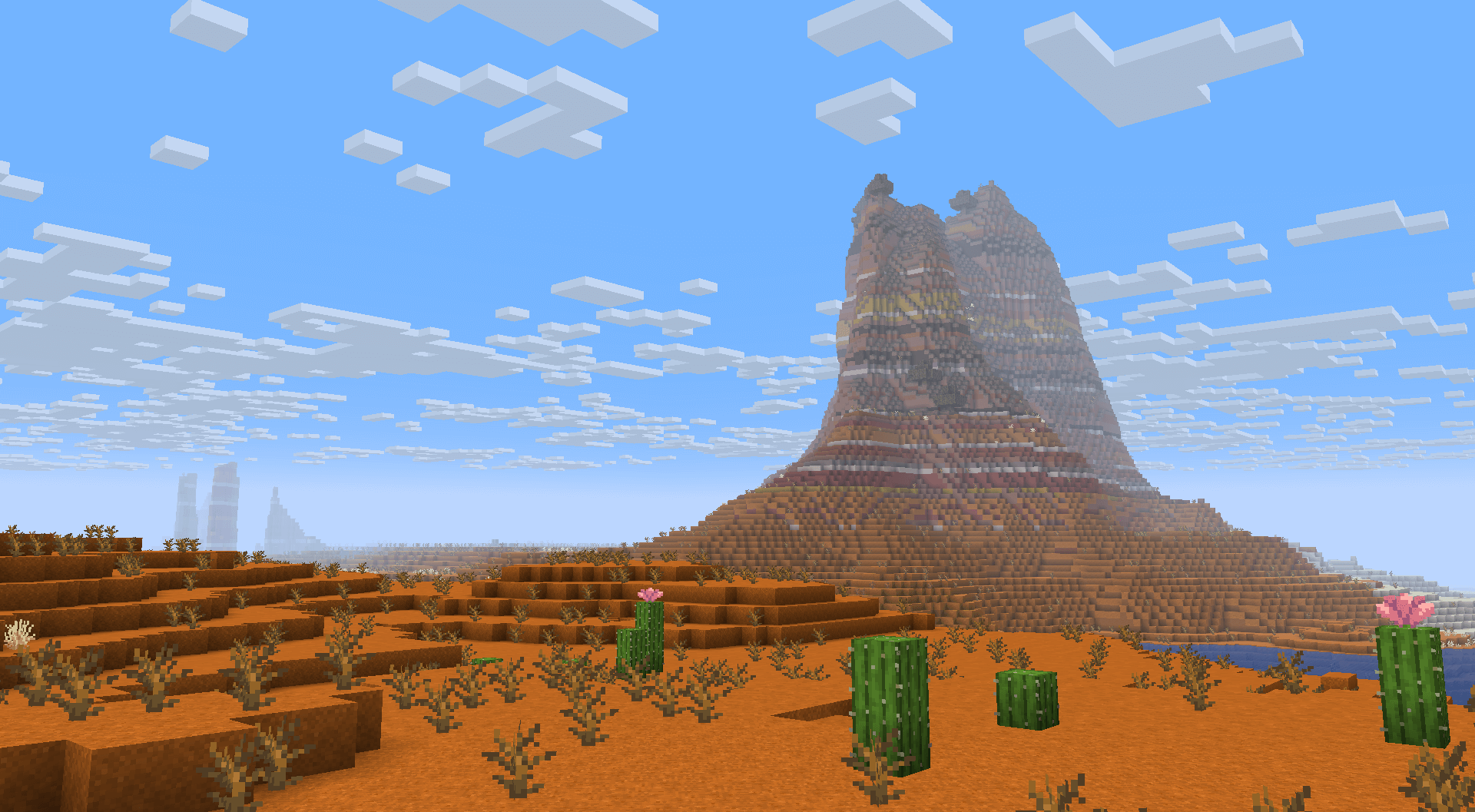
Some badlands will generate very large canyons, making them a spectacle to find and travel through.
Most deserts will generate smooth, rolling dunes.
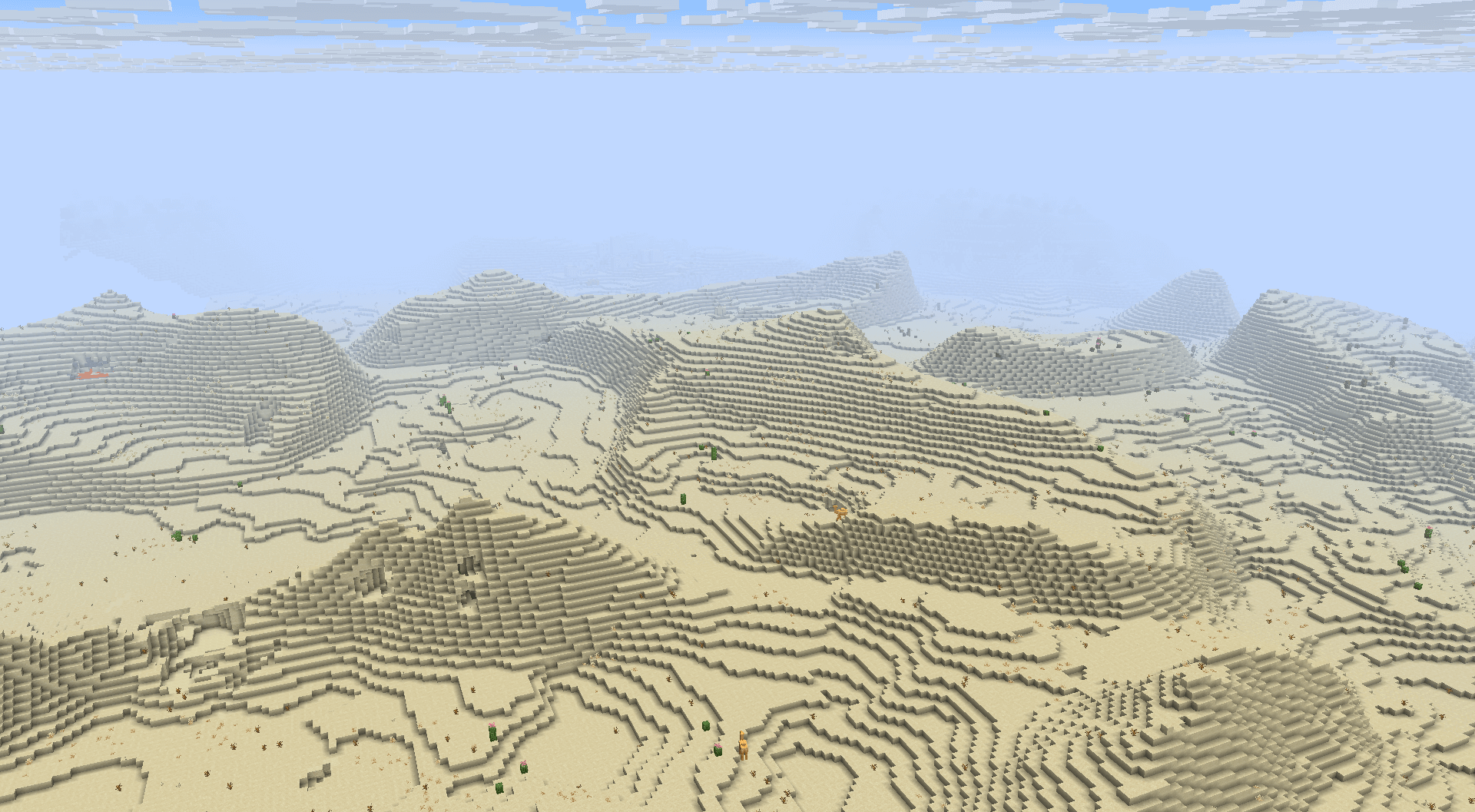
In some areas, towering 2-3 tiered plateaus will generate. These plateaus will sometimes have smoother "ramps" to make exploration in survival more accessible.
Badlands also feature isolated plateaus, not directly bound to nearby rivers.
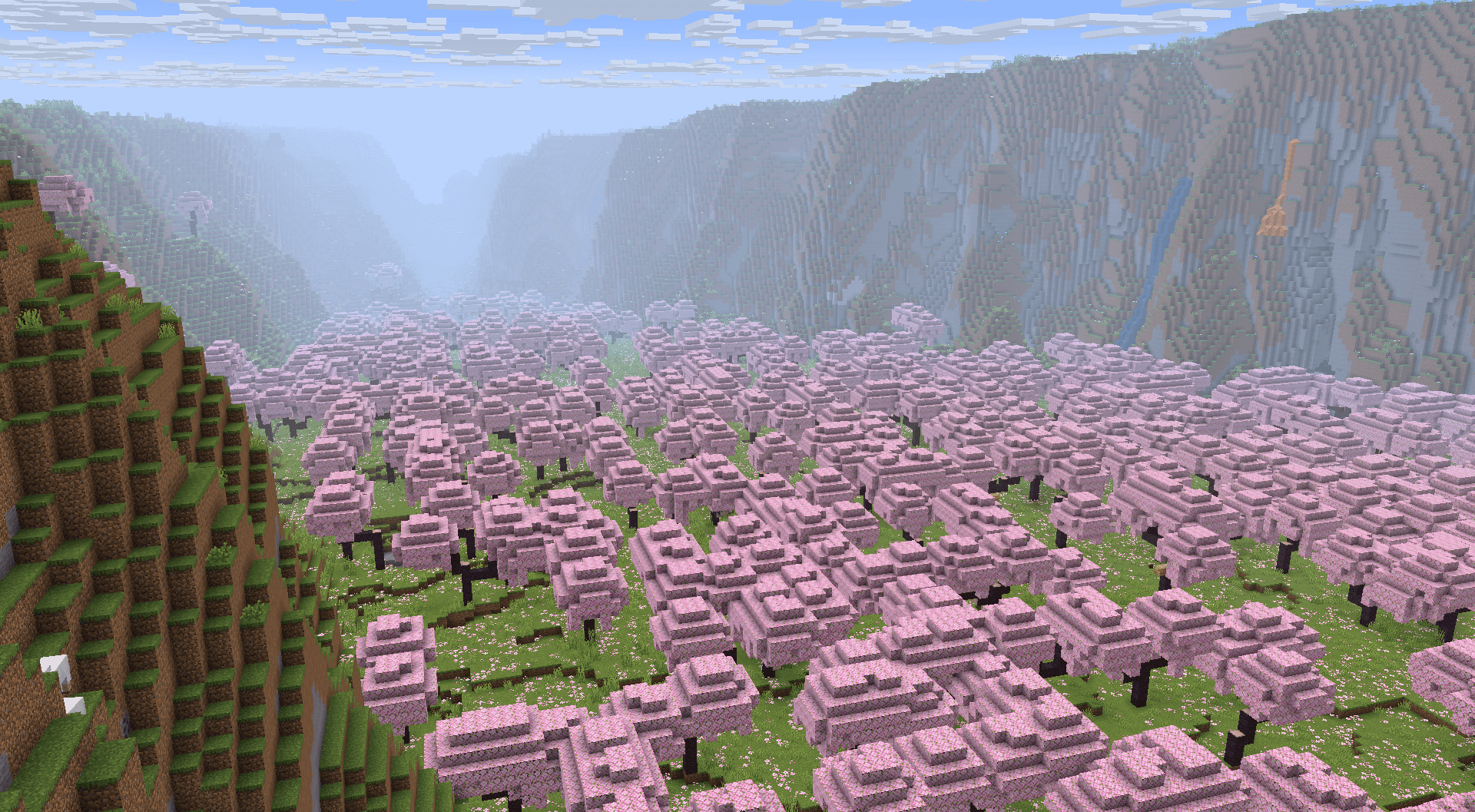
While plateaus usually elevate plateau biomes, some Cherry Groves and Pale Gardens have the plateaus surround the biome, turning the biome into a valley.
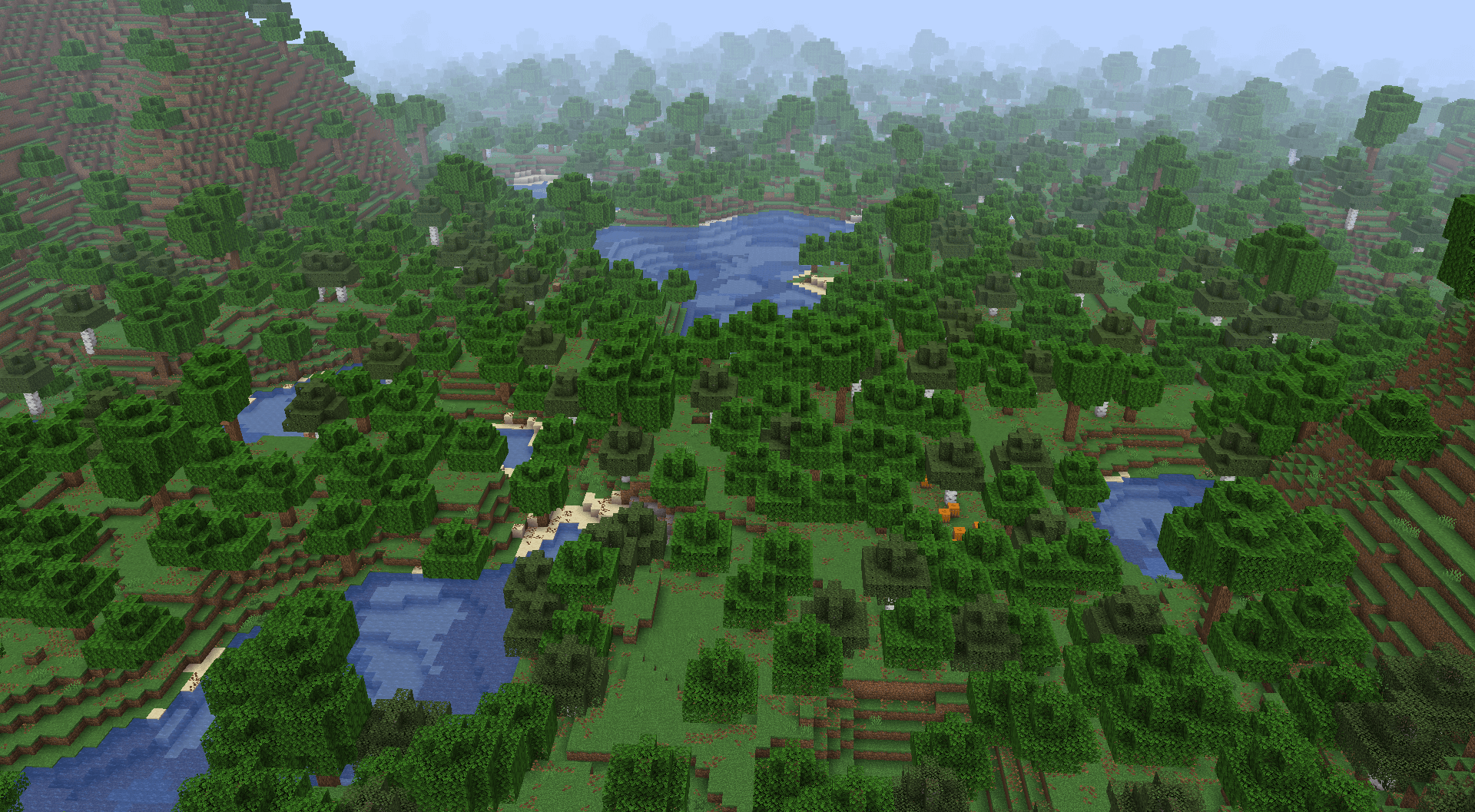
Some forest, jungle and taiga biomes generate very close to sea level and generate frequent ponds and lakes.
Project description from CurseForge.
Pick your setup
Choose the version and loader you play, then open the matching release.
Showing the newest 12 of 17 game versions. Older files are in the list below.
Check the dependencies, then try the file in a copied instance before changing a world you care about.
Recent files
tectonic-3.0.27-neoforge-26.1.jar
3 Jul 2026
tectonic-3.0.26-neoforge-26.1.jar
2 Jul 2026
tectonic-3.0.26-fabric-26.1.jar
2 Jul 2026
tectonic-datapack-3.0.25.zip
20 Jun 2026
tectonic-3.0.25-neoforge-26.1.jar
19 Jun 2026
tectonic-3.0.25-fabric-26.1.jar
19 Jun 2026
tectonic-3.0.23-neoforge-26.1.jar
17 Jun 2026
tectonic-3.0.23-fabric-26.1.jar
17 Jun 2026
tectonic_3.0.22.zip
16 Apr 2026
tectonic-3.0.22-neoforge-26.1.jar
10 Apr 2026
tectonic-3.0.22-fabric-26.1.jar
10 Apr 2026
tectonic_3.0.21.zip
9 Apr 2026
Looking for an older file? The official CurseForge project page is in Resources.
 mod
modOpen the skill tree tab by pressing the K key to unlock skills that empower the player.
 mod
modThis mod is a remake of Old Mod TofuCraft made by tsuteto. add soybean As a new all-purpose food!
 mod
modMob Sunburn, Player Sunburn, We all scream for Sunburn!