Minecraft version
Back to mods 
Modrinth · Minecraft mod
Remove Reloading Bar
Add-on for Remove Reloading Screen that removes the bar as well
Choose a version Pick your version below, then grab the matching file.
Quick answer
Which Remove Reloading Bar release should I use?
Latest stable file 1.0.2-26.1.x-fabric
Game version 26.1, 26.1.1, 26.1.2
Loader Fabric, Quilt
Remove Reloading Bar 1.0.2-26.1.x-fabric targets 26.1, 26.1.1, 26.1.2 with Fabric, Quilt. It must be installed on the client. Do not install it on the dedicated server. No extra mods listed for this file.
Where it goes
Is Remove Reloading Bar required on the client, server, or both?
It must be installed on the client. Do not install it on the dedicated server.
Client Required
Dedicated server Not supported
Loader for this release Fabric, Quilt
Required install it here Optional supported, not mandatory Not supported do not install here Source doesn’t say do not assume
This file is marked client-only.
What else does Remove Reloading Bar 1.0.2-26.1.x-fabric need?
1.0.2-26.1.x-fabric. Change the file and its required mods may change too.
This file does not list any required mods. Do not add a library just because a different file uses it.
This file does not list any required or optional mods.
Before you install it
Add Remove Reloading Bar without breaking your instance.
Built for Remove Reloading Bar 1.0.2-26.1.x-fabric. Pick another file and the loader, install side or required mods may change.
- 01
Stick to this file
Use 1.0.2-26.1.x-fabric. It targets 26.1, 26.1.1, 26.1.2 with Fabric, Quilt; another release may have different loader, side or dependency requirements.
- 02
Bring the mods it needs
This file does not list any required mods. Do not add a library just because a different file uses it.
- 03
Put it on the correct side
It must be installed on the client. Do not install it on the dedicated server.
- 04
Pick the file you checked
Use the “Get this file” button beside 1.0.2-26.1.x-fabric. It opens that exact file at the source.
About this project
What does Remove Reloading Bar add?
This mod has been archived as this feature is built-in to Remove Reloading Screen, you have to configure the project in Mod Menu.
Remove Reloading Screen (RRLS) is probably one of my favorite QoL mods out there - it's just so nice to have when you want to switch things up and change your pack. However, one thing that I dislike about it is the loading bar - it's exactly where it doesn't need to be, and feels more intrusive than anything - which is why this mod was created.
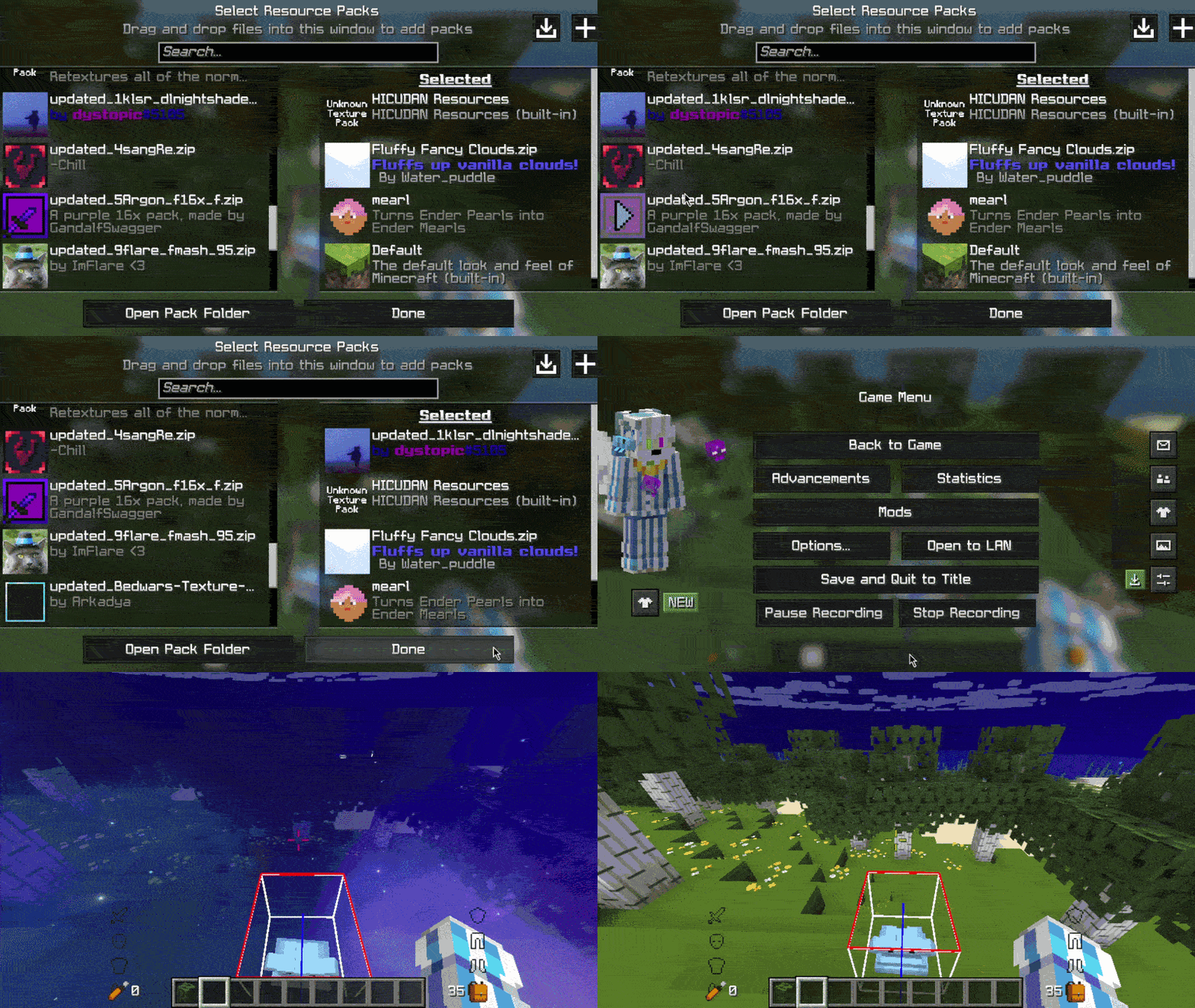
Without Remove Reloading Screen or Remove Resource Loading Bar:
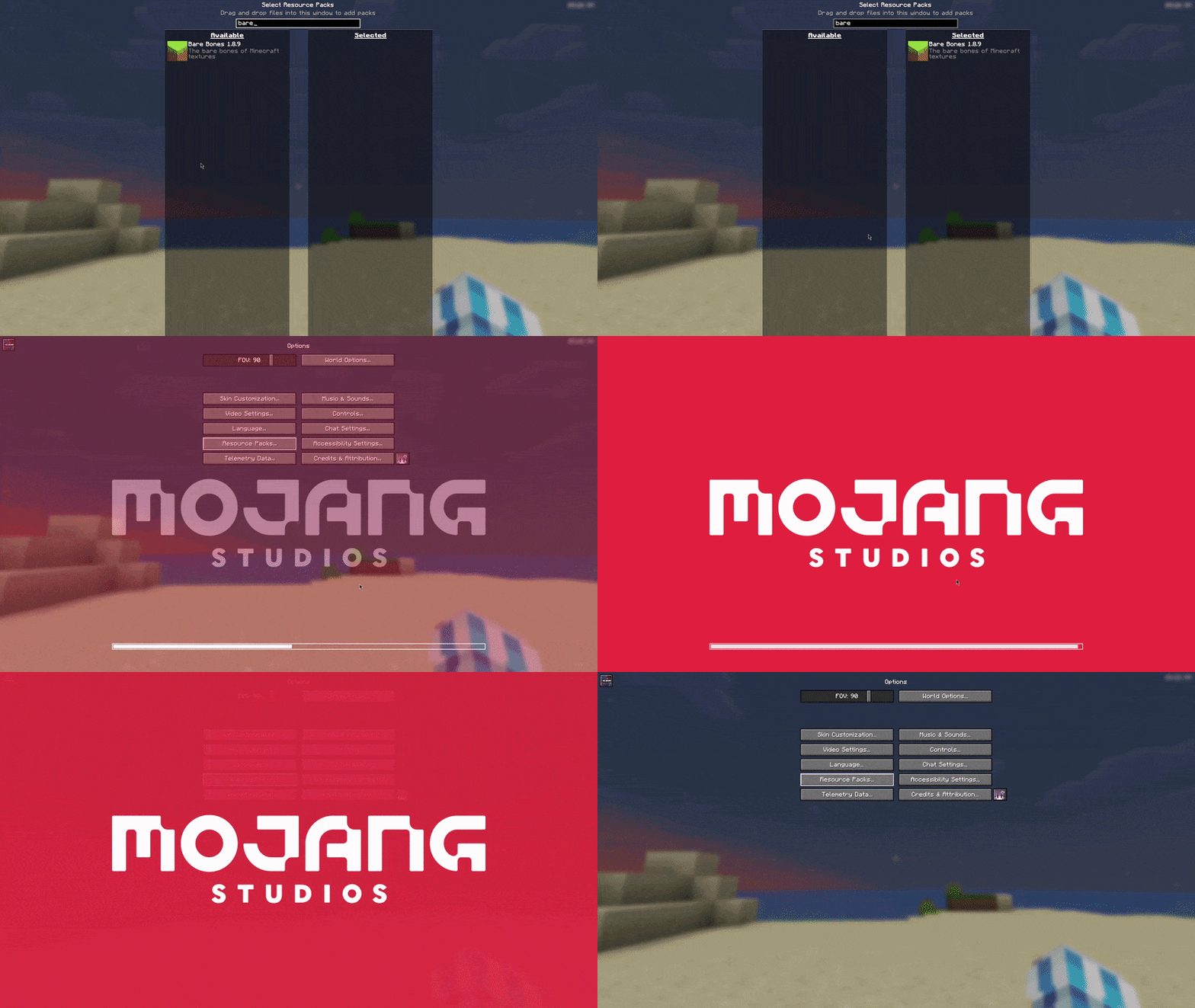
With Remove Reloading Screen but without Remove Resource Loading Bar:
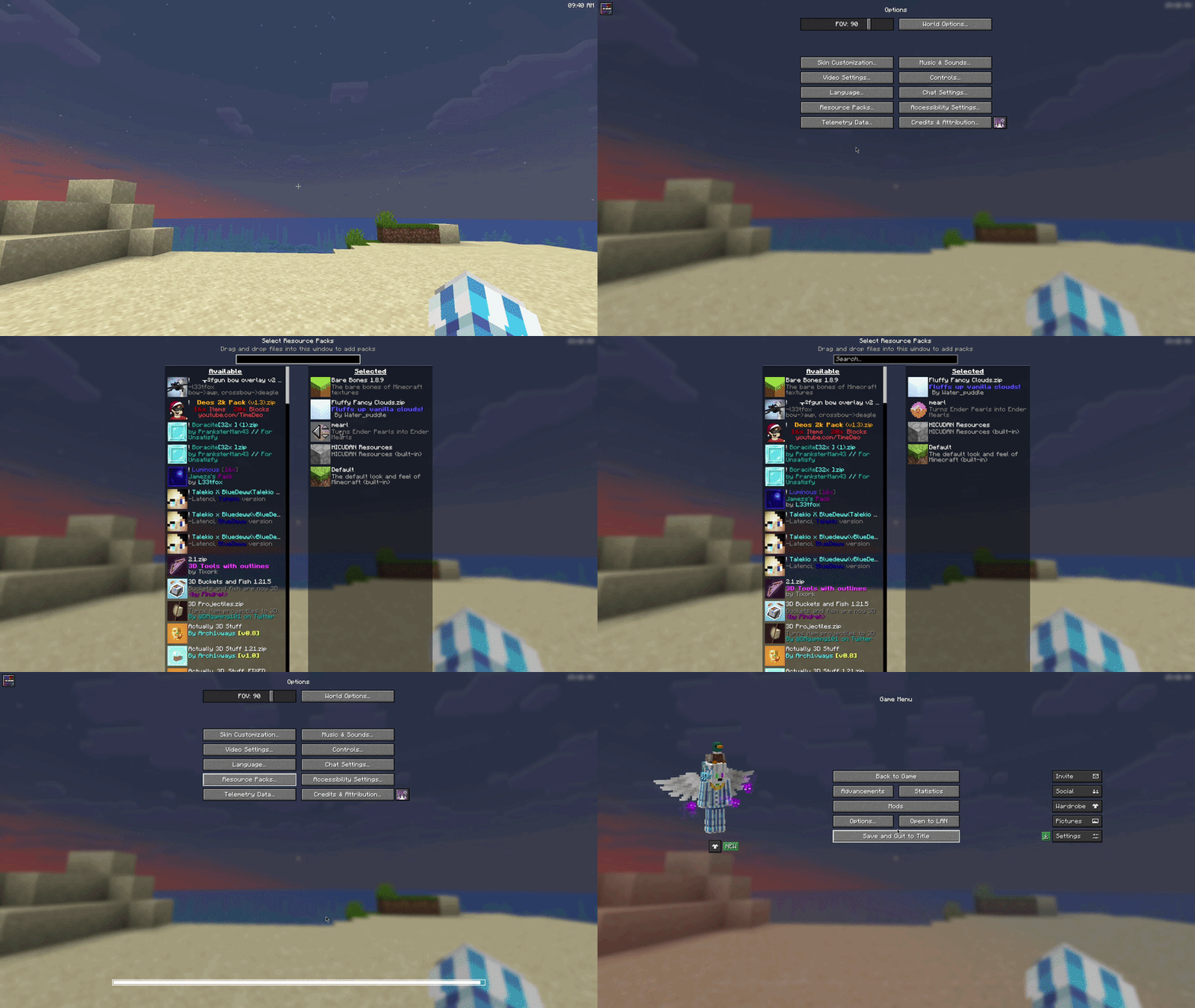
With both Remove Reloading Screen and Remove Resource Loading Bar:
FAQ
Does this mod require RRLS?
Technically, no, and you can use it without RRLS, but it would just look bad. I'd heavily advise using RRLS, but in the end it is your choice.
Neoforge port?
Normally, I don't do Neoforge, but this mod was absurdly simple to make, so yes, it is on its way.
Update: Mod has been ported to Neoforge
What happens if my resource load fails?
Minecraft sends you a toast (the little box with text in the upper right) letting you know that your resource load failed, so you will still be able to see it.
Specific version?
Open an issue on my GitHub for compatibility for a specific version.
Project description from Modrinth.
Pick your setup
Remove Reloading Bar by Minecraft version and loader
Choose the version and loader you play, then open the matching release.
Minecraft version
26.1.1
3 loader buildsMinecraft version
26.1
3 loader buildsMinecraft version
1.21.11
1 loader buildMinecraft version
1.21.10
1 loader buildMinecraft version
1.21.9
1 loader buildMinecraft version
1.21.8
1 loader buildMinecraft version
1.21.7
1 loader buildMinecraft version
1.21.6
1 loader buildMinecraft version
1.21.5
1 loader buildMinecraft version
1.21.4
1 loader buildMinecraft version
1.21.3
1 loader buildShowing the newest 12 of 15 game versions. Older files are in the list below.
Check the dependencies, then try the file in a copied instance before changing a world you care about.
Recent files
Remove Reloading Bar versions and loaders
1.0.2-26.1.x-fabric
remove-resource-loading-bar-1.0.2-26.1.x-fabric.jar
22 Apr 2026
Client Required Server Not supported Dependencies No extras listed Listed on Release listing
Check the 26.1.2 · Fabric setup 26.126.1.126.1.2Fabric release
1.0.1-26.1.x-neoforge
removeresourceloadingbar-1.0.1-26.1.x-neoforge.jar
22 Apr 2026
Client Required Server Not supported Dependencies No extras listed Listed on Release listing
Check the 26.1.2 · NeoForge setup 26.126.1.126.1.2NeoForge release
1.0.0-26.1.x-neoforge
removeresourceloadingbar-1.0.0-26.1.x-neoforge.jar
21 Apr 2026
Client Required Server Not supported Dependencies No extras listed Listed on Release listing
Check the 26.1.2 · NeoForge setup 26.126.1.126.1.2NeoForge release
1.0.1-1.21.x-fabric
remove-resource-loading-bar-1.0.1-1.21.x-fabric.jar
21 Apr 2026
Client Required Server Not supported Dependencies 1 required · 1 unchecked Listed on Release listing
Check the 1.21.11 · Fabric setup 1.211.21.11.21.101.21.11 release
1.0.1-26.1.x-fabric
remove-resource-loading-bar-1.0.1-26.1.x-fabric.jar
21 Apr 2026
Client Required Server Not supported Dependencies 1 required · 1 unchecked Listed on Release listing
Check the 26.1.2 · Fabric setup 26.126.1.126.1.2Fabric release
Looking for an older file? The official Modrinth project page is in Resources.
 mod
CurseForge + Modrinth · Minecraft
Stoneworks
Vanilla stone types in plenty of variations for all your building needs.
 mod
CurseForge + Modrinth · Minecraft
Oh My, Meteors! - A meteorite mod
A Modern falling Meteor mod, highly configurable, pretty and with spirt of the old ones!
 mod
CurseForge + Modrinth · Minecraft
[TACZ] LesRaisins Tactical Equipements
An addon for tacz, with extra support about throwable, melee weapons for gun packs