
Minecraft version
Back to mods 
Modrinth · Minecraft mod
ModConfigEditor
Edit mod configs from minecraft directly, better gui, more efficient
Choose a version Pick your version below, then grab the matching file.
Quick answer
Which ModConfigEditor release should I use?
Latest stable file 1.0.0
Game version 1.8.9
Loader Forge
ModConfigEditor 1.0.0 targets 1.8.9 with Forge. It must be installed on the client. Do not install it on the dedicated server. No extra mods listed for this file.
Where it goes
Is ModConfigEditor required on the client, server, or both?
It must be installed on the client. Do not install it on the dedicated server.
Client Required
Dedicated server Not supported
Loader for this release Forge
Required install it here Optional supported, not mandatory Not supported do not install here Source doesn’t say do not assume
This file is marked client-only.
What else does ModConfigEditor 1.0.0 need?
1.0.0. Change the file and its required mods may change too.
This file does not list any required mods. Do not add a library just because a different file uses it.
This file does not list any required or optional mods.
Before you install it
Add ModConfigEditor without breaking your instance.
Built for ModConfigEditor 1.0.0. Pick another file and the loader, install side or required mods may change.
- 01
Stick to this file
Use 1.0.0. It targets 1.8.9 with Forge; another release may have different loader, side or dependency requirements.
- 02
Bring the mods it needs
This file does not list any required mods. Do not add a library just because a different file uses it.
- 03
Put it on the correct side
It must be installed on the client. Do not install it on the dedicated server.
- 04
Pick the file you checked
Use the “Get this file” button beside 1.0.0. It opens that exact file at the source.
About this project
What does ModConfigEditor add?

(Mod Config Visualizer - old name)
What it does:
- Makes it so that you can edit mod configs in the minecraft game, no need to edit in notepad or some other things.
- Has auto config detectors, meaning you dont need to manually specify what mods have which config files (most of the time, sometimes you might need to manually add)
- User friendly add button, when adding config files, shows a file pick that is already in the config folder, so no annoying process of finding the correct minecraft instance's minecraft/config folder.
Preview
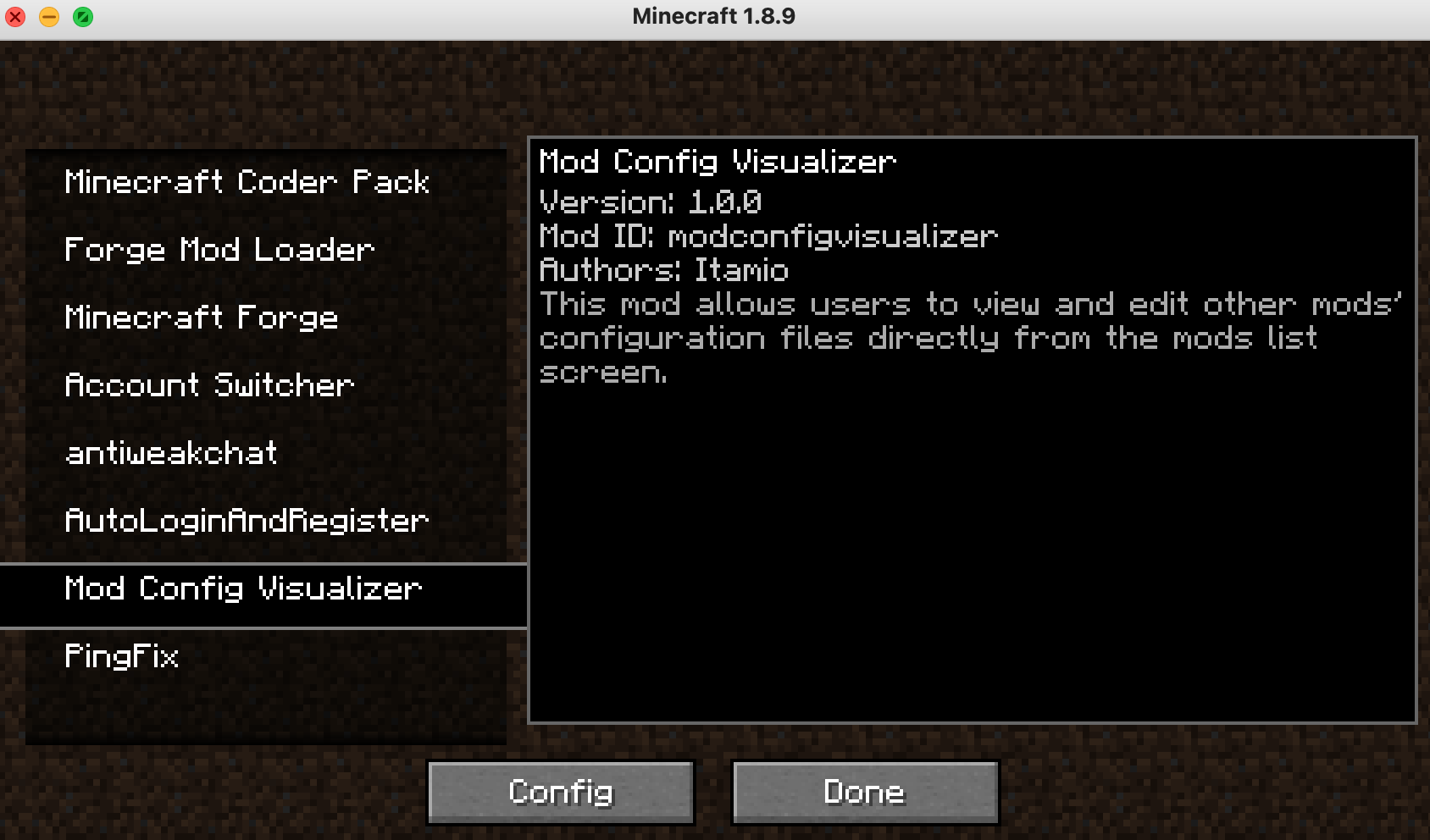
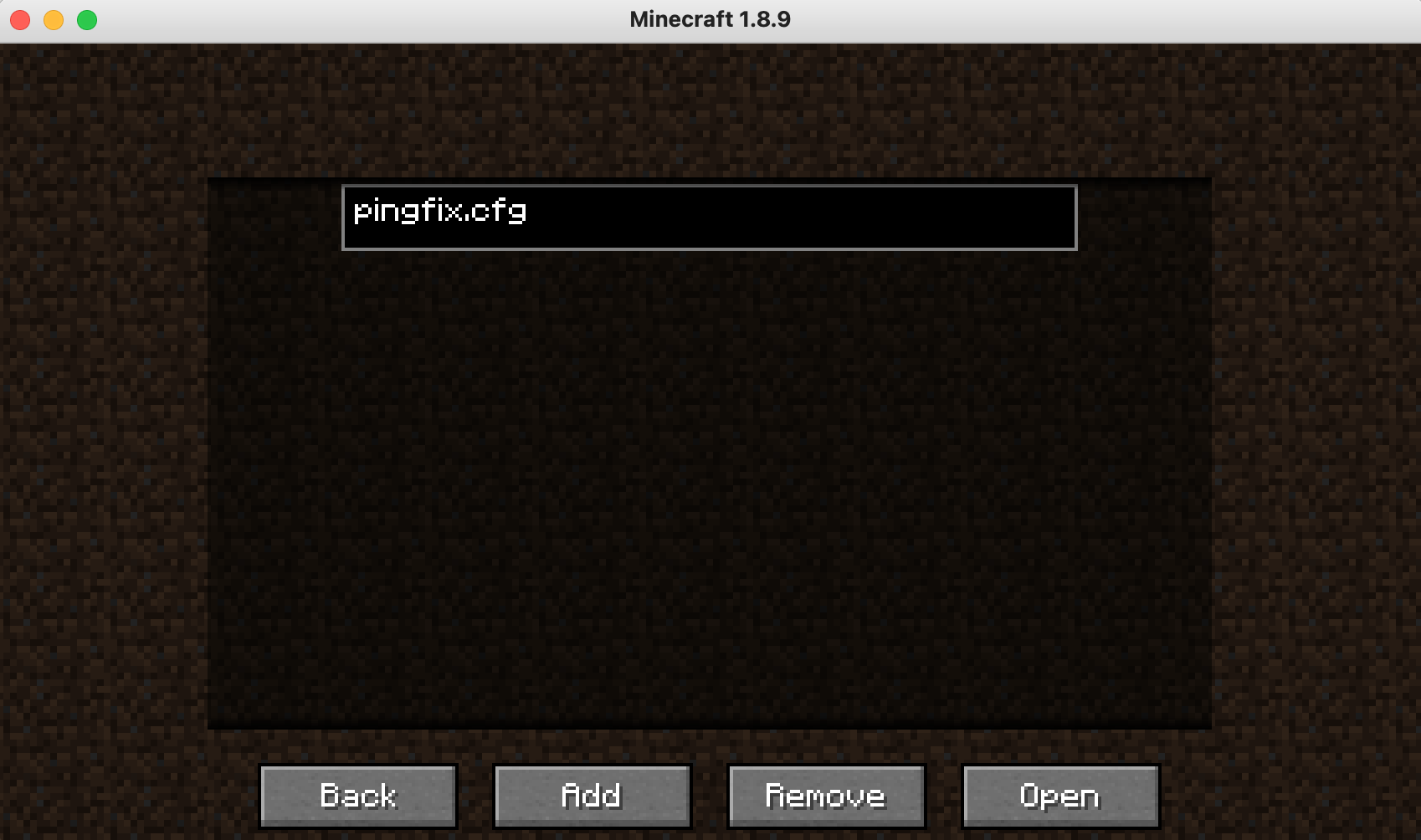
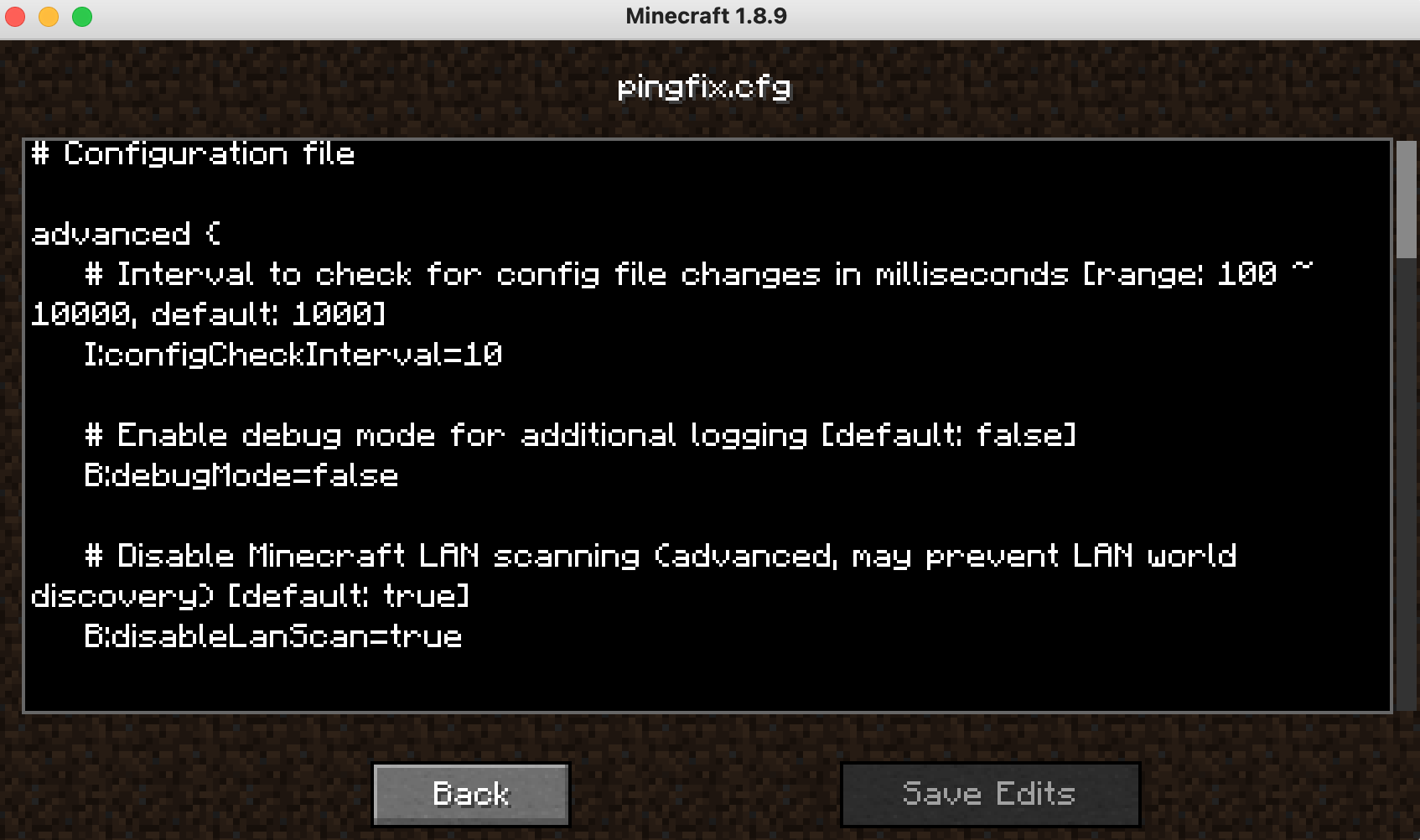
Project description from Modrinth.
Pick your setup
ModConfigEditor by Minecraft version and loader
Choose the version and loader you play, then open the matching release.
Check the dependencies, then try the file in a copied instance before changing a world you care about.
Recent files
ModConfigEditor versions and loaders
1.0.0
modconfigvisualizer-1.0.0.jar
14 Jul 2025
Client Required Server Not supported Dependencies No extras listed Listed on Release listing
Check the 1.8.9 · Forge setup 1.8.9Forge release
Looking for an older file? The official Modrinth project page is in Resources.
 mod
CurseForge + Modrinth · Minecraft
Vanilla Animated Guns
Stylized and fantasy magical firearms made to fit seamlessly into the Minecraft gameplay and style whilist keeping the core of what makes a gun mod fun!
 mod
CurseForge + Modrinth · Minecraft
Countered's Terrain Slabs
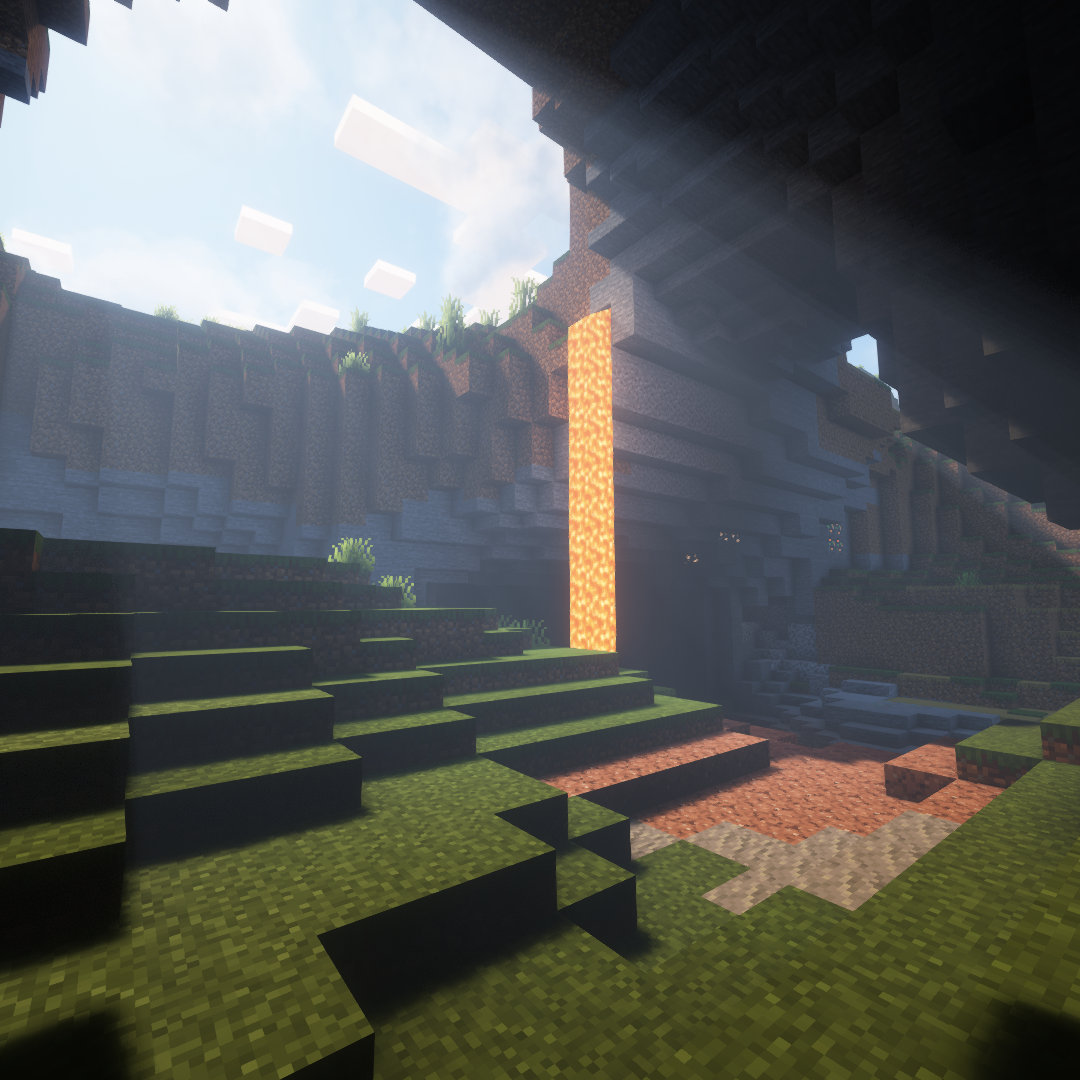
A mod designed to enhance world generation and elevate the gameplay experience by smoothing out terrain with custom slabs, making exploration more seamless!
 mod
Modrinth · Minecraft
AcornLib
An API with features to make modding easier, including new Components, Particles, Weapon Skins, and Supporter Perks.