Fabric API Needed by ExpView 26.1-v1.3.1
requiredMatching file found Matched file: 0.155.3+26.1.2

Modrinth · Minecraft mod
A mod that displays the current amount of XP on the screen.
Quick answer
ExpView 26.1-v1.3.1 targets 26.1, 26.1.1, 26.1.2 with Fabric. It must be installed on the client. Do not install it on the dedicated server. All 1 required mods have matching files.
Where it goes
It must be installed on the client. Do not install it on the dedicated server.
This file is marked client-only.
26.1-v1.3.1 on 26.1.2. Every mod below is checked against that same setup.
Install Fabric API first. We found matching files for this game-version and loader setup.
We only count dependency files that match this setup. A file for another loader does not fill the gap.
Before you install it
Built for ExpView 26.1-v1.3.1 on 26.1.2. Pick another file and the loader, install side or required mods may change.
Use 26.1-v1.3.1. It targets 26.1, 26.1.1, 26.1.2 with Fabric; another release may have different loader, side or dependency requirements.
Install Fabric API first. We found matching files for this game-version and loader setup.
It must be installed on the client. Do not install it on the dedicated server.
Use the “Get this file” button beside 26.1-v1.3.1. It opens that exact file at the source.
About this project
This mod displays your experience points directly on the screen.
/exp menu - show menu/exp off - hides the XP counter on the screen/exp on - shows the XP counter on the screen/exp reset - resets the XP counter position to defaultThis menu can also be opened using the "Y" key. This key can be rebound in the Minecraft control settings.
"XP" button allows you to enable/disable text fields for converting experience.palette button allows you to enable/disable the display of the palette.
Project description from Modrinth.
Pick your setup
Choose the version and loader you play, then open the matching release.
Showing the newest 12 of 31 game versions. Older files are in the list below.
Check the dependencies, then try the file in a copied instance before changing a world you care about.
Recent files
ExpView-26.1-v1.3.1.jar
23 Oct 2026
ExpView-26.1-v1.3.jar
7 Sept 2026
ExpView-26.1-v1.2.jar
21 Jun 2026
ExpView-26.1-v1.1.jar
13 Jun 2026
ExpView-26.1-v1.jar
11 Jun 2026
Looking for an older file? The official Modrinth project page is in Resources.
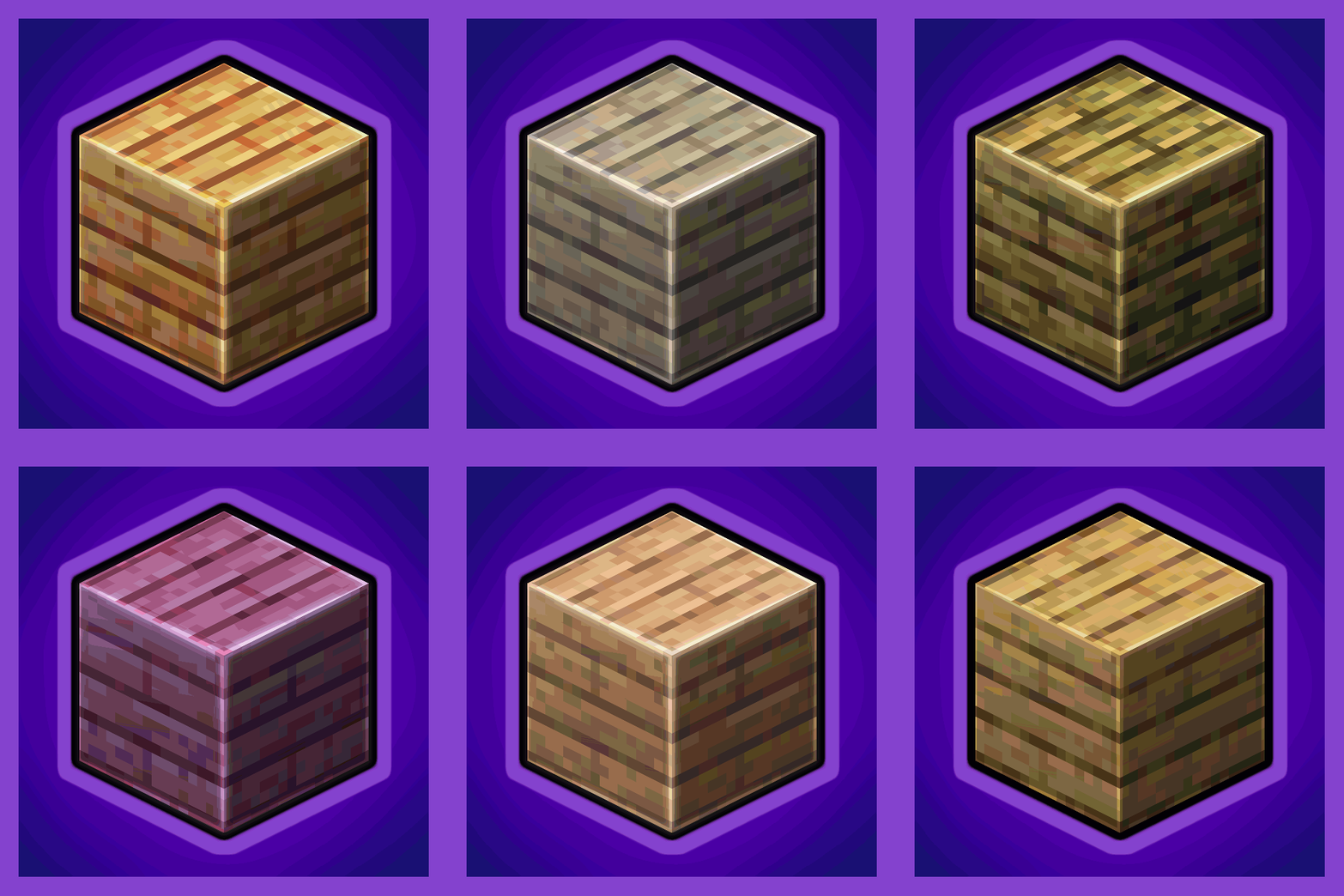 mod
Universal Wood Compat: Quark, Twilight Forest, Twigs, Another Furniture, Farmers Delight, Macaw's, Valhelsia, Architects Palette, Deco Blocks, Crayfish FM
 mod
Store, summon, and manage your tamed pets and mounts from one place.
 mod
Makes chat unreportable (where possible)