Create Needed by Create: Blueprinted 2.2.6+mc1.21.1-neoforge
requiredMatching file found Matched file: 6.0.10+mc1.21.1

Modrinth · Minecraft mod
Render Create Mod schematics to an isometric PNG image with a single click.
Quick answer
Create: Blueprinted 2.2.6+mc1.21.1-neoforge targets 1.21.1 with NeoForge. It must be installed on the client. Do not install it on the dedicated server. All 1 required mods have matching files.
Where it goes
It must be installed on the client. Do not install it on the dedicated server.
This file is marked client-only.
2.2.6+mc1.21.1-neoforge. Change the file and its required mods may change too.
Install Create first. We found matching files for this game-version and loader setup.
We only count dependency files that match this setup. A file for another loader does not fill the gap.
Before you install it
Built for Create: Blueprinted 2.2.6+mc1.21.1-neoforge. Pick another file and the loader, install side or required mods may change.
Use 2.2.6+mc1.21.1-neoforge. It targets 1.21.1 with NeoForge; another release may have different loader, side or dependency requirements.
Install Create first. We found matching files for this game-version and loader setup.
It must be installed on the client. Do not install it on the dedicated server.
Use the “Get this file” button beside 2.2.6+mc1.21.1-neoforge. It opens that exact file at the source.
About this project
Originally made for the Brassworks SMP, this mod is free and open for anyone to use!
Create: Blueprinted allows you to render your Create mod schematics into high-resolution PNG images straight from the game.
Create: Schematic Preview (licensed under MIT) is included as a embedded dependency for the purpose of previewing schematics and setting their rotation before rendering.
.nbt schematics to crisp PNGs directly from the Schematic Table UI or a command.You can render schematics directly from the Schematic Table. Just select your schematic and click the new render button!
Hold Shift while clicking to render at 2048px (instead of the default 1024px).
Rotate the schematic preview to select a unique orientation for your image.


If you need more control over the output, you can use the built-in command:
/schematic <export/share> <filename> [width] [orientation] [antialiasing]
./schematics folder.~ ~ will use your current viewing angle. 1 = off, 2–4 = progressively smoother edges (defaults to 2).The mod includes an API which includes events fired before and after a schematic is rendered, alongside ShareProviders which allow you to implement custom share functionality for sending image or schematic file data to another location such as a remote server. (e.g. sending a schematic image to a Discord server). Blueprinted does not add this functionality by default, it must be provided by an addon mod.
More information is available on the Github page.
(Make sure to carefully read the documentation provided if you want to implement a ShareProvider. You will need to implement some form of server image sanitization and comply with Modrinths Rule 1.11 for remote server uploads).
This project is licensed under MIT.
The mod includes Create Schematic Viewer as a bundled dependency. This mod is licensed under MIT.
Project description from Modrinth.
Pick your setup
Choose the version and loader you play, then open the matching release.
Check the dependencies, then try the file in a copied instance before changing a world you care about.
Recent files
create_blueprinted-2.2.6.jar
1 Nov 2026
create_blueprinted-2.2.5.jar
21 Oct 2026
create_blueprinted-2.2.4.jar
5 Sept 2026
create_blueprinted-2.2.3.jar
25 Aug 2026
create_blueprinted-2.2.2.jar
19 Aug 2026
create_blueprinted-2.2.1.jar
14 Aug 2026
create_blueprinted-2.2.jar
13 Aug 2026
create_blueprinted-2.1.jar
12 Aug 2026
create_blueprinted-2.0.jar
15 Jul 2026
create_blueprinted-1.1.jar
20 Jun 2026
create_blueprinted-1.1.jar
20 Jun 2026
create_blueprinted-1.1.jar
26 Apr 2026
Looking for an older file? The official Modrinth project page is in Resources.
 mod
Overhaul survival with many changes to existing mechanics. Weapon rebalance, enchanting rework, and much more
 mod
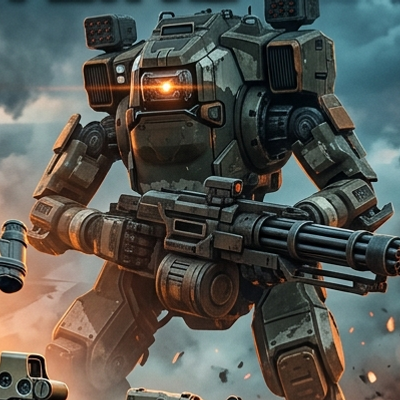
Call down massive orbital-drop combat mechs with customizable faction colors, recharging energy shields, high-mobility thrusters, and immersive cockpit HUDs for Forge 1.20.1.
 mod
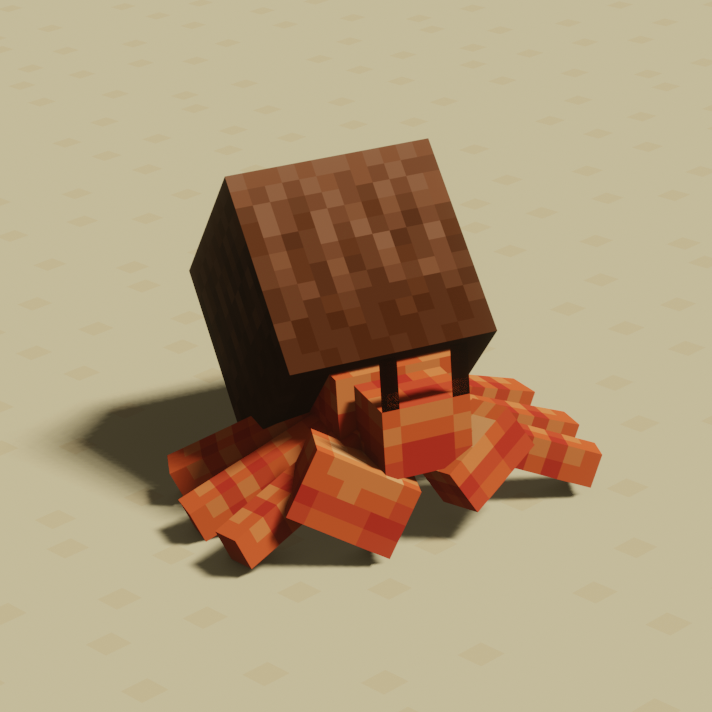
Simple vanilla biome updates, with fun mobs, blocks, and more!