TurtleLib Needed by PermaClicker_1.2.1_MC-26-2_NEOFORGE_26-2-0-8-beta.jar
requiredMatching file found Matched file: TurtleLib_1.2.1_MC-26-2_NEOFORGE_26-2-0-8-beta.jar

CurseForge · Minecraft mod
Simulates continuous left mouse button holding. Ideal for farming while AFK. Optionally suppresses the pause screen, allowing it to run in the background. Motion lock can be activated.
Quick answer
PermaClicker_1.2.1_MC-26-2_NEOFORGE_26-2-0-8-beta.jar targets 26.2 with NeoForge. The project page does not say whether this file belongs on the client, dedicated server, or both. All 2 required mods have matching files.
Where it goes
The project page does not say whether this file belongs on the client, dedicated server, or both.
The source does not explicitly classify this release as client-only or server-only.
PermaClicker_1.2.1_MC-26-2_NEOFORGE_26-2-0-8-beta.jar on 26.2. Every mod below is checked against that same setup.
Install TurtleLib, TurtleLib first. We found matching files for this game-version and loader setup.
We only count dependency files that match this setup. A file for another loader does not fill the gap.
Before you install it
Built for PermaClicker_1.2.1_MC-26-2_NEOFORGE_26-2-0-8-beta.jar on 26.2. Pick another file and the loader, install side or required mods may change.
Use PermaClicker_1.2.1_MC-26-2_NEOFORGE_26-2-0-8-beta.jar. It targets 26.2 with NeoForge; another release may have different loader, side or dependency requirements.
Install TurtleLib, TurtleLib first. We found matching files for this game-version and loader setup.
The project page does not say whether this file belongs on the client, dedicated server, or both.
Use the “Get this file” button beside PermaClicker_1.2.1_MC-26-2_NEOFORGE_26-2-0-8-beta.jar. It opens that exact file at the source.
About this project
PermaClicker keeps client-side mining/click input active while the mod is enabled, e. g. to provide a cobblestone farm while you're AFK. It is intended for single-player or explicitly allowed environments, with configurable safety limits.
PermaClicker automates input behavior. Use it only where this is explicitly allowed. On many servers this may violate rules and can result in penalties such as kick/ban.
PermaClicker and TurtleLib (required dependency) in the mods folder.u for options, F7 toggle on/off.0..9999 minutes)ESC stops PermaClicker and opens the pause menu.If you care about tool durability (breaking while PermaCLickers runs), you can use Inventory Profiles Next to replace them before they break or after they're broken.
Most settings are managed directly in the in-game config screen.
PermaClicker bundles each locale as a JSON file. Included languages:
PermaClicker ships loader-local Gradle wrappers, so no global Gradle install is required.
fabric/gradlew (Linux/macOS), fabric/gradlew.bat (Windows)neoforge/gradlew (Linux/macOS), neoforge/gradlew.bat (Windows)Typical tasks: build, test, tasks.
Parts of the source code and documentation were created with AI assistance.
Project description from CurseForge.
Pick your setup
Choose the version and loader you play, then open the matching release.
Check the dependencies, then try the file in a copied instance before changing a world you care about.
Recent files
18 Jul 2026
18 Jul 2026
Looking for an older file? The official CurseForge project page is in Resources.
 mod
modLets you share a bed with a villager or another player.
 mod
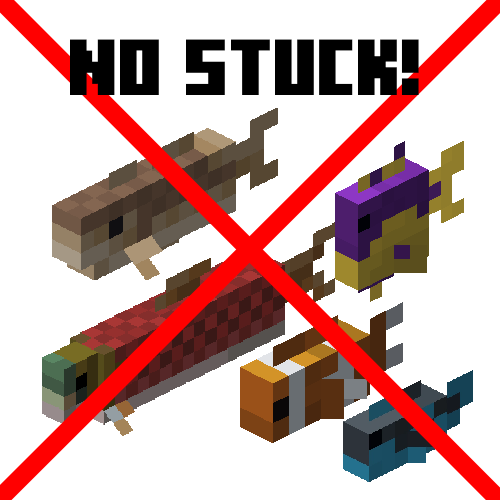
modA small mod that fixes fish stop moving entirely (MC-182763)
 mod
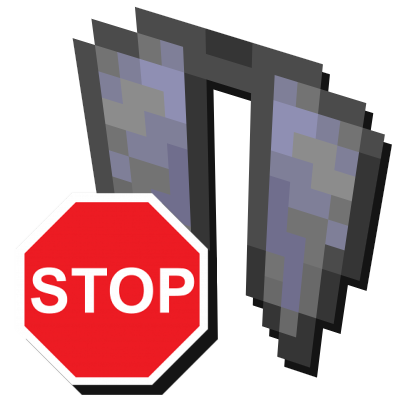
modAllows canceling elytra flight mid-air by sneaking