Project YL57xq9U Needed by Iris & Oculus Flywheel Compat 1.21.1+2.4.0-release
requiredStill checking

Modrinth · Minecraft mod
Enable Flywheel's optimizations when using shaderpacks.
Quick answer
Iris & Oculus Flywheel Compat 1.21.1+2.4.0-release targets 1.21.1 with NeoForge. It must be installed on the client. Do not install it on the dedicated server. 1 required mod needs checking.
Where it goes
It must be installed on the client. Do not install it on the dedicated server.
This file is marked client-only.
1.21.1+2.4.0-release. Change the file and its required mods may change too.
Install project YL57xq9U, Sodium first. 1 required mod still needs checking for this exact setup.
We only count dependency files that match this setup. A file for another loader does not fill the gap.
Before you install it
Built for Iris & Oculus Flywheel Compat 1.21.1+2.4.0-release. Pick another file and the loader, install side or required mods may change.
Use 1.21.1+2.4.0-release. It targets 1.21.1 with NeoForge; another release may have different loader, side or dependency requirements.
Install project YL57xq9U, Sodium first. 1 required mod still needs checking for this exact setup.
It must be installed on the client. Do not install it on the dedicated server.
Use the “Get this file” button beside 1.21.1+2.4.0-release. It opens that exact file at the source.
About this project
Version Compatibility:
| Create Version | NeoForge/Forge | Fabric |
|---|---|---|
| 6.0.9 | 2.1.0 | ❌ |
| 6.0.0 - 6.0.9 | 2.0.5 | ❌ |
| 5.0 | 1.X | 1.X |
Features:
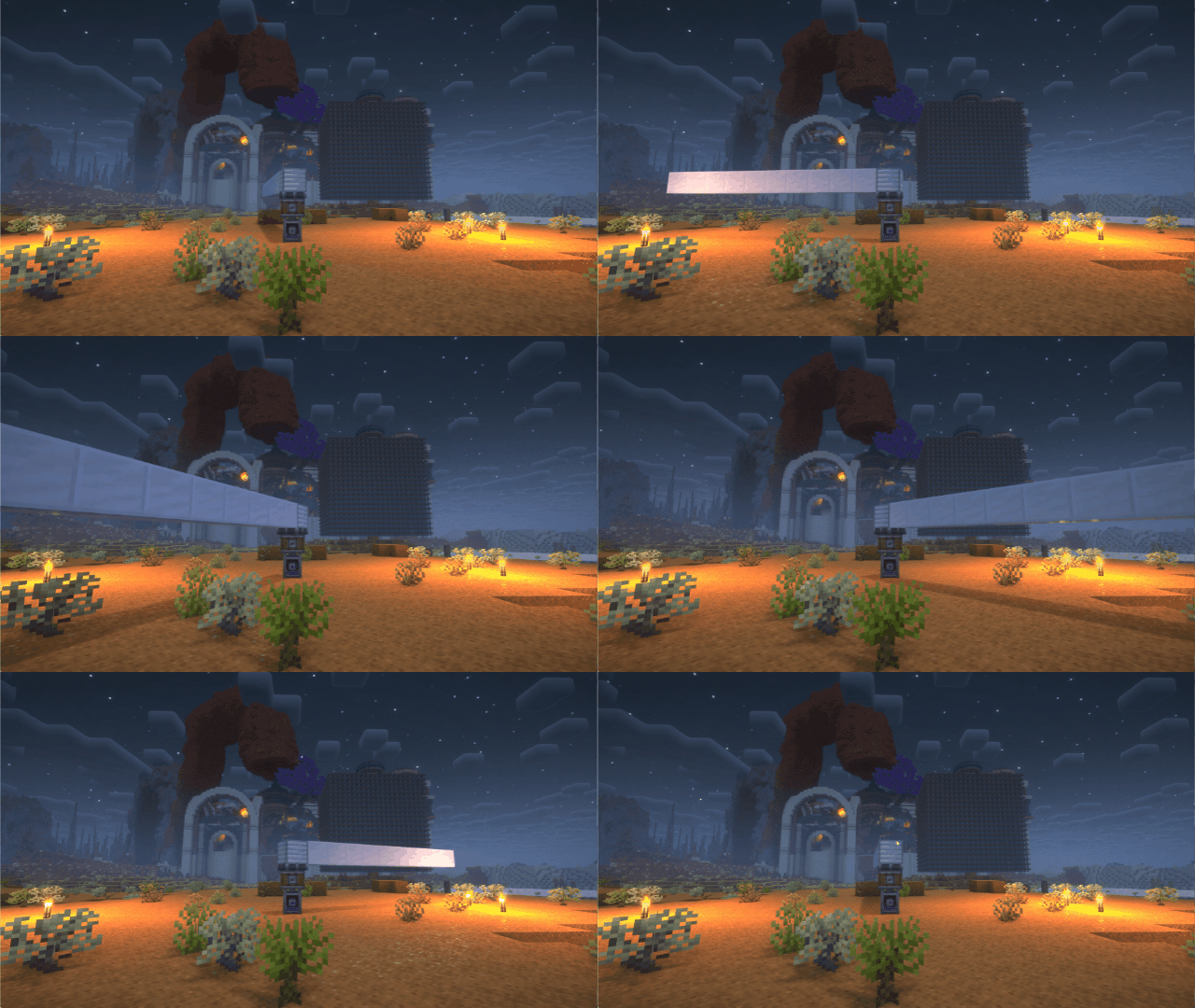
If you have any suggestions or issues, please raise them on the GitHub issue page.
Flywheel will disable its optimizations when you are using shaderpacks.
This mod forces Flywheel's optimizations to be enabled.
For those using shaderpack and mods depend on Flywheel, this mod can significantly improve fps.
If you don't use shaderpack, this mod has no effect. Because Flywheel's optimizations are enabled by default.
The shaders that have been tested are:
There are some shaderpacks that are also supported, but not listed above, so you can test them by yourself.
This mod only supports some specific versions of Iris or Oculus !!!
| Create Version | NeoForge/Forge | Fabric |
|---|---|---|
| 6.0.9 | 2.1.0 | ❌ |
| 6.0.0 - 6.0.9 | 2.0.5 | ❌ |
| 5.0 | 1.X | 1.X |
| Iris or Oculus | This Mod |
|---|---|
| >= 1.8.1 | 2.0.0 |
| >= 1.6.13 | 0.2.2 |
| >= 1.6.5 | 0.2.1 |
| >= 1.6.2 | 0.2.0 |
| >= 1.5 and <= 1.6.1 | 0.1.9 |
| >= 1.4 and < 1.5 | 0.1.7~0.1.8 |
| <1.4 | 0.1.6 below |
Flywheel uses a method called GPU Instancing to render entities. It is very efficient when rendering a large number of repeating entities (e.g. gears in Create mod). But when you use iris and enable shaderpack, this optimization is disabled. Because flywheel needs to use its own shader to render these entities and flywheel's shader will no longer work when you enable shaderpack.
This mod will automatically merge flywheel's shader with the shader in shaderpack when shaderpack is enabled to be able to render entities using Instancing.
When you have a large number of entities to render, there is a huge CPU bottleneck with the original rendering method. This means that the better your GPU is, the bigger the FPS improvement from Flywheel.
Install Flywheel(Create has embedded flywheel so you don't need to install it separately now) and Iris (Oculus if you use forge).
Install this mod.
Project description from Modrinth.
Pick your setup
Choose the version and loader you play, then open the matching release.
Showing the newest 12 of 14 game versions. Older files are in the list below.
Check the dependencies, then try the file in a copied instance before changing a world you care about.
Recent files
iris-flywheel-compat-NeoForge-2.4.0.jar
6 May 2026
iris-flywheel-compat-NeoForge-2.3.1.jar
3 May 2026
iris-flywheel-compat-NeoForge-2.3.0.jar
26 Apr 2026
iris-flywheel-compat-NeoForge-2.2.0.jar
2 Mar 2026
iris-flywheel-compat-NeoForge-2.1.2.jar
1 Feb 2026
iris-flywheel-compat-NeoForge-2.1.0.jar
18 Jan 2026
iris-flywheel-compat-NeoForge-2.0.5.jar
7 Oct 2025
iris-flywheel-compat-Fabric-2.0.5.jar
7 Oct 2025
iris-flywheel-compat-NeoForge-2.0.4.jar
7 Jul 2025
iris-flywheel-compat-Fabric-2.0.4.jar
7 Jul 2025
oculus-flywheel-compat-Forge-2.0.3.jar
25 Jun 2025
iris-flywheel-compat-Fabric-2.0.3.jar
21 Jun 2025
Looking for an older file? The official Modrinth project page is in Resources.
 mod
modReduces the delay between server packets and client ticks. 서버에서 도착한 패킷과 클라이언트 틱 사이의 딜레이를 완화합니다.
 mod
modInvasive optimizations for other mods. If you experience any issues, disable this mod first!
 mod
modCreating smoother animations for players