CurseForge · Minecraft mod
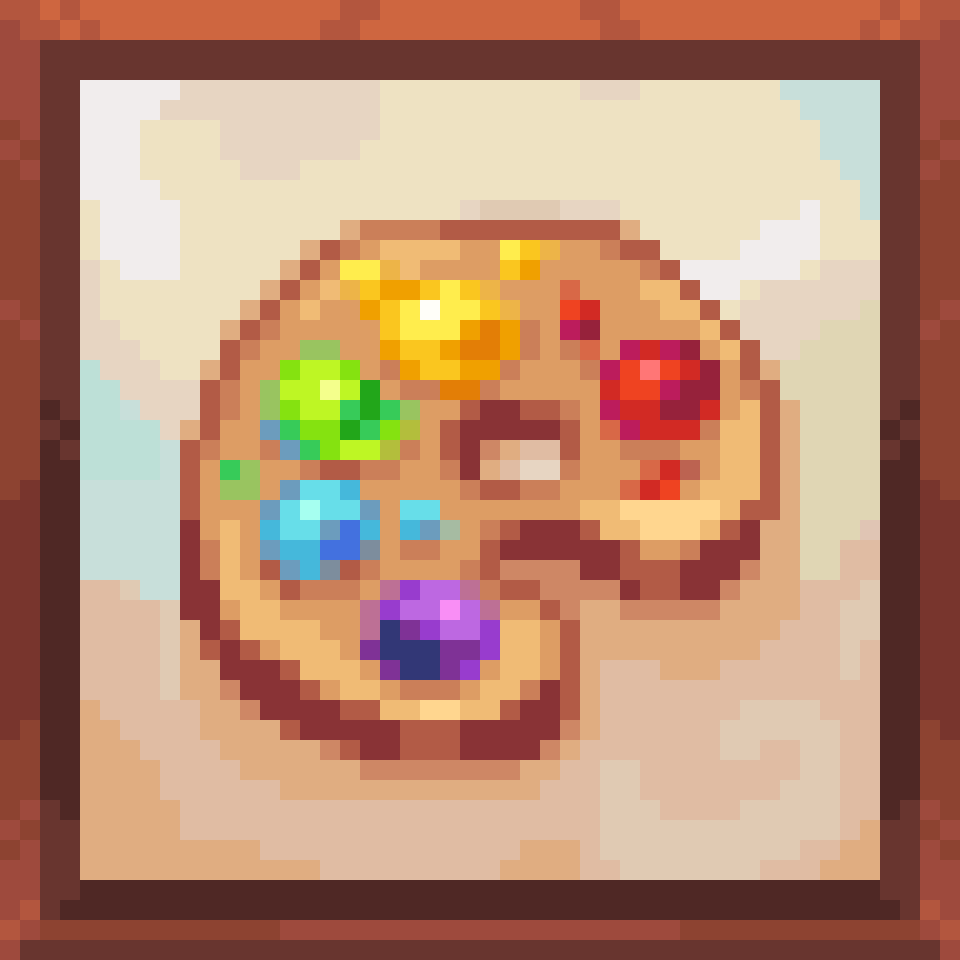
Custom Totem Particles
Fanciest totem particles in the west!
Quick answer
Which Custom Totem Particles release should I use?
Custom Totem Particles CustomTotemParticles-1.21.4-2.92.jar targets 1.21.4 with Fabric. The project page does not say whether it belongs on the client. The project page does not say whether it belongs on the dedicated server. 2 required mods need a matching file.
Where it goes
Is Custom Totem Particles required on the client, server, or both?
The project page does not say whether it belongs on the client. The project page does not say whether it belongs on the dedicated server.
The source does not explicitly classify this release as client-only or server-only.
What else does Custom Totem Particles CustomTotemParticles-1.21.4-2.92.jar need?
CustomTotemParticles-1.21.4-2.92.jar. Change the file and its required mods may change too.
Install YetAnotherConfigLib, YetAnotherConfigLib (YACL), Fabric API, Fabric API first, but 2 required mods have no matching file for this setup. Do not mix loader builds to force a match. 2 come through another mod in the chain.
2 extra mods were pulled in by other dependencies. Indented rows show who needs each one. We only count dependency files that match this setup. A file for another loader does not fill the gap.
Before you install it
Add Custom Totem Particles without breaking your instance.
Built for Custom Totem Particles CustomTotemParticles-1.21.4-2.92.jar. Pick another file and the loader, install side or required mods may change.
- 01
Stick to this file
Use CustomTotemParticles-1.21.4-2.92.jar. It targets 1.21.4 with Fabric; another release may have different loader, side or dependency requirements.
- 02
Bring the mods it needs
Install YetAnotherConfigLib, YetAnotherConfigLib (YACL), Fabric API, Fabric API first, but 2 required mods have no matching file for this setup. Do not mix loader builds to force a match. 2 come through another mod in the chain.
- 03
Put it on the correct side
The project page does not say whether it belongs on the client. The project page does not say whether it belongs on the dedicated server.
- 04
Pick the file you checked
Use the “Get this file” button beside CustomTotemParticles-1.21.4-2.92.jar. It opens that exact file at the source.
About this project
What does Custom Totem Particles add?
Fanciest totem particles in the west!
Embed Removed: https://www.youtube-nocookie.com/embed/n7sEy_lr-tU
Version 2.5!
This is just an intermediate release for 1.20.4-6 and 1.20.1, adding a lot of improvements in preparation for 1.21 and the release of version 3.0! You do need to use latest fabric versions for this, but i'll try to fix that in V3.
Some changes include:
- Major config overhaul! You can now easily copy and load configurations for the mod, and it's much easier to tell which categories are active!
- Added more options, like better rotation over time, lighting, and rainbow stuff!
- Fixed randomization off-by-one
- Easter egg >:)
- Interpolation for scale and color to look smoother
- Tiny tweaks to descriptions and options
- Fixed gravity over time applying twice
- Various QOL
Explaining the configuration
Categories
The configuration of the particle is split up into categories, which can be enabled and disabled at any time.
- General
- Global mod toggle - enable / disable the mod completely.
- Particle type - replace the totem particle with a different kind, for example criticals (this option ignores most parameters)
- Multiplier - see more or less particles when you pop a totem
- Show own totem particles - whether or not to show particles from yourself.
- Emitter settings (The emitter is what makes the particles coming from the player)
- Emitter lifetime - how long the particle will emit particles for (game default is 30 ticks)
- Vertical offset - move the emitter up or down
- Emitter moves with player - if enabled, the emitter will move with the player
- Misc
- Hide on ground - particles will be hidden when they touch the ground
- Collisions - Whether or not particles will collide with blocks
- Light Level - How brightly the particle will appear. setting to -1 will use world lighting.
- Color
- Blend colors - If enabled, will take the first two given colors and set the particle's color to a random color inbetween them, making a nice gradient
- Starting color - you can now add as many starting colors as you want; if you want colors to appear more often than others, just add a duplicate entry
- Color transitions - you have two seperate transitions, explained more below
- Fade to color - the target color to start fading to
- Fade speed - how fast to fade to that color
- Fade at % - at what percent of the particle's lifetime to fade at (e.g. if the lifetime is 60 ticks, 50% will start fading after 30 ticks)
- Rainbow
- Start Color - Will set the starting color of the particle to some random color from the rainbow
- Rainbow over time - Will change the particle color to be a part of the rainbow over time (If you want the particle colors to be synced, set the starting color to be a single color)
- Speed - how quickly the particle goes through the rainbow
- Alpha
- Minimum / Maximum alpha - randomly chooses an opacity of the particle between the specified values
- Fade out / Fade on ground - Specify when and how fast to fade out when the particle reaches a specific age / is on the ground
- Scale
- Minimum / Maximum scale - randomly chooses a scale between the specified values
- Scale over time / Scale on ground - specify when and how fast to scale when the particle reaches a specific age / is on the ground
- Age
- Minimum / Maximum age - randomly choose a age for how long the particle exists in ticks
- Movement
- Minimum / Maximum velocity multiplier - randomly choose a velocity multiplier for the particle
- Custom velocity
- Customize min/max X,Y and Z velocity independently!
- Gravity
- Minimum / Maximum starting gravity
- Gravity over time, change gravity at set speed at set lifetime
- Rotation
- Minimum / Maximum starting rotation
- Minimum / Maximum rotation speed
- Change at %
- Amount
- Smart mode - if enabled, the particles will lose speed over time if the "Amount" value is set to a negative number, regardless of the direction of their rotation. Vice versa for a positive number.
- Rotate on ground - whether or not to rotate particles when they are on the ground
Default Minecraft values
- Gravity = 1.25
- Velocity multiplier = 0.6
- Scale = 0.75
- Age = 60-72
- Emitter age - 30
Planned features
- Profiles
- Pack-bound profiles
- Randomization
- New particle types
- Replace texture instead of particle
- Revamped color system
- Refactor
- Translations
Project description from CurseForge.
Pick your setup
Custom Totem Particles by Minecraft version and loader
Choose the version and loader you play, then open the matching release.
1.21.11
1 loader build1.21.4
1 loader build1.21.1
1 loader build1.21
1 loader build1.20.6
1 loader build1.20.5
1 loader build1.20.4
1 loader build1.20.3
1 loader build1.20.2
1 loader build1.20.1
1 loader build1.20
1 loader build1.19.4
1 loader buildShowing the newest 12 of 17 game versions. Older files are in the list below.
Check the dependencies, then try the file in a copied instance before changing a world you care about.
Recent files
Custom Totem Particles versions and loaders
CustomTotemParticles-1.21.4-2.92.jar
23 Jun 2026
CustomTotemParticles-2.92.jar
23 Jun 2026
2.91
CustomTotemParticles-1.21.4-2.91.jar
19 Dec 2025
2.91
CustomTotemParticles-1.21.1-2.91.jar
19 Dec 2025
2.91
CustomTotemParticles-1.21-2.91.jar
19 Dec 2025
CustomTotemParticles-1.20.4-2.9.jar
5 Jan 2025
CustomTotemParticles-1.20.3-2.9.jar
5 Jan 2025
CustomTotemParticles-1.20.1-2.9.jar
5 Jan 2025
CustomTotemParticles-1.21.4-2.9.jar
5 Jan 2025
CustomTotemParticles-1.21.1-2.9.jar
5 Jan 2025
CustomTotemParticles-1.21-2.9.jar
5 Jan 2025
CustomTotemParticles-1.20.6-2.5.jar
6 May 2024
Looking for an older file? The official CurseForge project page is in Resources.