Architectury API Needed by AutoMuteOnAfk 1.1.0
requiredMatching file found Matched file: 22.0.1+neoforge

Modrinth · Minecraft mod
Automatically mutes Minecraft when the window loses focus (alt-tab / AFK) and restores your exact volume when you return.
Quick answer
AutoMuteOnAfk 1.1.0 targets 26.3 with NeoForge. It must be installed on the client. Do not install it on the dedicated server. All 1 required mods have matching files.
Where it goes
It must be installed on the client. Do not install it on the dedicated server.
This file is marked client-only.
1.1.0. Change the file and its required mods may change too.
Install Architectury API first. We found matching files for this game-version and loader setup.
We only count dependency files that match this setup. A file for another loader does not fill the gap.
Before you install it
Built for AutoMuteOnAfk 1.1.0. Pick another file and the loader, install side or required mods may change.
Use 1.1.0. It targets 26.3 with NeoForge; another release may have different loader, side or dependency requirements.
Install Architectury API first. We found matching files for this game-version and loader setup.
It must be installed on the client. Do not install it on the dedicated server.
Use the “Get this file” button beside 1.1.0. It opens that exact file at the source.
About this project

Automatically mutes the game while the Minecraft window is unfocused, then restores your exact volume the moment you come back. Alt-tab away or go AFK — the mod stores your current master volume and sets it to 0%; when the window regains focus, your previous volume is restored. No more music blasting in the background, and no touching the volume slider yourself.
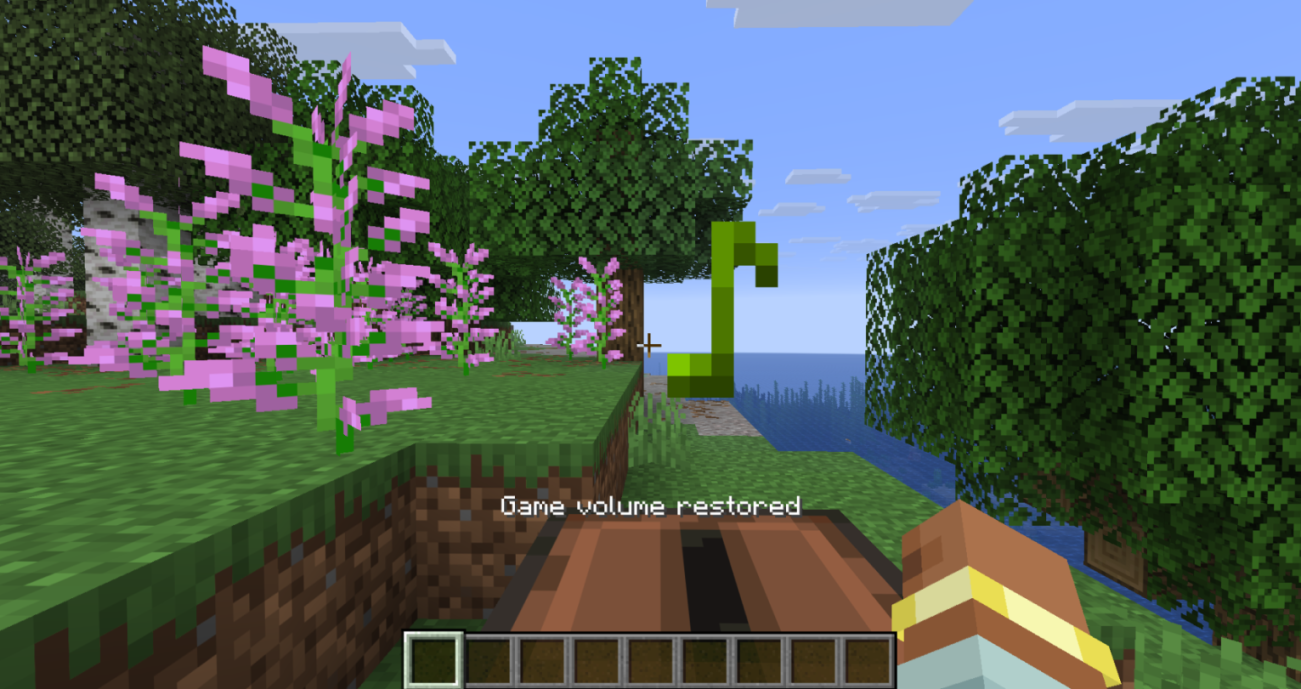
Client-side only (no server installation required). Fully compatible with singleplayer and multiplayer.
Dependencies: Fabric & NeoForge require Architectury API (and Fabric API on Fabric). Forge requires no additional dependencies.
Free to use in any modpack — public or private, no permission needed.
File: config/automuteonafk.json (created with defaults on first launch).
You can also toggle the mod in-game: Options → Controls → Key Binds → Auto Mute On AFK → Toggle Auto Mute On AFK (unbound by default). Pressing it enables/disables the mod and saves the new state.
Options:
enabled (true) — when false, the mod does nothing (also flipped by the toggle hotkey).showMessages (true) — action-bar messages on mute/restore; set false for silent operation.Please report any bugs, errors, or feature suggestions on Discord: https://discord.gg/HTkn94BXmA
My other mods that I recommend.
Project description from Modrinth.
Pick your setup
Choose the version and loader you play, then open the matching release.
Check the dependencies, then try the file in a copied instance before changing a world you care about.
Recent files
automuteonafk-neoforge-26.3-1.1.0.jar
18 Sept 2026
automuteonafk-neoforge-26.2-1.1.0.jar
18 Sept 2026
automuteonafk-neoforge-26.1.2-1.1.0.jar
18 Sept 2026
automuteonafk-neoforge-1.21.11-1.1.0.jar
18 Sept 2026
automuteonafk-neoforge-1.21.1-1.1.0.jar
18 Sept 2026
automuteonafk-forge-1.21.11-1.1.0.jar
18 Sept 2026
automuteonafk-forge-1.21.1-1.1.0.jar
18 Sept 2026
automuteonafk-forge-1.20.1-1.1.0.jar
18 Sept 2026
automuteonafk-forge-1.19.2-1.1.0.jar
18 Sept 2026
automuteonafk-fabric-26.3-1.1.0.jar
18 Sept 2026
automuteonafk-fabric-26.2-1.1.0.jar
18 Sept 2026
automuteonafk-fabric-26.1.2-1.1.0.jar
18 Sept 2026
Looking for an older file? The official Modrinth project page is in Resources.
 mod
modBuild real waterparks with fully customizable slides!
 mod
modA feature-rich, smooth cinematic zoom mod for Minecraft
 mod
modShow mob health and names, and customize mob health and damage in Minecraft.