Fabric API Needed by SkinLibrary 2.1.0+26.2
requiredMatching file found Matched file: 0.160.0+26.2

Modrinth · Minecraft mod
Server-side skin library for Fabric: drop PNG files in a folder and let players pick skins from a clickable in-chat list with /skin.
Quick answer
SkinLibrary 2.1.0+26.2 targets 26.2 with Fabric. Do not install it on the client. It must be installed on the dedicated server. All 2 required mods have matching files.
Where it goes
Do not install it on the client. It must be installed on the dedicated server.
This file is marked server-only.
2.1.0+26.2 on 26.2. Every mod below is checked against that same setup.
Install Fabric API, Fabric Tailor first. We found matching files for this game-version and loader setup.
We only count dependency files that match this setup. A file for another loader does not fill the gap.
Before you install it
Built for SkinLibrary 2.1.0+26.2 on 26.2. Pick another file and the loader, install side or required mods may change.
Use 2.1.0+26.2. It targets 26.2 with Fabric; another release may have different loader, side or dependency requirements.
Install Fabric API, Fabric Tailor first. We found matching files for this game-version and loader setup.
Do not install it on the client. It must be installed on the dedicated server.
Use the “Get this file” button beside 2.1.0+26.2. It opens that exact file at the source.
About this project
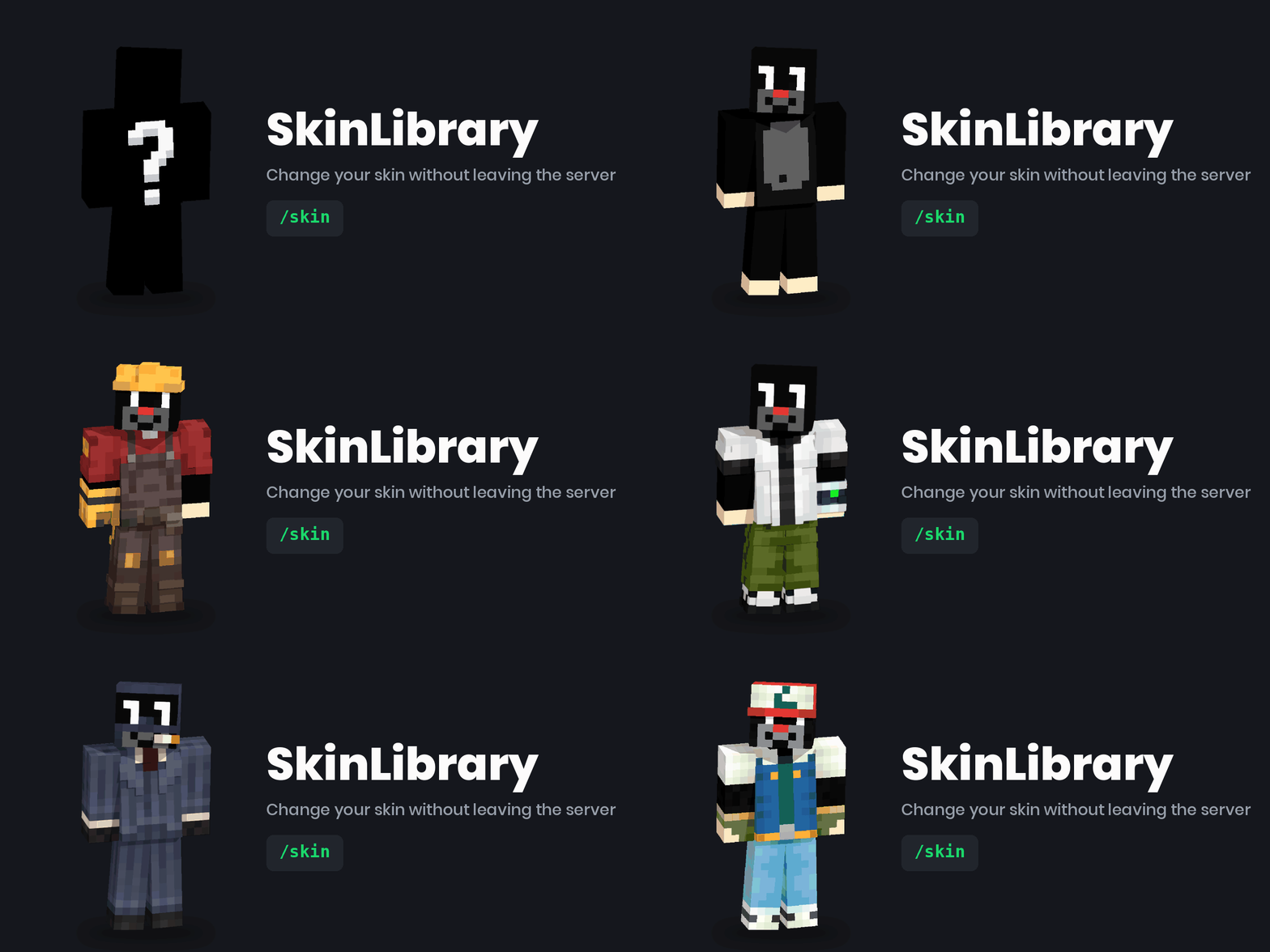
Server-side skin library for Fabric — players pick a skin from a clickable list in chat.
Drop .png files into a folder; players join with a vanilla client and type /skin.
Nothing to install on their side, no web service to host, no API keys.
| Command | What happens |
|---|---|
/skin |
Browse the library — paged, grouped by author, entries are clickable |
/skin <name> |
Wear a skin from the library |
/skin random |
Wear a random one |
/skin player <nick> |
Wear the skin of any Minecraft account |
/skin url <address> |
Wear a skin from a PNG link |
/skin reset |
Back to your own account skin |
/skin reload |
Reload the library (operators) |
FabricTailor does the actual skin swapping and the
MineSkin upload; SkinLibrary adds the curated library and the in-chat browser on top of it.
/skin reload./skin player <nick> and /skin url <address>,en_us and pl_pl built in, your own language without a rebuild.libraryUrl) — if you already run a skin service.A Fabric server on 1.21 or newer, Java 21, and in mods/:
Fabric API and FabricTailor.
Server-side only — players join with a vanilla client and need nothing installed.
fabric-api, fabrictailor and skinlibrary into your server's mods/ folder.config/skinlibrary/..png skins (64×64 or 64×32) into config/skinlibrary/skins/./skin reload, and they are live.The file name becomes the skin name: pirate.png → /skin pirate.
config/skinlibrary/config.json, created on first start:
{
  "language": "en_us",
  "allowPlayerSkins": true,
  "allowUrlSkins": true,
  "cooldownSeconds": 5,
  "requireOperator": false,
  "pageSize": 8,
  "slimByDefault": false,
  "libraryUrl": "",
  "commandAliases": ["skin", "skins"]
}
Nothing here is required — the defaults work. Notable options:
commandAliases — rename the command if another mod already owns /skin.slimByDefault — treat file skins as the slim (Alex) model.libraryUrl — optional HTTP catalogue, if you already run one. It must answer with{"skins": [{"name": "...", "value": "...", "signature": "...", "author": "..."}]};url instead of value.For anything beyond "a PNG in a folder", add config/skinlibrary/skins.json:
{
  "notch":  { "player": "Notch",                      "author": "mojang" },
  "banner": { "url": "https://example.com/skin.png",  "author": "alice"  },
  "alex":   { "file": "alex.png", "slim": true,       "author": "bob"    }
}
Entries are grouped by author in the browser, so a shared server can see who added what.
Built in: en_us, pl_pl. Set language in the config.
To add your own, drop config/skinlibrary/lang/<code>.json with the same keys asen_us.json — no rebuild needed.
One jar covers 1.21 and up. The mod has no mixins and stays off the parts of the API that
shift between releases, so it does not need a rebuild per point release.
The single exception is clickable chat: Minecraft 1.21.5 replaced the click/hover event API.
On 1.21.5+ the list is clickable; on older releases the same list prints without click support
and everything else works unchanged.
github.com/PiotrKajor/skinlibrary — MIT.
A Polish README is in the repository (README.md).
Project description from Modrinth.
Pick your setup
Choose the version and loader you play, then open the matching release.
Showing the newest 12 of 25 game versions. Older files are in the list below.
Check the dependencies, then try the file in a copied instance before changing a world you care about.
Recent files
skinlibrary-fabric-26.2-2.1.0.jar
15 Aug 2026
Looking for an older file? The official Modrinth project page is in Resources.
 mod
modAdds a new variant of bedrock, which can be combined with netherite armor.
 mod
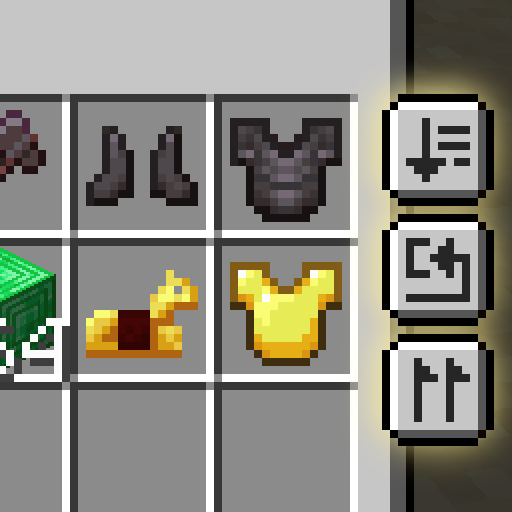
modSort and transfer items with the click of a button.
 mod
modEnchantment Shifter is a Minecraft mod that allows players to freely move enchantments between items using the anvil. Transfer enchantments to books for storage, shift enchantments between tools, and customize XP costs and limits.