Fabric API Needed by Better Happy Ghast Controls 26.3-1.0.6-fabric
requiredMatching file found Matched file: 0.161.0+26.3
Modrinth · Minecraft mod
Better controls and movement when riding Happy Ghasts, especially for building. Makes it feel more like creative flight.
Quick answer
Better Happy Ghast Controls 26.3-1.0.6-fabric targets 26.3 with Fabric. Installation on the client is optional. Installation on the dedicated server is optional. All 1 required mods have matching files.
Where it goes
Installation on the client is optional. Installation on the dedicated server is optional.
The source marks this as usable on both the client and server.
26.3-1.0.6-fabric. Change the file and its required mods may change too.
Install Fabric API first. We found matching files for this game-version and loader setup.
We only count dependency files that match this setup. A file for another loader does not fill the gap.
Before you install it
Built for Better Happy Ghast Controls 26.3-1.0.6-fabric. Pick another file and the loader, install side or required mods may change.
Use 26.3-1.0.6-fabric. It targets 26.3 with Fabric; another release may have different loader, side or dependency requirements.
Install Fabric API first. We found matching files for this game-version and loader setup.
Installation on the client is optional. Installation on the dedicated server is optional.
Use the “Get this file” button beside 26.3-1.0.6-fabric. It opens that exact file at the source.
About this project
These map to your default Minecraft movement controls to align with creative flight. Set within Minecraft Options... -> Controls... -> Key Binds.... Your bindings may differ to the default below.
| Happy Ghast Control | Default Key | Minecraft Control |
|---|---|---|
| Forward | W |
Walk Forward |
| Backward | S |
Walk Backward |
| Left | A |
Strafe Left |
| Right | D |
Strafe Right |
| Ascend | Space |
Jump |
| Descend | Left Shift |
Sneak |
| Boost | Left Control Double-Tap W |
Sprint Walk Forward (x2) |
| Dismount | Double-Tap Left Shift |
Sneak (x2) |
Set on the client, does not require the server-side mod. Use Mod Menu to customize settings in-game, or assign a custom keybind for Open Config to open the settings in-game.
Flight controls align with regular creative flight by default, with dismount requiring to double-tap sneak. Descend key can be rebound to restore regular single-press sneak to dismount behaviour.
| Key Bind | Default | Description |
|---|---|---|
| Descend | UnboundUses Sneak unless otherwise disabled. |
A custom keybind that can be assigned instead of Sneak to descend while riding a Happy Ghast. This can be assigned as an alternative to Sneak when using Sneak to dismount. |
| Dismount | Unbound Uses Double-Tap Sneak unless otherwise disabled. |
A custom keybind that can be assigned instead of Sneak or Double-Tap Sneak to dismount while riding a Happy Ghast. This can be assigned as an alternative to Sneak when using Sneak to descend. |
| Toggle Profile | ` (backtick) |
Allows you to toggle between preset profiles while riding a Happy Ghast to switch between control sets. E.g. to toggle between a "Travel" profile adjusted for speed and ease of use, and a "Build" profile adjusted for smaller more precise movements. |
| Open Config | Unbound |
Opens the client config screen from in-game. Saves having to use Mod Menu. |
Create one or more profiles to switch between different situations in real-time, for when you want speed and fluidity while traveling, or sharp precision while building.
| Setting | Description | Default |
|---|---|---|
| Name | A friendly name for the profile. This is shown on screen when toggling between profiles. | Default |
| Master Speed | Sets a consistent speed for all Happy Ghast movements. This simply sets all other speed settings at once. | 1.0 (100%) |
| Forward Speed | Sets the Happy Ghast speed while moving forward (W). | 1.0 (100%) |
| Backward Speed | Sets the Happy Ghast speed while moving backward (S). | 1.0 (100%) |
| Strafe Speed | Sets the Happy Ghast speed while moving sideways (A and D). | 1.0 (100%) |
| Ascend Speed | Sets the Happy Ghast speed while ascending vertically (Space Bar). | 1.0 (100%) |
| Descend Speed | Sets the Happy Ghast speed while descending vertically (Left Ctrl). | 1.0 (100%) |
| Automatic Pitch | Adjusts the Happy Ghast vertical position automatically while moving forward based on whether the player is looking up or down. Turn OFF to maintain the Y position unless using the Ascend/Descend key. | true (ON) |
| Fixed Rotation | Fixes the Happy Ghast rotation to center around the player rider, allowing more precision while stationary and looking around. Turn OFF to restore the standard rotation centering around the Happy Ghast. | true (ON) |
| Smooth Glide | Sets whether movements are smooth or instant while riding Happy Ghasts. Turn OFF for more precise movement. | false (OFF) |
| Speed Boost Rate | Apply a speed boost multiplier when pressing the Sprint key while riding Happy Ghasts. Double-tapping forward also boosts based on the global Minecraft setting. Resulting speed must be within the server maximum. | 2.0 (2x) |
| Descend Key | Select whether to use the Minecraft key bind for Sneak/Crouch to Descend while riding a Happy Ghast, or to only use the custom Descend key bind. If using Double-Tap to Dismount, this should use Custom Key Bind only. | SNEAK other option: CUSTOM_KEYBIND |
| Dismount Key | Select whether to require double tapping the Sneak/Crouch key to dismount while riding Happy Ghasts, or to apply the standard single tap Sneak/Crouch to dismount behaviour, or to only use the custom Dismount key bind. | DOUBLE_TAP_SNEAK other options: SNEAK CUSTOM_KEYBIND |
| Dismount Window | Time window in ticks where double-tapping the Sneak/Crouch key dismounts the Happy Ghast. Only applies when Dismount is set to Double-Tap. | 5 (5 ticks) |
Set on the server, does not require client-side mod. Min/Max Speed can be used to set speed limits on the client-side. If server-side mod is not installed, defaults align with standard Minecraft.
| Setting | Description | Default |
|---|---|---|
| Disable Roaming | Makes all Happy Ghasts stop roaming while not being ridden. Only applies when wearing a Harness. | true (ON) |
| Disable Ambient Sound | Silences all Happy Ghast ambient sounds (does not affect hurt/death sounds). | true (ON) |
| Disable Mining Penalty | Allow players to break blocks at normal speeds while riding a Happy Ghast, rather than having the default 5x slowness applied for not being on the ground. | true (ON) |
| Reach | The multiplier applied to the distance players can reach blocks and entities while riding a Happy Ghast, where 1.0 is the standard reach. | 1.0 (100% or 4.5 blocks) |
| Ghast Size | The size multiplier of all Happy Ghasts, where 1.0 is the standard size. | 0.75 (75% or 3 blocks wide) |
| Default Speed | Sets the default speed while riding Happy Ghasts. This also applies the default speed for anyone not using the client-side mod. Additionally, roaming ghasts move slightly slower than normal too. | 1.0 (100%) |
| Minimum Speed | Sets the minimum client speed settings allowed while riding Happy Ghasts. Overrides any client config that exceeds this. | 0.0 (0%) |
| Maximum Speed | Sets the maximum client speed settings allowed while riding Happy Ghasts. Overrides any client config that exceeds this. | 5.0 (500% or 5x as fast as standard) |
The config file can be modified under config/ghastcontrols.json. The following JSON represents the default config. Additional profile objects can be added, and the currentProfile represents the currently selected profile. For servers, currentProfile and profiles are ignored.
{
  "currentProfile": 1,
  "profiles": [
    {
      "name": "Default",
      "forwardSpeed": 1.0,
      "backwardSpeed": 1.0,
      "strafeSpeed": 1.0,
      "ascendSpeed": 1.0,
      "descendSpeed": 1.0,
      "boostRate": 2.0,
      "dynamicPitch": false,
      "fixedRotation": true,
      "smoothGlide": true,
      "descend": "SNEAK",
      "dismount": "DOUBLE_TAP_SNEAK",
      "dismountWindow": 5
    }
  ],
  "disableRoaming": true,
  "disableAmbientSound": true,
  "disableMiningPenalty": true,
  "reach": 1.0,
  "ghastSize": 0.75,
  "defaultSpeed": 1.0,
  "minSpeed": 0.0,
  "maxSpeed": 5.0
}
{
  "disableRoaming": true,
  "disableAmbientSound": true,
  "disableMiningPenalty": true,
  "reach": 1.0,
  "ghastSize": 0.75,
  "defaultSpeed": 1.0,
  "minSpeed": 0.0,
  "maxSpeed": 5.0
}
Project description from Modrinth.
Pick your setup
Choose the version and loader you play, then open the matching release.
Check the dependencies, then try the file in a copied instance before changing a world you care about.
Recent files
ghastcontrols-fabric-26.3-1.0.6.jar
19 Sept 2026
ghastcontrols-neoforge-26.3-1.0.6.jar
19 Sept 2026
ghastcontrols-neoforge-26.2-1.0.6.jar
17 Jun 2026
ghastcontrols-fabric-26.2-1.0.6.jar
17 Jun 2026
ghastcontrols-fabric-26.1.2-1.0.6.jar
6 Jun 2026
ghastcontrols-neoforge-26.1.2-1.0.6-2.jar
6 Jun 2026
ghastcontrols-fabric-26.1.2-1.0.5-2.jar
4 Jun 2026
ghastcontrols-neoforge-26.1.2-1.0.5.jar
31 May 2026
ghastcontrols-neoforge-26.1.2-1.0.4.jar
10 May 2026
ghastcontrols-fabric-26.1.2-1.0.4.jar
10 May 2026
ghast-controls-26.1.2-1.0.3.jar
8 May 2026
ghast-controls-26.1.2-1.0.2.jar
5 May 2026
Looking for an older file? The official Modrinth project page is in Resources.
 mod
modA simple mod to solve various problems with packets, NBTs and timeouts.
 mod
modRandomly assembled dungeons under a doorway in the ground: a stone maze of cells and stairs, weathered differently every time, with a warden to beat at the end for enchanted diamond gear.
 mod
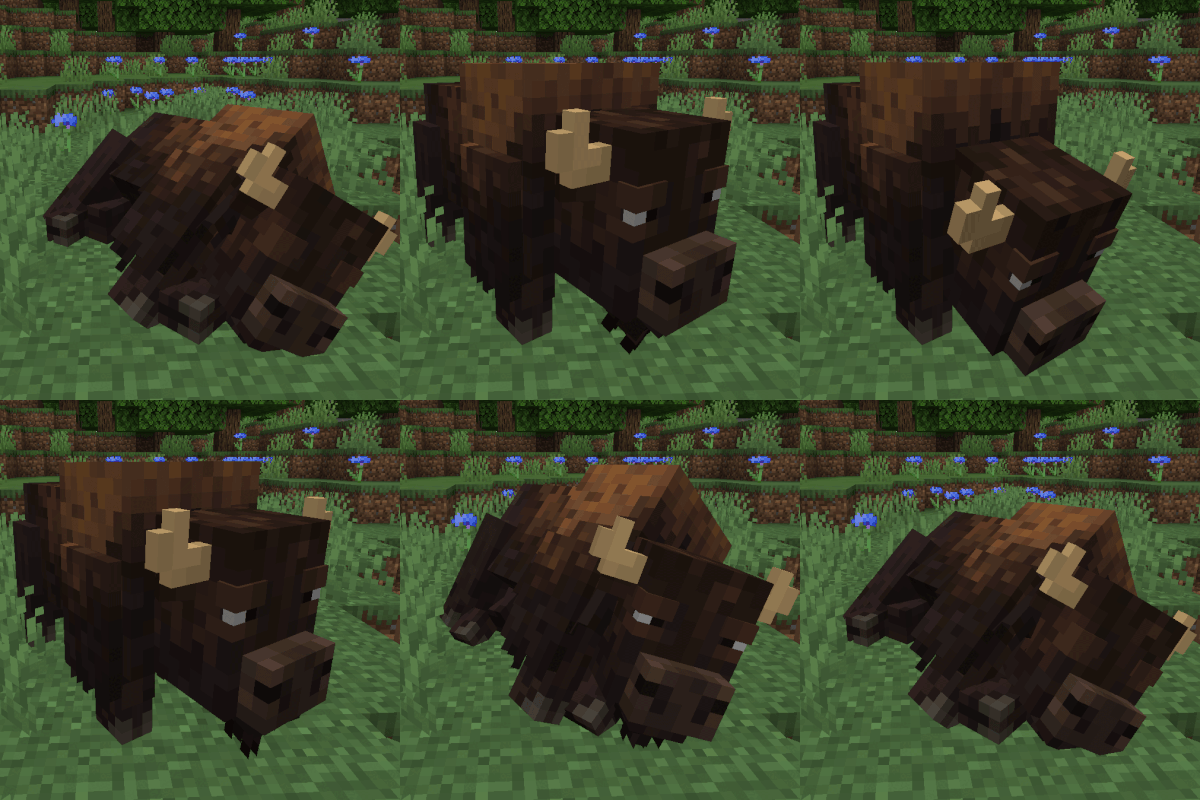
modAdds the bison, a massive and powerful herbivore into the game.