Minecraft version
Back to mods 
Modrinth · Minecraft mod
Kill Confirmed
Mint fire-resistant Dog Tags on player death and store, search, and sort up to 108 in a vanilla Dog Tag Case. Zero dependencies.
Choose a version Pick your version below, then grab the matching file.
Quick answer
Which Kill Confirmed release matches 26.3 NeoForge?
Best match for your filters 2.0.2+26.3-neoforge
Game version 26.3
Loader NeoForge
Kill Confirmed 2.0.2+26.3-neoforge targets 26.3 with NeoForge. Installation on the client is optional. Installation on the dedicated server is optional. No extra mods listed for this file.
Where it goes
Is Kill Confirmed required on the client, server, or both?
Installation on the client is optional. Installation on the dedicated server is optional.
Client Optional
Dedicated server Optional
Loader for this release NeoForge
Required install it here Optional supported, not mandatory Not supported do not install here Source doesn’t say do not assume
The source marks this as usable on both the client and server.
What else does Kill Confirmed 2.0.2+26.3-neoforge need?
2.0.2+26.3-neoforge on 26.3 NeoForge. Every mod below is checked against that same setup.
This file does not list any required mods. Do not add a library just because a different file uses it.
This file does not list any required or optional mods.
Before you install it
Add Kill Confirmed without breaking your instance.
Built for Kill Confirmed 2.0.2+26.3-neoforge on 26.3 NeoForge. Pick another file and the loader, install side or required mods may change.
- 01
Stick to this file
Use 2.0.2+26.3-neoforge. It targets 26.3 with NeoForge; another release may have different loader, side or dependency requirements.
- 02
Bring the mods it needs
This file does not list any required mods. Do not add a library just because a different file uses it.
- 03
Put it on the correct side
Installation on the client is optional. Installation on the dedicated server is optional.
- 04
Pick the file you checked
Use the “Get this file” button beside 2.0.2+26.3-neoforge. It opens that exact file at the source.
About this project
What does Kill Confirmed add?
Kill Confirmed
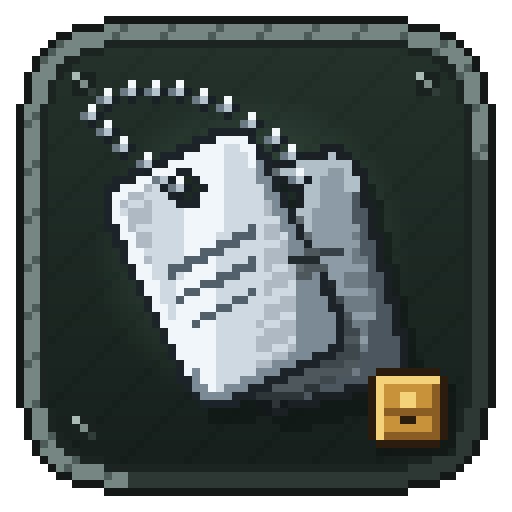
Kill Confirmed drops a fire-resistant Dog Tag whenever a player dies — recording how they died, where it happened, and their level — and adds a 108-slot Dog Tag Case to collect, search, and organize trophies on PvP or survival servers.
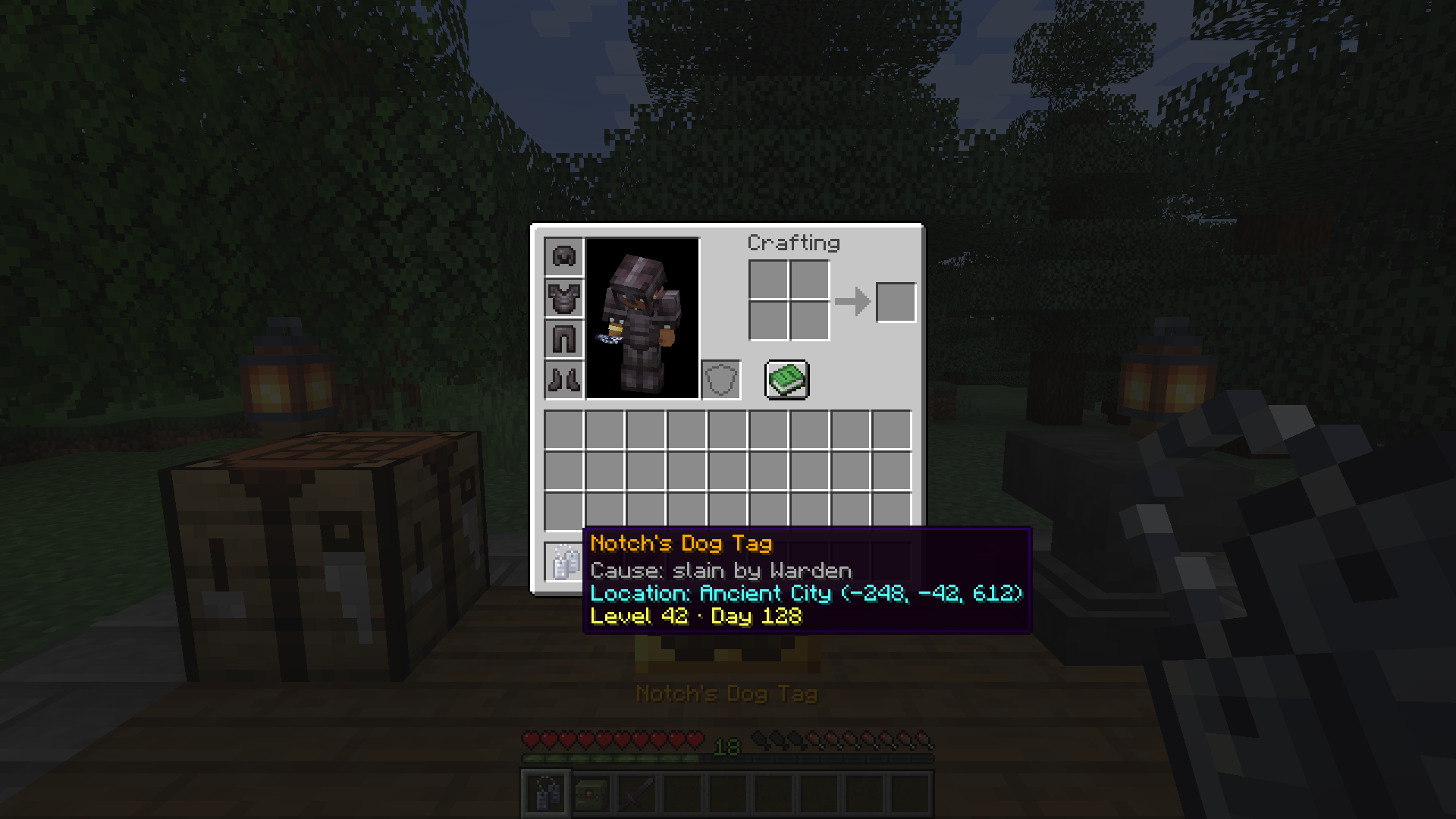
Features
Dog Tags (kill_confirmed:dog_tag)
- Survives fire & lava: Enabled by default (
fire_resistant = true) so lava deaths still leave a recoverable tag behind. - Death inscription: Records the death message, nearest structure or biome with coordinates (
Ancient City · (-412, -48, 860)), experience level, and world day. - Right-click to share: Right-clicking with a dog tag in hand plays a metallic clink and prints its inscription to chat.
- Flexible drop rules: Drop tags on the ground at the death spot (
"death_position") or place them directly into the player's respawn inventory ("respawn_inventory"), with an optionalplayer_kills_onlyfilter and anti-farm cooldown. - Custom lore templates: Customize the tooltip lines in
config/kill_confirmed.tomlusing built-in placeholders (player,killer,weapon,death_message,location,x,y,z,dimension,level,day) or run an optionalmcfunctionon death.
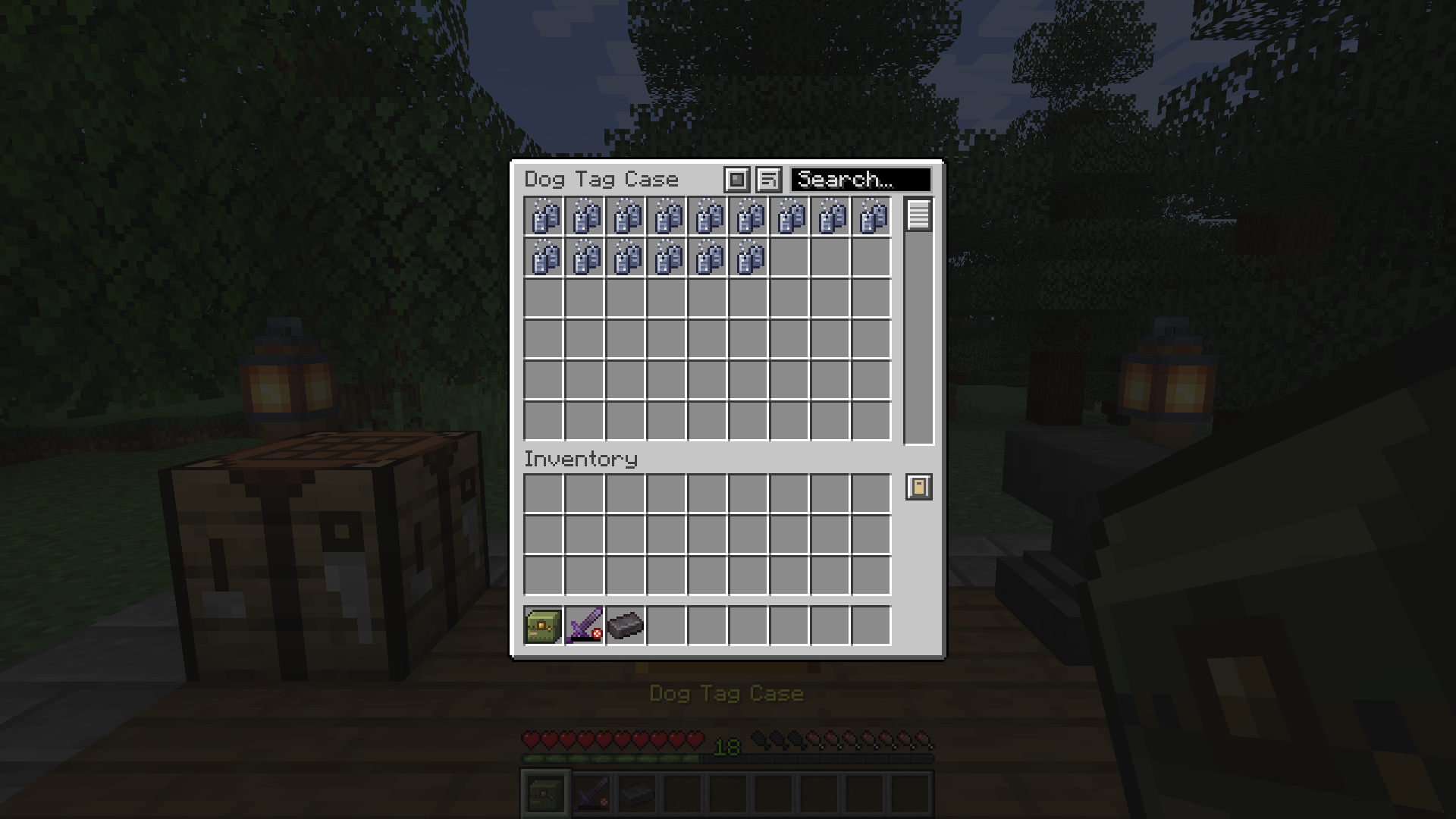
Dog Tag Case (kill_confirmed:dog_tag_case)
- 108-slot scrollable case: Store a large collection of dog tags in a single item without filling chests.
- Search, sort & stats: Filter tags by name or cause of death in the search box, sort in one click (Newest, By Victim, By Level), and check total stored tags plus the most frequent victims on the side summary panel.
- Auto-pickup & bundle-style controls: Toggle Auto-Pickup inside the case so ground dog tags go straight into your carried case when walked over, or right-click tags onto the case in any inventory screen to insert and pop them quickly.
- How to get one (all toggleable):
- Crafting: Name Tag in the center, Iron Ingots top/bottom, Leather left/right, Iron Nuggets in the corners.
- Dungeon loot: Found occasionally in Ancient Cities, Strongholds, Bastion Remnants, Mineshafts, and Woodland Mansions.
- Wandering Trader: Rare trade for 20 Emeralds.
Configuration
Edit in-game via Mod Menu (Fabric) or Mods → Config (Forge / NeoForge), or edit config/kill_confirmed.toml:
drop = "death_position"           # "death_position" or "respawn_inventory"
player_kills_only = false
fire_resistant = true
cooldown_seconds = 0
enable_dog_tag_case_recipe = true
enable_case_loot = true
enable_wanderer_trade = true
function = ""
Supported Versions
Standalone JAR with no external library dependencies (no Fabric API required).
| Minecraft | Loaders | Java |
|---|---|---|
1.20.1 |
Fabric, Forge | 17 |
1.21.1 |
Fabric, NeoForge | 21 |
26.1.2 |
Fabric, NeoForge | 25 |
26.2 |
Fabric, NeoForge | 25 |
26.3 |
Fabric, NeoForge | 25 |
Building
./scripts/setup-hooks.sh
./scripts/verify.sh [--container]
License
Project description from Modrinth.
Pick your setup
Kill Confirmed by Minecraft version and loader
Choose the version and loader you play, then open the matching release.
Minecraft version
26.2
2 loader buildsMinecraft version
26.1.2
2 loader buildsMinecraft version
1.21.1
2 loader buildsMinecraft version
1.20.1
2 loader buildsCheck the dependencies, then try the file in a copied instance before changing a world you care about.
Recent files
Kill Confirmed versions and loaders
2.0.2+26.3-neoforge
kill-confirmed-2.0.2+26.3-neoforge.jar
21 Nov 2026
Client Optional Server Optional Dependencies No extras listed Listed on Release listing
Check the 26.3 · NeoForge setup 26.3NeoForge release
Looking for an older file? The official Modrinth project page is in Resources.
 mod
Modrinth · Minecraft
Waystones Item Cost Extended
Extend Waystones with reversible crafting denomination payments, automatic change, combined multi-item costs, nested containers, and Lightman's Currency wallets.
 mod
Modrinth · Minecraft
Keep My Sword
Items stay in your inventory in an unusable state when durability runs out — zero dependencies, native repair compatibility.
 mod
Modrinth · Minecraft
Croparium
Mining using hands is extremely unhealthy! This mod make resources growable!