Curios API Optional for lockers 0.2.0-alpha.2+26.1.2
optionalMatching file found Matched file: 15.0.0+26.1.2

Modrinth · Minecraft mod
Bring tactical gear management to Minecraft with Lockers, an inspired armor storage and quick-swap system.
Quick answer
lockers 0.2.0-alpha.2+26.1.2 targets 26.1.2 with NeoForge. Installation on the client is optional. Installation on the dedicated server is optional. No extra mods listed for this file.
Where it goes
Installation on the client is optional. Installation on the dedicated server is optional.
The source marks this as usable on both the client and server.
0.2.0-alpha.2+26.1.2 on 26.1.2 NeoForge. Every mod below is checked against that same setup.
This file does not list any required mods. Do not add a library just because a different file uses it.
We only count dependency files that match this setup. A file for another loader does not fill the gap.
Before you install it
Built for lockers 0.2.0-alpha.2+26.1.2 on 26.1.2 NeoForge. Pick another file and the loader, install side or required mods may change.
Use 0.2.0-alpha.2+26.1.2. It targets 26.1.2 with NeoForge; another release may have different loader, side or dependency requirements.
This file does not list any required mods. Do not add a library just because a different file uses it.
Installation on the client is optional. Installation on the dedicated server is optional.
Use the “Get this file” button beside 0.2.0-alpha.2+26.1.2. It opens that exact file at the source.
About this project
Bring tactical gear management to Minecraft with Lockers, a Rust-inspired armor storage and quick-swap system.
Lockers let you store multiple full equipment loadouts—including armor, curios, and more—and swap between them instantly. Whether you're preparing for combat, exploration, or utility builds, Lockers streamline your gameplay and eliminate inventory clutter.
Project description from Modrinth.
Pick your setup
Choose the version and loader you play, then open the matching release.
Check the dependencies, then try the file in a copied instance before changing a world you care about.
Recent files
lockers-neoforge-0.2.0-alpha.2+26.1.2.jar
26 Apr 2026
Looking for an older file? The official Modrinth project page is in Resources.
 mod
modLose hearts when dying, gain a heart when eating enchanted golden apples (similar to LifeDrain LifeSteal)
 mod
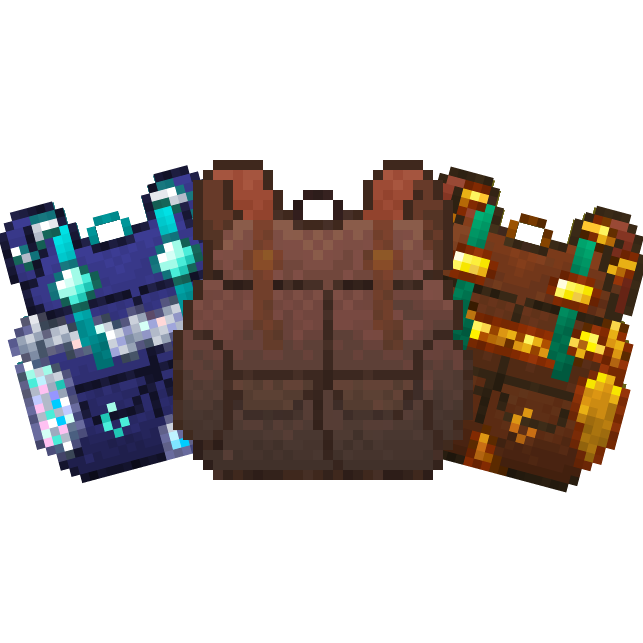
modPacked Up allows you to pack up all your things into new amazing Backpacks!
 mod
modPortable, recoverable digital storage. Carry your items on chips, back them up, autocraft anything, with little robots helping out.