Mod Menu Optional for Prefab 7.1.0
optionalMatching file found Matched file: 20.0.1

Modrinth · Minecraft mod
Provides items for automatically generating buildings in the world
Quick answer
Prefab 7.1.0 targets 26.2 with Fabric. Installation on the client is optional. Installation on the dedicated server is optional. All 1 required mods have matching files.
Where it goes
Installation on the client is optional. Installation on the dedicated server is optional.
The source marks this as usable on both the client and server.
7.1.0. Change the file and its required mods may change too.
Install Cloth Config API first. We found matching files for this game-version and loader setup. 2 come through another mod in the chain.
2 extra mods were pulled in by other dependencies. Indented rows show who needs each one. We only count dependency files that match this setup. A file for another loader does not fill the gap.
Before you install it
Built for Prefab 7.1.0. Pick another file and the loader, install side or required mods may change.
Use 7.1.0. It targets 26.2 with Fabric; another release may have different loader, side or dependency requirements.
Install Cloth Config API first. We found matching files for this game-version and loader setup. 2 come through another mod in the chain.
Installation on the client is optional. Installation on the dedicated server is optional.
Use the “Get this file” button beside 7.1.0. It opens that exact file at the source.
About this project

Prefab is a collection of functional and aesthetic buildings that you can place into your world instantly! With our instant houses and structures, you can skip over the time consuming job of landscaping, and trying to build without a creeper undoing your work. Our preview function lets you see the structure in the world, and move through a projection of it in real time. Just pick the place you want to put it, and the Prefab Blueprints do the rest! Whether you haven't got the time, patience or will, we've got structures that are guaranteed to please some of you, but not all of you. :)
Note: Since this has been asked so many times in the past. There are no plans to create a feature for custom blueprints or loading custom structures outside of the ones provided by this mod.
This functionality already exists with Structurize and we highly recommend it.
This is the Fabric version of Prefab!
The Forge version of Prefab can be found on CurseForge
All structure GUIs include a "preview" button. This will create a shadow structure in the world for you to see what it will look like when it's placed. This will give you the opportunity to make sure that you have enough space for the structure or to make sure that it will be placed where you want it to be placed. Block facings for fences, torches and other similar blocks will most likely not have their proper facing when rendered in this fashion, they will look correct when placed.
Note: This functionality was adapted from Botania's Visualize functionality. The mod info and source code has been updated to state as such as well. http://botaniamod.net/license.php.
Thank you to all of the people (found below) which have contributed to the translation of this mod! These translations make this mod more accessible to more people.
Kellixon(Github) - Russian
Snowee(Github) - Chinese (Simplified)
blackblank_1973 (Curse User) - Japanese
Emirhangg (Github) - Turkish
HJ-zhtw(Github) - Chinese (Traditional)
Dqu1J (GitHub) - Russian, Ukrainian
BlackWolf00 (GitHub) - Italian
PinguinmikeGamer (Discord) - German
Google Translate - French, Spanish
Kettumasa (Discord) - Finnish
If you want to contribute a cool custom structure for others to enjoy we have some guidelines.
You must use vanilla blocks or blocks added through this mod. If you think you need a custom block for the design let us know and we can create that too.
We reserve the right to change the design as necessary for balance or aesthetics.
If you want, you will be credited for contributions on the mod page.
Provide your sample world through a standard file sharing site such as DropBox or Google Drive.
Send a message with a link to your saved world to WuestMan.
Provide a description of this building. What would it be used for or is this just a aesthetic building?
In The Works
Feel free to use this mod in any Modpack, we just ask that you please link back to this mod page in your description.
Project description from Modrinth.
Pick your setup
Choose the version and loader you play, then open the matching release.
Showing the newest 12 of 19 game versions. Older files are in the list below.
Check the dependencies, then try the file in a copied instance before changing a world you care about.
Recent files
prefab-fabric-7.1.0.jar
21 Aug 2026
prefab-neoforge-2.1.0.jar
21 Aug 2026
prefab-fabric-7.0.0.jar
19 Aug 2026
prefab-neoforge-2.0.0.jar
19 Aug 2026
prefab-fabric-6.3.0.jar
6 Aug 2026
prefab-neoforge-1.3.0.jar
6 Aug 2026
prefab-fabric-6.2.0.jar
24 Jul 2026
prefab-neoforge-1.2.0.jar
24 Jul 2026
prefab-fabric-6.0.8.jar
4 Jul 2026
prefab-neoforge-1.0.9.jar
4 Jul 2026
prefab-fabric-6.1.0.jar
17 Jun 2026
prefab-neoforge-1.1.0.jar
17 Jun 2026
Looking for an older file? The official Modrinth project page is in Resources.
 mod
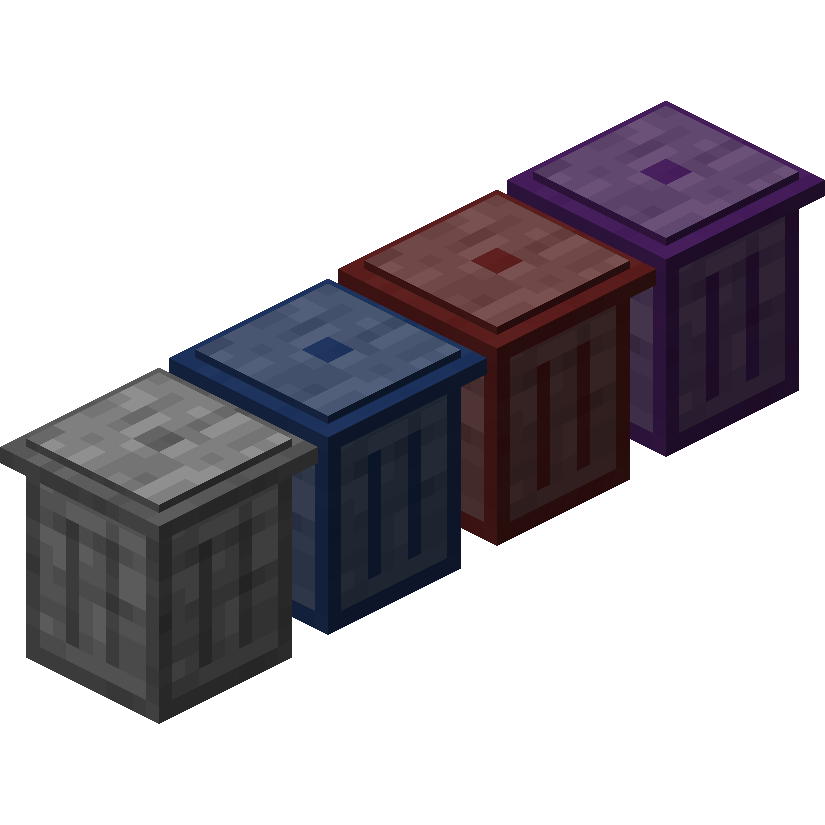
modTrash Cans adds trash cans which can be used to void items, liquids, and energy!
 mod
modSick of wasting time with Minecraft’s slow launcher just to change your skin? Quick Skin lets you swap skins instantly even on “offline” servers and gives you access to every official Minecraft cape.
 mod
modA mod that adds blocks!