Just Enough Items (JEI) Optional for Ultimate Plane Mod [NEOFORGE][26.1.2] Ultimate Plane Mod 1.5.8+26.1.2
optionalMatching file found Matched file: 29.43.0.104 for NeoForge 26.1.2
CurseForge · Minecraft mod
Planes in Minecraft
Quick answer
Ultimate Plane Mod [NEOFORGE][26.1.2] Ultimate Plane Mod 1.5.8+26.1.2 targets 26.1, 26.1.1, 26.1.2 with NeoForge. The project page does not say whether this file belongs on the client, dedicated server, or both. All 1 required mods have matching files.
Where it goes
The project page does not say whether this file belongs on the client, dedicated server, or both.
The source does not explicitly classify this release as client-only or server-only.
[NEOFORGE][26.1.2] Ultimate Plane Mod 1.5.8+26.1.2 on 26.1.2. Every mod below is checked against that same setup.
Install Ultimate Car Mod first. We found matching files for this game-version and loader setup. 4 come through another mod in the chain.
4 extra mods were pulled in by other dependencies. Indented rows show who needs each one. We only count dependency files that match this setup. A file for another loader does not fill the gap.
Before you install it
Built for Ultimate Plane Mod [NEOFORGE][26.1.2] Ultimate Plane Mod 1.5.8+26.1.2 on 26.1.2. Pick another file and the loader, install side or required mods may change.
Use [NEOFORGE][26.1.2] Ultimate Plane Mod 1.5.8+26.1.2. It targets 26.1, 26.1.1, 26.1.2 with NeoForge; another release may have different loader, side or dependency requirements.
Install Ultimate Car Mod first. We found matching files for this game-version and loader setup. 4 come through another mod in the chain.
The project page does not say whether this file belongs on the client, dedicated server, or both.
Use the “Get this file” button beside [NEOFORGE][26.1.2] Ultimate Plane Mod 1.5.8+26.1.2. It opens that exact file at the source.
About this project
This mod adds planes into your Minecraft world. It requires the Ultimate Car Mod for the fuel and the gas station.
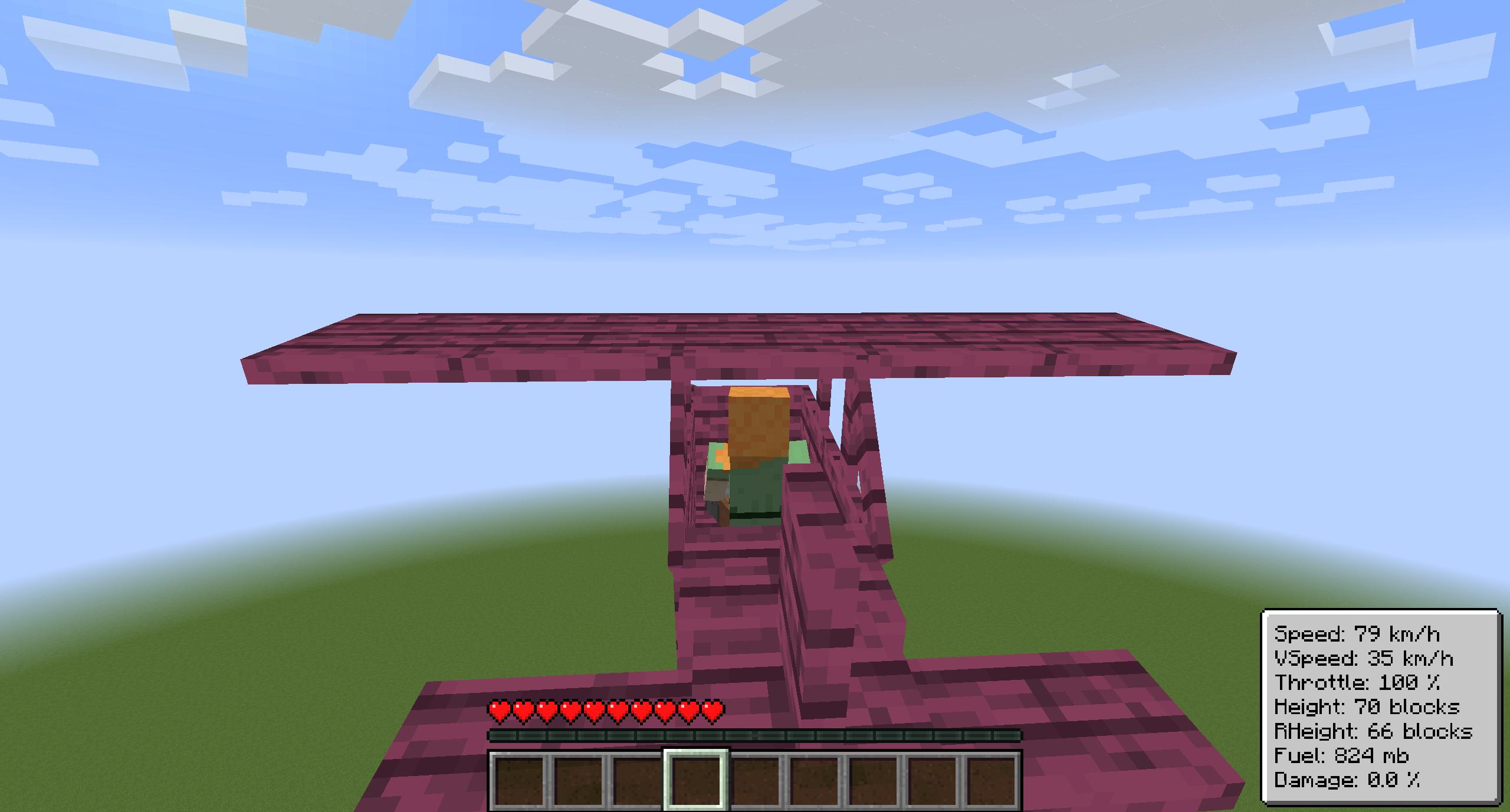
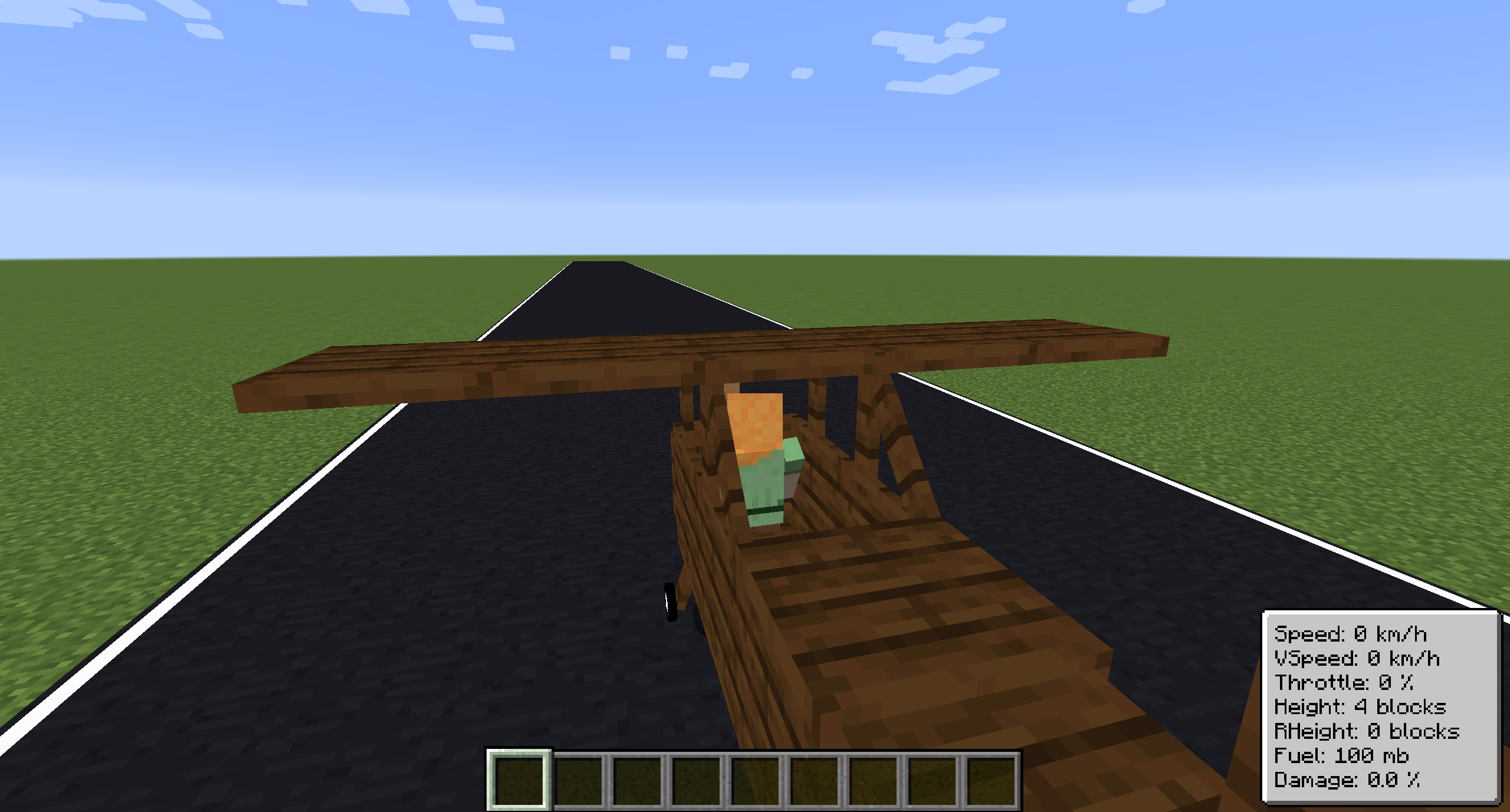
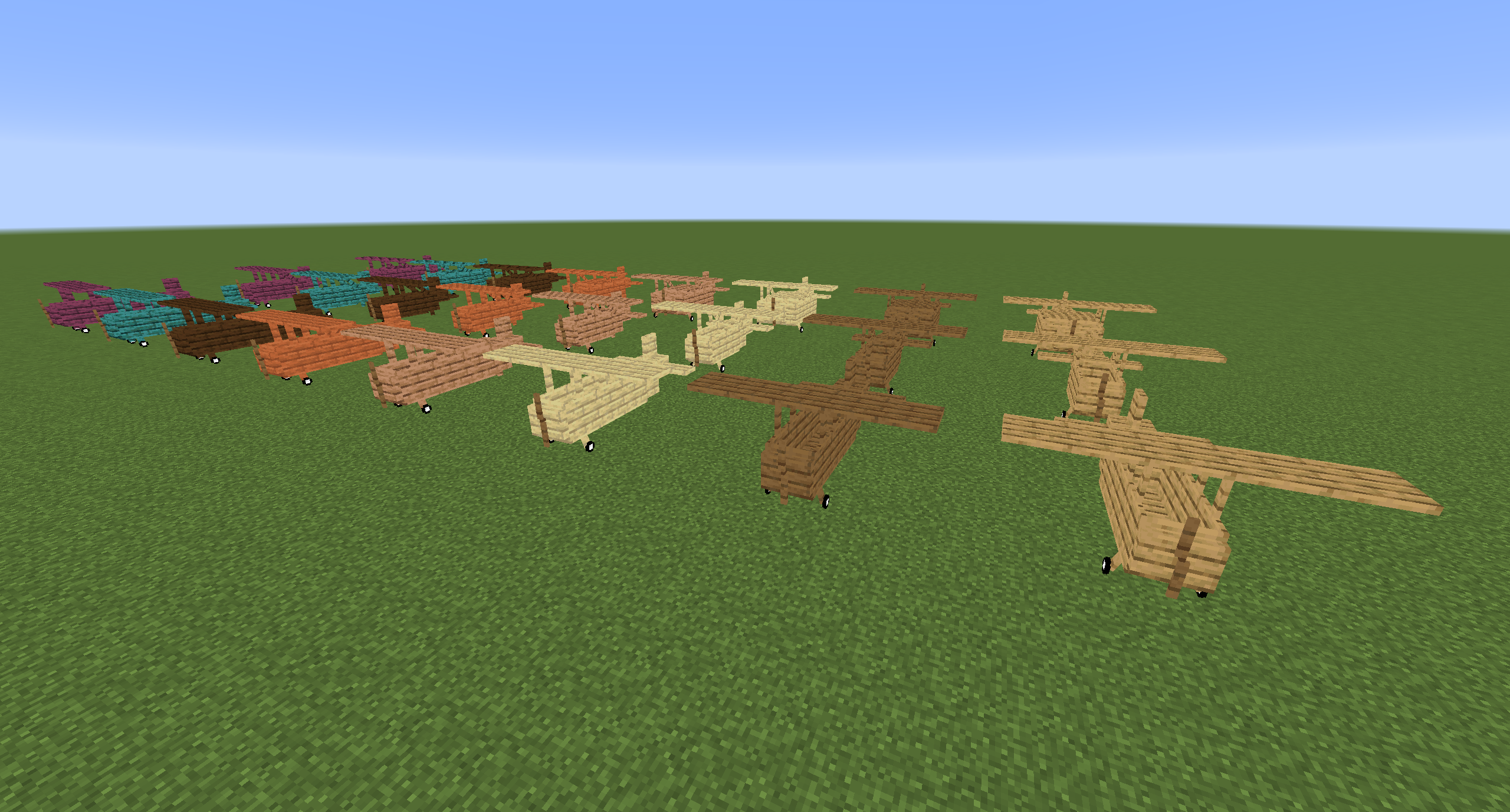
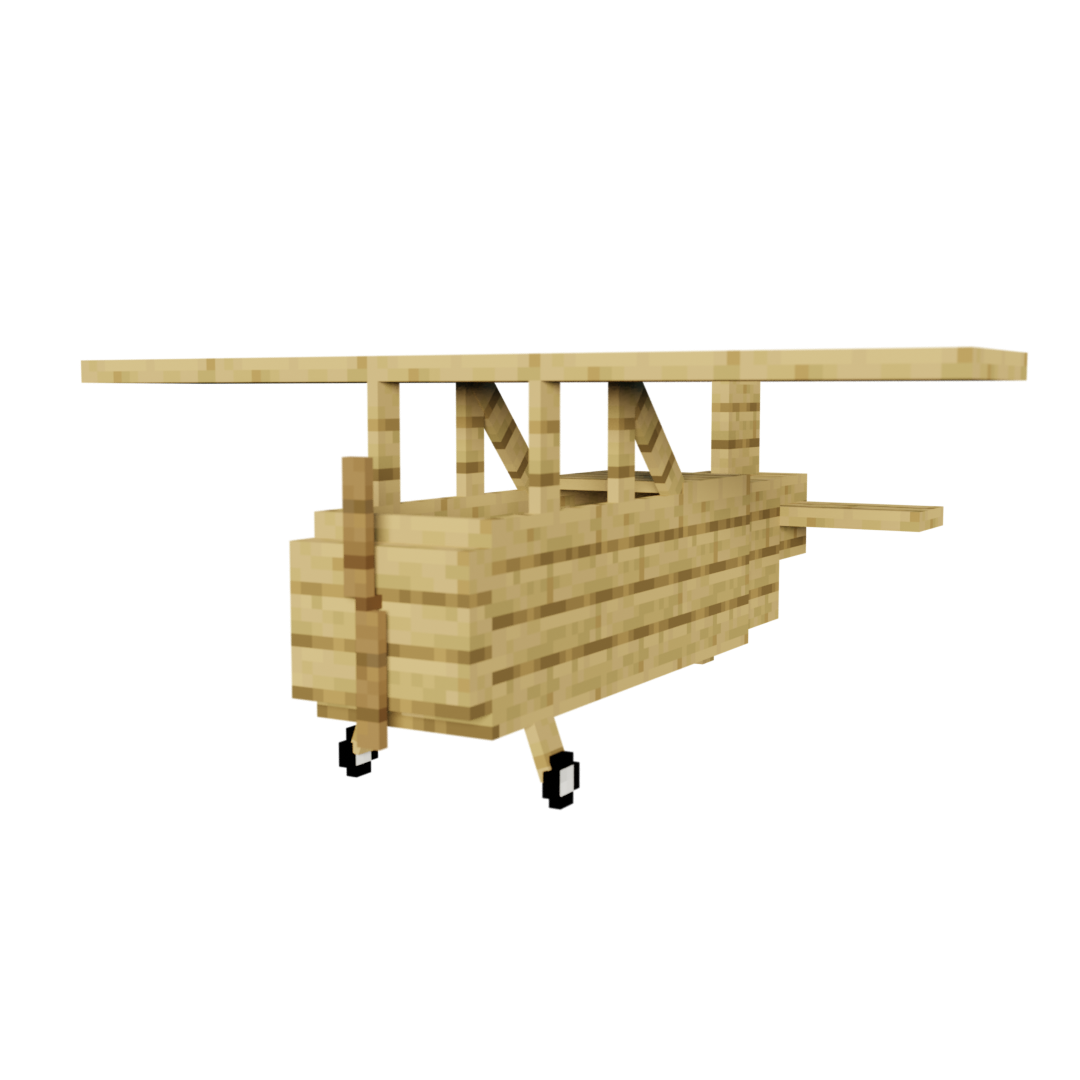
The Bush plane is the smallest plane. It can only hold one player. It has no inventory. Despite these restrictions it has the best flight characteristics and the least fuel usage. Its tank can hold 8,000 mb of fuel.
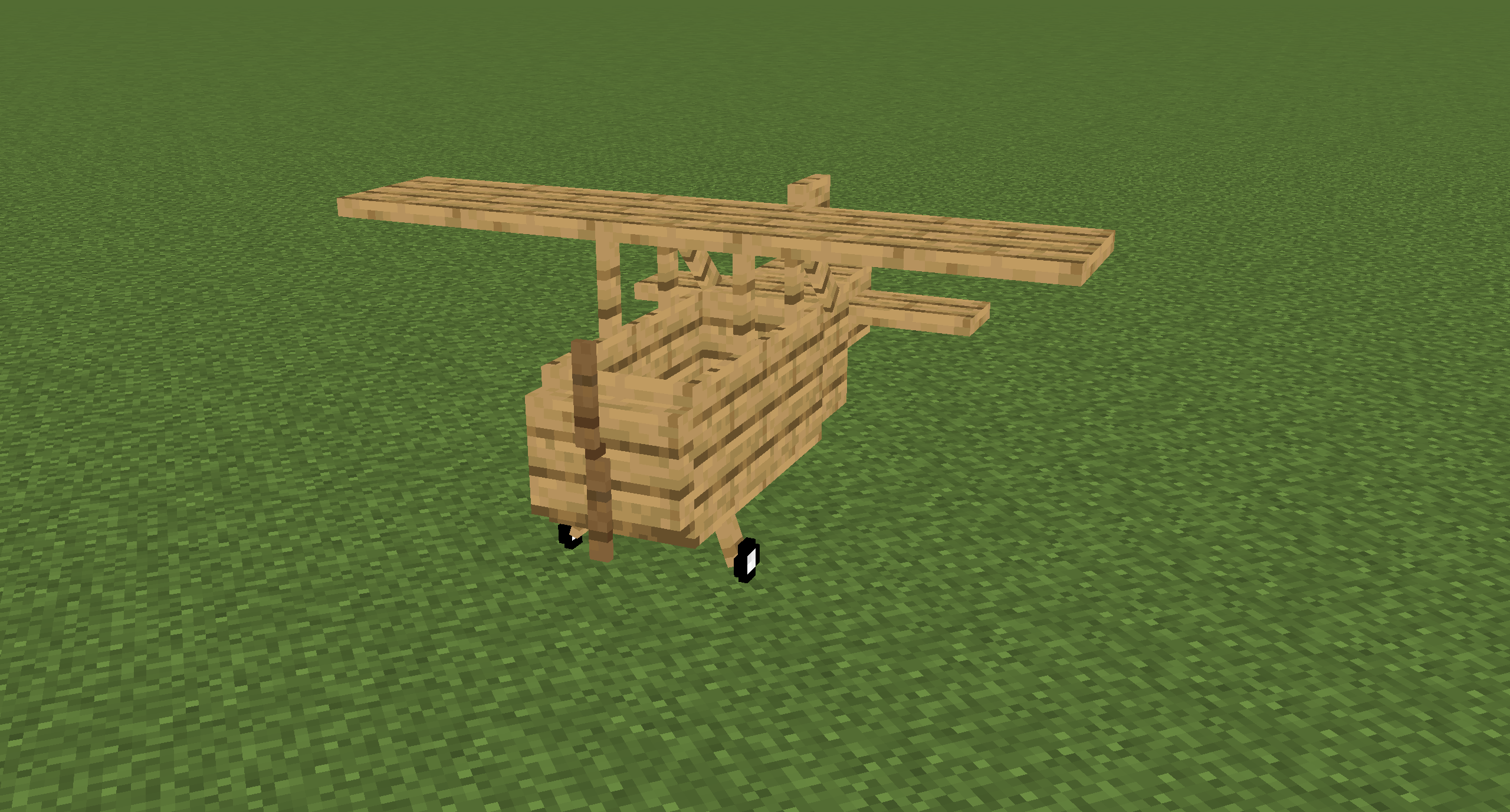
The normal plane is the best compromise between maneuverability and storage size. It can hold three players and has 27 slots storage space. Its tank can hold 10,000 mb of fuel.
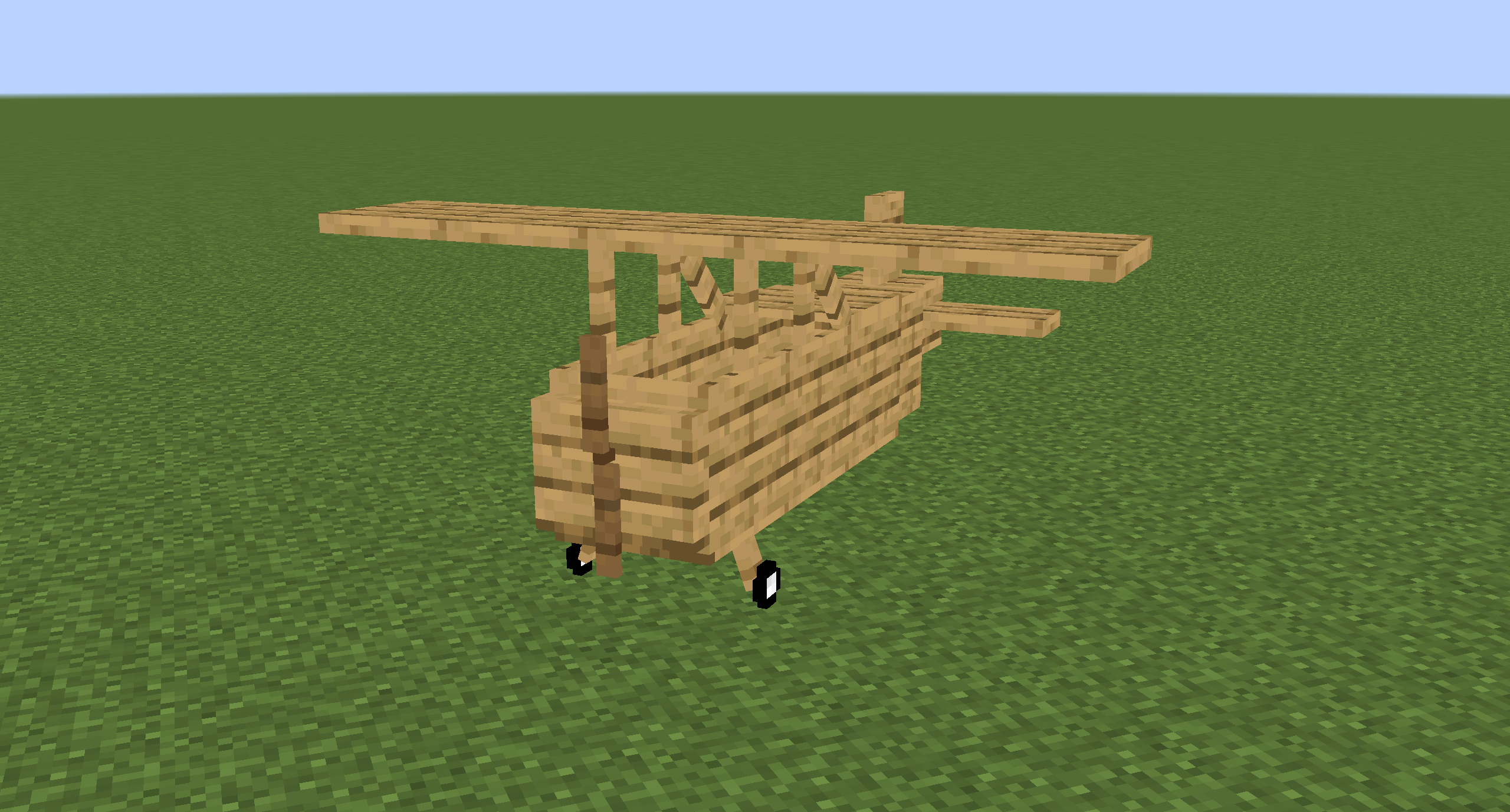
The cargo plane has the most storage space of them all at the cost of maneuverability. It can hold two players. It has an external storage of 54 slots and an internal storage of 27 slots. Its tank can hold 16,000 mb of fuel.
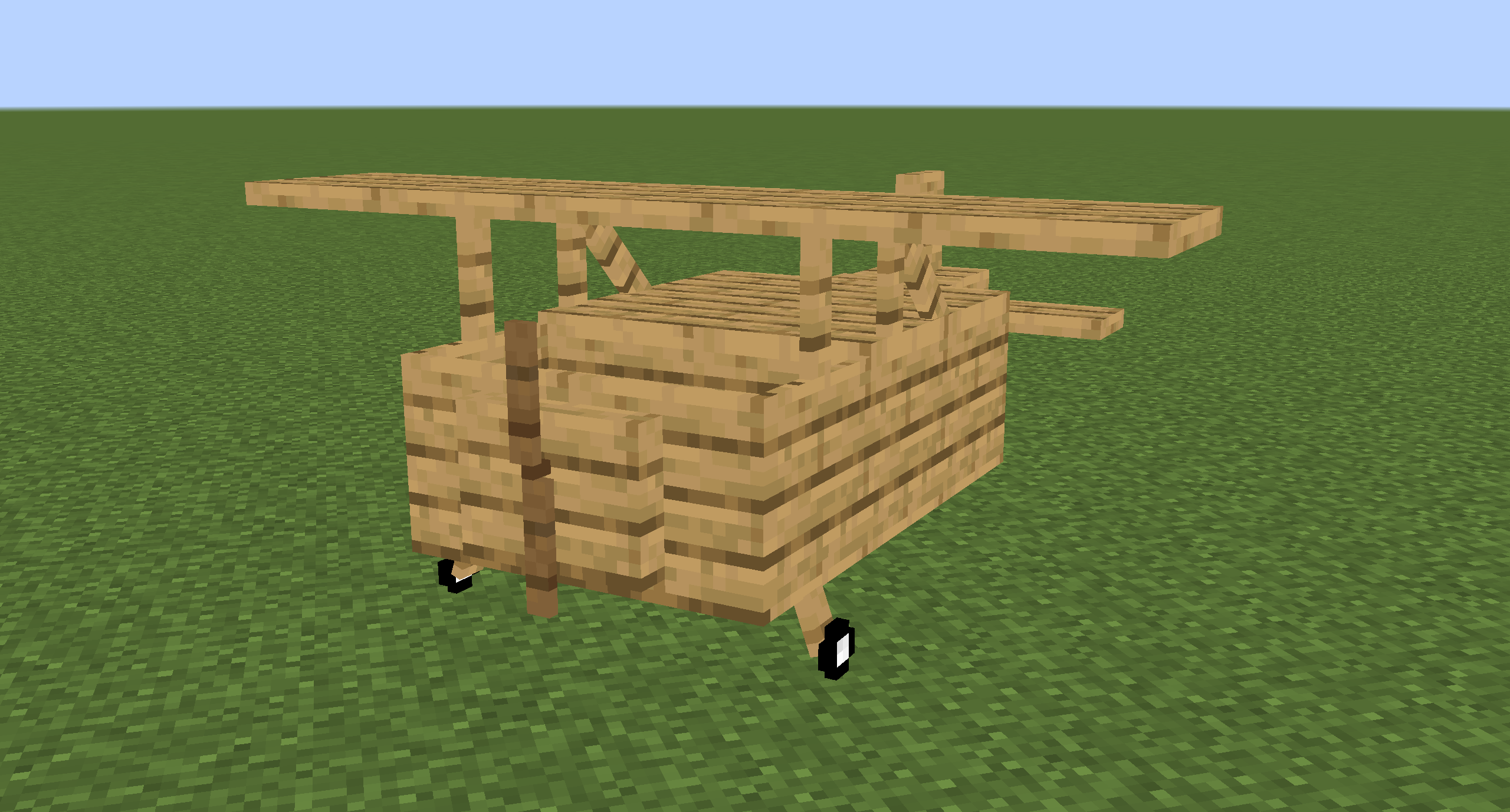
The transporter plane is designed to transport players. It can hold four players and has 27 slots storage space. Its tank can hold 16,000 mb of fuel.
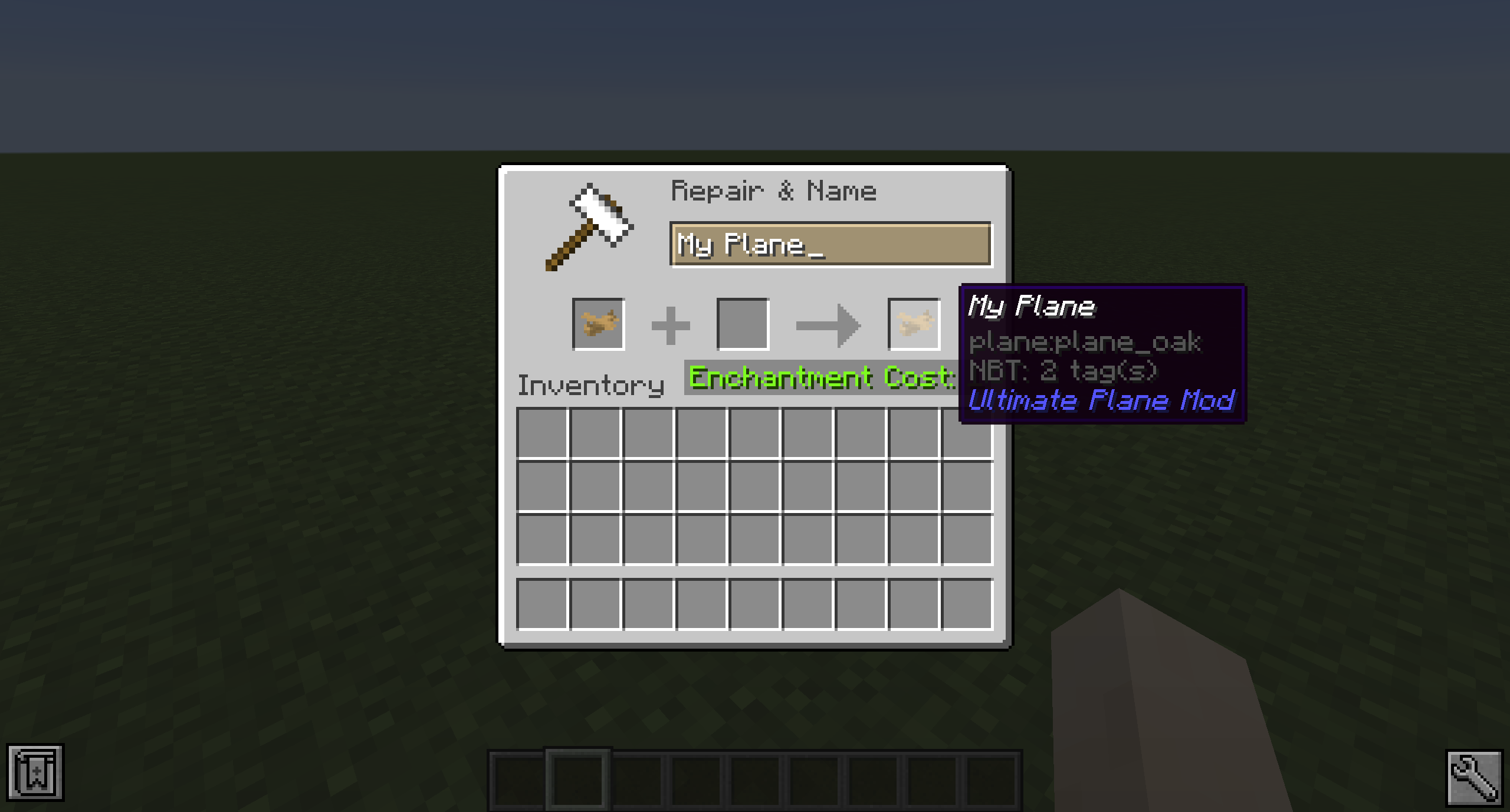
R keyB key to brakeB key, hold the I key to increase your throttleB key and let the plane accelerate to a speed that's high enough to lift the planeA and D keyS key to lift up and the W key to fly downKB key until you stand stillYou can name a plane by naming the plane item in an anvil.
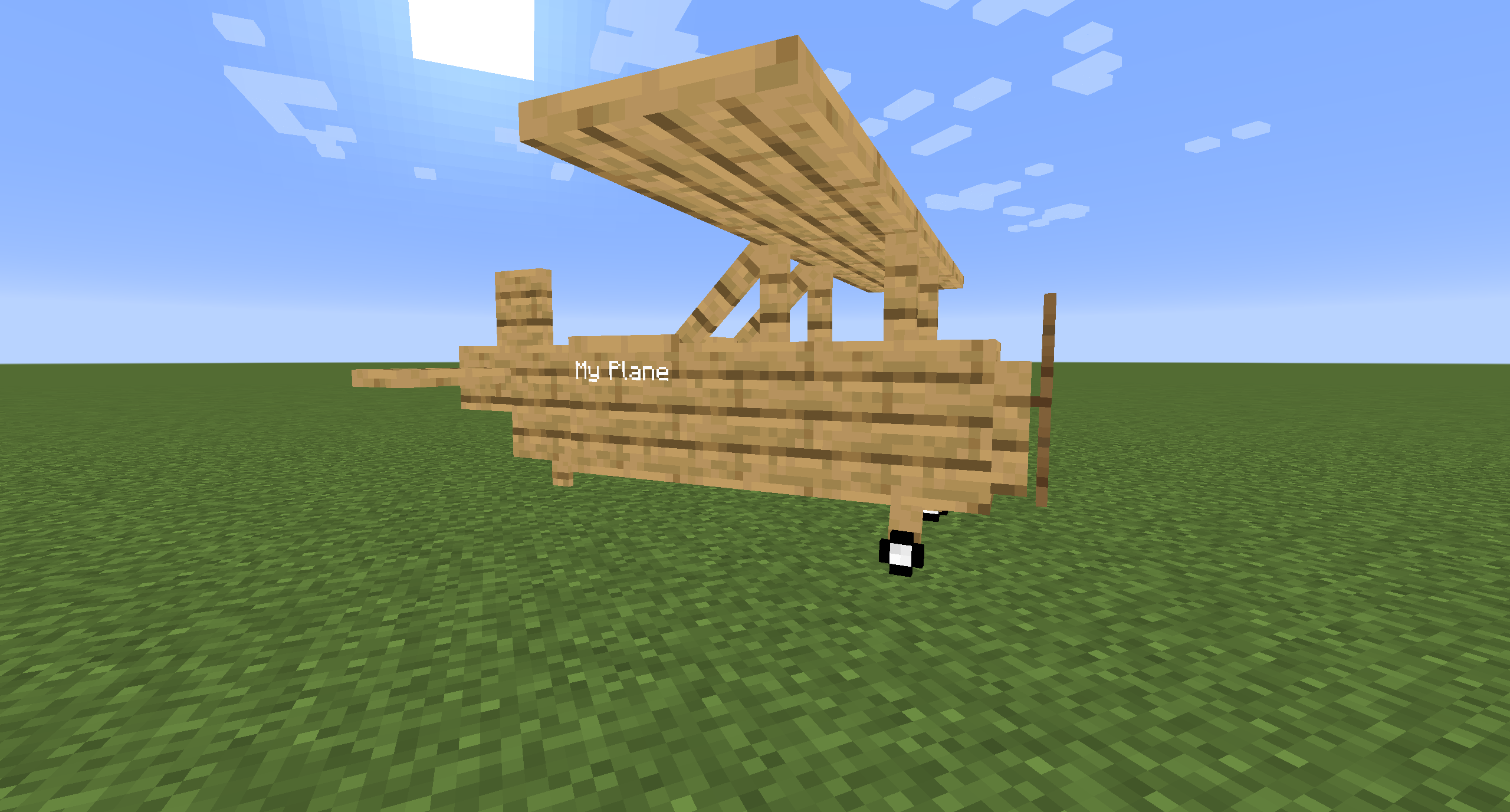
Planes can be picked up by hitting them with a plane wrench. The wrench will lose half of its durability when breaking a plane.
Planes can be repaired by holding right-click on the plane with a plane wrench. This will slowly decrease the damage value.
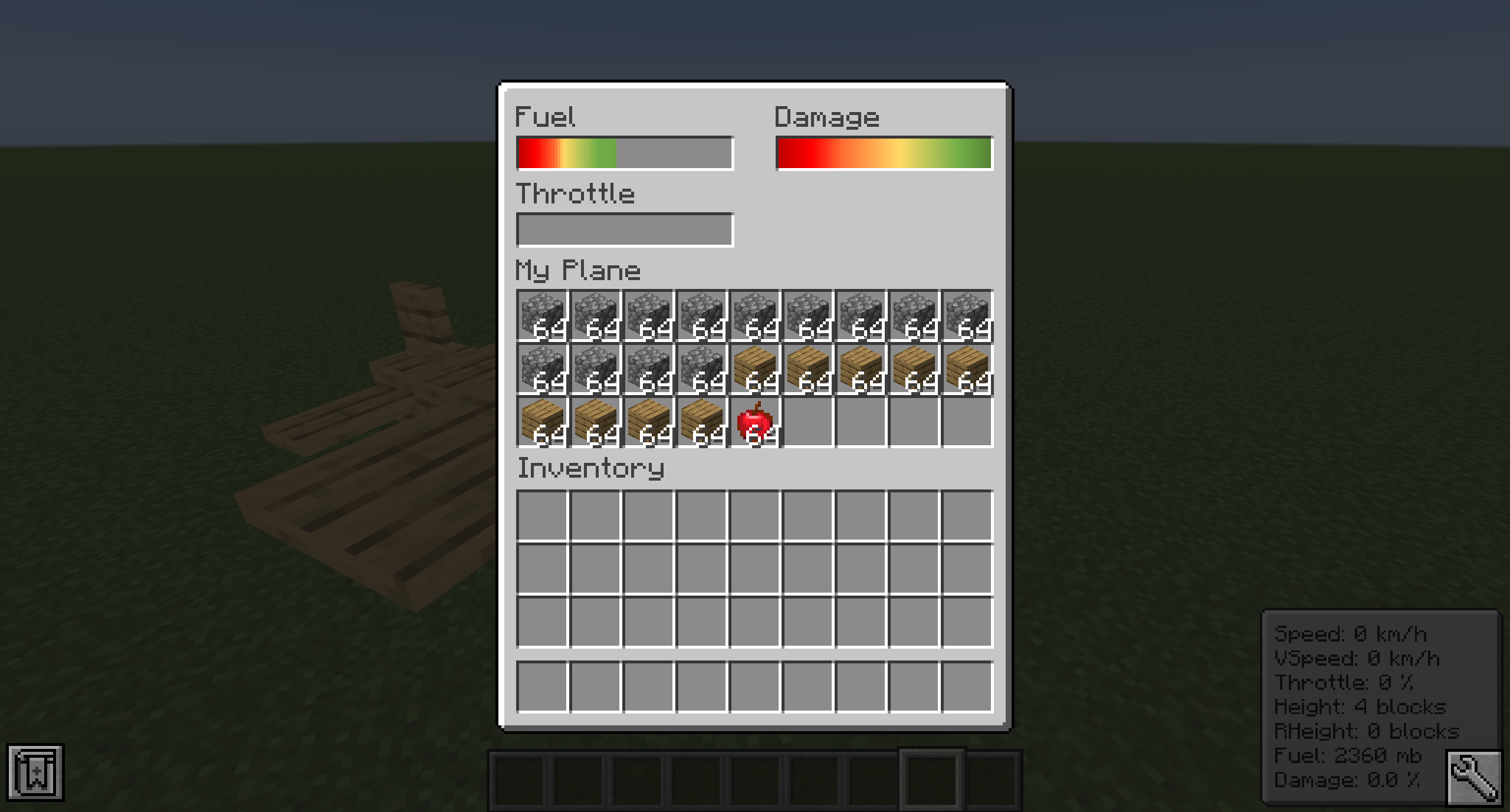
You can open a GUI containing the planes internal storage and some information about the plane by pressing the P key when sitting in a plane. Note that this GUI isn't available in the Bush plane as it has no storage space.
You can also access this GUI on the normal plane by sneaking and right-clicking it.
The external inventory of the cargo plane can be accessed by sneaking and right-clicking it.
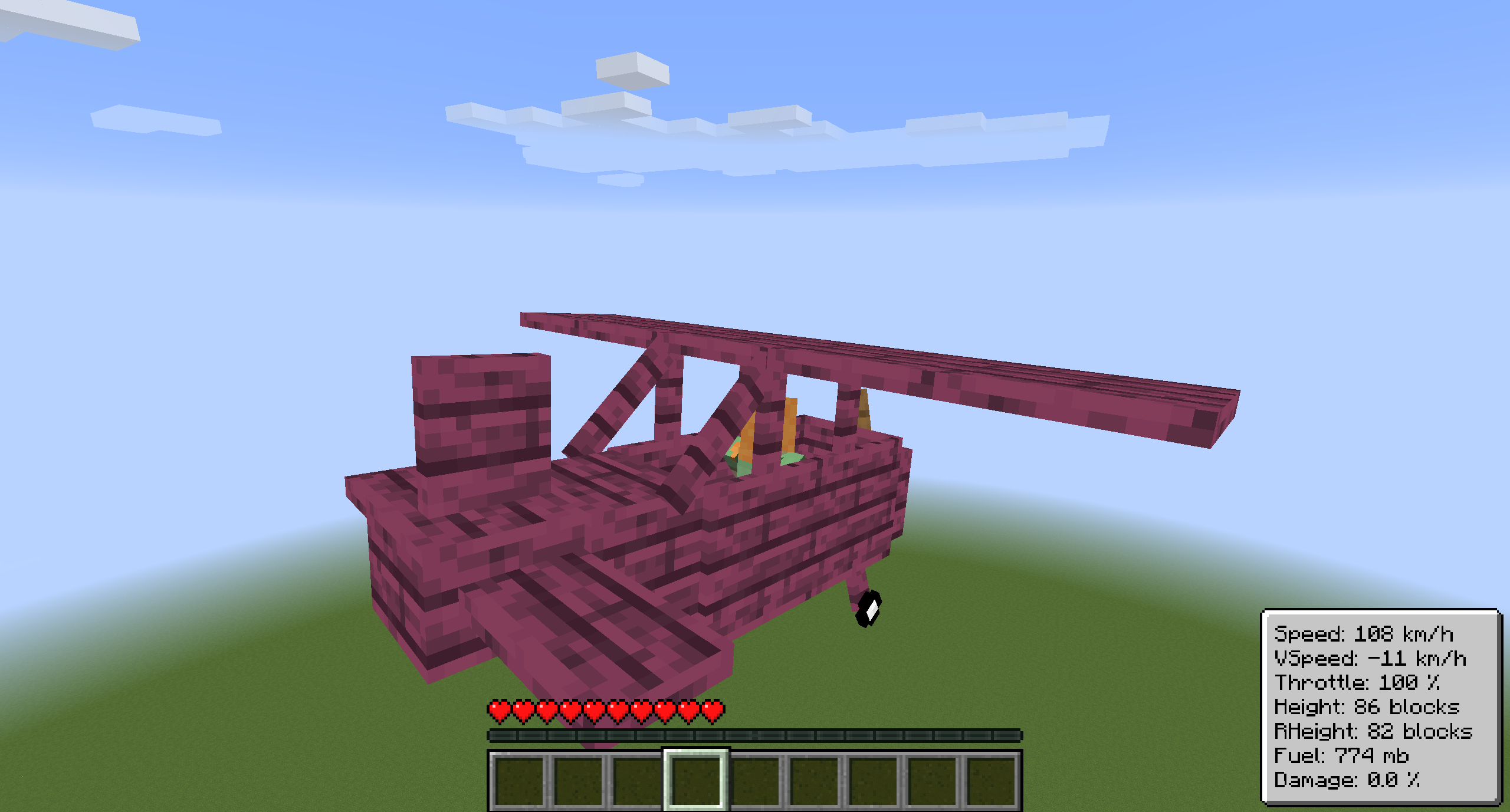
Every plane has an overlay displaying useful information about the flight. You can disable it by pressing CTRL + P. You can also change the scale in the client config. The speed units can also be changed in the client config. Possible units are kilometers per hour (km/h) and blocks per second (b/s).
Project description from CurseForge.
Pick your setup
Choose the version and loader you play, then open the matching release.
Showing the newest 12 of 28 game versions. Older files are in the list below.
Check the dependencies, then try the file in a copied instance before changing a world you care about.
Recent files
plane-neoforge-1.5.8+26.1.2.jar
10 Apr 2026
plane-neoforge-1.5.8+26.1.1.jar
1 Apr 2026
Looking for an older file? The official CurseForge project page is in Resources.
 mod
modHighly configurable tooltip rendering, so you can always read them!
 mod
modForce any Aspect Ratio (4:3, 5:4, Custom) on any monitor for wider player models. Includes a built-in View Model editor
 mod
modAllows players to attack, use items, and interact while rowing a boat.