Fabric Language Kotlin Needed by Quantum 1.0+1.21.1
requiredMatching file found Matched file: 1.14.2+kotlin.2.4.21

Modrinth · Minecraft mod
A multi-world mod for Fabric.
Quick answer
Quantum 1.0+1.21.1 targets 1.21, 1.21.1 with Fabric. Installation on the client is optional. Installation on the dedicated server is optional. All 2 required mods have matching files.
Where it goes
Installation on the client is optional. Installation on the dedicated server is optional.
The source marks this as usable on both the client and server.
1.0+1.21.1 on 1.21. Every mod below is checked against that same setup.
Install Fabric Language Kotlin, Fabric API first. We found matching files for this game-version and loader setup.
We only count dependency files that match this setup. A file for another loader does not fill the gap.
Before you install it
Built for Quantum 1.0+1.21.1 on 1.21. Pick another file and the loader, install side or required mods may change.
Use 1.0+1.21.1. It targets 1.21, 1.21.1 with Fabric; another release may have different loader, side or dependency requirements.
Install Fabric Language Kotlin, Fabric API first. We found matching files for this game-version and loader setup.
Installation on the client is optional. Installation on the dedicated server is optional.
Use the “Get this file” button beside 1.0+1.21.1. It opens that exact file at the source.
About this project
THIS MOD IS IN ALPHA, MANY FEATURES ARE CURRENTLY MISSING
Quantum is a multi-world mod for Fabric, it allows players to create new worlds in both single player and multiplayer.
Because the mod is in alpha, it lacks many features like permissions configurations, etc. All commands require to be a server operator or enable 'Allow Cheats' in single-player.
Keep in mind, worlds and portals must be created by a server operator.
Bellow you are going to learn how to use Quantum.
/qt createworld [worldName] (difficulty) (worldDimension)
Arguments:
Note:
/qt deleteworld [worldName]
Arguments:
Note:
/qt setworldspawn
This command sets the spawn point of the world to your current location, using your player’s position, yaw, and pitch (the direction you’re facing)
Note:
/qt tp [worldName]
To set a destination, simply look at a sign and use the following command
/qt setdestination
Note:
IMPORTANT: If you want your portal to go to a new world, you have to use the command above to create a new world before creating a portal
/qt createportal [portalFrameBlock] [portalIgniteItem] [portalDestinationWorldName]
Arguments:
/qt deleteportal [portalFrameBlock]
Arguments:
Note:
Thoses features are already planned:
This mod is mainly created for my personal use, i may or may not update it regulary. I'll still try to maintains it updated to the last minecraft version.
CustomPortalAPI : I use this lib for creating custom portals.
Fantasy : I use this lib for creating worlds at runtime.
Project description from Modrinth.
Pick your setup
Choose the version and loader you play, then open the matching release.
Check the dependencies, then try the file in a copied instance before changing a world you care about.
Recent files
quantum-1.0+1.21.1.jar
22 Sept 2024
Looking for an older file? The official Modrinth project page is in Resources.
 mod
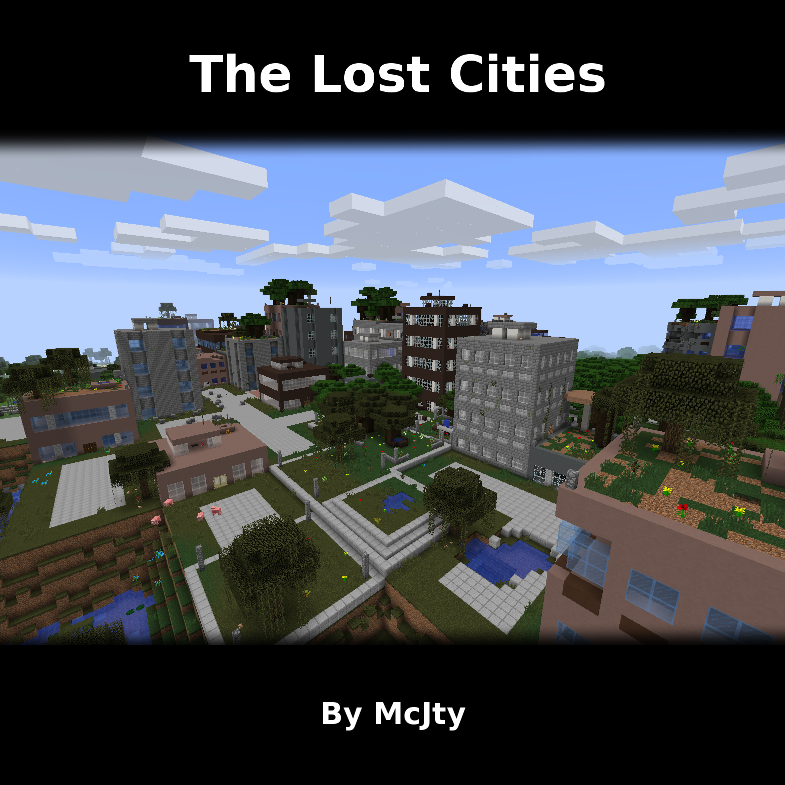
Allows the player to play in an old abandoned city instead of the normal overworld
 mod
This Mod adds the ability to add custom capes to your player including gifs and normal images with a resolution up to 2048x1024 you can also see other capes and vice versa and it also works with elytra models and wavey capes
 mod
Skips the front camera when cycling through the cameras modes.