Limitless Logistics Needed by Minimum For Maximum 4.0.0
requiredMatching file found Matched file: 2.0.0

Modrinth · Minecraft mod
Mod focused on streamlining annoying processes for maximum efficiency and output.
Quick answer
Minimum For Maximum 4.0.0 targets 1.21.1 with NeoForge. Installation on the client is optional. Installation on the dedicated server is optional. All 1 required mods have matching files.
Where it goes
Installation on the client is optional. Installation on the dedicated server is optional.
The source marks this as usable on both the client and server.
4.0.0 on NeoForge. Every mod below is checked against that same setup.
Install Limitless Logistics first. We found matching files for this game-version and loader setup.
We only count dependency files that match this setup. A file for another loader does not fill the gap.
Before you install it
Built for Minimum For Maximum 4.0.0 on NeoForge. Pick another file and the loader, install side or required mods may change.
Use 4.0.0. It targets 1.21.1 with NeoForge; another release may have different loader, side or dependency requirements.
Install Limitless Logistics first. We found matching files for this game-version and loader setup.
Installation on the client is optional. Installation on the dedicated server is optional.
Use the “Get this file” button beside 4.0.0. It opens that exact file at the source.
About this project
Tired of building huge, laggy mob farms that take up half your world? Minimum For Maximum replaces them with compact, high-tech machines. Scan a mob once and get its loot and XP forever. Copy blocks and fluids by just supplying some energy.
Requires Limitless Logistics 2.0.0 or newer.

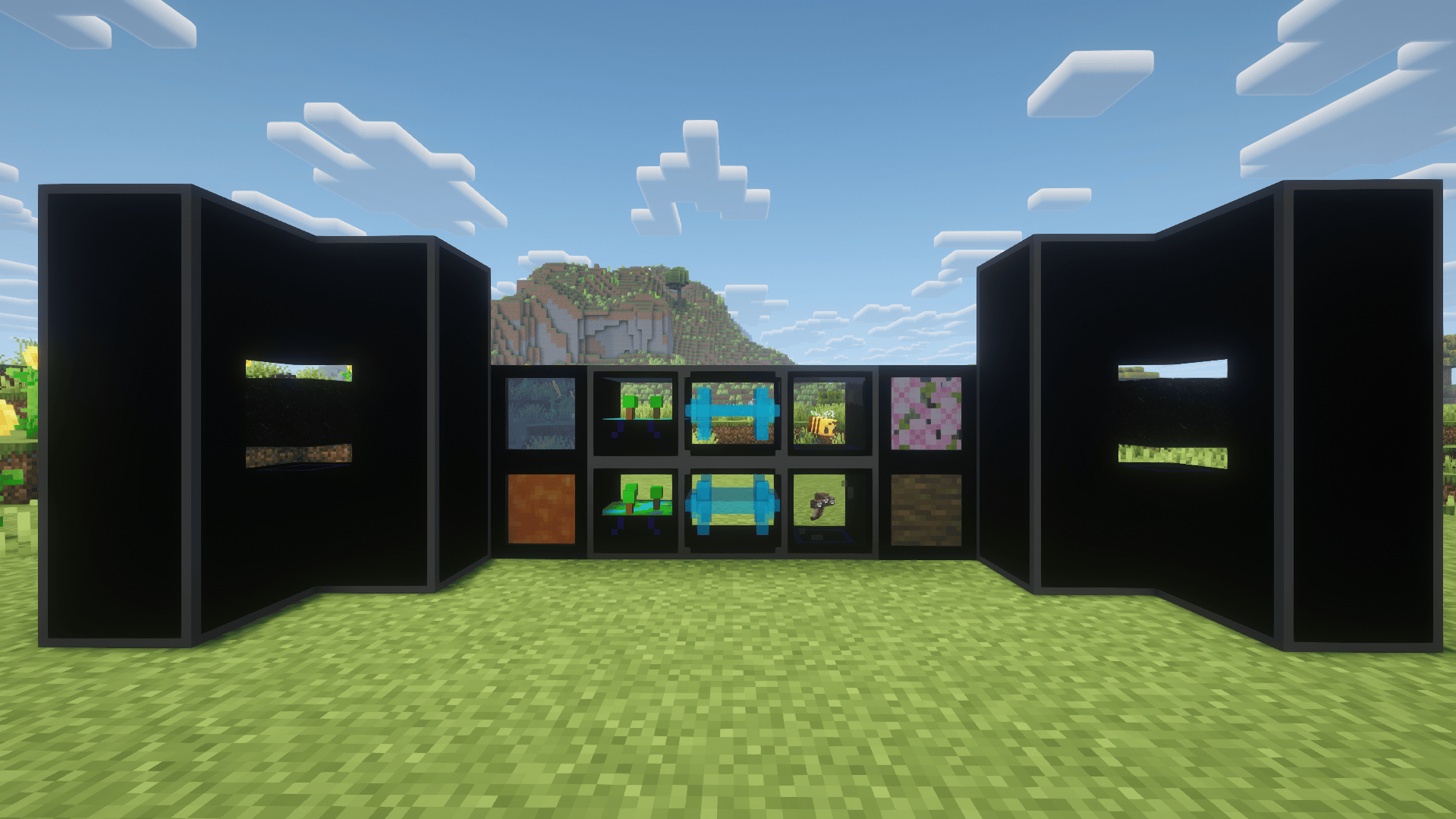
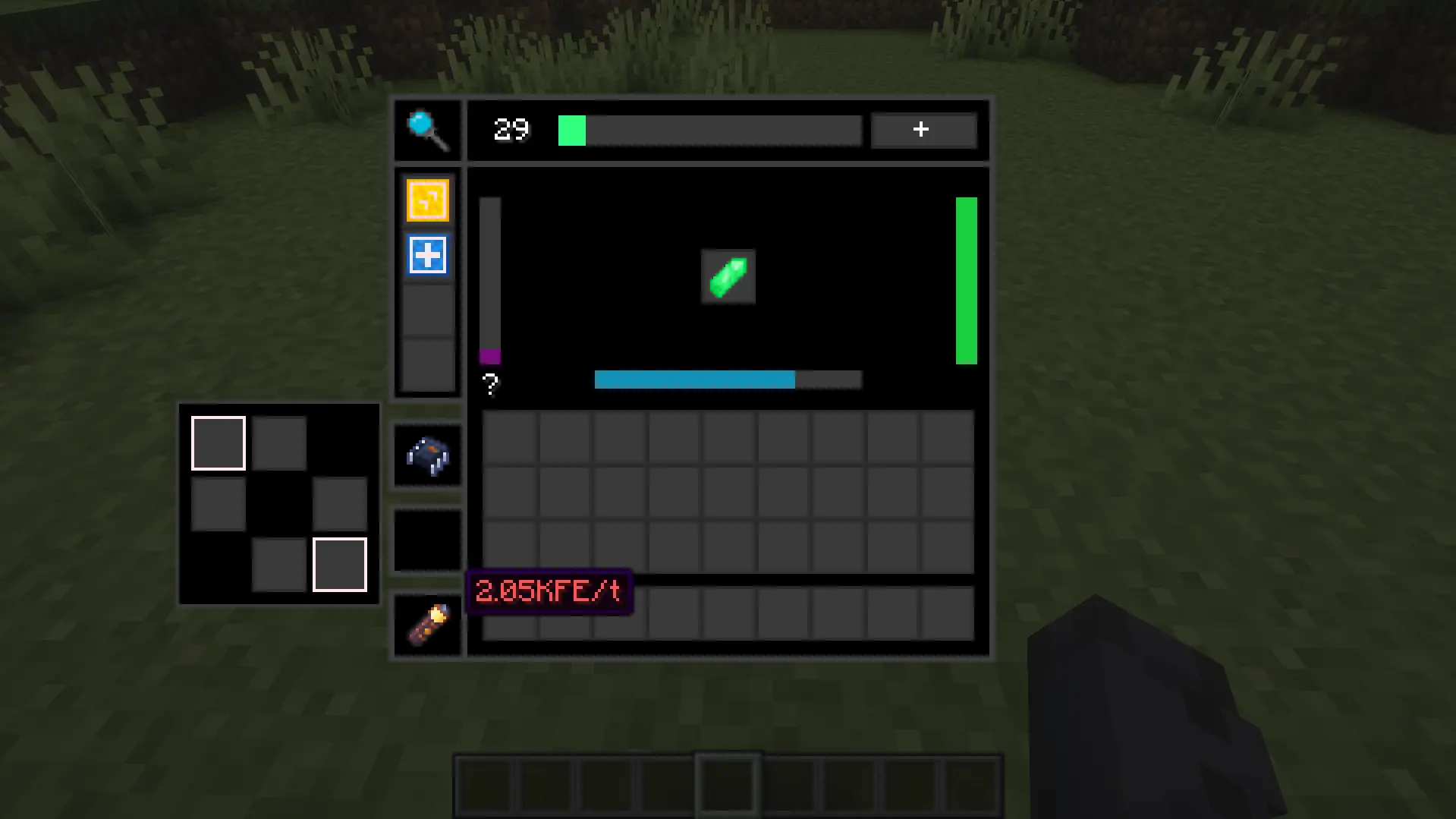
config/minformax/drops.json.Project description from Modrinth.
Pick your setup
Choose the version and loader you play, then open the matching release.
Check the dependencies, then try the file in a copied instance before changing a world you care about.
Recent files
minformax-4.0.0.jar
25 Nov 2026
minformax-3.0.0.jar
7 Jun 2026
minformax-2.1.2.jar
24 May 2026
minformax-2.1.1.jar
20 May 2026
minformax-2.0.0.jar
14 May 2026
minformax-1.5.1.jar
23 Mar 2026
minformax-1.5.0.jar
21 Mar 2026
minformax-1.4.0.jar
1 Mar 2026
minformax-1.3.7.jar
26 Feb 2026
minformax-1.3.6.jar
25 Feb 2026
minformax-1.3.5.jar
13 Feb 2026
minformax-1.3.5.jar
11 Feb 2026
Looking for an older file? The official Modrinth project page is in Resources.
 mod
Mod focused on streamlining tedious processes for maximum efficiency and output.
 mod
Build radio towers, tune receivers, and play live internet stations through wireless speakers. Includes tabletop radios, pocket radios, and remotes for Minecraft 1.21.1 NeoForge.
 mod
Protect your builds with adjustable live cameras, linked redstone sirens, IR tripwires, smoke detectors, and Mekanism radiation sensors.