Fabric API Needed by ResolutionControl+ 3.0.0
requiredMatching file found Matched file: [1.20.2] Fabric API 0.91.6+1.20.2
CurseForge · Minecraft mod
Allows you to set render resolutions and take large screenshots.
Quick answer
ResolutionControl+ 3.0.0 targets 1.20.2, 1.20.3, 1.20.4 with Fabric. It must be installed on the client. Do not install it on the dedicated server. All 1 required mods have matching files.
Where it goes
It must be installed on the client. Do not install it on the dedicated server.
This file is marked client-only.
3.0.0. Change the file and its required mods may change too.
Install Fabric API first. We found matching files for this game-version and loader setup.
We only count dependency files that match this setup. A file for another loader does not fill the gap.
Before you install it
Built for ResolutionControl+ 3.0.0. Pick another file and the loader, install side or required mods may change.
Use 3.0.0. It targets 1.20.2, 1.20.3, 1.20.4 with Fabric; another release may have different loader, side or dependency requirements.
Install Fabric API first. We found matching files for this game-version and loader setup.
It must be installed on the client. Do not install it on the dedicated server.
Use the “Get this file” button beside 3.0.0. It opens that exact file at the source.
About this project
ResolutionControl+ is a fork of Resolution Control with additional functionality.
ResolutionControl+ allows you to change Minecraft's render resolution separately from the HUD elements. If you have a good GPU, you can increase the multiplier for anti-aliasing. Otherwise, you can lower the multiplier to improve performance or give Minecraft a retro style. You can also set a custom multiplier value by pressing the S button.
Additionally, you can set the upscale/downscale algorithm used to scale the render to the viewport. Linear is useful as an anti-aliasing filter, and nearest neighbor generally looks better for lower than native resolutions.
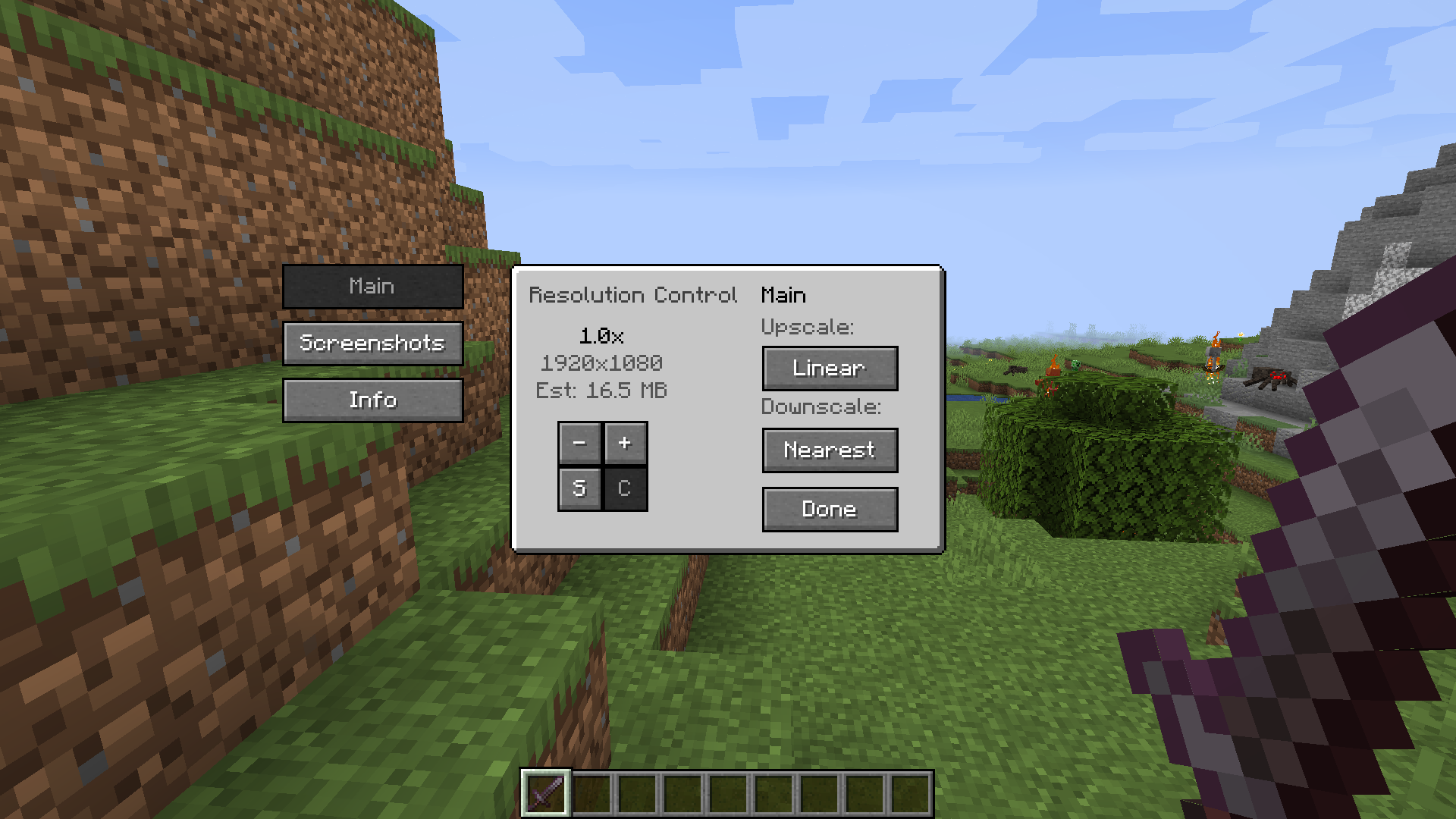
ResolutionControl+ can be used to take larger than native resolution screenshots. To do this, use the Screenshot Framebuffer keybind which is unbound by default.
Compared to Fabrishot, this implementation does not lock up the game until the screenshot is saved. This makes taking large screenshots much faster. And while a screenshot is being processed, you can take another one without any problems.
Here is the time it takes to take a 16k screenshot, on an i7 4770 and GTX 1060:
Fabrishot: 12 seconds (pause)
ResolutionControl+: less than 1 second (initial pause) + 13 seconds (background processing)
More information in the README.
Currently, ResolutionControl+ does not work with Fabulous Graphics.
Sodium - Compatible
Canvas Renderer - Mostly compatible, lower resolutions break HUD item rendering
Optifine - Compatible, stacks with its own render scale implementation
Project description from CurseForge.
Pick your setup
Choose the version and loader you play, then open the matching release.
Showing the newest 12 of 23 game versions. Older files are in the list below.
Check the dependencies, then try the file in a copied instance before changing a world you care about.
Recent files
resolution-control-plus-1.20.4-3.0.0.jar
9 Feb 2024
resolution-control-plus-1.20.2-3.0.0.jar
29 Oct 2023
13 Jun 2023
resolution-control-plus-1.19.4-3.0.0.jar
19 Mar 2023
resolution-control-plus-1.19.3-3.0.0.jar
7 Dec 2022
resolution-control-plus-1.18.x-3.0.0.jar
14 Aug 2022
25 Jul 2022
17 Jun 2021
16 Feb 2021
15 Feb 2021
Looking for an older file? The official CurseForge project page is in Resources.
 mod
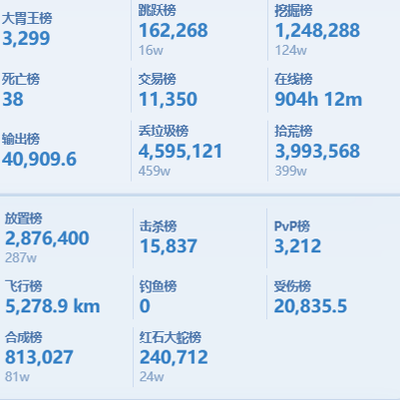
modScoreboard ranking mod: web dashboard access, historical data query, point lookup for arbitrary post-install dates.
 mod
modInteractive compartment storage for your workshops.
 mod
modPut torches on slabs! Hang lanterns from slabs! Place blocks on slabs! Stack blocks on those blocks on those slabs! Slabbed makes it work! Slabbed!!!