Cloth Config API Optional for Mirror 0.1.2+26.1.2
optionalMatching file found Matched file: 26.1.154+fabric

Modrinth · Minecraft mod
Working mirror blocks with live, real-time reflections. Rendered by the mod itself, no other rendering mods needed.
Quick answer
Mirror 0.1.2+26.1.2 targets 26.1.2 with Fabric. Installation on the client is optional. Installation on the dedicated server is optional. All 1 required mods have matching files.
Where it goes
Installation on the client is optional. Installation on the dedicated server is optional.
The source marks this as usable on both the client and server.
0.1.2+26.1.2 on 26.1.2. Every mod below is checked against that same setup.
Install Fabric API first. We found matching files for this game-version and loader setup. 1 comes through another mod in the chain.
1 extra mod was pulled in by another dependency. Indented rows show who needs each one. We only count dependency files that match this setup. A file for another loader does not fill the gap.
Before you install it
Built for Mirror 0.1.2+26.1.2 on 26.1.2. Pick another file and the loader, install side or required mods may change.
Use 0.1.2+26.1.2. It targets 26.1.2 with Fabric; another release may have different loader, side or dependency requirements.
Install Fabric API first. We found matching files for this game-version and loader setup. 1 comes through another mod in the chain.
Installation on the client is optional. Installation on the dedicated server is optional.
Use the “Get this file” button beside 0.1.2+26.1.2. It opens that exact file at the source.
About this project
Working mirror blocks for Minecraft. Place a mirror on a wall and it shows a real, live reflection of the world around it, you included. No other rendering mods needed.

Sticks in the corners, glass on the sides, and an amethyst shard in the middle:
stick  glass  stick
glass  shard  glass
stick  glass  stick
Place it on a wall and look. The mirror faces the way you place it.
Tune it from the in-game settings screen (through Mod Menu) or the config file: how many reflections show at once, how far they reach, whether mirrors reflect each other, and the fog. Changes apply right away. Reflections re-render the world, so if you want more frames, turn the reflection distance or count down.
Available for Minecraft 26.1 and 26.2. Download the file that matches your version.
Project description from Modrinth.
Pick your setup
Choose the version and loader you play, then open the matching release.
Check the dependencies, then try the file in a copied instance before changing a world you care about.
Recent files
mirror-0.1.2+26.1.2.jar
5 Jul 2026
mirror-0.1.0+26.1.2.jar
23 Jun 2026
Looking for an older file? The official Modrinth project page is in Resources.
 mod
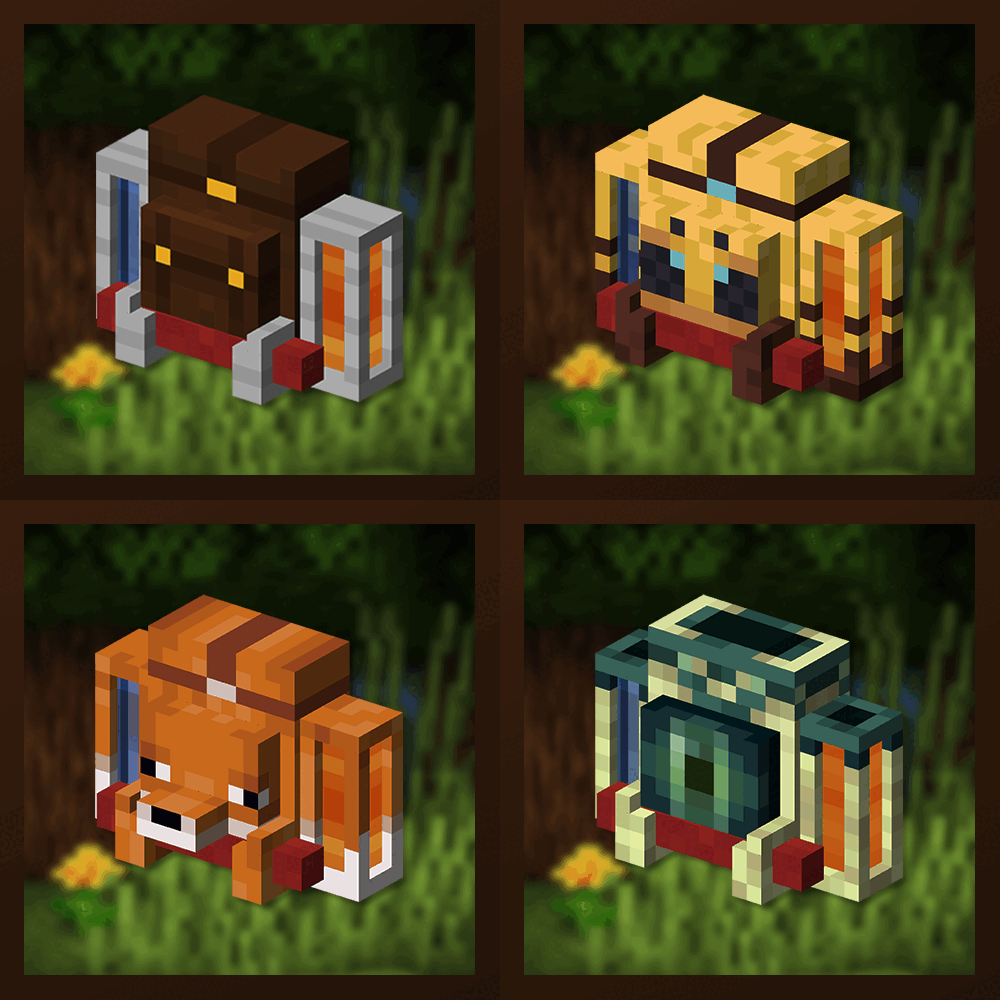
Unique and upgradeable backpacks with customisation, Curios API/Trinkets integration and more!
 mod
DiscoverBlocks aims to add new vanilla-like building blocks variants that Mojang skipped or haven't added.
 mod
Decorative block for beautiful storage of one item