Fabric API Needed by Toggle Mods 5.0.1
requiredMatching file found Matched file: 0.155.3+26.1.2

Modrinth · Minecraft mod
This Project lets you toggle mods on and off.
Quick answer
Toggle Mods 5.0.1 targets 26.1.2 with Fabric. It must be installed on the client. Do not install it on the dedicated server. All 1 required mods have matching files.
Where it goes
It must be installed on the client. Do not install it on the dedicated server.
This file is marked client-only.
5.0.1 on 26.1.2. Every mod below is checked against that same setup.
Install Fabric API first. We found matching files for this game-version and loader setup.
We only count dependency files that match this setup. A file for another loader does not fill the gap.
Before you install it
Built for Toggle Mods 5.0.1 on 26.1.2. Pick another file and the loader, install side or required mods may change.
Use 5.0.1. It targets 26.1.2 with Fabric; another release may have different loader, side or dependency requirements.
Install Fabric API first. We found matching files for this game-version and loader setup.
It must be installed on the client. Do not install it on the dedicated server.
Use the “Get this file” button beside 5.0.1. It opens that exact file at the source.
About this project
No more manually moving .jar files just to test a performance boost or disable a glitchy mod. Do it all from the title screen, or mid-session.
.jar to mods_disabled while the menu is open and it appears in the list on its own. No reopening.Mods built for a different Minecraft version aren't hidden from you. They're listed greyed out, so you can see what's there and clear it out.
Requires Fabric Loader.
Because the mod starts a fresh Java process, the window closes briefly before the new one appears. This is normal, and it guarantees a clean load of your new mod configuration.
Downloaded mods are saved to your mods_disabled folder, ready to enable on the next launch.
Project description from Modrinth.
Pick your setup
Choose the version and loader you play, then open the matching release.
Showing the newest 12 of 15 game versions. Older files are in the list below.
Check the dependencies, then try the file in a copied instance before changing a world you care about.
Recent files
mod-toggle-menu-mc26.1.2.jar
1 Oct 2026
mod-toggle-menu-mc26.1.2.jar
20 Sept 2026
mod-toggle-menu-mc26.1.2.jar
12 Sept 2026
mod-toggle-menu-mc26.1.2.jar
11 Sept 2026
mod-toggle-menu-mc26.1.2.jar
11 Sept 2026
mod-toggle-menu-mc26.1.2.jar
15 Aug 2026
mod-toggle-menu-mc26.1.2.jar
15 Aug 2026
Looking for an older file? The official Modrinth project page is in Resources.
 mod
Improves your keys & controls setup by providing modifier keys and making multi-functional keys a thing.
 mod
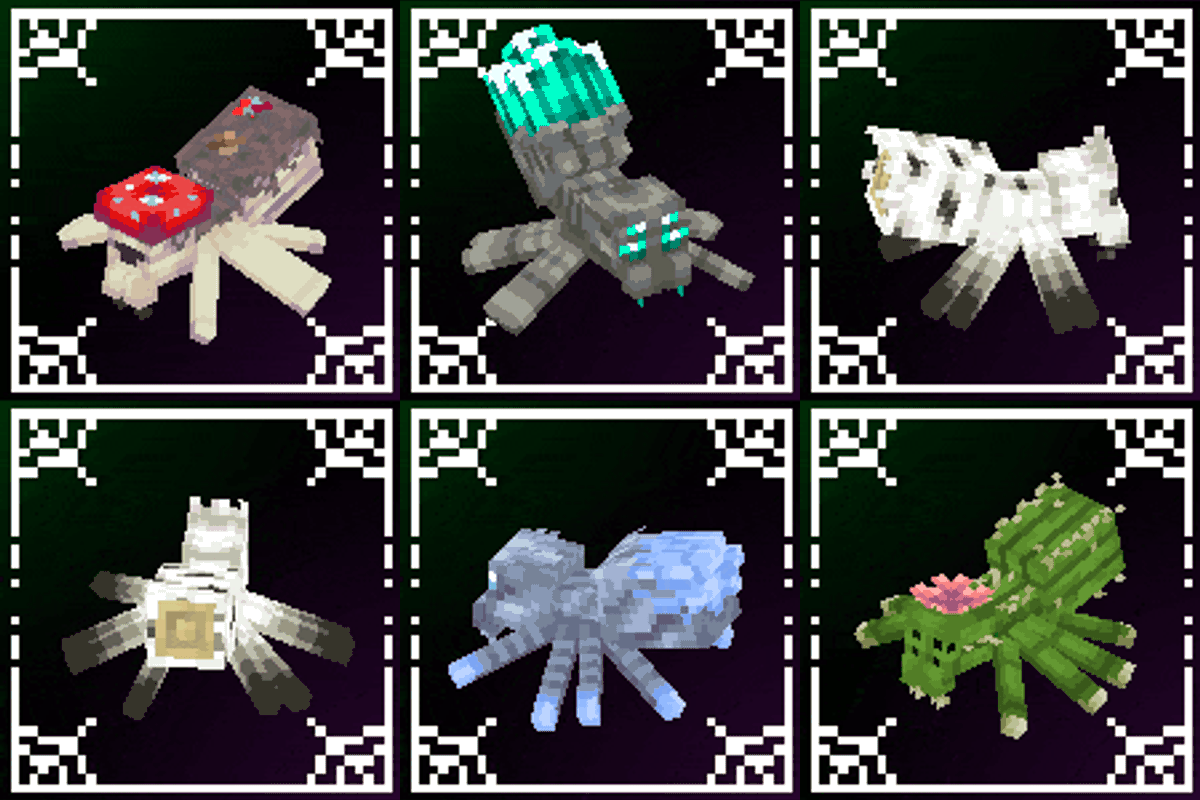
A mod that improves Minecraft's spiders!
 mod
An unofficial port of the mod that allows you to gradually transform into different vanilla creatures, each with unique models and animations.