Minecraft version
Back to mods 
Modrinth · Minecraft mod
inv-save
a small single purpose mod that saves your inventory upon death, customizable with commands, and via world creation, as it is a gamerule
Choose a version Pick your version below, then grab the matching file.
Quick answer
Which inv-save release should I use?
Latest stable file 1.0.1
Game version 1.20.1
Loader Fabric
inv-save 1.0.1 targets 1.20.1 with Fabric. Installation on the client is optional. Installation on the dedicated server is optional. No extra mods listed for this file.
Where it goes
Is inv-save required on the client, server, or both?
Installation on the client is optional. Installation on the dedicated server is optional.
Client Optional
Dedicated server Optional
Loader for this release Fabric
Required install it here Optional supported, not mandatory Not supported do not install here Source doesn’t say do not assume
The source marks this as usable on both the client and server.
What else does inv-save 1.0.1 need?
1.0.1. Change the file and its required mods may change too.
This file does not list any required mods. Do not add a library just because a different file uses it.
This file does not list any required or optional mods.
Before you install it
Add inv-save without breaking your instance.
Built for inv-save 1.0.1. Pick another file and the loader, install side or required mods may change.
- 01
Stick to this file
Use 1.0.1. It targets 1.20.1 with Fabric; another release may have different loader, side or dependency requirements.
- 02
Bring the mods it needs
This file does not list any required mods. Do not add a library just because a different file uses it.
- 03
Put it on the correct side
Installation on the client is optional. Installation on the dedicated server is optional.
- 04
Pick the file you checked
Use the “Get this file” button beside 1.0.1. It opens that exact file at the source.
About this project
What does inv-save add?
A small modthat has three commands - invsave - which is enabled by default(function of the mod), invsave_offhand - which is enabled by default, and invsave_amount - which is set to 4 by default
This means the first four items in your hot bar, along with your armor(also first 4 slots some reason) and your offhand will stay with you when you die
How to configure!
Singleplayer: open to lan -> turn on cheats -> change the config to how you want it (/gamerule invsave -> reload your world to disable cheats
Multiplayer: be an operator -> /gamerule invsave -> done
the three commands are.
/gamerule invsave
/gamerule invsave_offhand
/gamerule invsave_amount
Project description from Modrinth.
Pick your setup
inv-save by Minecraft version and loader
Choose the version and loader you play, then open the matching release.
Check the dependencies, then try the file in a copied instance before changing a world you care about.
Recent files
inv-save versions and loaders
1.0.1
inv-save-1.0.1.jar
14 Oct 2026
Client Optional Server Optional Dependencies No extras listed Listed on Release listing
Check the 1.20.1 · Fabric setup 1.20.1Fabric release
1.0.0
inv-save-1.0.0.jar
11 May 2026
Client Optional Server Optional Dependencies No extras listed Listed on Release listing
Check the 1.20.1 · Fabric setup 1.20.1Fabric release
Looking for an older file? The official Modrinth project page is in Resources.
 mod
mod CurseForge + Modrinth · Minecraft
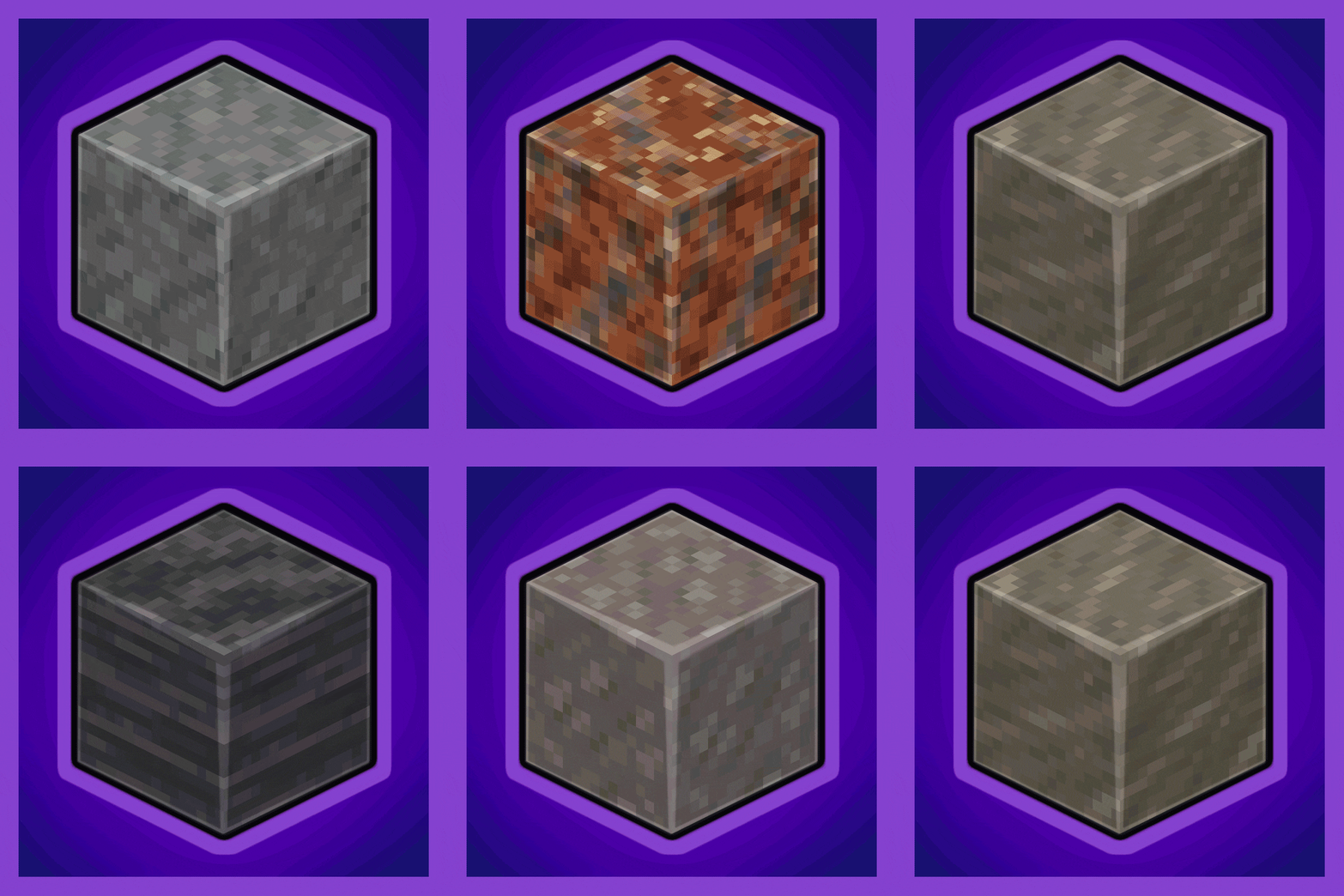
Every Compat (Stone Zone)
Universal Stone Compat: Supports Create, Rechiseled, and Others...
 mod
mod Modrinth · Minecraft
Not enough DLCs
Dive into the ultimate Minecraft parody experience where every move comes with a price tag! From walking to placing blocks, nothing is free in this hilariously immersive world. Will you legally trade with villagers to earn your keep, or risk it all?
 mod
mod Modrinth · Minecraft
Grim Anticheat
Fully async, multithreaded, predictive, open source, 3.01 reach, 1.005 timer, 0.01% speed, 99.99% antikb, "bypassable" 1.8-1.21 anticheat