Fabric API Needed by Admin Command Tool 1.0.9
requiredMatching file found Matched file: 0.156.0+26.2

Modrinth · Minecraft mod
Easily Apply in-game commands and set custom commands with hotkeys.
Quick answer
Admin Command Tool 1.0.9 targets 26.2 with Fabric. It must be installed on the client. Do not install it on the dedicated server. All 1 required mods have matching files.
Where it goes
It must be installed on the client. Do not install it on the dedicated server.
This file is marked client-only.
1.0.9 on 26.2. Every mod below is checked against that same setup.
Install Fabric API first. We found matching files for this game-version and loader setup.
We only count dependency files that match this setup. A file for another loader does not fill the gap.
Before you install it
Built for Admin Command Tool 1.0.9 on 26.2. Pick another file and the loader, install side or required mods may change.
Use 1.0.9. It targets 26.2 with Fabric; another release may have different loader, side or dependency requirements.
Install Fabric API first. We found matching files for this game-version and loader setup.
It must be installed on the client. Do not install it on the dedicated server.
Use the “Get this file” button beside 1.0.9. It opens that exact file at the source.
About this project
Report Bugs Here : https://discord.gg/qc4TrREeMf
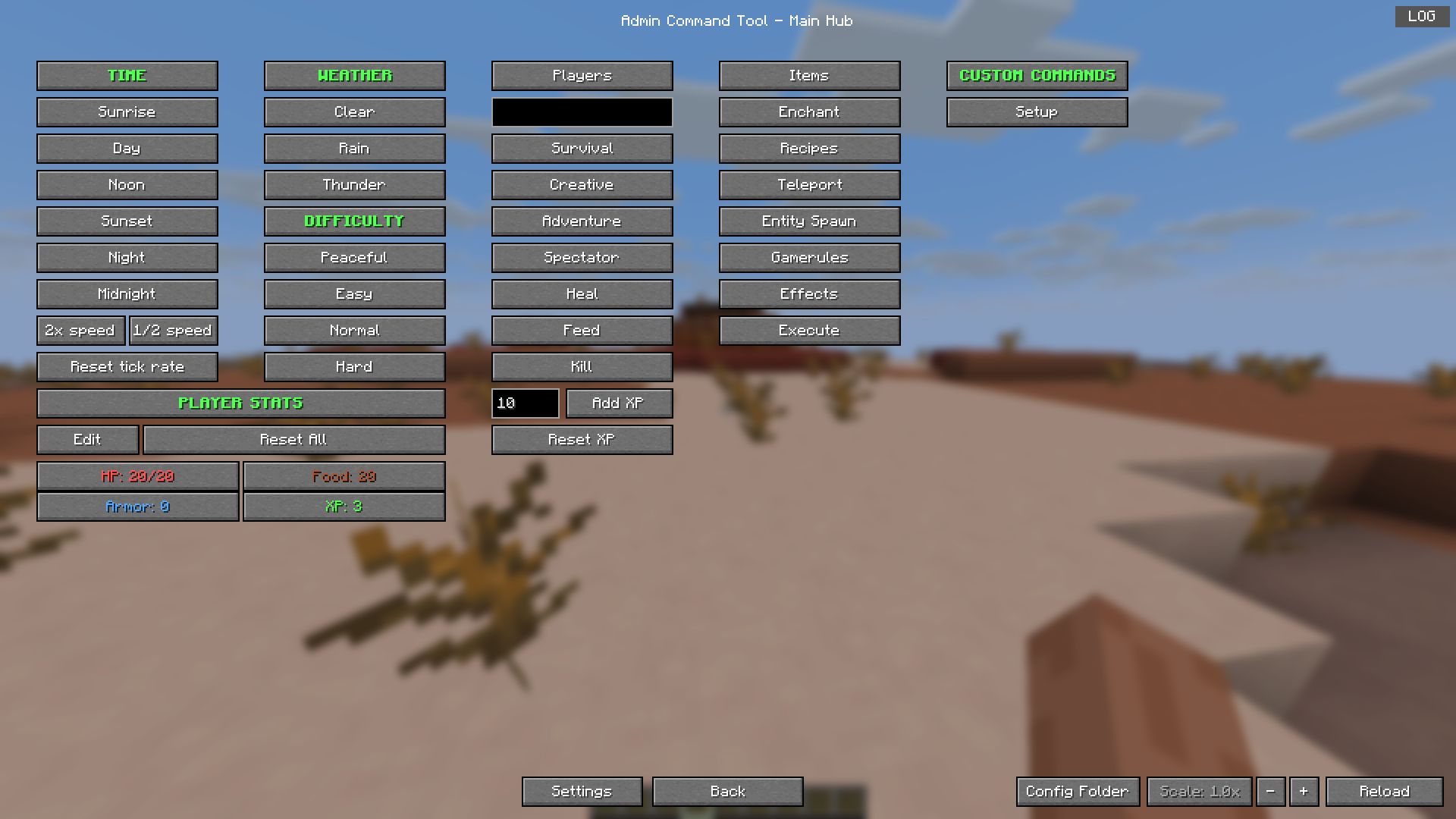
Teleport players to any coordinate or to other players.
Locate biomes and structures by ID.
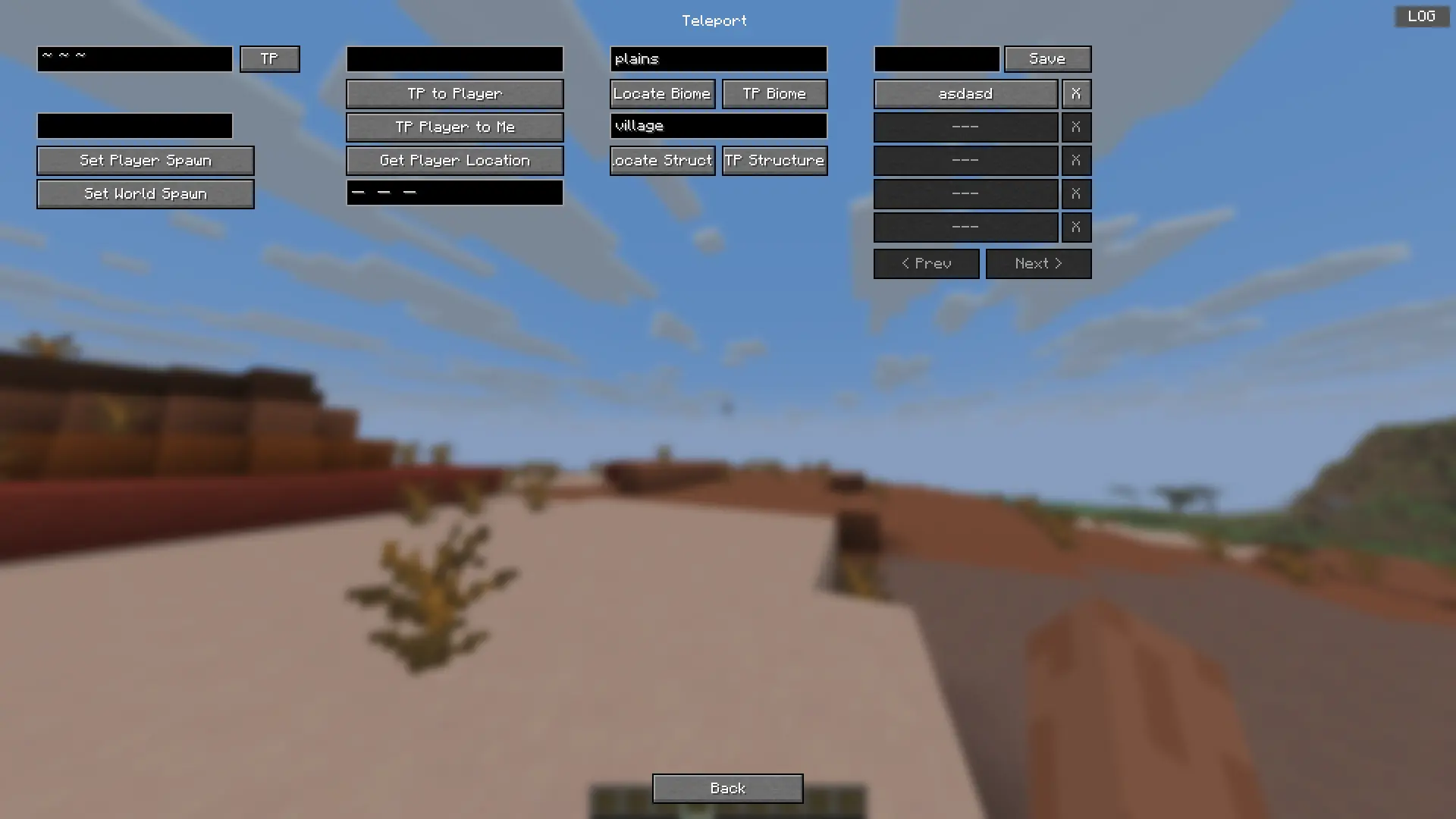
Give custom items with dynamic stack size, fill inventory, or clear it.
Spawn any entity with custom count and NBT data.
Apply status effects with configurable duration and amplifier.
Toggle game rules and change their numeric values.
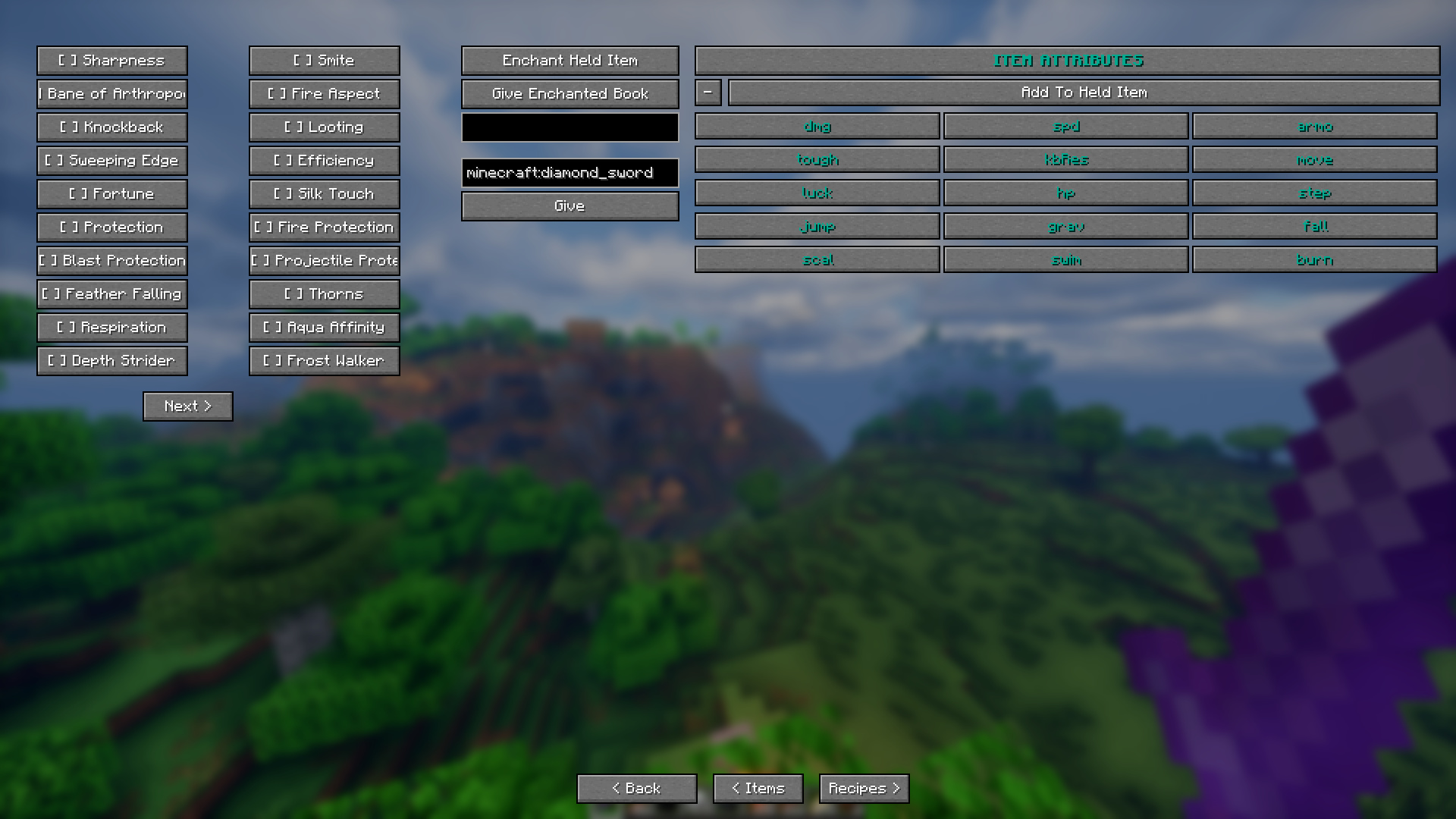
Enchant items with any enchantment at any level & add custom Attributes.
Give or remove recipes from players.
Kill hostile, peaceful, or specific mobs and clear ground items.
Manage time, weather, difficulty, gamemode, and tick rate.
Manage player health, hunger, and XP levels on any player.
Create custom command presets with auto-repeat and configurable execution count and Assign hotkeys.
Player stats display showing HP, food, XP, armor.
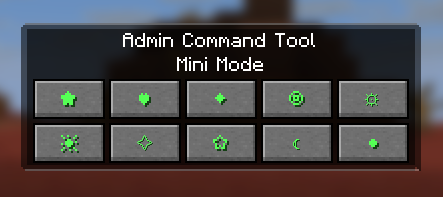
A Mini Mode that can be toggled with a Hotkey.
And many more.
Project description from Modrinth.
Pick your setup
Choose the version and loader you play, then open the matching release.
Check the dependencies, then try the file in a copied instance before changing a world you care about.
Recent files
admincommandtool-1.0.9-26.2.jar
2 Aug 2026
admincommandtool-1.0.8-26.2.jar
29 Jul 2026
admincommandtool-1.0.7-26.2.jar
19 Jul 2026
admincommandtool-1.0.6-26.2.jar
13 Jul 2026
admincommandtool-1.0.5-26.2.jar
8 Jul 2026
admincommandtool-1.0.4-26.2.jar
28 Jun 2026
Looking for an older file? The official Modrinth project page is in Resources.
 mod
modA mod to take full and automated control of your appliances
 mod
modIt adds a GUI which helps you get any trade you want from villagers.
 mod
modPlays funny sounds when players around teleport/leave the game