Minecraft version
Back to mods 
Modrinth · Minecraft mod
MapMaster
Create massive, seamless map walls with ease. MapMaster automatically generates, expands and repairs connected map atlases while preserving map IDs and supporting multiple independent displays across your world.
Choose a version Pick your version below, then grab the matching file.
Quick answer
Which MapMaster release should I use?
Latest stable file 3.5.1
Game version 26.2
Loader NeoForge
MapMaster 3.5.1 targets 26.2 with NeoForge. Installation on the client is optional. Installation on the dedicated server is optional. No extra mods listed for this file.
Where it goes
Is MapMaster required on the client, server, or both?
Installation on the client is optional. Installation on the dedicated server is optional.
Client Optional
Dedicated server Optional
Loader for this release NeoForge
Required install it here Optional supported, not mandatory Not supported do not install here Source doesn’t say do not assume
The source marks this as usable on both the client and server.
What else does MapMaster 3.5.1 need?
3.5.1. Change the file and its required mods may change too.
This file does not list any required mods. Do not add a library just because a different file uses it.
This file does not list any required or optional mods.
Before you install it
Add MapMaster without breaking your instance.
Built for MapMaster 3.5.1. Pick another file and the loader, install side or required mods may change.
- 01
Stick to this file
Use 3.5.1. It targets 26.2 with NeoForge; another release may have different loader, side or dependency requirements.
- 02
Bring the mods it needs
This file does not list any required mods. Do not add a library just because a different file uses it.
- 03
Put it on the correct side
Installation on the client is optional. Installation on the dedicated server is optional.
- 04
Pick the file you checked
Use the “Get this file” button beside 3.5.1. It opens that exact file at the source.
About this project
What does MapMaster add?
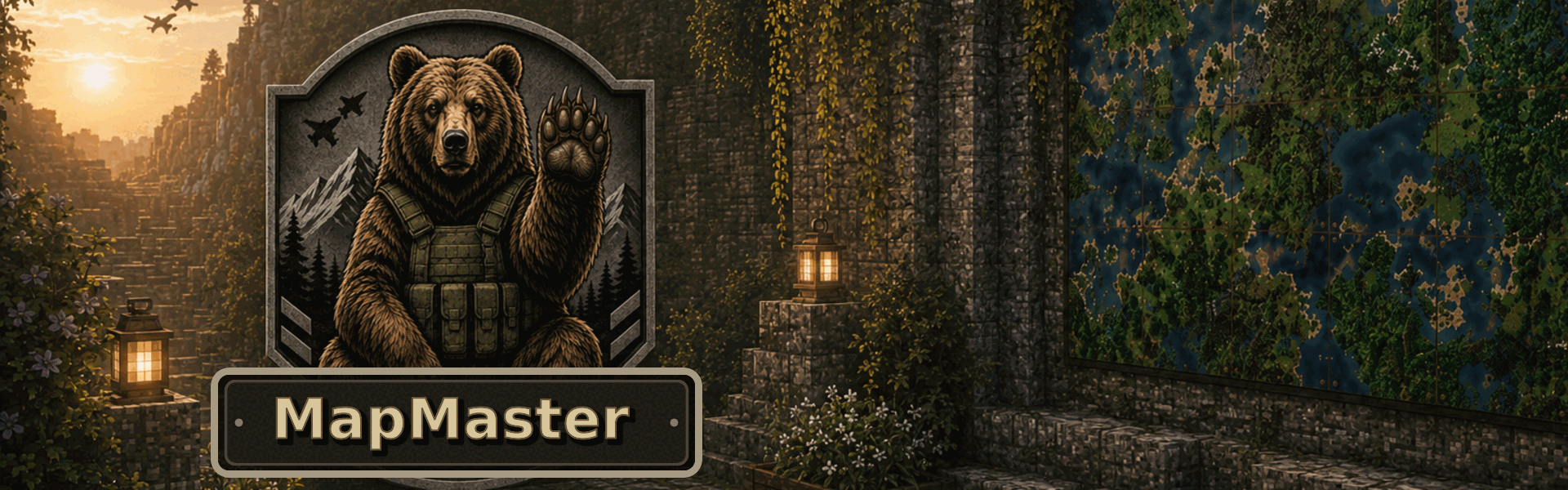
MapMaster offers a seemingly simple yet surprisingly complex addition to Minecraft, enriching a common feature found in many worlds: map walls.
MapMaster allows for completely automatic and seamless updating, expansion and rotation of your map walls.
List of Features
- Wall and floor atlas support
- Automatic atlas creation
- Automatic expansion
- Automatic repair
- Four rotation directions
- Compass-controlled rotation
- Honeycomb rotation locking
- Multiple independent atlases
- Only the Master Map drops when broken
- Overworld and End support
- No dependencies
- No known compatibility conflicts
Config Guide
- Configurable floor support — Default: Enabled
- Configurable End support — Default: Enabled
- Configurable maximum atlas size — Default: Unlimited
- Configurable Compass rotation — Default: Enabled
Please report any bugs to thewavingbearhello@gmail.com
Personal Note
Created as a side project to fulfil a personal desire. Showing your love and support for this mod will help guarantee its continued development, expansion and public availability.
Project description from Modrinth.
Pick your setup
MapMaster by Minecraft version and loader
Choose the version and loader you play, then open the matching release.
Check the dependencies, then try the file in a copied instance before changing a world you care about.
Recent files
MapMaster versions and loaders
3.5.1
Mapmaster-3.5.jar
31 Jul 2026
Client Optional Server Optional Dependencies No extras listed Listed on Release listing
Check the 26.2 · NeoForge setup 26.2NeoForge release
Looking for an older file? The official Modrinth project page is in Resources.
 mod
CurseForge + Modrinth · Minecraft
Fate/Unlimited Block Works
Bring the holy grail war to minecraft
 mod
Modrinth · Minecraft
INVTOOLS - Inventory Rollback
Inventory, accessory, backpack, and backup administration for Minecraft servers.
 mod
Modrinth · Minecraft
Pylon (Raw Input)
LWJGL3 for legacy Minecraft