Immersive Vehicles Needed by Create: Automotives 1.1
requiredMatching file found Matched file: 24.0.0-1.21.1

Modrinth · Minecraft mod
Adds drivable, steam-powered planes and cars to Create!
Quick answer
Create: Automotives 1.1 targets 1.21.1 with NeoForge. Installation on the client is optional. Installation on the dedicated server is optional. All 2 required mods have matching files.
Where it goes
Installation on the client is optional. Installation on the dedicated server is optional.
The source marks this as usable on both the client and server.
1.1. Change the file and its required mods may change too.
Install Immersive Vehicles, Create first. We found matching files for this game-version and loader setup.
We only count dependency files that match this setup. A file for another loader does not fill the gap.
Before you install it
Built for Create: Automotives 1.1. Pick another file and the loader, install side or required mods may change.
Use 1.1. It targets 1.21.1 with NeoForge; another release may have different loader, side or dependency requirements.
Install Immersive Vehicles, Create first. We found matching files for this game-version and loader setup.
Installation on the client is optional. Installation on the dedicated server is optional.
Use the “Get this file” button beside 1.1. It opens that exact file at the source.
About this project


 (so far)


Boilerbox controls:

Biplane controls:



Reader Section:
Create: Automotives
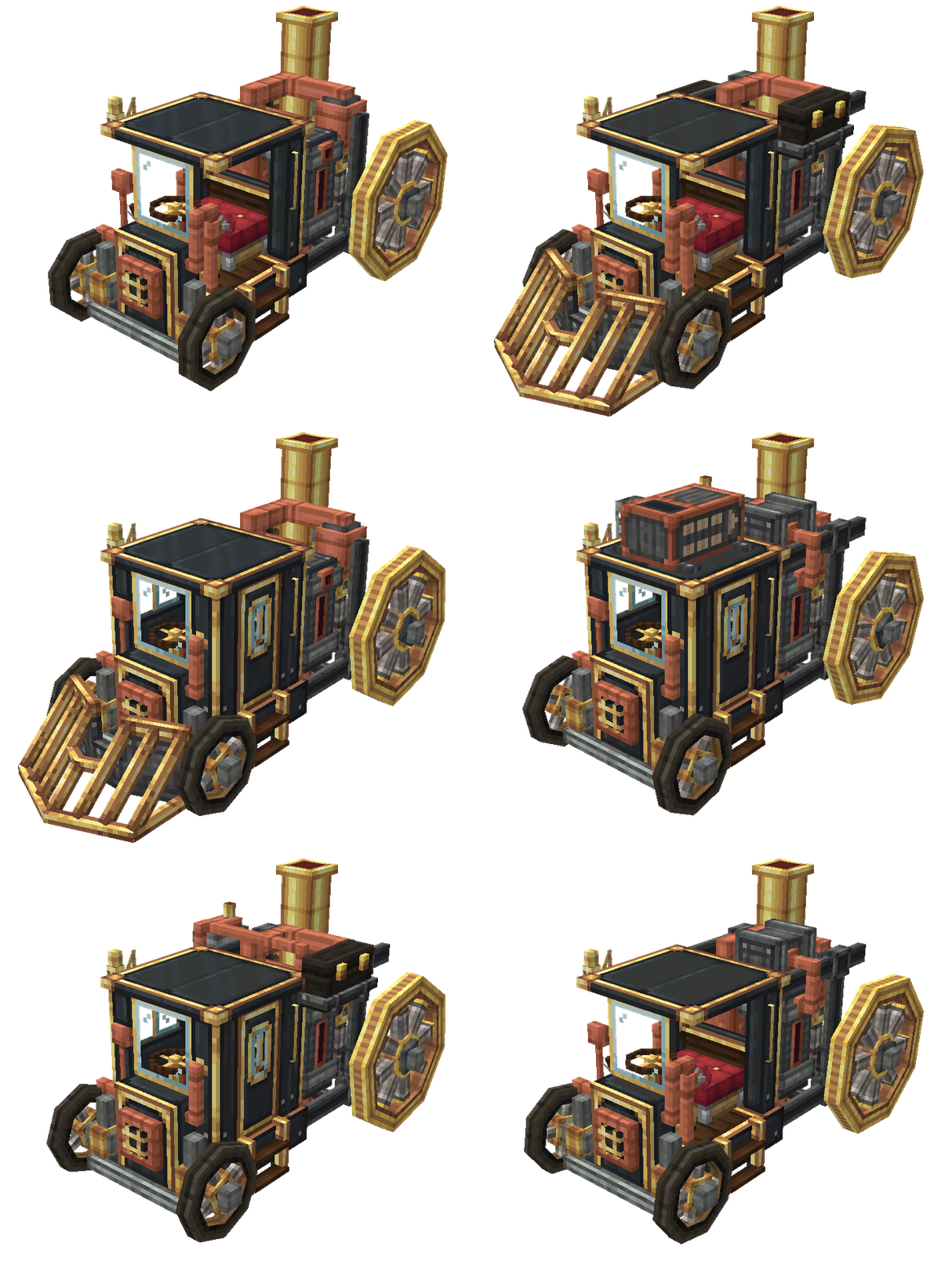
Create: Automotives adds fictional, steam-powered vehicles designed to fit the Create mod’s style and progression.
Features:
Getting Started:
Extra: Weapons are switched with the [V] key and fired with [Space]
How to remove upgrades?
How to pick up vehicles?
Project description from Modrinth.
Pick your setup
Choose the version and loader you play, then open the matching release.
Check the dependencies, then try the file in a copied instance before changing a world you care about.
Recent files
create-automotives-1.21.1-V2.jar
25 Apr 2026
create-automotives-1.20.1-V2.jar
25 Apr 2026
Looking for an older file? The official Modrinth project page is in Resources.
 mod
modMultiblocked2 is the more powerful visual custom machine/multiblock mod after mbd.
 mod
modAdd a Programmed Circuit Card. AE2 and GregTech addon.
 mod
modAdds 2 new dimensions, new combat mechanics, 4 new ore types, and a heavy emphasis on Copper and Amethyst!