Mod Menu Optional for Compresso 1.1.0+1.21.11-fabric
optionalMatching file found Matched file: 17.0.1

Modrinth · Minecraft mod
Compress your screenshots into smaller PNG, WebP, JPEG, JPEG XL & AVIF files
Quick answer
Compresso 1.1.0+1.21.11-fabric targets 1.21.11 with Fabric. It must be installed on the client. Do not install it on the dedicated server. All 2 required mods have matching files.
Where it goes
It must be installed on the client. Do not install it on the dedicated server.
This file is marked client-only.
1.1.0+1.21.11-fabric. Change the file and its required mods may change too.
Install Fabric API, YetAnotherConfigLib (YACL) first. We found matching files for this game-version and loader setup. 1 comes through another mod in the chain.
1 extra mod was pulled in by another dependency. Indented rows show who needs each one. We only count dependency files that match this setup. A file for another loader does not fill the gap.
Before you install it
Built for Compresso 1.1.0+1.21.11-fabric. Pick another file and the loader, install side or required mods may change.
Use 1.1.0+1.21.11-fabric. It targets 1.21.11 with Fabric; another release may have different loader, side or dependency requirements.
Install Fabric API, YetAnotherConfigLib (YACL) first. We found matching files for this game-version and loader setup. 1 comes through another mod in the chain.
It must be installed on the client. Do not install it on the dedicated server.
Use the “Get this file” button beside 1.1.0+1.21.11-fabric. It opens that exact file at the source.
About this project
Compresso adds a configurable optimization step to Minecraft's screenshot saving. Every screenshot you take is encoded into a smaller file in the format that you choose, with control over quality, compression effort, and resolution.
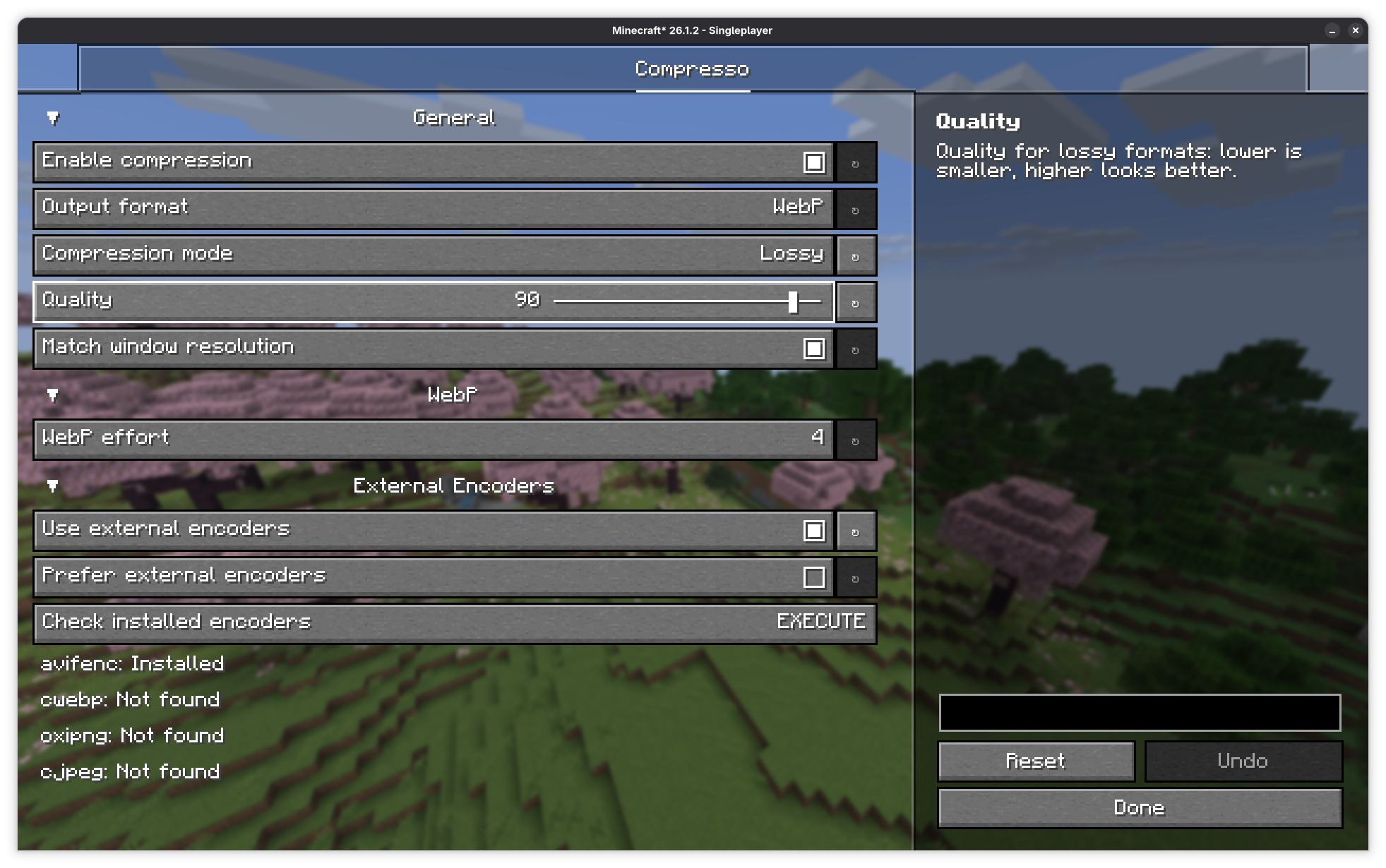
For users who want maximum compression or to use the AVIF/JPEG XL formats, this mod can call command-line encoders if it detects that you have them installed on your system. This includes avifenc, cwebp, oxipng, cjpeg, and cjxl.
Project description from Modrinth.
Pick your setup
Choose the version and loader you play, then open the matching release.
Check the dependencies, then try the file in a copied instance before changing a world you care about.
Recent files
compresso-1.1.0+1.21.11-fabric.jar
24 Oct 2026
compresso-1.1.0+26.3-neoforge.jar
24 Oct 2026
compresso-1.1.0+26.3-fabric.jar
24 Oct 2026
compresso-1.1.0+26.2-neoforge.jar
24 Oct 2026
compresso-1.1.0+26.2-fabric.jar
24 Oct 2026
compresso-1.1.0+1.21.11-neoforge.jar
24 Oct 2026
compresso-1.1.0+26.1.2-fabric.jar
24 Oct 2026
compresso-1.1.0+26.1.2-neoforge.jar
24 Oct 2026
compresso-1.1.0+1.21.10-fabric.jar
24 Oct 2026
compresso-1.1.0+1.21.1-neoforge.jar
24 Oct 2026
compresso-1.1.0+1.21.1-fabric.jar
24 Oct 2026
compresso-1.1.0+1.21.10-neoforge.jar
24 Oct 2026
Looking for an older file? The official Modrinth project page is in Resources.
 mod
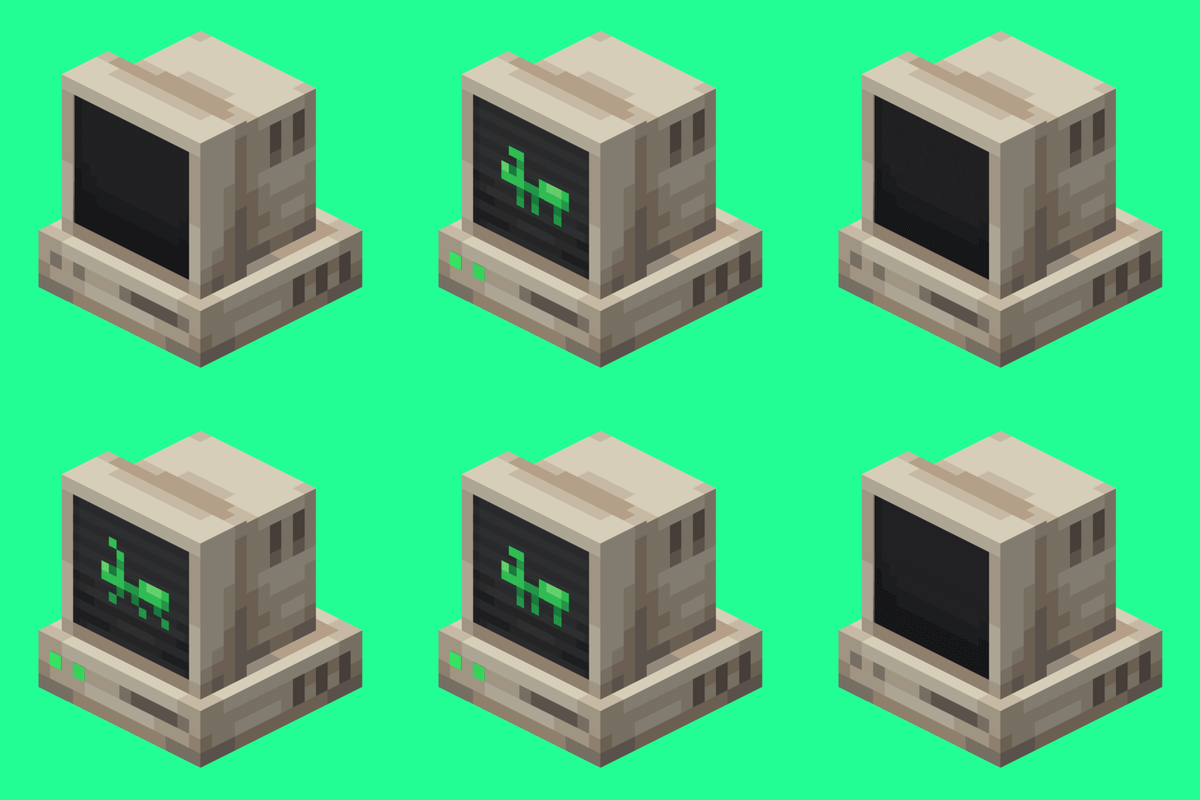
An immersive and fully functioning computer that provides an anternative to the stale and overused quest book and guide book
 mod
a core mod
 mod
A modern mod about Meteors and meteorites falling from the sky! With extreme configurability!