Fabric API Needed by 3D Skin Layers 1.11.2
requiredMatching file found Matched file: [1.20.1] Fabric API 0.92.11+1.20.1

Modrinth · Minecraft mod
Render the player skin layer in 3d!
Quick answer
3D Skin Layers 1.11.2 targets 1.20.1 with Fabric. It must be installed on the client. Do not install it on the dedicated server. All 1 required mods have matching files.
Where it goes
It must be installed on the client. Do not install it on the dedicated server.
This file is marked client-only.
1.11.2 on 1.20.1 Fabric. Every mod below is checked against that same setup.
Install Fabric API first. We found matching files for this game-version and loader setup.
We only count dependency files that match this setup. A file for another loader does not fill the gap.
Before you install it
Built for 3D Skin Layers 1.11.2 on 1.20.1 Fabric. Pick another file and the loader, install side or required mods may change.
Use 1.11.2. It targets 1.20.1 with Fabric; another release may have different loader, side or dependency requirements.
Install Fabric API first. We found matching files for this game-version and loader setup.
It must be installed on the client. Do not install it on the dedicated server.
Use the “Get this file” button beside 1.11.2. It opens that exact file at the source.
About this project
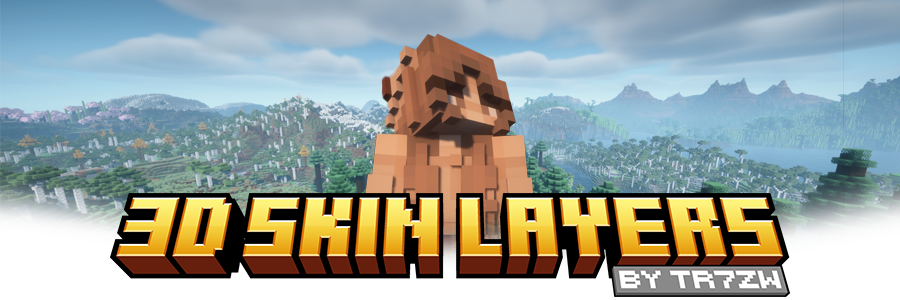




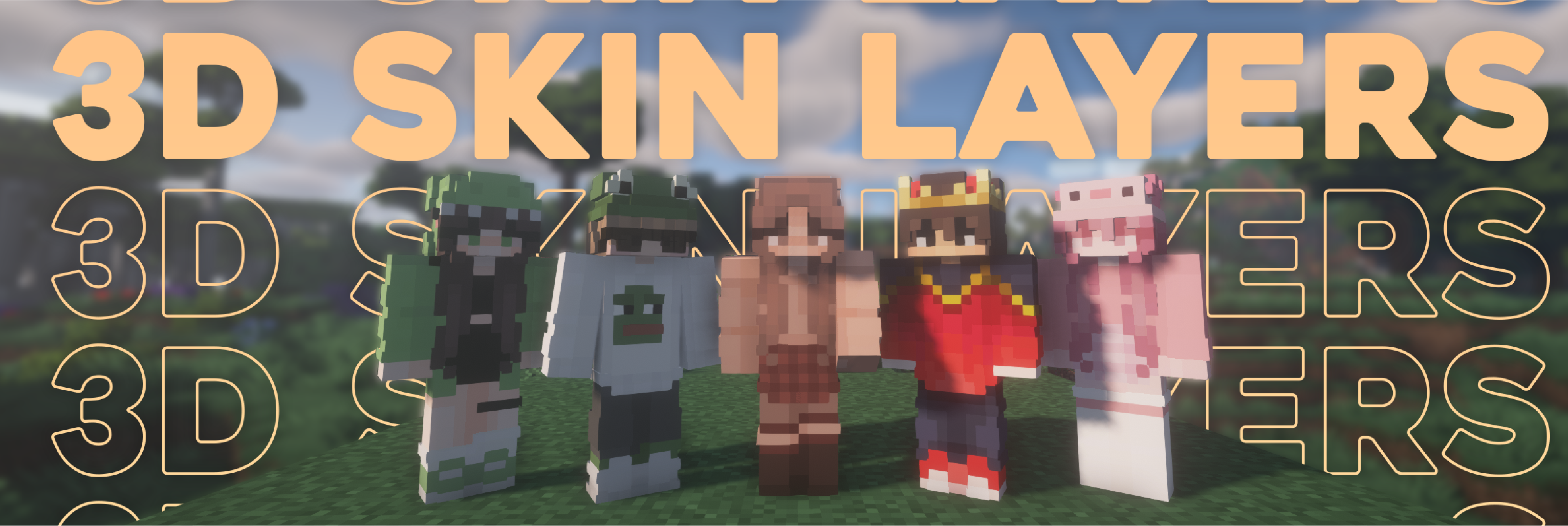
Replaces the normally flat second layer of player skins with a fully 3D-modeled version.
The mod automatically switches back to vanilla-style 2D rendering when players are more than 12 blocks away, helping maintain high framerates. It also supports transparent elements - perfect for glasses, visors, or other cosmetic details!
Since this mod is purely visual and entirely client-side, it doesn't need to be installed on servers and works seamlessly in any environment.

Give your player skin the depth it deserves—with style and performance in mind.


| Minecraft | Loader | Status | Version | Note |
|---|---|---|---|---|
| 1.16.5+ | Fabric/Forge*/NeoForge | ✅ Supported | Latest | |
| *1.16.5 | Forge | ⚠️ Unsupported | Outdated | Unsupported, until it gets support for JarInJar mods |
| 1.12.2/1.8.9 | Forge | ❌ Not supported | Outdated | Might get new updates at some point |
| Mod | Status | Note |
|---|---|---|
| Essential | ✅ Supported | |
| Shoulder Surfing Reloaded | ✅ Supported | |
| Player Animator | ✅ Supported | This means mods that use it like Better Combat and Emotecraft |
| CustomSkinLoader | ⚠️ Partial support | Requires this helper mod |
| Lunar Client | ❌ Not supported | Will never get support! |



No. This is a fully client-side mod and does not need to be installed on the server.
No. Since the pixels wouldn't have the correct shape, this is not possible.
Some modded armor is closer to the body than vanilla. Turn down the 3d size in the mod settings till it fits.
You are probably using a ETF/EMF resourcepack. Make sure you update it, fitting to the Minecraft version.
A few things to check before asking for help:
Please buy the game, illegal copies of the game are not supported.

👤 Thanks to the awesome translators and contributors on Github!

📄 License: tr7zw Protective License
Feel free to use this mod in your Modrinth/Curseforge hosted modpacks without asking for permission. Do not redistribute the jar files anywhere else!
Project description from Modrinth.
Pick your setup
Choose the version and loader you play, then open the matching release.
Showing the newest 12 of 19 game versions. Older files are in the list below.
Check the dependencies, then try the file in a copied instance before changing a world you care about.
Recent files
skinlayers3d-fabric-1.11.2-mc1.20.1.jar
18 Jun 2026
skinlayers3d-fabric-1.11.1-mc1.20.1.jar
1 Apr 2026
Looking for an older file? The official Modrinth project page is in Resources.
 mod
modIf you hear something, God help you — because it heard you too.
 mod
modA lightweight utility for replacing one block with another, both during worldgen and afterward.
 mod
modDoors, but they're scary like in Horror Games. Now supports all doors!