Vintage Story version
Back to mods 
Vintage Story Mod DB · Vintage Story mod
InventoryWheelFix
Fixes the mouse wheel behavior in immersive mouse mode, when the player inventory is scrollable. The inventory only captures the mouse wheel while the mouse is grabbed (Lock/Unlock Mouse Cursor button), allowing normal hotbar selection when the inventory is op
Choose a version Pick your version below, then grab the matching file.
Quick answer
Which InventoryWheelFix release should I use?
Latest stable file 1.0.0
Game version 1.22.3, 1.22.4
Loader Built-in Vintage Story mod system
InventoryWheelFix 1.0.0 targets 1.22.3, 1.22.4. It must be installed on the client. Do not install it on the dedicated server. No extra mods listed for this file.
Where it goes
Is InventoryWheelFix required on the client, server, or both?
It must be installed on the client. Do not install it on the dedicated server.
Client Required
Dedicated server Not supported
Loader for this release Built-in Vintage Story mod system
Required install it here Optional supported, not mandatory Not supported do not install here Source doesn’t say do not assume
This Vintage Story file is marked client-only.
What else does InventoryWheelFix 1.0.0 need?
1.0.0. Change the file and its required mods may change too.
This file does not list any required mods. Do not add a library just because a different file uses it.
This file does not list any required or optional mods.
Before you install it
Add InventoryWheelFix without breaking your instance.
Built for InventoryWheelFix 1.0.0. Pick another file and the loader, install side or required mods may change.
- 01
Stick to this file
Use 1.0.0. It targets 1.22.3, 1.22.4; another release may have different loader, side or dependency requirements.
- 02
Bring the mods it needs
This file does not list any required mods. Do not add a library just because a different file uses it.
- 03
Put it on the correct side
It must be installed on the client. Do not install it on the dedicated server.
- 04
Pick the file you checked
Use the “Get this file” button beside 1.0.0. It opens that exact file at the source.
About this project
What does InventoryWheelFix add?
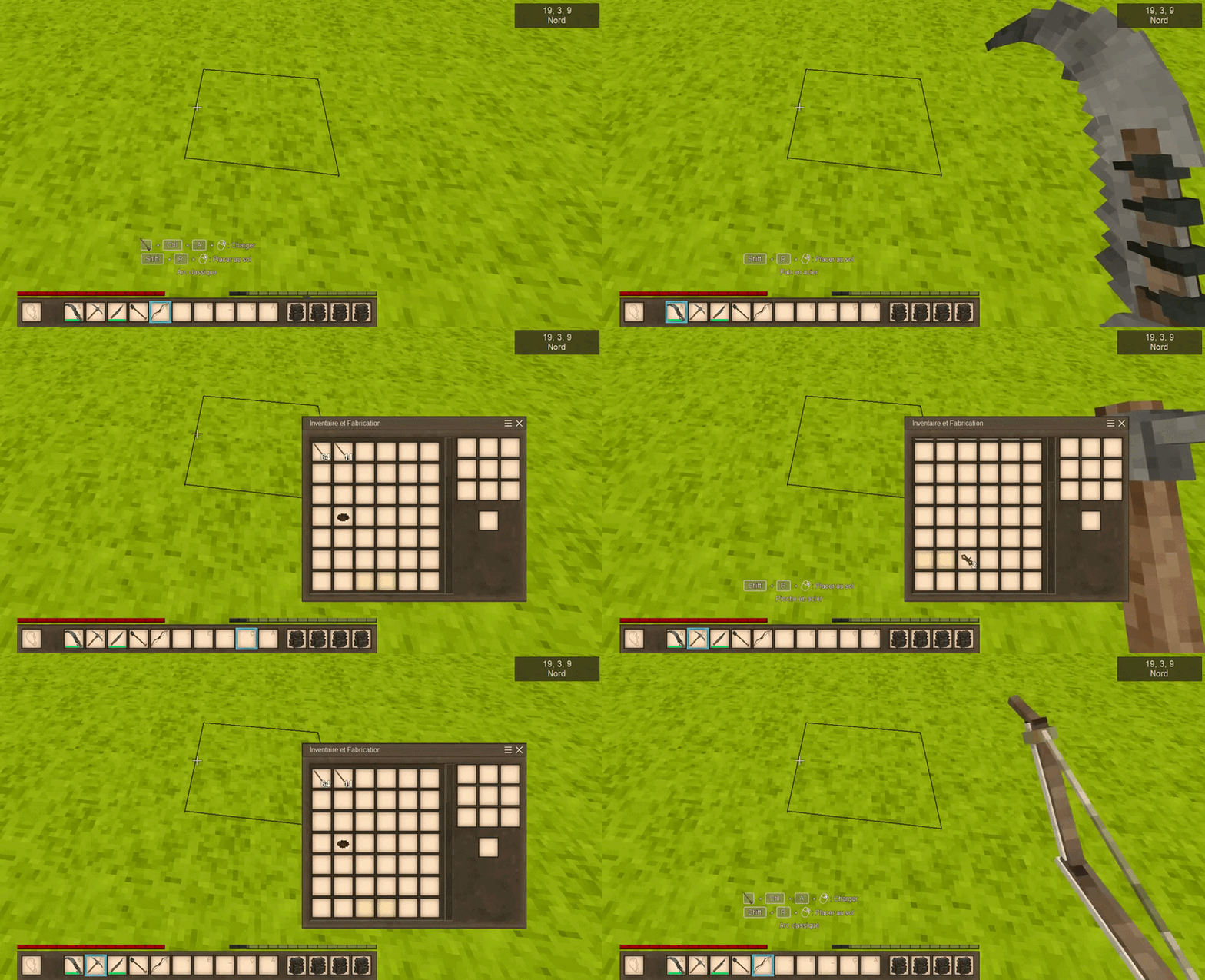

Fixes the mouse wheel behavior in immersive mouse mode, when the player inventory is scrollable.
The inventory only captures the mouse wheel while the mouse is grabbed (Lock/Unlock Mouse Cursor button), allowing normal hotbar selection when the inventory is open.
Aside from the inventory, no other windows should be affected. If this is not the case, please let me know of any problems you encounter with the mod, specifying which vanilla or modded window is affected, and include a screenshot.
Developed with the assistance of artificial intelligence (used to search through the API doc).

Correction du comportement de la molette de la souris en mode souris immersive, lorsque l'inventaire du joueur est défilable.
L'inventaire ne capture la molette de la souris que lorsque le bouton "Verrouiller/Déverrouiller le curseur de la souris" est maintenu enfoncé, permettant une sélection normale dans la barre d'accès rapide lorsque l'inventaire est ouvert.
En dehors de l'inventaire, aucune autre fenêtre ne devrait être affectée. Si tel n'est pas le cas, merci de m'indiquer tout problème rencontré avec le mod en indiquant quel fenêtre vanilla ou moddée est affectée, acompagnée d'un screenshot.
Développé avec l'aide de l'intelligence artificielle (utilisée pour la recherche dans la documentation de l'API).
Project description from Vintage Story Mod DB.
Pick your setup
InventoryWheelFix releases for each Vintage Story version.
Choose the version and loader you play, then open the matching release.
Vintage Story version
1.22.3
1 loader buildCheck the dependencies, then try the file in a copied instance before changing a world you care about.
Recent files
InventoryWheelFix versions and loaders
1.0.0
InventoryWheelFix1.0.zip
19 Jul 2026
Client Required Server Not supported Dependencies No extras listed Listed on Release listing
Check the 1.22.4 setup 1.22.31.22.4 release
Looking for an older file? The official Vintage Story Mod DB project page is in Resources.
 mod
mod Vintage Story
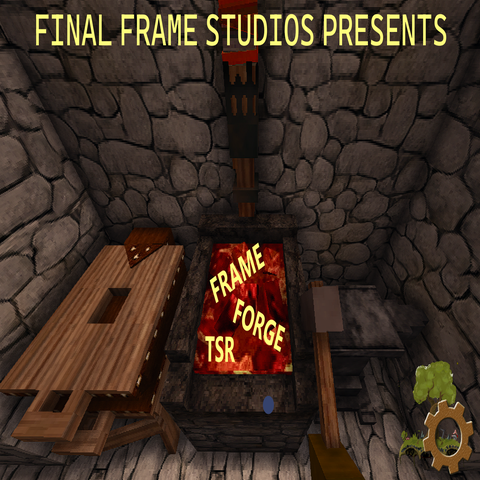
FrameForgeTSR
Runtime and Visual System to give back frames while looking amazing.
 mod
mod Vintage Story
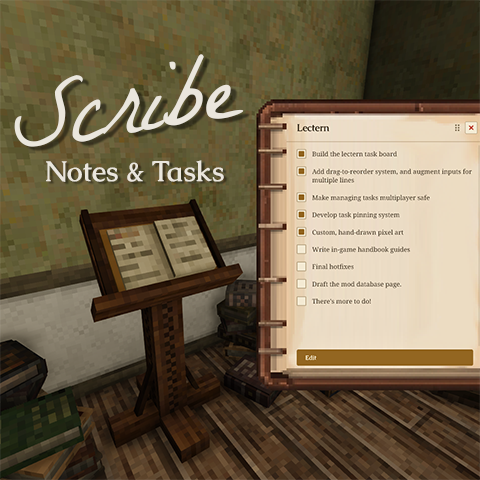
Scribe: Notes & Tasks
Take notes and track tasks in-world. Pin tasks to a persistent HUD. Multiplayer-ready.
 mod
mod Vintage Story
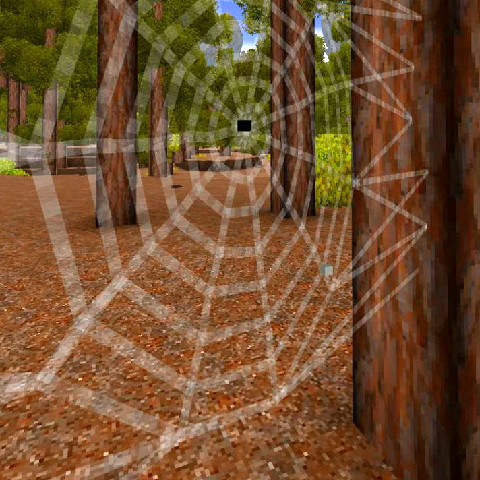
More Bugs
Adds termites, ants, more flies (they show you rot in containers), spiders and jumping spiders :3