Vintage Story version
Back to mods 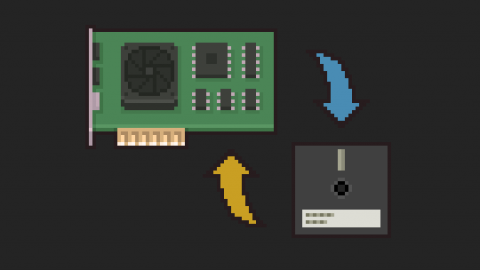
Vintage Story Mod DB · Vintage Story mod
Shader Cache
The mod is in a testing state, so its stability is not guaranteed. Loading a large number of shaders can take a long time due to compilation. This mod saves the compiled shader and loads it the next time, skipping the time-consuming compilation step. If the
Choose a version Pick your version below, then grab the matching file.
Quick answer
Which Shader Cache release should I use?
Latest stable file 1.1.4
Game version 1.22.0, 1.22.1, 1.22.2
Loader Built-in Vintage Story mod system
Shader Cache 1.1.4 targets 1.22.0, 1.22.1, 1.22.2. It must be installed on the client. Do not install it on the dedicated server. No extra mods listed for this file.
Where it goes
Is Shader Cache required on the client, server, or both?
It must be installed on the client. Do not install it on the dedicated server.
Client Required
Dedicated server Not supported
Loader for this release Built-in Vintage Story mod system
Required install it here Optional supported, not mandatory Not supported do not install here Source doesn’t say do not assume
This Vintage Story file is marked client-only.
What else does Shader Cache 1.1.4 need?
1.1.4. Change the file and its required mods may change too.
This file does not list any required mods. Do not add a library just because a different file uses it.
This file does not list any required or optional mods.
Before you install it
Add Shader Cache without breaking your instance.
Built for Shader Cache 1.1.4. Pick another file and the loader, install side or required mods may change.
- 01
Stick to this file
Use 1.1.4. It targets 1.22.0, 1.22.1, 1.22.2; another release may have different loader, side or dependency requirements.
- 02
Bring the mods it needs
This file does not list any required mods. Do not add a library just because a different file uses it.
- 03
Put it on the correct side
It must be installed on the client. Do not install it on the dedicated server.
- 04
Pick the file you checked
Use the “Get this file” button beside 1.1.4. It opens that exact file at the source.
About this project
What does Shader Cache add?
The mod is in a testing state, so its stability is not guaranteed.
Loading a large number of shaders can take a long time due to compilation.
This mod saves the compiled shader and loads it the next time, skipping the time-consuming compilation step.
If the changes did not automatically reload the shaders, or any visual bugs occurred, try deleting the cache folder and reloading the shaders (for example, using the .reload shaders command or by reloading the world).
The cache folder is located at the following paths:
Windows: %APPDATA%\VintagestoryData\Cache\pomshadercache
Linux/Mac: ~/.config/VintagestoryData/Cache/pomshadercache
Project description from Vintage Story Mod DB.
Pick your setup
Shader Cache releases for each Vintage Story version.
Choose the version and loader you play, then open the matching release.
Vintage Story version
1.22.5
1 loader buildVintage Story version
1.22.4
1 loader buildVintage Story version
1.22.3
1 loader buildVintage Story version
1.22.2
1 loader buildVintage Story version
1.22.1
1 loader buildVintage Story version
1.22.0
1 loader buildVintage Story version
1.21.0
1 loader buildVintage Story version
1.20.0-rc.1
1 loader buildVintage Story version
1.19.0
1 loader buildVintage Story version
1.18.8
1 loader buildCheck the dependencies, then try the file in a copied instance before changing a world you care about.
Recent files
Shader Cache versions and loaders
1.1.4
pomshadercache_v1.1.4.zip
15 Aug 2026
Client Required Server Not supported Dependencies No extras listed Listed on Release listing
Check the 1.22.6 setup 1.22.01.22.11.22.21.22.3 release
1.1.3
pomshadercache_v1.1.3.zip
3 Sept 2025
Client Required Server Not supported Dependencies No extras listed Listed on Release listing
Check the 1.21.0 setup 1.21.0 release
1.1.2-rc.1
pomshadercache_v1.1.2-rc.1.zip
7 Dec 2024
Client Required Server Not supported Dependencies No extras listed Listed on Release listing
Check the 1.20.0-rc.1 setup 1.20.0-rc.1 release
1.1.1
pomshadercache_v1.1.1.zip
17 Feb 2024
Client Required Server Not supported Dependencies No extras listed Listed on Release listing
Check the 1.19.0 setup 1.19.0 release
1.1.0
pomshadercache_v1.1.0.zip
18 Oct 2023
Client Required Server Not supported Dependencies No extras listed Listed on Release listing
Check the 1.18.8 setup 1.18.8 release
1.0.1
pomshadercache_v1.0.1.zip
12 Oct 2023
Client Required Server Not supported Dependencies No extras listed Listed on Release listing
Check the 1.18.8 setup 1.18.8 release
1.0.0
pomshadercache_v1.0.0.zip
11 Oct 2023
Client Required Server Not supported Dependencies No extras listed Listed on Release listing
Check the 1.18.8 setup 1.18.8 release
Looking for an older file? The official Vintage Story Mod DB project page is in Resources.
 mod
mod Vintage Story
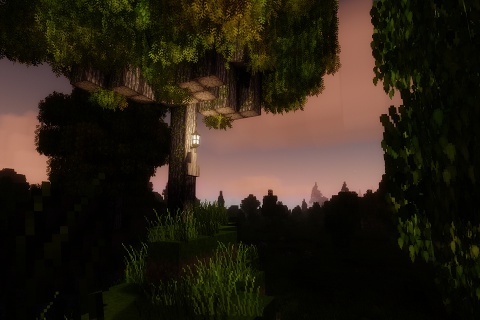
DRT AgX Kraken - Shader
DRTAgX shapes the game's lighting into the picture your monitor presents.
 mod
mod Vintage Story
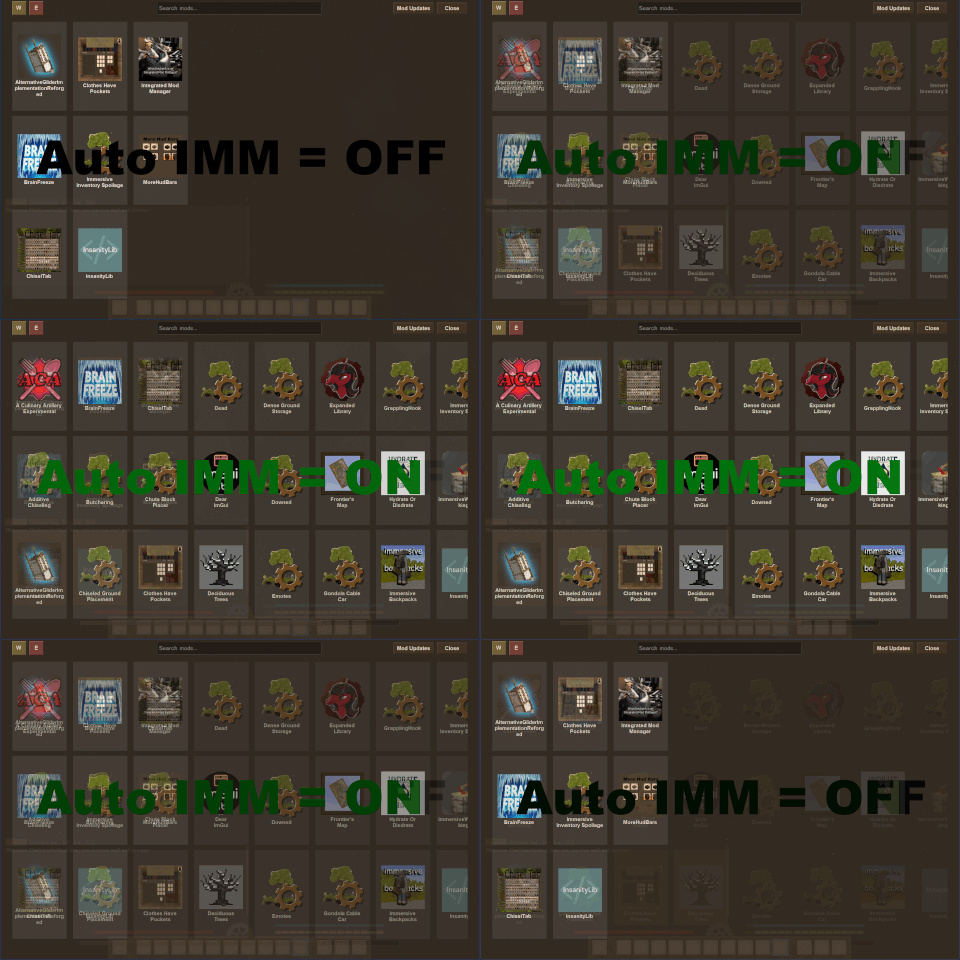
Auto IMM
Auto generates IMM config definitions for mods that don't add their own (and do have a config)
 mod
mod Vintage Story
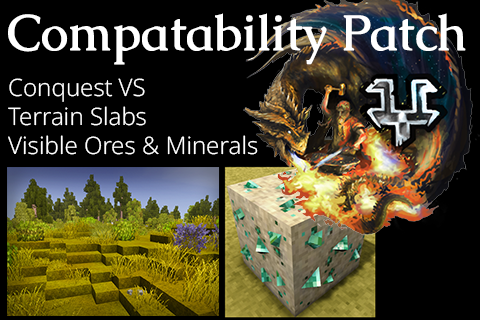
Conquest VS Compatability: VOM, TS, MA
Patches Conquest VS to support mods: Terrain Slabs & Visible Ores and Minerals