Minecraft version
Back to modpacks 
CurseForge · Minecraft modpack
OG Collection
All ten OG mods in one light vanilla+ pack: chisel, graves, tweaks, tree felling, sorting, magnet, hammers, crates, elevators and portable workstations.
Choose a version Pick your version below, then grab the matching file.
Quick answer
Which OG Collection release should I use?
Latest stable file OG Collection 1.0.3 (NeoForge 26.3)
Game version 26.3
Loader NeoForge 26.3.0.99
OG Collection 1.0.3 (NeoForge 26.3) is a complete pack release for 26.3 with NeoForge 26.3.0.99. Install it as its own launcher instance. If the creator publishes a separate server file, make sure it names this exact pack release. 11 mods in this pack file.
Pack setup
How should I set up OG Collection for players and a server?
Use OG Collection 1.0.3 (NeoForge 26.3) as the pack version. Install the pack as its own launcher instance. The creator’s listing does not name a separate server file, so check the release notes before setting up a dedicated server. Do not upload the ordinary client folder blindly.
Client instance Install OG Collection 1.0.3 (NeoForge 26.3)
Dedicated server setup Match OG Collection 1.0.3 (NeoForge 26.3)
Pack loader NeoForge 26.3.0.99
A pack is a matched client and server setup, not one mod with an install-side label. Keep its release, loader, manifest and overrides together.
Referenced mods 11
Client only 1
Server only 0
Not labelled 10
These numbers come from the pack file you chose. “Not labelled” means we don’t know which side it belongs on—not that it is safe everywhere. The file count is not a RAM estimate.
What are the server requirements for OG Collection?
OG Collection 1.0.3 (NeoForge 26.3). Change the pack release and its contents or setup may change too.
The selected pack release is OG Collection 1.0.3 (NeoForge 26.3). That file is for Minecraft 26.3 with NeoForge 26.3.0.99. It contains 11 mod projects. The creator’s listing does not name a separate server file. Check their notes before using one, and do not upload an ordinary client folder or rebuild the pack mod by mod. A file count cannot tell us the right RAM, CPU or storage; size the server for the players and world you actually run.
About this project
What kind of pack is OG Collection?
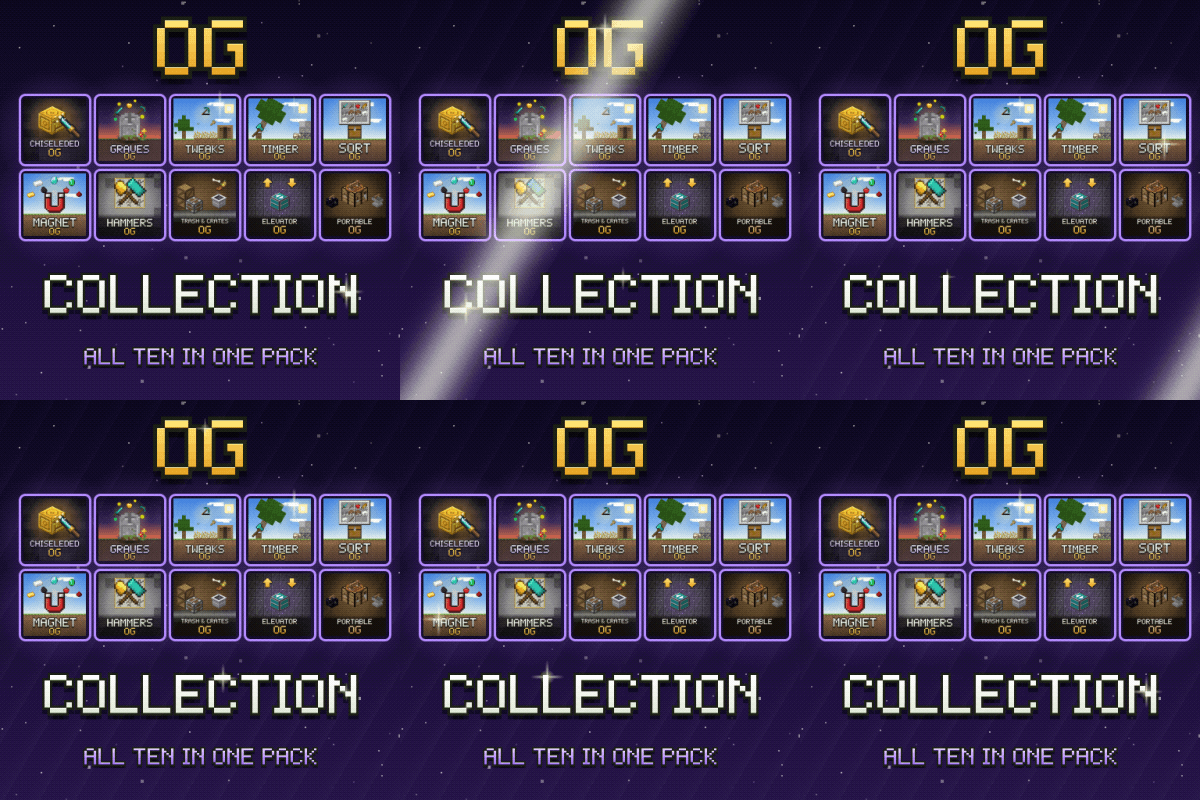
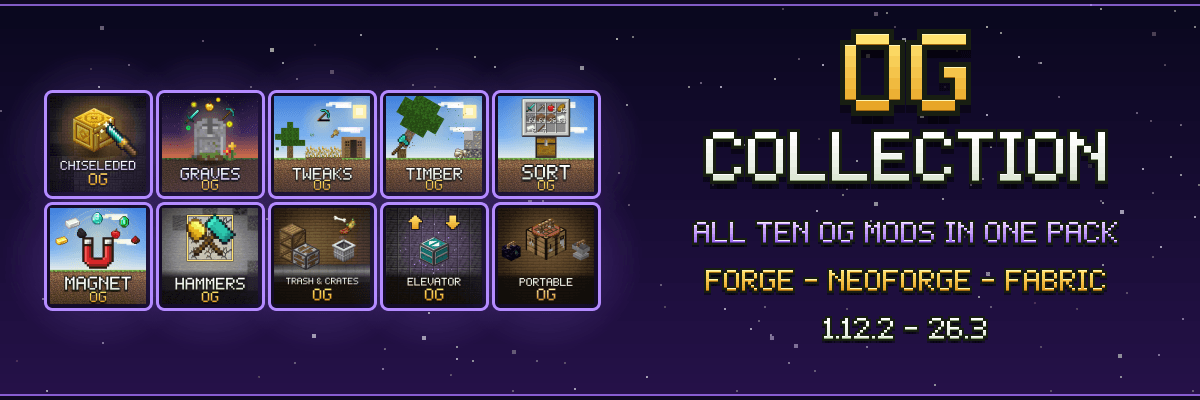
Forge • NeoForge • Fabric | 1.12.2 → 26.3
All ten OG mods in one light, vanilla-friendly pack. Install it with one click in the CurseForge app and play survival with every OG quality-of-life mod already in place. No new dimensions, no tech trees, no long loading screens: the game you know, with fewer chores.
What's inside
- Chiseleded OG: a chisel with over 2,000 decorative blocks
- Graves OG: your items wait in a grave where you died
- Tweaks OG: small quality-of-life fixes
- Timber OG: fell whole trees and mine whole veins
- Sort OG: one-key inventory sorting
- Magnet OG: items and experience come to you
- Hammers OG: 3x3 hammers and excavators
- Trash & Crates OG: a trash can and crates that keep their contents
- Elevator OG: jump up, sneak down
- Portable OG: workstations in your pocket
- OG Core: the small library they share (and Fabric API on Fabric)
Details
- 🪶 Light: eleven small mods that load in seconds and run on modest PCs.
- 🌐 Multiplayer ready: every mod works on servers. Install the same pack (or the same mods) on the server.
- ⚙️ Your settings: each mod keeps its options in a plain
config/<mod>.propertiesfile, with a comment above each line. - 🧩 Every version: one file per loader and Minecraft version, from Forge 1.12.2 to 26.3, NeoForge 1.20.4 to 26.3 and Fabric 1.16.5 to 26.3.
FAQ
Which file do I install? The CurseForge app installs the newest one. For another Minecraft version or loader, open the Files tab and install the file named after your loader and version.
Can I add other mods? Yes. It's a normal profile: add whatever you like.
Can I use the OG mods in my own pack? Yes. They are all MIT licensed.
Project description from CurseForge.
Mods in OG Collection 1.0.3 (NeoForge 26.3)
Open any mod on Modpacks.ch to check its files and dependencies.
chiseleded-neoforge-26.3-1.2.3.jar SHA-1
810ffdbc3e7fc3ea461afd51b8fada02a59c427c · CurseForge file 9490809 · Project link unavailable Side not labelledelevatorog-neoforge-26.3-1.0.2.jar SHA-1
85317df8051242478a6103ae46acc0c3c41ca3d3 · CurseForge file 9497511 · Project link unavailable Side not labelledgravesog-neoforge-26.3-1.1.2.jar SHA-1
1ce72d59aa2e9379be072e8a621dfdee8bf487d4 · CurseForge file 9497621 · Project link unavailable Side not labelledhammersog-neoforge-26.3-1.1.0.jar SHA-1
9a33aff257e9aa8b8b520870f75cd2bf047adb37 · CurseForge file 9512713 · Project link unavailable Side not labelledmagnetog-neoforge-26.3-1.0.2.jar SHA-1
4f4294a05b57b5f629425bba2992ec6d4b81d849 · CurseForge file 9497057 · Project link unavailable Side not labelledogcore-neoforge-26.3-1.1.0.jar SHA-1
9171a0060fe512d25dcbb85f46db516bedd01859 · CurseForge file 9496964 · Project link unavailable Side not labelledportableog-neoforge-26.3-1.0.2.jar SHA-1
7e50ade1b7140aa424292ae706d5255166398efb · CurseForge file 9497323 · Project link unavailable Side not labelledsortog-neoforge-26.3-1.0.1.jar SHA-1
28e4f8766c31835f07fec4e1002790ec45e3c7d0 · CurseForge file 9491140 · Project link unavailable Client onlytimberog-neoforge-26.3-1.1.0.jar SHA-1
67c1ab322f5c8fb3c8c2d438b85a44bd1bec1984 · CurseForge file 9510504 · Project link unavailable Side not labelledtrashcratesog-neoforge-26.3-1.0.2.jar SHA-1
6c325b8d0a87b10f3db1b3e27a92881b2300418a · CurseForge file 9497422 · Project link unavailable Side not labelledtweaksog-neoforge-26.3-1.1.2.jar SHA-1
9d92bf5d1ee3bcc94d9725aebc93ee480ece6d4d · CurseForge file 9497711 · Project link unavailable Side not labelledPick your setup
OG Collection by Minecraft version and loader
Choose the version and loader you play, then open the matching release.
Minecraft version
26.2
3 loader buildsMinecraft version
26.1.2
3 loader buildsMinecraft version
1.21.11
3 loader buildsMinecraft version
1.21.10
3 loader buildsMinecraft version
1.21.8
3 loader buildsMinecraft version
1.21.5
3 loader buildsMinecraft version
1.21.4
3 loader buildsMinecraft version
1.21.3
3 loader buildsMinecraft version
1.21.1
3 loader buildsMinecraft version
1.20.6
3 loader buildsMinecraft version
1.20.4
3 loader buildsShowing the newest 12 of 19 game versions. Older files are in the list below.
Made local changes? Try them in a copied instance before touching a world you care about.
Recent files
OG Collection versions and loaders
NeoForge 26.3.0.9926.38.0.312+7 release
Forge26.3 release
Fabric26.3 release
NeoForge26.2 release
Forge26.2 release
Fabric26.2 release
NeoForge26.1.2 release
Forge26.1.2 release
Fabric26.1.2 release
NeoForge1.21.11 release
Forge1.21.11 release
Fabric1.21.11 release
Looking for an older file? The official CurseForge project page is in Resources.
 modpack
CurseForge · Minecraft
Create Beyond Limits
A vanilla+ style modpack with create + addons and aeronautics
 modpack
CurseForge · Minecraft
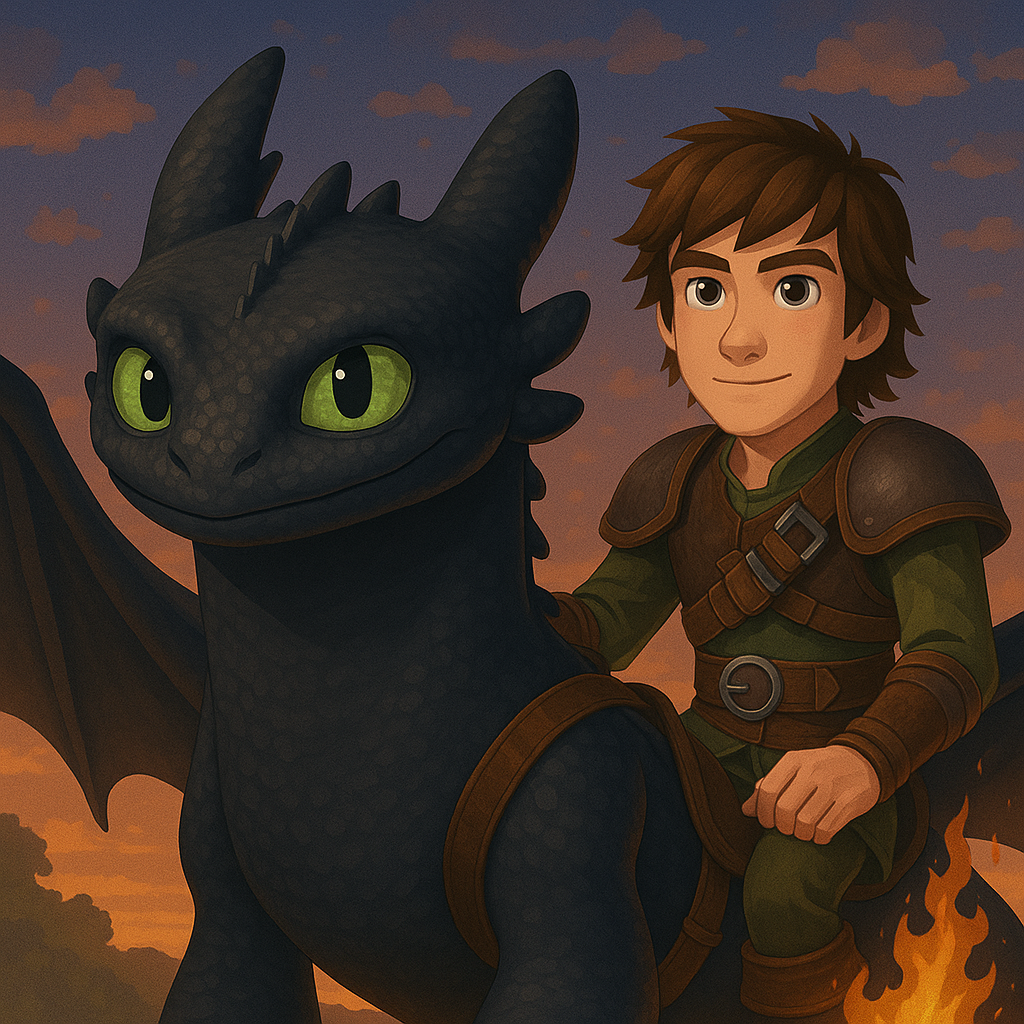
How To Train Your Dragon | Isle of Berk QUESTS | (HTTYD - Isle of Berk)
QUESTS UPDATE! Experience How to Train Your Dragon on the Isle of Berk, reimagined within Minecraft Vanilla
 modpack
CurseForge · Minecraft
Ben 10 - Omnitrix Evolution | Ben 10 & Omnitrix RPG
Transform into powerful aliens with the Omnitrix and survive an epic RPG adventure full of progression, battles, and evolution.