
Minecraft version
Back to modpacks 
CurseForge · Minecraft modpack
Titanicraft 🛠️
A true QOL survival & tech modpack!
Choose a version Pick your version below, then grab the matching file.
Quick answer
Which Titanicraft 🛠️ release should I use?
Latest stable file Mechanical Frenzy 🛠️ Version 3 The Comeback! (Optimization & Update to 1.19.2)
Game version 1.19.2
Loader Fabric 0.14.12
Mechanical Frenzy 🛠️ Version 3 The Comeback! (Optimization & Update to 1.19.2) is a complete pack release for 1.19.2 with Fabric 0.14.12. Install it as its own launcher instance. If the creator publishes a separate server file, make sure it names this exact pack release. 26 mods in this pack file.
Pack setup
How should I set up Titanicraft 🛠️ for players and a server?
Use Mechanical Frenzy 🛠️ Version 3 The Comeback! (Optimization & Update to 1.19.2) as the pack version. Install the pack as its own launcher instance. The creator’s listing does not name a separate server file, so check the release notes before setting up a dedicated server. Do not upload the ordinary client folder blindly.
Client instance Install Mechanical Frenzy 🛠️ Version 3 The Comeback! (Optimization & Update to 1.19.2)
Dedicated server setup Match Mechanical Frenzy 🛠️ Version 3 The Comeback! (Optimization & Update to 1.19.2)
Pack loader Fabric 0.14.12
A pack is a matched client and server setup, not one mod with an install-side label. Keep its release, loader, manifest and overrides together.
Referenced mods 26
Client only 0
Server only 0
Not labelled 26
These numbers come from the pack file you chose. “Not labelled” means we don’t know which side it belongs on—not that it is safe everywhere. The file count is not a RAM estimate.
What are the server requirements for Titanicraft 🛠️?
Mechanical Frenzy 🛠️ Version 3 The Comeback! (Optimization & Update to 1.19.2). Change the pack release and its contents or setup may change too.
The selected pack release is Mechanical Frenzy 🛠️ Version 3 The Comeback! (Optimization & Update to 1.19.2). That file is for Minecraft 1.19.2 with Fabric 0.14.12. It contains 26 mod projects. The creator’s listing does not name a separate server file. Check their notes before using one, and do not upload an ordinary client folder or rebuild the pack mod by mod. A file count cannot tell us the right RAM, CPU or storage; size the server for the players and world you actually run.
About this project
What kind of pack is Titanicraft 🛠️?
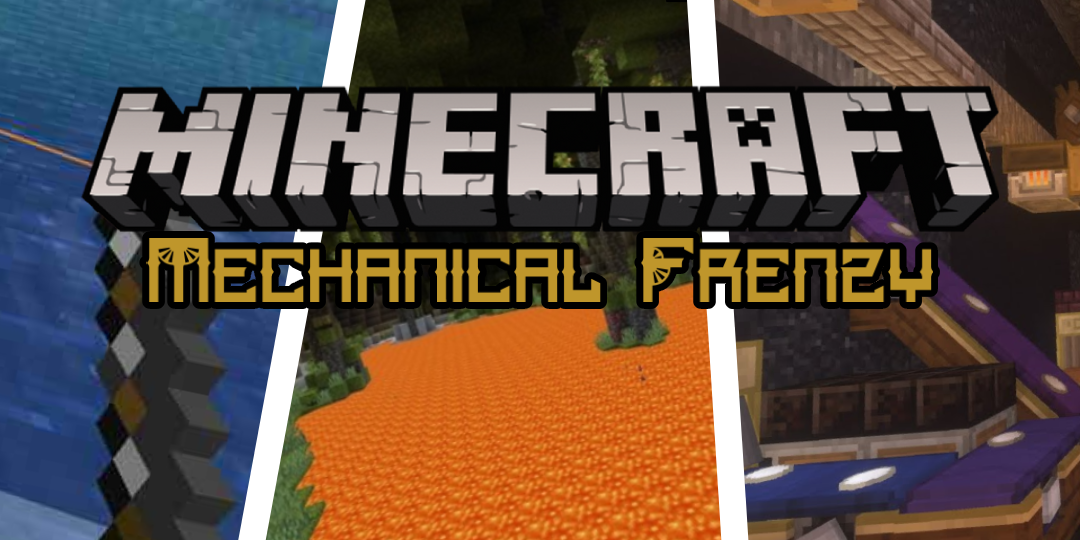
Ever thought how fun minecraft would be if it just was more functional?
The 1.18 Features in this modpack:
✔️ The Create mod is now compatible with 1.18 & you are able to use it!
✔️ The NEW caves & cliffs and coming soon The Wild Update!
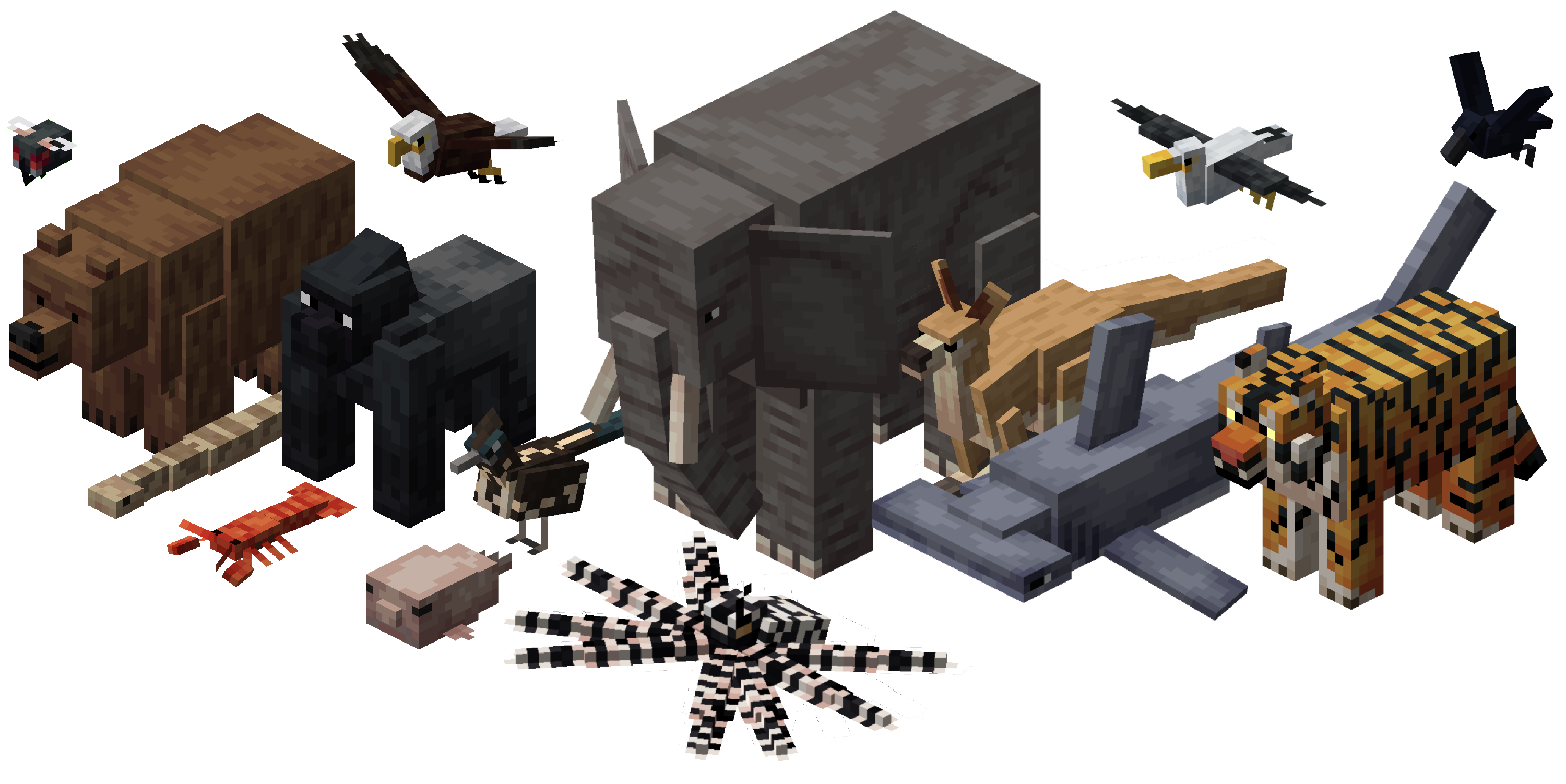
✔️ All the mobs from the new 1.19 vote & some extra mobs
✔️ The nether has been overhauled and is more improved!
✔️ 85 New biomes! (Terralith will be replaced with BYG once updated)
✔️ Aquaculture 2 & Croptopia (New foods, tools & crops!)
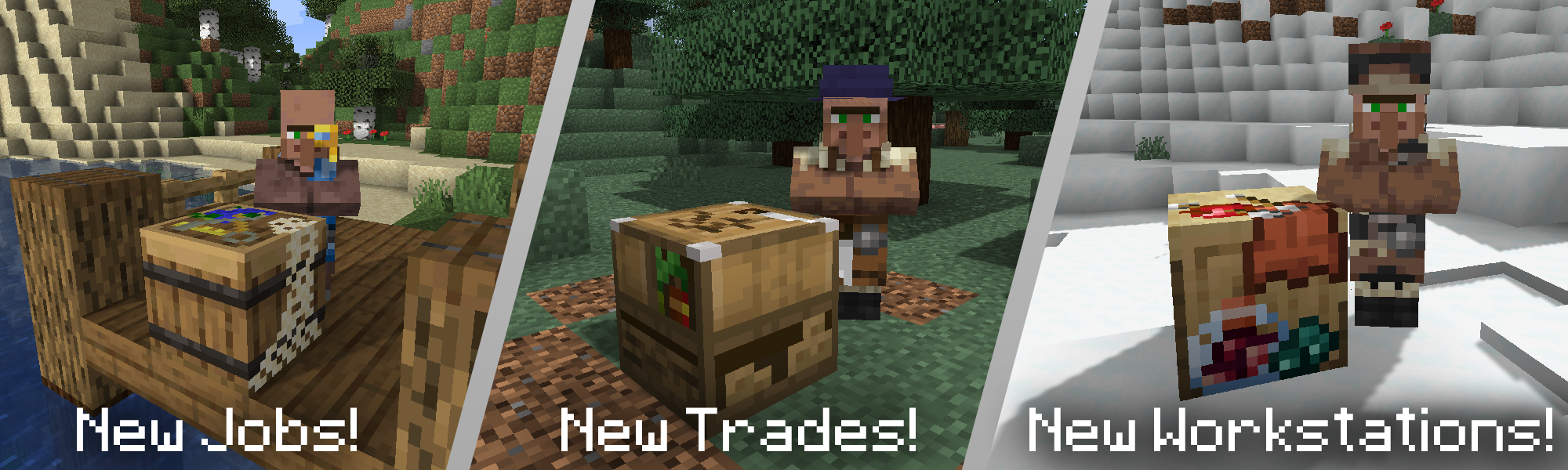
✔️ Tons of Vanilla+ features as well added to the game and a lot of QOL addons. ✔️ Custom villager jobs & new villager jobs added!
✔️ Updated & maintained alot! ✔️ Lots of furniture for your furnishing needs
✔️ 40+ Mods! Decently lightweight and able to run on any PC
✔️Completely optimized for running on any PC.
Minimum Allocated RAM: 2GB | Recommended Allocated RAM: 4GB
Minimum Server RAM: 2GB | Recommended Server RAM: 5GB
BIOMES


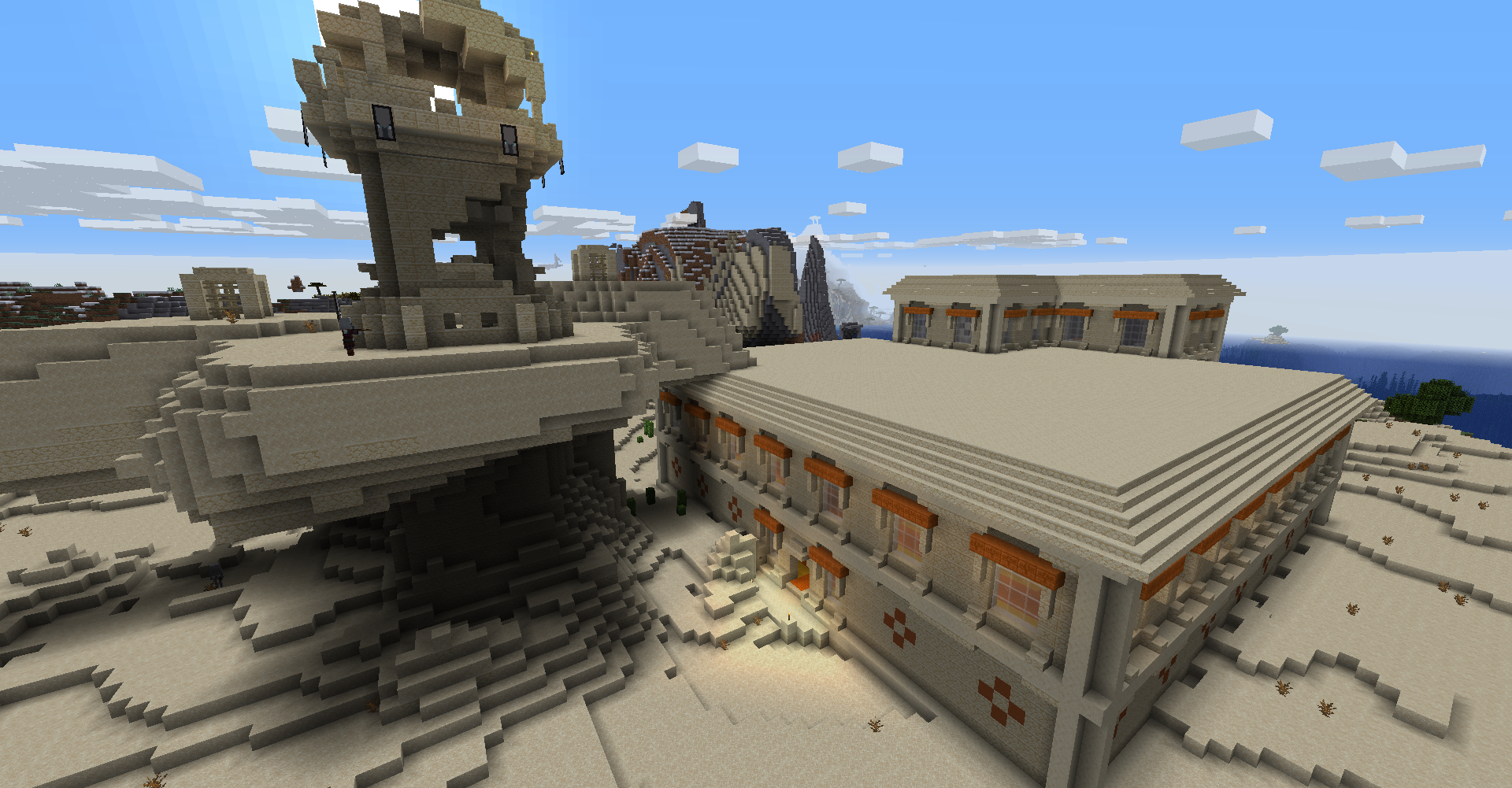
DUNGEONS & STRUCTURES
MOBS

FARMING

TOOLS & ARMOUR

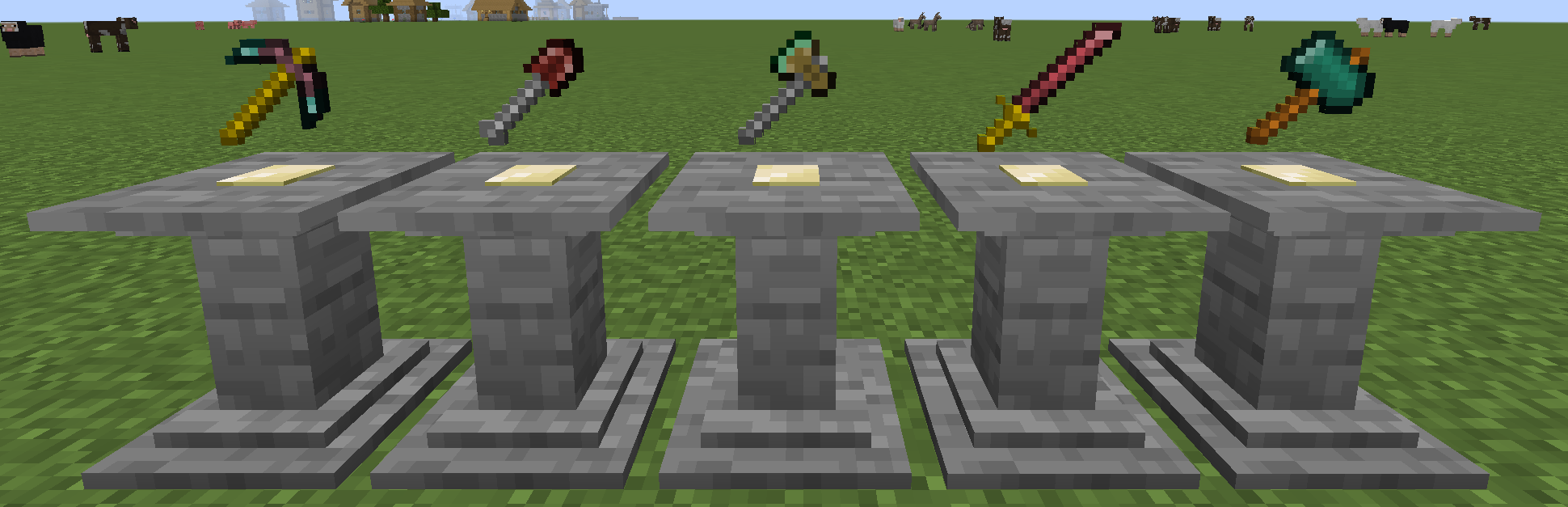
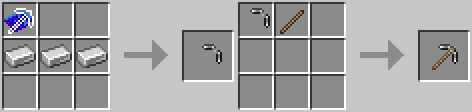
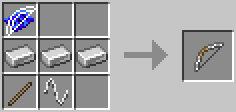

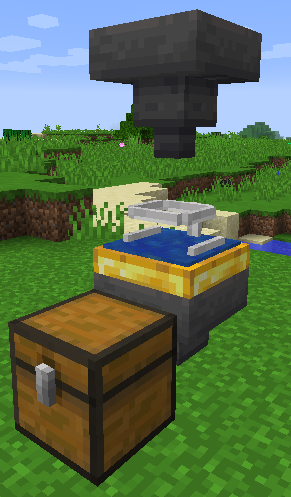
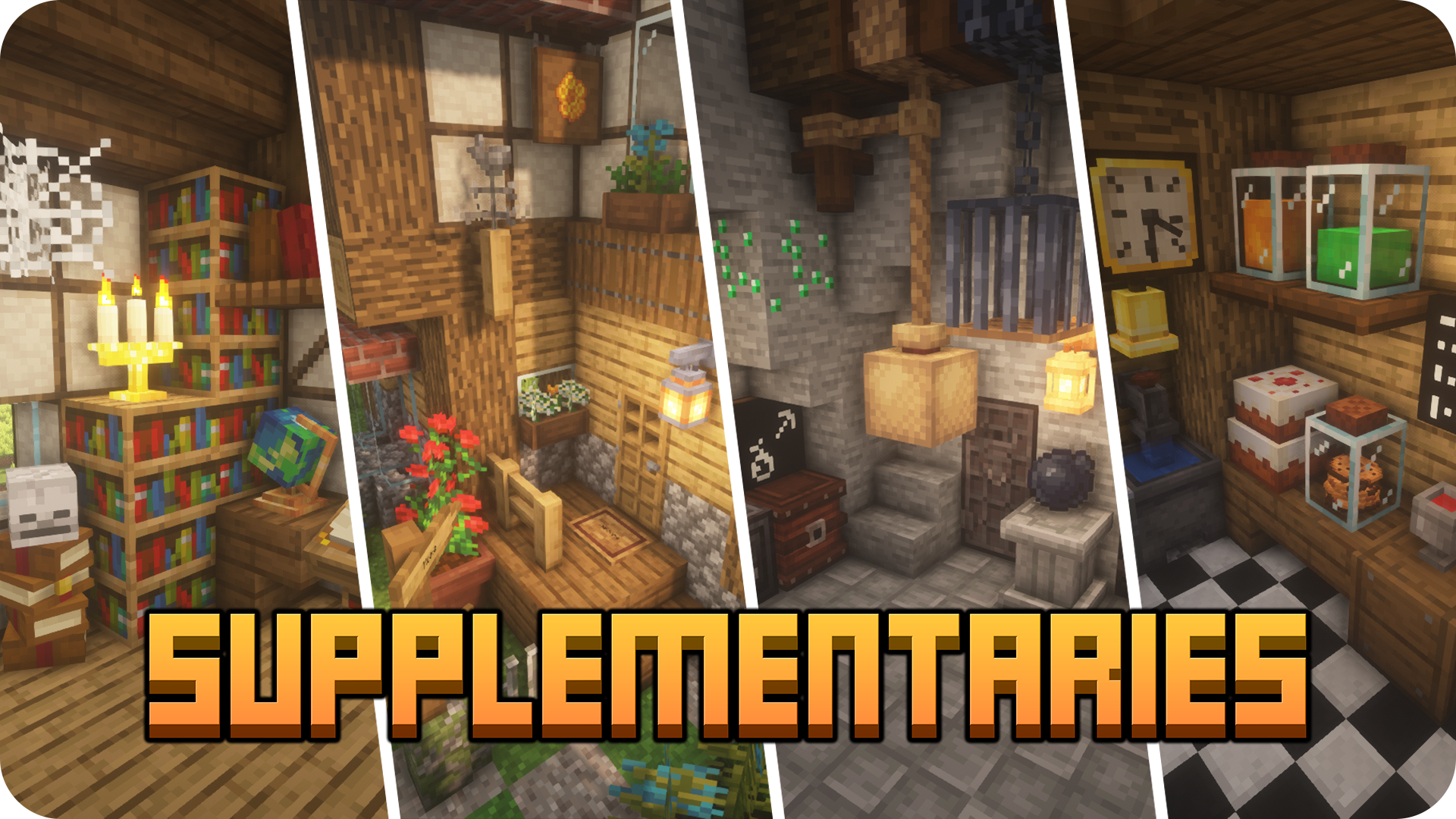
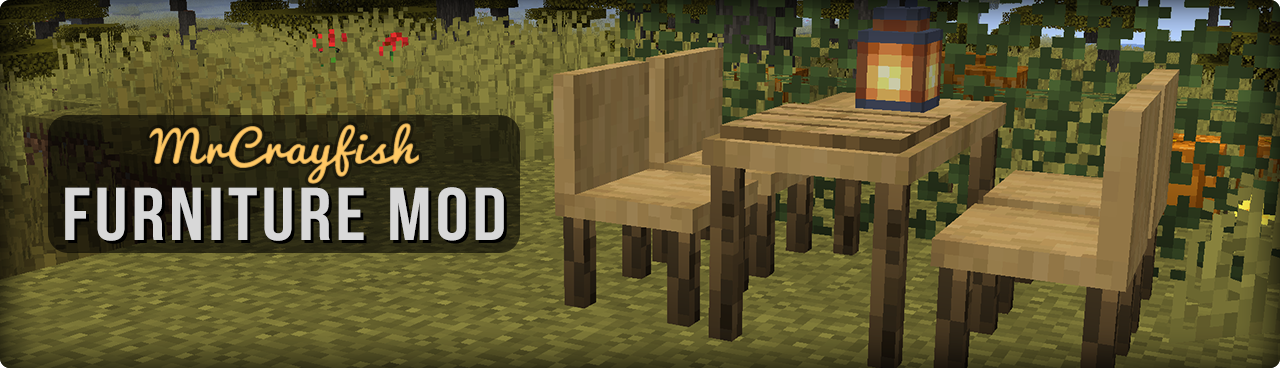
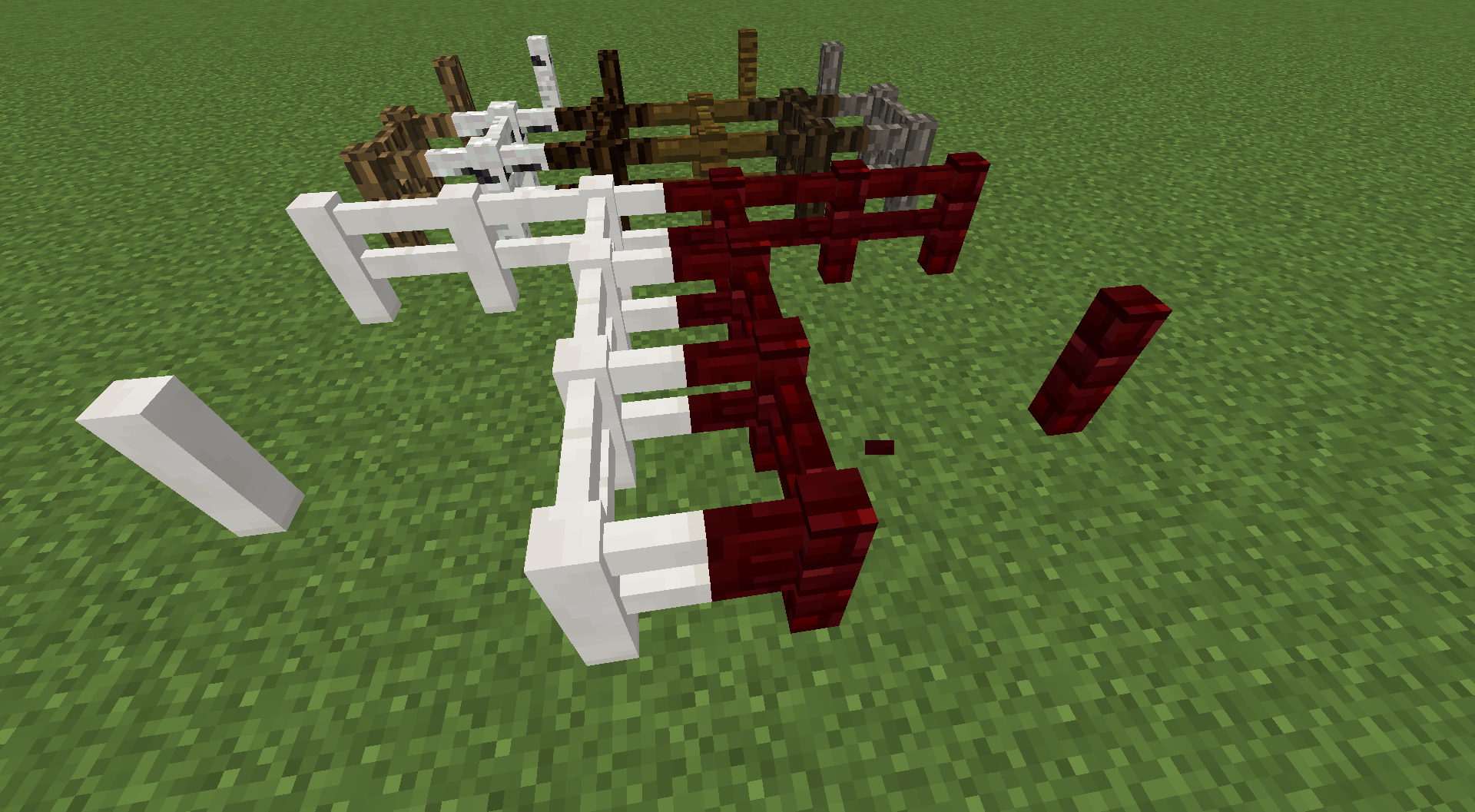
DECORATIVE BLOCKS:
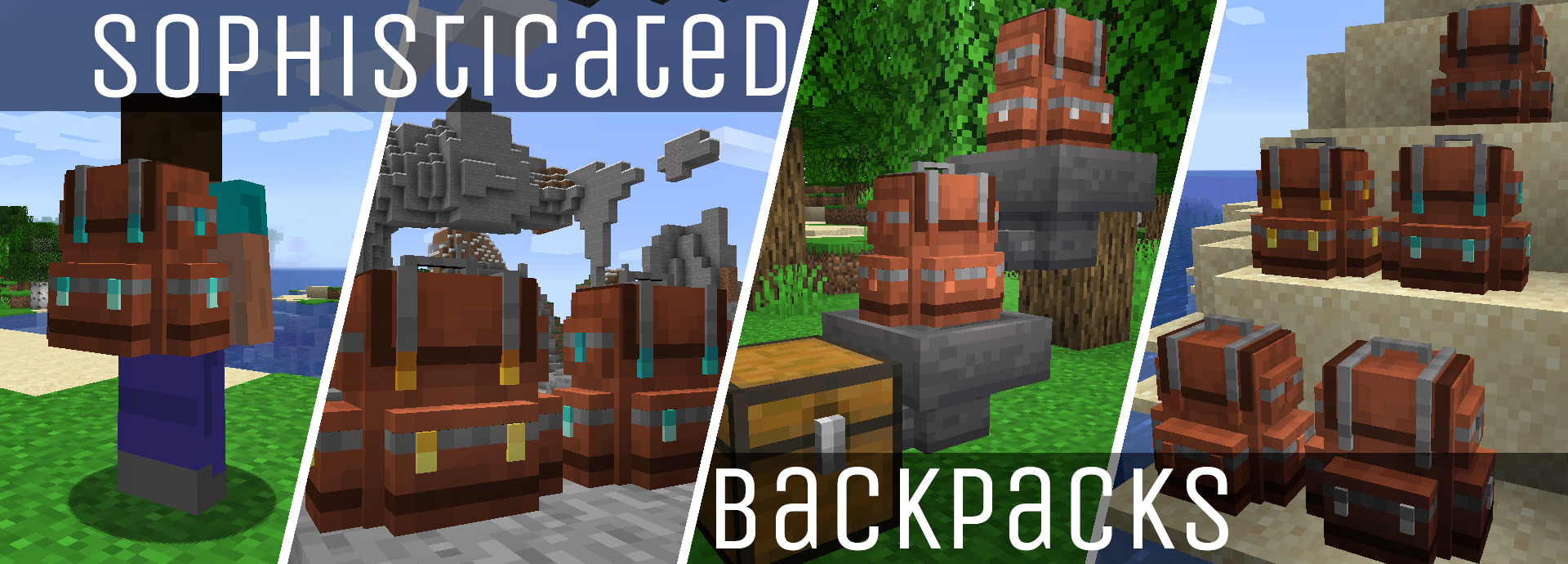
OTHER:

DATAPACKS
Mod List
- Croptopia
- Absent by Design
- Adorn (Forge)
- Advanced Netherite
- Alex's Mobs
- Applied Energistics 2
- Aquaculture 2
- Balm (Forge Edition)
- Christmas Festivity
- Citadel
- Cooking For Blockheads
- Corpse
- CraftPresence
- Create
- Flywheel
- Global Data- & Resourcepacks
- Guns Without Roses
- Kiwi
- Kotlin For Forge
- Lazy DataFixerUpper(LazyDFU) [FORGE]
- Macaw's Doors
- Macaw's Windows
- Macaw's Lights and Lamps
- Macaw's Fences and Walls
- Macaw's Trapdoors
- Macaw's Bridges
- Monke Madness
- MrCrayfish's Furniture Mod
- Repurposed Structures (Forge)
- Selene Lib
- Silent's Gems
- Silent Lib
- Silent Gear
- Simple Voice Chat
- Simple Planes (Forge)
- Simple Storage Network
- Snow! Real Magic!
- Sophisticated Backpacks
- Supplementaries
- Terralith 2.0
- Ultimate Car Mod
- Waystones
- Entity Culling
- FerriteCore (Forge)
- Better Fps
- FPS Reducer
- Clumps
Project description from CurseForge.
Pick your setup
Titanicraft 🛠️ by Minecraft version and loader
Choose the version and loader you play, then open the matching release.
Minecraft version
1.18.1
2 loader buildsMade local changes? Try them in a copied instance before touching a world you care about.
Recent files
Titanicraft 🛠️ versions and loaders
Mechanical Frenzy 🛠️ Version 3 The Comeback! (Optimization & Update to 1.19.2)
15 Jan 2023
Check the 1.19.2 · Fabric setupFabric 0.14.121.19.28.0.312+7 release
1.18.1Forge release
1.18.1 release
Looking for an older file? The official CurseForge project page is in Resources.
 modpack
 CurseForge · Minecraft
ProjectJp
Jp's Version of Antarchy, a fun slighty techy modpack for boss fights and exploration.
 modpack
 CurseForge · Minecraft
it works this time
A modpack where you can technologize the world and become the strongest vampire.
 modpack
 CurseForge · Minecraft
Dungeons & Dirt Blocks
A giant dungeon overhaul for those who like to run around and explore (on top of killing mobs and using spells)