Minecraft version
Back to modpacks 
CurseForge · Minecraft modpack
Detailed Optimized
Detailed Optimized
Choose a version Pick your version below, then grab the matching file.
Quick answer
Which Detailed Optimized release matches 1.19.4?
Best match for your filters 1.1.7
Game version 1.19.4
Loader Fabric 0.14.21
1.1.7 is a complete pack release for 1.19.4 with Fabric 0.14.21. Install it as its own launcher instance. If the creator publishes a separate server file, make sure it names this exact pack release. 25 mods in this pack file.
Pack setup
How should I set up Detailed Optimized for players and a server?
Use 1.1.7 as the pack version. Install the pack as its own launcher instance. The creator’s listing does not name a separate server file, so check the release notes before setting up a dedicated server. Do not upload the ordinary client folder blindly.
Client instance Install 1.1.7
Dedicated server setup Match 1.1.7
Pack loader Fabric 0.14.21
A pack is a matched client and server setup, not one mod with an install-side label. Keep its release, loader, manifest and overrides together.
Referenced mods 25
Client only 8
Server only 0
Not labelled 17
These numbers come from the pack file you chose. “Not labelled” means we don’t know which side it belongs on—not that it is safe everywhere. The file count is not a RAM estimate.
What are the server requirements for Detailed Optimized?
1.1.7 on 1.19.4. The pack contents and setup notes below stay tied to that release.
The selected pack release is 1.1.7. That file is for Minecraft 1.19.4 with Fabric 0.14.21. It contains 25 mod projects. The creator’s listing does not name a separate server file. Check their notes before using one, and do not upload an ordinary client folder or rebuild the pack mod by mod. A file count cannot tell us the right RAM, CPU or storage; size the server for the players and world you actually run.
About this project
What kind of pack is Detailed Optimized?
A simple Fabric-based Minecraft modpack focusing on performance, smooth framerates, and OptiFine feature parity.
Features:
- Performance. Detailed Optimized is significantly faster than vanilla Minecraft and traditional OptiFine setups, thanks to modern performance mods like Sodium, Lithium, and others. The bundled mods are carefully selected to ensure world safety and provide noticeable speedups on both low-end and high-end PCs.
- OptiFine parity. Detailed Optimized supports most OptiFine features out of the box, including custom shaders, connected textures, dynamic lights, and zoom. If a resource pack states "OptiFine required", it will work here without issues.
- Multiplayer security. Detailed Optimized includes No Chat Reports to protect player accounts and chat privacy across all compatible multiplayer servers.
- Works everywhere. Detailed Optimized does not add any gameplay or content-altering mods. You can safely join any vanilla, multiplayer, or SMP server without getting banned.
- Up to date. Detailed Optimized is actively maintained and quickly updated to support new Minecraft releases and snapshots.
- Built on Fabric. Powered by the lightweight and modular Fabric mod loader. You can easily use this modpack as a clean base to add your own favorite mods.
- Open development. Detailed Optimized is open-source. Community feedback, suggestions, and contributions are always welcome.
- Helpful community. Have questions or need help setting up? Join our Discord server to get support and chat with other users.
Frequently Asked Questions (FAQ):
Q: How do I install or update the modpack?
A: The easiest way is via the launcher app (CurseForge App, Modrinth App, or Prism Launcher) — simply search for Detailed Optimized and click Install. You can also download the modpack file from the Versions / Files tab and import it manually.
Q: Do I need this modpack installed on the server?
A: No. Detailed Optimized is completely client-side. It works on all vanilla, Paper, Purpur, Fabric, and Forge servers that allow vanilla connections.
Q: What mods are included?
A: Open any release in the Versions / Files tab to view the complete list of included mods and libraries.
Q: How do I use shaders?
A: Go to Options -> Video Settings -> Shader Packs, open the shader pack folder, or drag and drop any compatible shader .zip file into the game window.
Q: Something is broken, or I have a suggestion!
A: Please open an issue on our GitHub repository (https://github.com/touchfalls/Detailed-Optimized/issues) or report it on our Discord server.
Q: I have more questions!
A: Come and chat with us on Discord (https://discord.gg/rtsd9m7Qqa)!
Links:
Project description from CurseForge.
Mods in 1.1.7
Open any mod on Modpacks.ch to check its files and dependencies.
borderless-mining-1.1.7+1.19.4.jar SHA-1
25160d941e60eccf683163d516cdcd5164a2f89f · CurseForge file 4442859 · Project link unavailable Side not labelledcapes-1.5.2+1.19.3-fabric.jar SHA-1
2464dba794972e50e277b822efbf3025cd8ec68c · CurseForge file 4441151 · Project link unavailable Client onlycloth-config-10.0.96-fabric.jar SHA-1
9bd3ad20afbcd4622d194853aa8e03c4f9d9050f · CurseForge file 4440460 · Project link unavailable Side not labelledcontinuity-3.0.0-beta.2+1.19.3.jar SHA-1
229057727abf35e0469527b94d84d96e1770c156 · CurseForge file 4453988 · Project link unavailable Client onlyDebugify-1.19.4+2.2.jar SHA-1
58fdeaea295d537d021d4123ee4dbdd8550e8563 · CurseForge file 4500733 · Project link unavailable Side not labelledentity_texture_features_fabric_1.19.4-4.4.4.jar SHA-1
92da4ae5a637efd6e40815f9298161cadd5fe43e · CurseForge file 4531005 · Project link unavailable Client onlyentityculling-fabric-1.6.2-mc1.19.4.jar SHA-1
3a9381229408afa9d2c7d7e3fad017e5079ab20c · CurseForge file 4437103 · Project link unavailable Side not labelledfabric-api-0.83.0+1.19.4.jar SHA-1
ca5542cce517c26b6672b26bccb527579dc6a5de · CurseForge file 4559040 · Project link unavailable Side not labelledFastload+1.18.2-1.20-3.4.0.jar SHA-1
b57e4d594031638b0dc076a3b6e501f417700577 · CurseForge file 4519272 · Project link unavailable Side not labelledferritecore-5.2.0-fabric.jar SHA-1
ed6fa9a9365d4e58db6703479a44cc6aed5add2f · CurseForge file 4441951 · Project link unavailable Side not labelledindium-1.0.18+mc1.19.4.jar SHA-1
f7b0af5b2376433246f623b227c85382f42d4c36 · CurseForge file 4566830 · Project link unavailable Client onlylambdynamiclights-2.3.0+1.19.4.jar SHA-1
f6e1621f9ee31263919b75af6d6851089c355b02 · CurseForge file 4464566 · Project link unavailable Side not labelledlanguage-reload-1.5.7+1.19.4.jar SHA-1
2a692043411d1a02c7762dea72d71993b23b244e · CurseForge file 4572883 · Project link unavailable Side not labelledlithium-fabric-mc1.19.4-0.11.1.jar SHA-1
69aa137957af4f0f701f6a7663c6d8646f84a1cc · CurseForge file 4439705 · Project link unavailable Side not labelledmodelfix-1.10-fabric.jar SHA-1
fd52ec87add371140066fc3ae95d68c83f8a6ee5 · CurseForge file 4358013 · Project link unavailable Side not labelledNoChatReports-FABRIC-1.19.4-v2.1.6.jar SHA-1
d3304c2166abfaf0ba307b8ceff755124a1ed456 · CurseForge file 4576094 · Project link unavailable Side not labellednumeralping-1.2.0.jar SHA-1
0f56ae6c15fe3835d324a374a3280d66c1c9deb2 · CurseForge file 4440459 · Project link unavailable Client onlyok-boomer-0.1.2+1.19.4.jar SHA-1
892b4dad9665277bf3ca38d8a837f29cc8a23f07 · CurseForge file 4460967 · Project link unavailable Side not labelledowo-lib-0.10.6+1.19.4.jar SHA-1
48e5136cc8c5113deeb72d8468050a12bd54ebf7 · CurseForge file 4559399 · Project link unavailable Side not labelledreeses_sodium_options-1.5.0+mc1.19.4-build.72.jar SHA-1
2e34574b591b4daddcc59f9c588bccdb2b69227d · CurseForge file 4437267 · Project link unavailable Client onlysodium-extra-0.4.18+mc1.19.4-build.100.jar SHA-1
7e6d64f8a5ac5a64be79547e4a9a7d21e9f5597f · CurseForge file 4437313 · Project link unavailable Client onlysodium-fabric-mc1.19.4-0.4.10+build.24.jar SHA-1
b060680929d7a6d130fb980a9f9907461df05fa1 · CurseForge file 4437119 · Project link unavailable Client onlystarlight-1.1.1+fabric.ae22326.jar SHA-1
de6fe932555604345477db89b59d59249909c640 · CurseForge file 3835973 · Project link unavailable Side not labelledvisuality-0.7.0.jar SHA-1
359dc8a0e0b8d44ddf5d797729a6cbbe5da4d512 · CurseForge file 4436553 · Project link unavailable Side not labelledyet-another-config-lib-fabric-3.0.1+1.19.4.jar SHA-1
c55a3616b8fef1bc102e6995f16c81c732a4b9ec · CurseForge file 4574146 · Project link unavailable Side not labelledPick your setup
Detailed Optimized by Minecraft version and loader
Choose the version and loader you play, then open the matching release.
Minecraft version
1.19.4
2 loader buildsMade local changes? Try them in a copied instance before touching a world you care about.
Recent files
Detailed Optimized versions and loaders
Fabric 0.14.211.19.48.0.312+7 release
1.19.4 release
1.19.4Fabric release
1.19.4Fabric release
1.19.4Fabric release
1.19.4Fabric release
1.19.4Fabric release
1.19.4Fabric release
1.19.4Fabric release
1.19.4Fabric release
1.19.4Fabric release
1.19.4Fabric release
Looking for an older file? The official CurseForge project page is in Resources.
 modpack
CurseForge · Minecraft
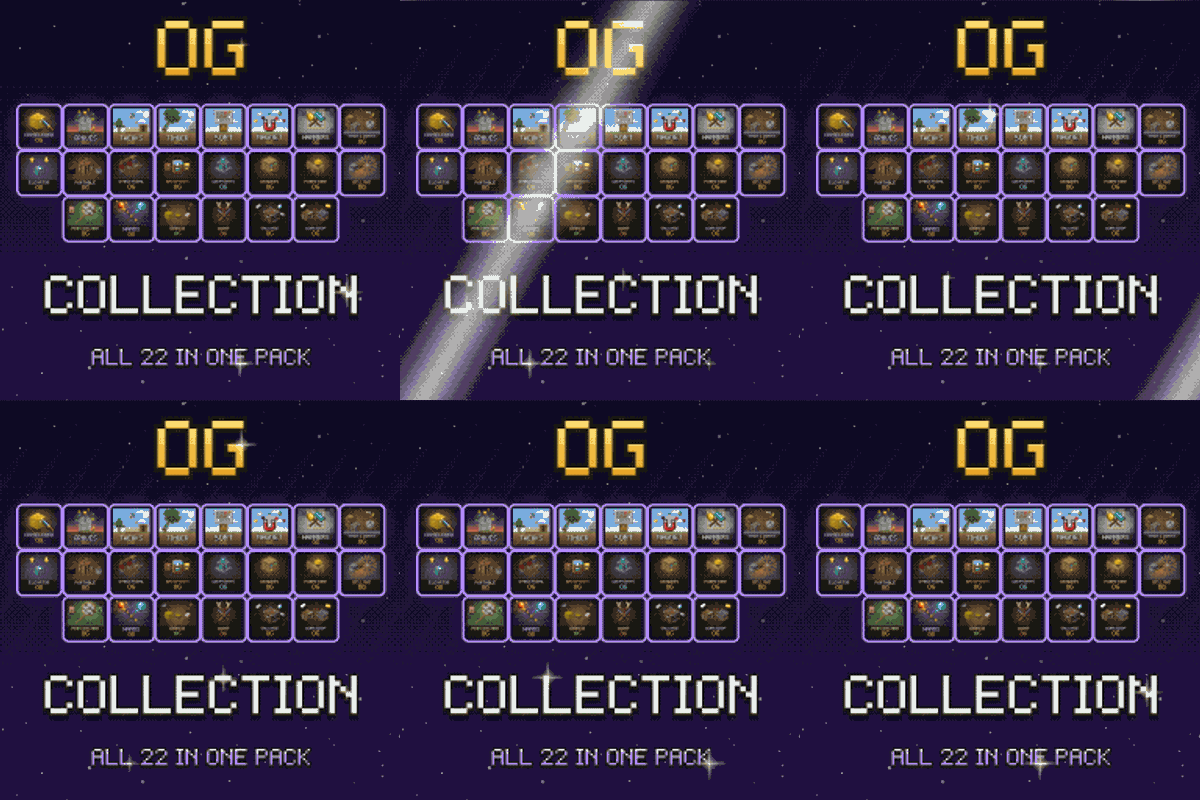
OG Collection
All twenty-two OG mods in one vanilla+ pack: chisel, graves, tweaks, timber, sorting, magnet, hammers, crates, elevators, workstations, physics, backpacks, waypoints, drawers, furniture, bellows, mob nets, wands, ranching, hunting, salvage, workshop.
 modpack
CurseForge · Minecraft
McDestined
An all-in-one Vanilla+ modpack featuring minecraftdestined's mods for smarter survival, faster crafting and trading, improved combat, easier travel, resource automation, and useful quality-of-life upgrades—while keeping Minecraft's familiar feel.
 modpack
CurseForge · Minecraft
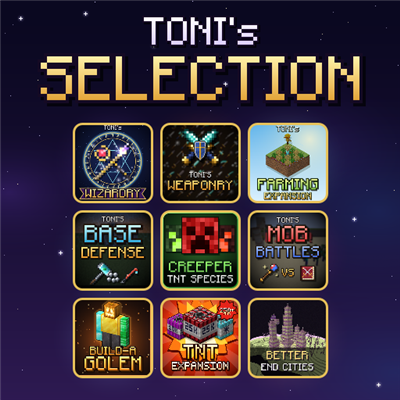
TONI's Selection
Every TONI mod in one pack: structures, TNT, magic, weapons, mobs, vehicles and more, with performance and quality-of-life mods. For every version from 1.7.10 to 26.3.