Minecraft version
Back to modpacks 
CurseForge · Minecraft modpack
Toffat Client
A Modpack Built To Improve Your Client
Choose a version Pick your version below, then grab the matching file.
Quick answer
Which Toffat Client release matches 1.20?
Best match for your filters Toffat Client 1.20 V2
Game version 1.20
Loader Fabric 0.14.21
Toffat Client 1.20 V2 is a complete pack release for 1.20 with Fabric 0.14.21. Install it as its own launcher instance. If the creator publishes a separate server file, make sure it names this exact pack release. 13 mods in this pack file.
Pack setup
How should I set up Toffat Client for players and a server?
Use Toffat Client 1.20 V2 as the pack version. Install the pack as its own launcher instance. The creator’s listing does not name a separate server file, so check the release notes before setting up a dedicated server. Do not upload the ordinary client folder blindly.
Client instance Install Toffat Client 1.20 V2
Dedicated server setup Match Toffat Client 1.20 V2
Pack loader Fabric 0.14.21
A pack is a matched client and server setup, not one mod with an install-side label. Keep its release, loader, manifest and overrides together.
Referenced mods 13
Client only 1
Server only 0
Not labelled 12
These numbers come from the pack file you chose. “Not labelled” means we don’t know which side it belongs on—not that it is safe everywhere. The file count is not a RAM estimate.
What are the server requirements for Toffat Client?
Toffat Client 1.20 V2 on 1.20. The pack contents and setup notes below stay tied to that release.
The selected pack release is Toffat Client 1.20 V2. That file is for Minecraft 1.20 with Fabric 0.14.21. It contains 13 mod projects. The creator’s listing does not name a separate server file. Check their notes before using one, and do not upload an ordinary client folder or rebuild the pack mod by mod. A file count cannot tell us the right RAM, CPU or storage; size the server for the players and world you actually run.
About this project
What kind of pack is Toffat Client?
This Modpack Is Built To Improve Your Client, And Make Your Playing Experience More Enjoyable. This Modpack May Not Be Allowed On Certain Servers, So Use At Your Own Risk.
Mods Included (Depends on your Version):
Iris Shaders: Allows the use of shaders!!
Sodium: Increases fps to an incredible amount.
Starlight: Improves the rendering of light.
FPS Reducer: Decreases fps if your game is running in the background.
Xaero's Worldmap/Minimap: Allows you to view the world around you, and more easily traverse your world. May be banned on servers!
Shulkerboxtooltip: Adds the ability to view the contents of shulker boxes in your inventory.
Gamma Utils: Allows you to change the brightness of the game, to see better at night or in caves. May be banned on servers!
Bobby: Allows larger render distances on servers, bypassing server limits.
Logical Zoom: Adds a zoom button.
Visuality: Adds new particles to make the game look better.
Simple Voice hat: Allows players to talk to one another in-game if this mod is also on a server.
Falling Leaves: Makes trees drop leave particles, making forests look more peaceful and realistic.
Blur: Blurs the background while in the menu or inventory.
EMF/ETF: Supports the Fresh Animations texture pack.
Entity Culling: De-renders mobs that are not being viewed, reducing lag and increasing fps.
BetterF3: Makes the f3 screen more visually appealing.
Sound Physics Remastered: Allows sounds to echo around caves.
Resource Packs:
Default Dark Mode: Make the GUI of the game easier on the eyes.
Glass Without Border: Make glass in your builds smoother, and improve visibility.
Remodeled Doors: Changes doors to look 3D, adding depth to builds.
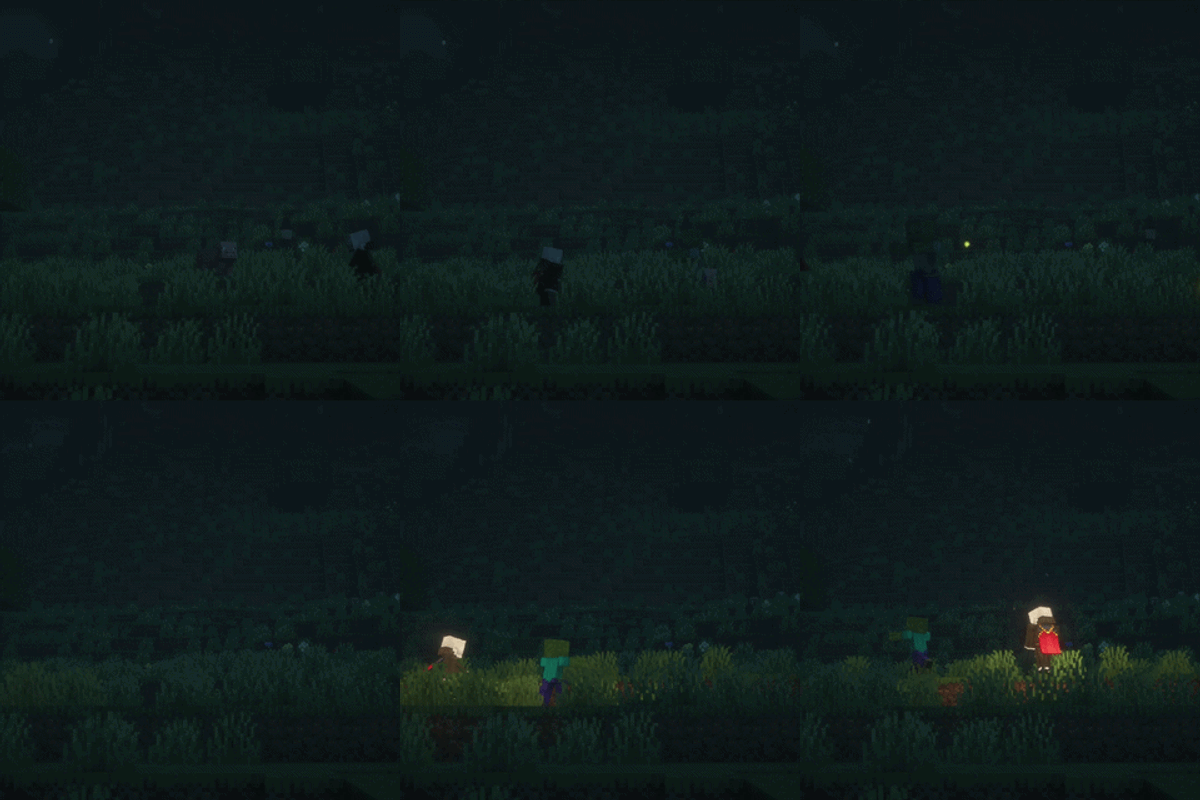
Fresh Animations: Gives all mobs a lively and energetic appearance, by animating them with movement and expressions.
No Pumpkin Blur: Gets rid of the outline when wearing a carved pumpkin.
Motschen's Better Leaves: Gives leaves a 3d layer, making them look better.
Icons - Xaero's Minimap X Fresh Animations: Fixes an incompatibility issue with two mods.
Shaders:
Complementary Reimagined: The best looking and most customisable shader pack.
If there are any mods you want added, comment it below.
Project description from CurseForge.
Mods in Toffat Client 1.20 V2
Open any mod on Modpacks.ch to check its files and dependencies.
BetterF3-7.0.1-Fabric-1.20.1.jar SHA-1
106b8b7bdc698b8ced09c28ec089697dfbfbca1b · CurseForge file 4641168 · Project link unavailable Side not labelledcanvas-fabric-20.0.2612.jar SHA-1
43471f38e0d9db567e8becfc175715442cca8225 · CurseForge file 4579962 · Project link unavailable Side not labelledcloth-config-11.1.106-fabric.jar SHA-1
a05e176326365f2b8e377a35be52a5671491bcfd · CurseForge file 4633442 · Project link unavailable Side not labelledentityculling-fabric-1.6.2-mc1.20.jar SHA-1
cf43e7a58fb62f75d664cce1b14a6064774e6547 · CurseForge file 4573623 · Project link unavailable Side not labelledfabric-api-0.83.0+1.20.jar SHA-1
3b0bcacbb175ae6adbbb2af203fce3a37189e494 · CurseForge file 4559072 · Project link unavailable Side not labelledfarsight-fabric-1.20.1-3.7.jar SHA-1
fcc303ad8d7b937e175f1dec2e74f5a4bbc5389f · CurseForge file 4595154 · Project link unavailable Client onlyFpsReducer2-fabric-1.20-2.5.jar SHA-1
4ab443f92814c5e75bbb775ad7f784ff16c8feee · CurseForge file 4578392 · Project link unavailable Side not labelledGamma-Utils-1.7.15-mc1.20.1.jar SHA-1
29dfccc5940a152d9bdd718c742c1636c25cb24e · CurseForge file 4595078 · Project link unavailable Side not labelledshulkerboxtooltip-fabric-4.0.3+1.20.jar SHA-1
8110465a4d513623ac9e57c5602d7d1f962ee2df · CurseForge file 4587479 · Project link unavailable Side not labelledstarlight-1.1.2+fabric.dbc156f.jar SHA-1
a03102cab439cbab5a1d7d72cd7c2b4976ddd421 · CurseForge file 4572096 · Project link unavailable Side not labelledWI-Zoom-1.4-MC1.20.jar SHA-1
6c72c4620112d39031dca5bd7d2e207364f070a8 · CurseForge file 4571921 · Project link unavailable Side not labelledXaeros_Minimap_23.5.0_Fabric_1.20.jar SHA-1
d0d455112aea5603681f07255243faf387e65119 · CurseForge file 4593188 · Project link unavailable Side not labelledXaerosWorldMap_1.30.6_Fabric_1.20.jar SHA-1
3d00cd983b93bc885fca0596c7007aeade392645 · CurseForge file 4594989 · Project link unavailable Side not labelledPick your setup
Toffat Client by Minecraft version and loader
Choose the version and loader you play, then open the matching release.
Minecraft version
1.20.2
1 loader buildMinecraft version
1.20.1
1 loader buildMinecraft version
1.20
2 loader buildsMinecraft version
1.19.4-Snapshot
1 loader buildMinecraft version
1.19.4
1 loader buildMade local changes? Try them in a copied instance before touching a world you care about.
Recent files
Toffat Client versions and loaders
Fabric 0.14.211.208.0.312+7 release
1.20 release
Looking for an older file? The official CurseForge project page is in Resources.